





Seasonal Design Trends: How to Keep Your Digital Product Shop Fresh

Your July bestsellers will not carry you through December. Digital product shops have seasons like fashion brands do, and sellers who plan for them see a second — sometimes bigger — wave of sales in the final quarter of the year. The problem is most sellers react: they notice Halloween is trending, rush out a pumpkin worksheet the day before, and wonder why nobody buys it.
Seasonal selling has one rule: the shopper buys before the season, not during it. Here is how to build that rhythm into your shop so every season becomes a sales window instead of a missed one.
Step 1: Map the Next Six Months of Shopping Moments
WHAT: Build a seasonal calendar of every major buying occasion for the next two quarters, with product ideas attached to each.
EXACTLY HOW: Open a spreadsheet with three columns: date, occasion, product fit. Fill in Halloween (October 31), Thanksgiving (late November), Black Friday / Cyber Monday (November 28–December 1), Christmas (December 25), New Year (January 1), Valentine’s Day (February 14), and Easter (April 5). Add niche moments too: back-to-school (August), wedding season (April–June), year-end planning season (late December). In the third column, write 2–3 product types per occasion: holiday planner inserts, Christmas gift tags, Valentine’s Day templates, New Year resolution trackers.
CONCRETE EXAMPLE: A Canva template seller maps “Christmas” to “25 days of Christmas post templates,” “Thanksgiving” to “gratitude sale announcements,” and “New Year” to “goal-setting carousels” — three products, about 6 hours of design each, scheduled across October and November.
PRO TIP: Print the calendar and tape it next to your workspace. Seasons are easy to forget when you are deep in today’s tasks.
Step 2: Build One Small Seasonal Capsule Collection Per Occasion
WHAT: Release a tight, themed collection of 5 to 10 products per season instead of scattered one-off designs.
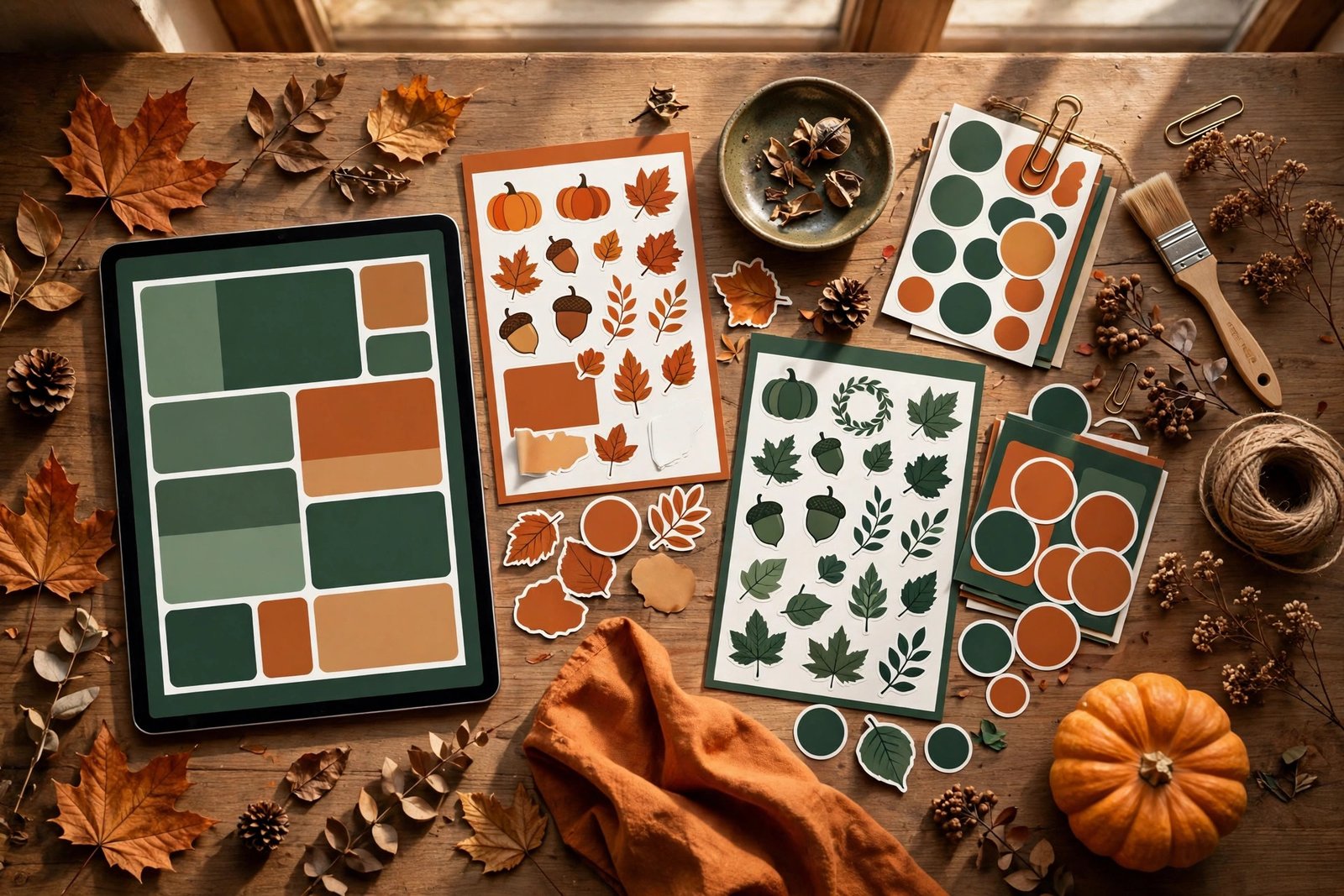
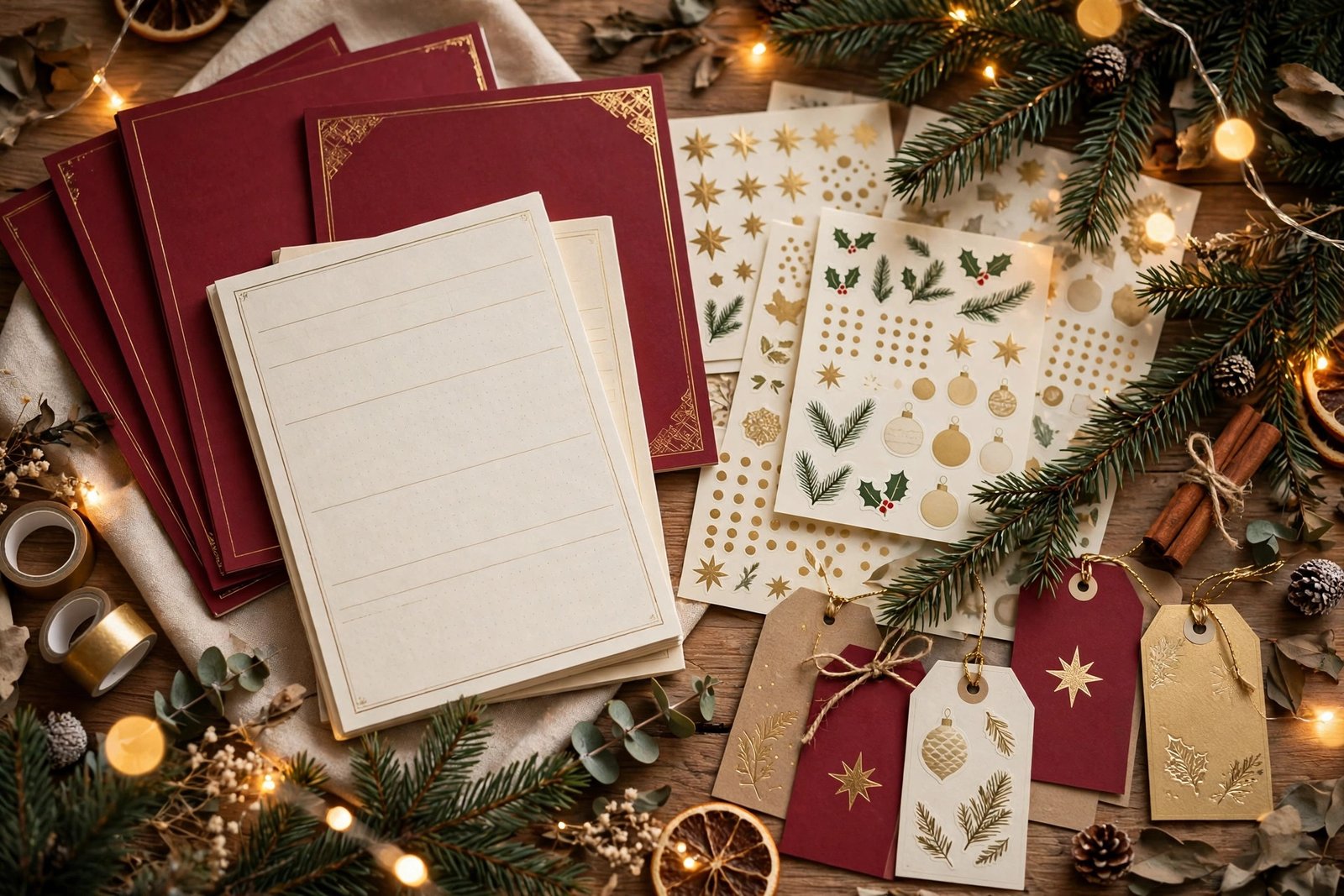
EXACTLY HOW: Pick one visual theme — palette, patterns, layout style — and design every product around it. Autumn: burnt orange and forest green with hand-drawn leaf patterns. Christmas: deep red, gold, cream with a consistent ornament motif. Create the full set before listing: templates, planner inserts, wall art, stickers, social graphics — all one palette. List the bundle at a bundle price, and the pieces individually too.
CONCRETE EXAMPLE: A planner seller builds a “Cosy Autumn Planner Kit” — weekly planner, habit tracker, meal planner, budget page, 6 sticker sheets, 2 wall art prints — all in one burnt-orange palette. The bundle lists at $24, individual items at $4. The bundle outsells singles 3 to 1, and her average order value jumps from $6 to $19 during October.
PRO TIP: Design the capsule’s cover and mockups first. A strong, cohesive preview image sells the collection before a buyer ever reads the description.
Step 3: Refresh Your Mockups and Shop Banner for the Season
WHAT: Update your shop’s visual presentation so the whole storefront feels seasonal — not just one product listing.
EXACTLY HOW: Restyle your 5 bestsellers’ mockups with seasonal scenes — a planner on a desk beside a small pumpkin for autumn, a template preview framed with fairy lights for Christmas. Update your shop banner and profile image with the season’s palette. On your own site, add a “Seasonal Bestsellers” homepage section featuring the capsule. On a marketplace, move the seasonal category to the top of your shop sections.
CONCRETE EXAMPLE: A wall art seller re-renders her 6 bestsellers in Christmas-styled frames and watches her click-through rate climb from 1.8% to 3.4% in two weeks. No new art drawn — only the presentation changed.
PRO TIP: Seasonal styling does not mean redesigning everything — new mockup scenes and a new banner are a weekend task that makes the whole shop look new.
Step 4: Rewrite Titles, Tags, and Descriptions for Seasonal Search
WHAT: Make your seasonal products findable by optimising for the exact phrases shoppers type during each season.
EXACTLY HOW: Mine Etsy’s search-bar autocomplete for “Christmas planner” and compare “halloween worksheet” vs “fall worksheet” on Google Trends. Put the seasonal keyphrase in the first 3 words of your title, repeat it once in the first paragraph of your description, and fill all 13 tag slots with seasonal variations: “christmas gift tags,” “holiday gift tags,” “printable gift tags christmas.” On your own site, add a short seasonal FAQ to product pages answering real buyer questions — “Can I print these gift tags at home?” or “What size paper should I use?”
CONCRETE EXAMPLE: A sticker seller retitles her listing from “Cute Autumn Stickers” to “Fall Planner Stickers — Autumn Sticker Pack, Halloween and Thanksgiving Stickers.” It moves from page 6 to page 2 for “fall planner stickers” in three weeks, and organic visits double.
PRO TIP: Optimise descriptions in October for Christmas products, not December — search algorithms need 2–3 weeks to index your changes, and that head start is a real competitive edge.

Step 5: Launch 4 to 6 Weeks Before the Season Starts
WHAT: Publish seasonal products early enough for search engines and marketplaces to rank them before demand peaks.
EXACTLY HOW: Work backwards: Christmas live by mid-October, Halloween by late August, back-to-school by early July. One launch checklist per collection: designs finalised 8 weeks out, listings 6 weeks out, social promotion 4 weeks out, email blast 2 weeks out. Schedule posts in advance with Tailwind or Buffer so promotion runs while you design the next collection.
CONCRETE EXAMPLE: A Notion template seller publishes her “Christmas Content Planner” on October 15. By November 20 — when Pinterest searches for “christmas planner” peak — her pin has 400 repins and her page ranks on page 1. A competitor publishing a similar template on December 1 gets 40 visits total.
PRO TIP: The first seller to market owns the early search traffic. Being 80% done and published beats being 100% done and late.
Common Mistakes to Avoid
Launching during the season. A Christmas design published on December 10 competes with thousands of sellers who published in October. The algorithm has already picked its winners.
Keeping the listing generic. If the title, tags, and first paragraph don’t say “Christmas” or “Halloween,” seasonal search traffic will never find your seasonal product.
Discounting everything. A 50% Christmas discount trains buyers to wait for sales. Bundle instead — it raises order value without eroding prices.
Ignoring the off-season. January to March is quiet for holiday products, but it is the best time to design them. Sellers who build Christmas collections in February launch calmly in October; sellers who build them in September launch in a panic — and it shows in the designs.
Quick Checklist
- Seasonal calendar mapped with product ideas per occasion
- One capsule collection (5–10 products) in a cohesive palette per season
- Bestseller mockups and shop banner restyled with seasonal scenes
- Titles, tags, and descriptions rewritten with seasonal keyphrases
- Collection published 4–6 weeks before the occasion
- Social promotion scheduled; email blast queued for 2 weeks before
- Off-season time blocked for designing the NEXT season’s collection
Seasonal selling is not about working harder — it is about working earlier. Start your calendar today, build one capsule, and let the season come to you. For ready-made seasonal templates, planners, and mockups, browse the collections at Haseen Tools.