





How to Sell Digital Downloads in Pakistan on Your Own Website: A Step-by-Step Guide

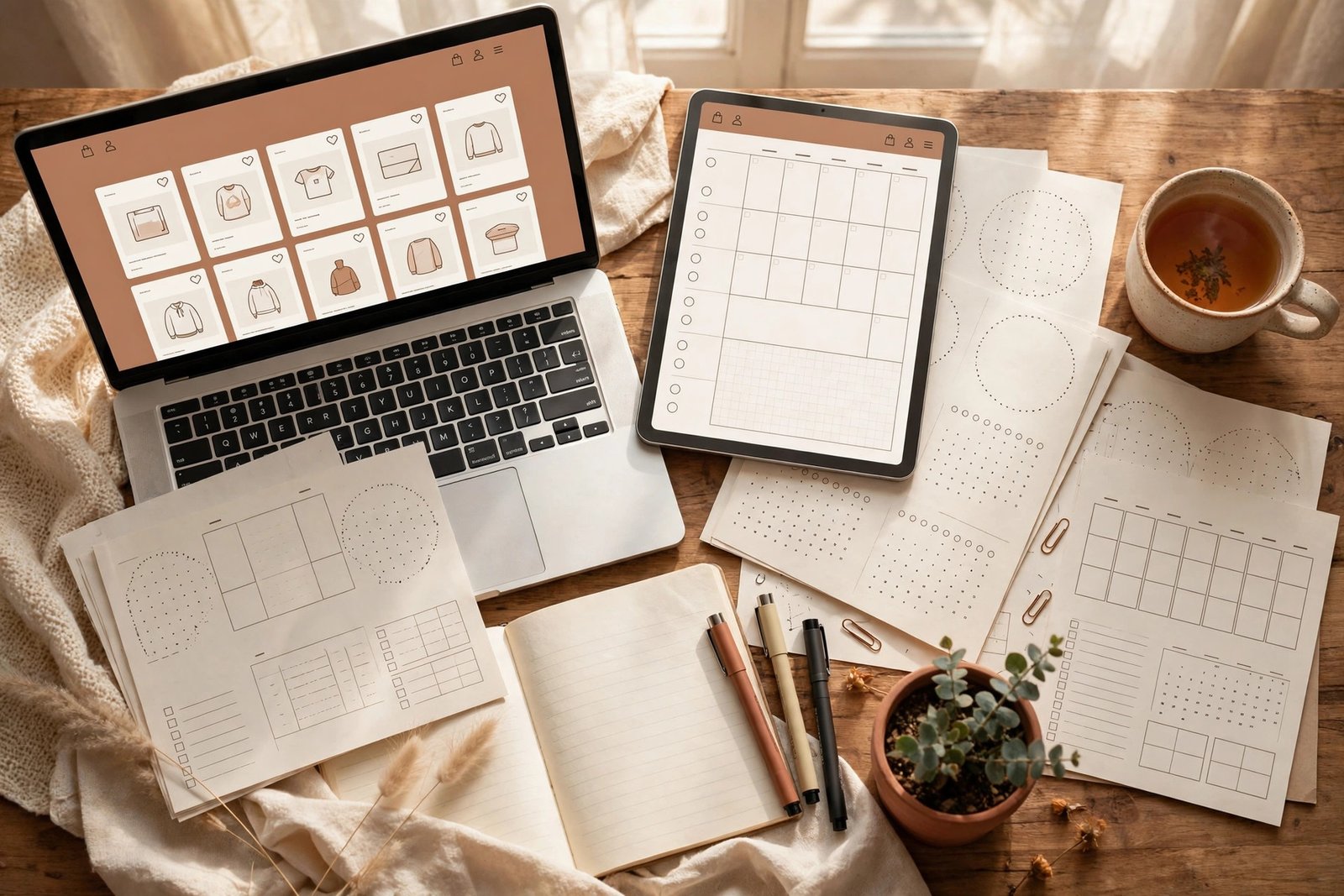
A designer in Lahore once told me she had 40 beautiful Canva templates sitting on her laptop — and zero sales. Her work was not weak. Nobody could buy it easily. Friends asked for files on WhatsApp, she sent them by email, and payment never quite happened. If that sounds familiar, you are closer to your first sale than you think. When you sell digital downloads in Pakistan on your own website, you turn a folder of files into a shop that takes orders while you sleep. This guide shows you exactly how, step by step, with no marketplace fees eating your profit.
How Can You Sell Digital Downloads in Pakistan?
You can sell digital downloads in Pakistan by creating a useful digital file, setting up a WordPress website with WooCommerce, adding a secure payment option that works for your buyers, and sharing the product where your audience already spends time online. Test the full checkout yourself before you launch.
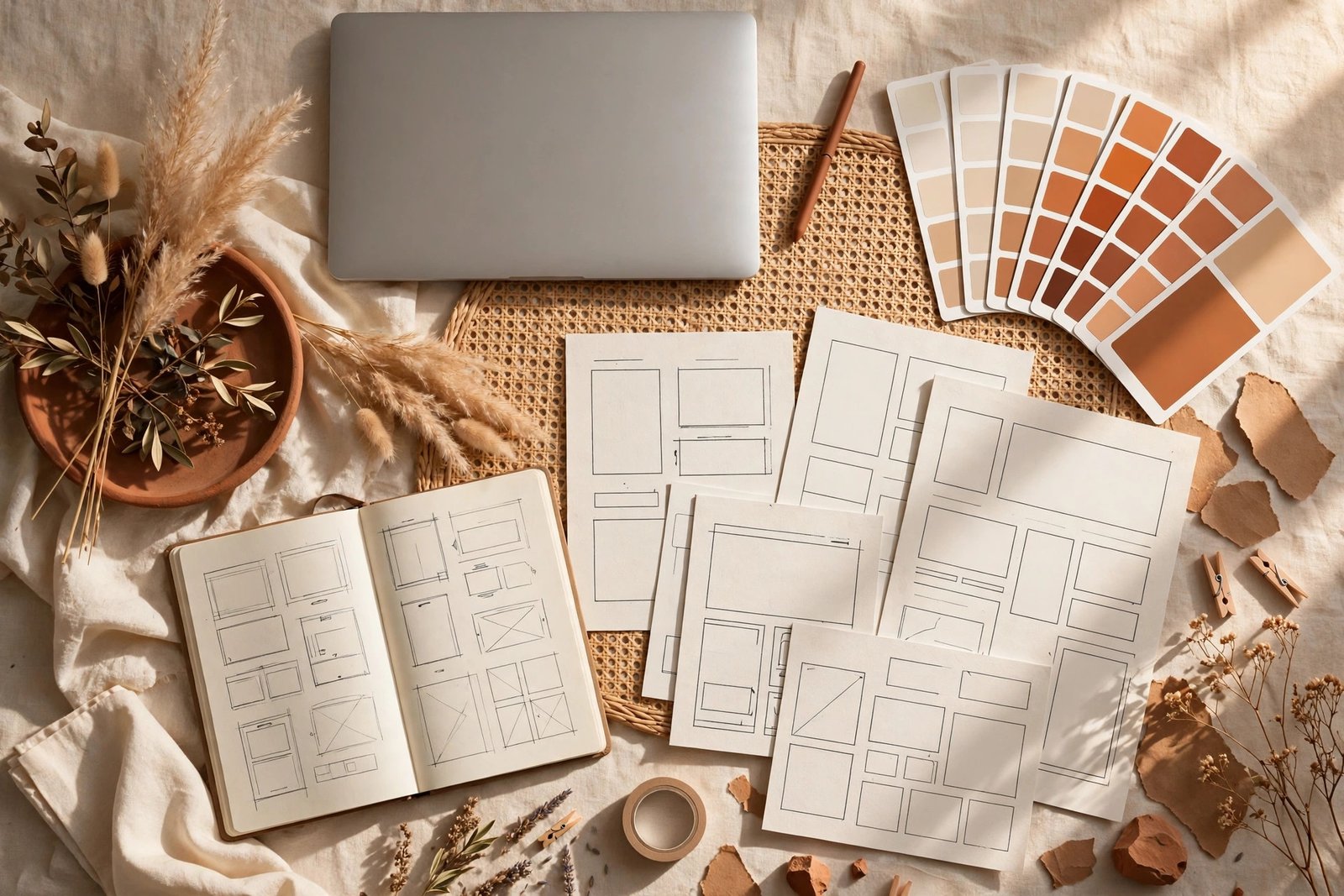
Step 1: Pick One Product That Solves One Problem
Start narrow, not big
Your first product should help one kind of person do one job faster or better. A broad bundle sounds impressive, but it confuses buyers. A single, focused product is easier to make, easier to describe, and easier to improve after real feedback.
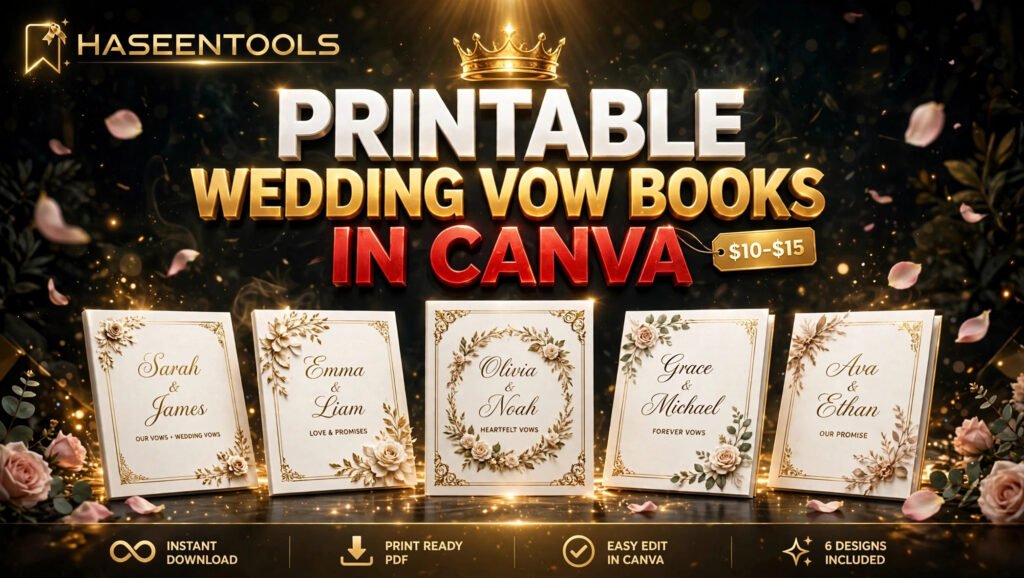
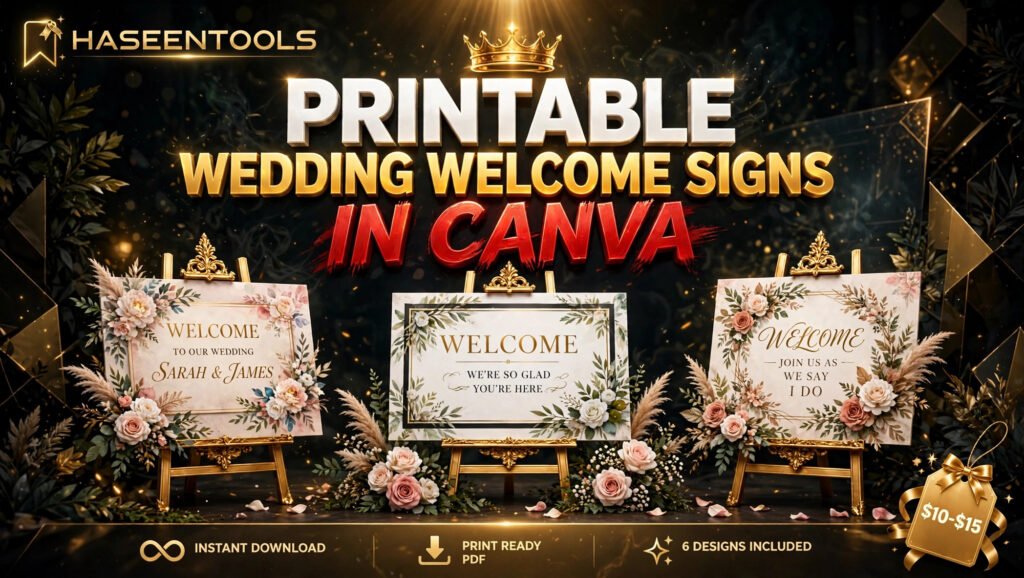
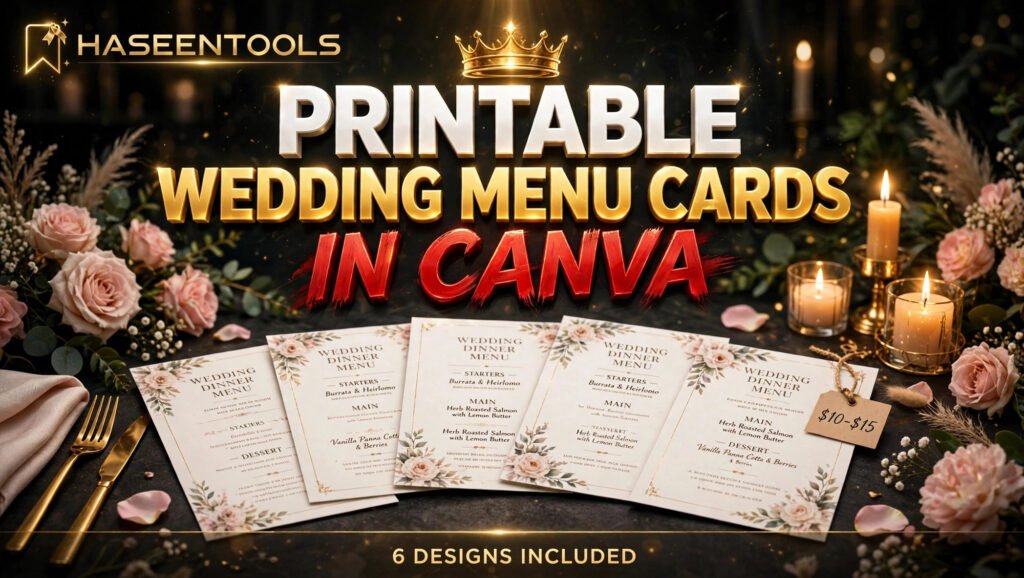
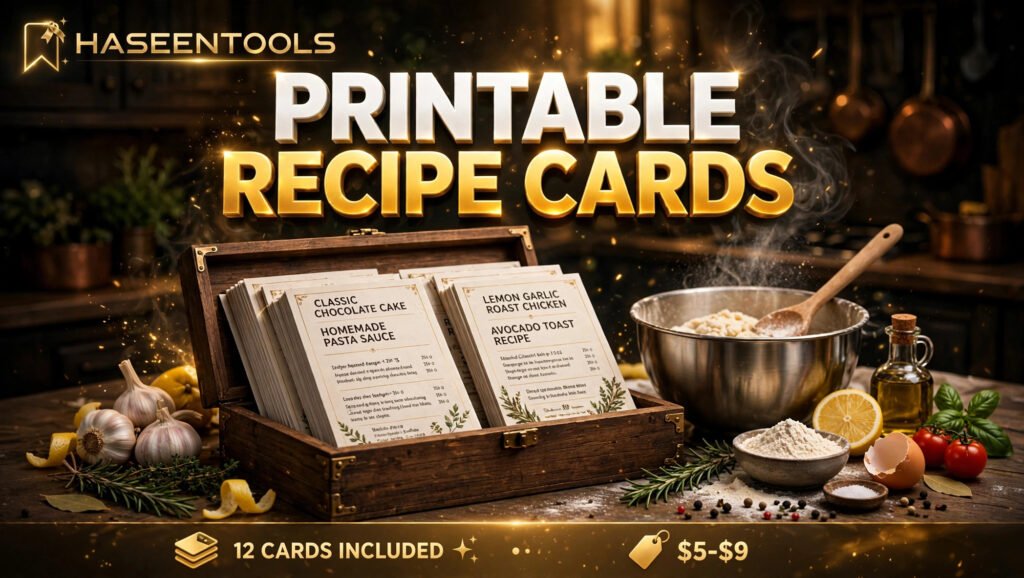
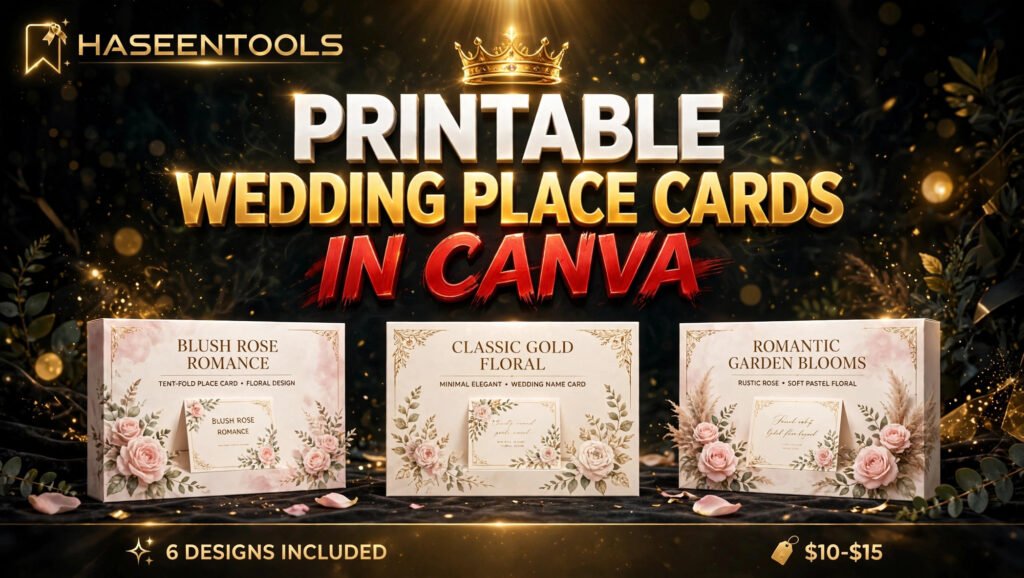
If you want to sell digital downloads in Pakistan, good first products include a monthly budget planner for students, Instagram post templates for small clothing shops, a printable chore chart for parents, a CV template for fresh graduates, or a wedding invitation template. Each one has a clear buyer and a clear moment of use.
How to choose in 30 minutes
Write down three skills you already have, three problems people ask you about, and three groups you understand well. Look for the overlap. Then ask five people in that group: “Would this save you time this week?” If most say yes, you have a starting point.
Pro Tip: Sell the result, not the file. “Plan your month in 15 minutes” is stronger than “30-page PDF planner.” Put the result in your title and in the first line of your description.
Step 2: Build Your Own Website With WordPress and WooCommerce
What you need
You need four things: a domain name, web hosting, WordPress, and WooCommerce, the free plugin that turns WordPress into an online shop. WooCommerce handles products, checkout, and automatic delivery of digital files. You can read more on the official WooCommerce website.
How to set it up
Install WordPress on your hosting account, then install WooCommerce and follow its setup wizard. Add your shop name, currency, and store address. Create one product, upload a test file, and buy it yourself with a test order. If the download link arrives and the file opens correctly, your shop works.
Pro Tip: Keep your first website simple. One clear product, one clear price, and one clear buy button will beat a shop full of half-finished products every time.
Step 3: Prepare Files Buyers Can Use Straight Away
Make the file foolproof
Buyers judge your shop by the first file they open. A clean file, clear page order, and short instructions build trust fast. A messy file with missing pages does the opposite, even if the design is lovely.
Export printables as PDF files, and check every page before you upload. For Canva templates, share a template link with clear instructions for making a copy. For spreadsheets, test every formula with sample numbers. Name files clearly, for example “Monthly-Budget-Planner-A4.pdf”, so buyers can find them later.
Common Mistake: Do not upload a file you have not opened on another device. A PDF that looks perfect in Canva can still have missing fonts or cut-off edges when printed. Open it on your phone and print one test page first.
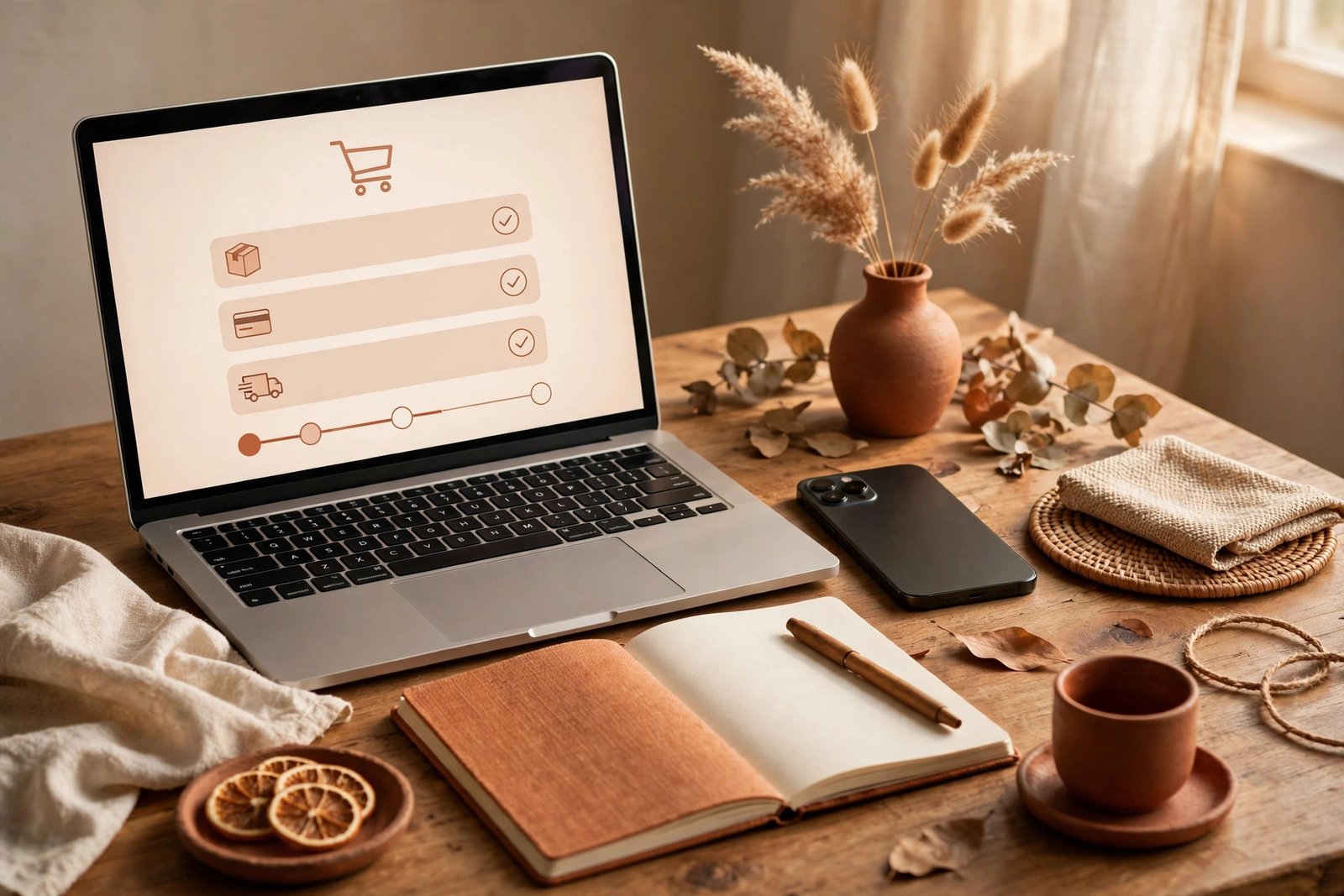
Step 4: Price Your Product in PKR for Local Buyers
Price for the value, not the effort
New sellers often price by hours spent. Buyers price by time saved. A template that saves a shop owner three hours a week is worth more than the two hours it took you to design it. Start with a price that feels fair for a first purchase, then raise it as reviews and demand grow.
Many sellers who sell digital downloads in Pakistan find simple products sell well between PKR 300 and PKR 1,500. A single planner or template set often sits at the lower end. A larger bundle or a full business kit can sit higher. Check similar products, then choose a price you can explain in one sentence.
How to set a starting price
Pick a price, then test it with a small launch offer. For example, launch a 25-page planner at PKR 499, offer it at PKR 349 for the first week, and watch how many visitors buy. If ten people visit and none buy, the problem may be the product page, not only the price. If people buy quickly and ask for more, you priced too low — and that is good news for your next product.
Pro Tip: One product, one price, one clear licence. State whether the buyer can use the file for personal use only, or also for a small business. Clear licence terms prevent most refund requests.
Step 5: Set Up Payments and Instant Delivery
Payments need care and testing
This is the step where many new sellers get stuck, so take it slowly. Payment options in Pakistan change over time, and availability depends on the gateway, your bank, and the plugin you use. Do not promise buyers a payment method until you have tested a real checkout with it yourself.
Many Pakistani sellers start with direct bank transfer, which WooCommerce supports without an extra gateway. Others add a payment gateway plugin that supports local wallets such as JazzCash or Easypaisa, or international options for buyers abroad. Before you choose, check the gateway’s current fees, settlement time, and whether it works with your version of WooCommerce. Read its setup guide, install it on a test product, and complete a small real payment. If a gateway does not work for you, remove it rather than leaving a broken button on your checkout page.
This article gives general information only. It is not financial or legal advice. Payment rules and gateway availability can change, so confirm the details with the gateway provider and your bank before you launch.
How to deliver files automatically
In WooCommerce, mark the product as “Downloadable” and “Virtual”, upload the file, and set a download limit and expiry that are generous enough for real buyers. A limit of 3 to 5 downloads and an expiry of 30 days or more usually works well. After payment, the buyer should get an email with a download link at once, without waiting for you to reply.
Common Mistake: Never deliver files only by manual email or WhatsApp. You will miss messages, buyers will wait, and your shop will feel unreliable. Automatic delivery is the whole point of selling digital downloads in Pakistan on your own website.
Step 6: Launch and Find Your First 10 Buyers
Start with people who already know you
Your first buyers are rarely strangers. They are friends, classmates, followers, and people in groups where you already help others. Share one helpful post about the problem your product solves, then link the product at the end. Teach first, sell second.
Pinterest works well when you sell digital downloads in Pakistan, especially for planners, templates, and printables because people search there with buying intent. WhatsApp status and Facebook groups can bring quick first sales if you share a real preview and a clear price. An email list, even a list of 20 people, is worth starting now: offer a free one-page sample in exchange for an email address, then tell those subscribers when the full product launches.
Pro Tip: Ask every early buyer one question: “What almost stopped you from buying?” Their answers show you exactly what to fix on your product page.

Own Website or a Marketplace? A Quick Comparison
If you sell digital downloads in Pakistan through a marketplace, it can bring visitors on day one, but you pay fees, follow its rules, and compete on its pages. Your own website takes more work at the start, but you keep control of pricing, branding, and customer emails. Many sellers start on their own website and use social media and Pinterest for traffic. For a fuller comparison, read our guide on Etsy vs your own website.
| Feature | Your own website | A marketplace |
|---|---|---|
| Control over branding | Full control | Limited to the marketplace layout |
| Fees | Hosting and gateway fees only | Listing and transaction fees on top |
| Customer emails | Yours to keep and email | Usually controlled by the marketplace |
| Traffic on day one | You must bring it yourself | The marketplace brings some visitors |
| Rules and risk | Your rules, your responsibility | Account rules can change suddenly |
Common Mistakes to Avoid
- Launching with ten unfinished products. One polished product teaches you more than ten rushed ones.
- Hiding the price until checkout. Buyers leave when they feel surprised. Show the price early and clearly.
- Using blurry preview images. If previews look weak, buyers assume the file is weak too.
- Skipping the test purchase. Every broken download link costs trust you have not earned yet.
- Copying another seller’s product. Make your own version for a real audience you understand. Original work lasts longer and brings better reviews.
Quick Checklist
- One product, one clear buyer, one clear result
- Website, shop page, and product page finished
- File tested on a phone and printed on one page
- Price in PKR shown clearly, licence terms stated
- Payment method tested with a real checkout
- Download email and file link tested end to end
- Preview images show real inside pages
- Launch post and free sample ready to share
Frequently Asked Questions
Can I sell digital downloads in Pakistan without a company?
Many individuals start as sole sellers on their own website, but business registration, tax, and payment rules depend on your situation and can change. This guide gives general information only. Check current requirements with a qualified local adviser before you scale up, and keep simple records of every sale from day one.
What is the easiest digital product to sell first?
A simple printable or template you can finish in a weekend is easiest: a planner page, a set of social media templates, or a worksheet. Choose something you already know how to make well, and something a specific group of people searches for. A finished simple product beats a perfect product that never launches.
Do I need a payment gateway to sell digital downloads in Pakistan?
Not always at the start. Many sellers begin with direct bank transfer, which WooCommerce supports, and add a gateway later after testing it. Whatever you offer, test a real payment first and confirm current fees and availability with the gateway provider. Never leave a payment button live that you have not tested yourself.
How much money do I need to start?
You mainly need a domain, basic hosting, and your time. Costs vary by provider, so compare hosting plans before you buy and avoid paying for extras you do not need yet. Your biggest cost is the time you spend making a good product and a clear product page.
How do buyers receive the file after paying?
With WooCommerce, a downloadable product sends the buyer an email with a download link as soon as payment is confirmed. Set a fair download limit and expiry, test the email yourself, and include short instructions so the buyer knows how to open, print, or edit the file.
Conclusion: Start Small, Sell This Week
You now know how to sell digital downloads in Pakistan on your own website: pick one useful product, build a simple WordPress and WooCommerce shop, prepare a file buyers can use at once, price it clearly in PKR, test payments and delivery yourself, and share it with people who already trust you.
- Start with one product for one clear buyer.
- Test every step of checkout and delivery before launch.
- Price clearly in PKR and state your licence terms.
- Bring your first buyers from your own circle, then grow with Pinterest and email.
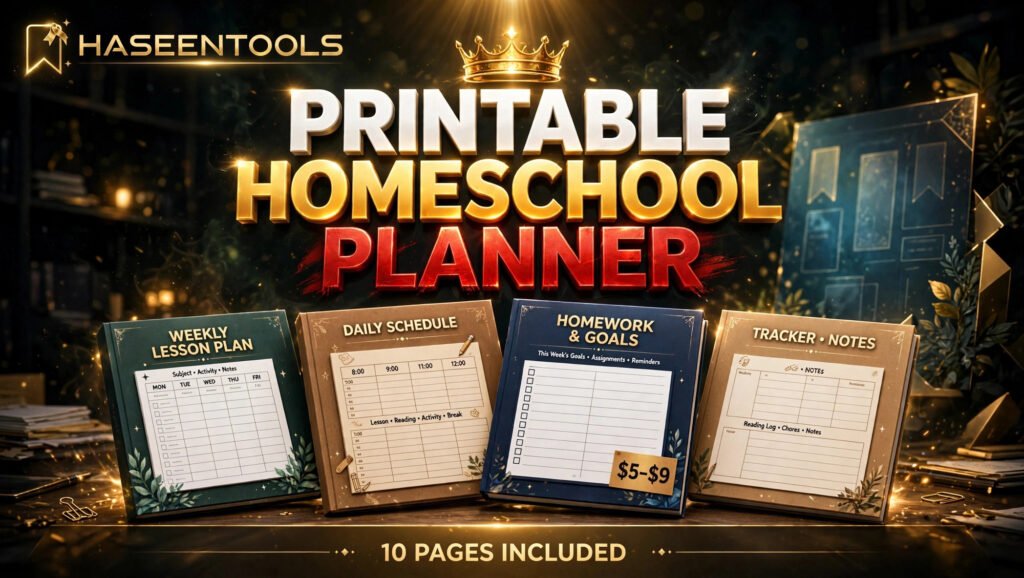
Your first sale will teach you more than another week of planning. Pick your product today, set up the shop this week, and launch before it feels perfect. If you found this guide useful, share it with a creator friend, and browse the HaseenTools shop for templates and planners to spark your next idea. Tell us in the comments: what will your first digital product be?



One thought on “How to Sell Digital Downloads in Pakistan on Your Own Website: A Step-by-Step Guide”