

How to Create and Sell Printable Christmas Party Games in Canva: A Step-by-Step Guide

A Christmas host has three days, twelve guests and one long evening to fill between dinner and dessert. She searches for a printable Christmas game, pays a few dollars, downloads a PDF and prints it at home. That sale took the seller about two hours to create — once. Then it sold again the next day, and the next. Printable Christmas party games to sell in Canva are one of the easiest seasonal products a beginner can make: no design degree, no stock to store and nothing to post. This guide walks you through it, one clear step at a time.
What Are Printable Christmas Party Games — and Why Do They Sell?
Printable Christmas party games to sell in Canva are ready-to-print game sheets — Christmas bingo, trivia, scavenger hunts and word searches — designed in Canva and sold as instant-download PDFs. Buyers print them at home, so there is no shipping, no stock and no waiting.
Christmas adds urgency that birthdays do not. Every party happens in the same few weeks, so hosts search at the same time and buy fast — a host who finds your game on 20 December wants it printed by 21 December. But the game is only half the product.
Step 1: Pick One Game and One Christmas Theme
Start with one game your buyer can picture at a real party, in one theme she can match to her decorations. That focus is what makes printable Christmas party games to sell in Canva work.
What to do: Choose one game type, then one theme. Christmas Bingo, Christmas Trivia and a Christmas Scavenger Hunt are the safest starters because hosts search for them by name. Pick a theme: classic red and green, cosy woodland, or gold and white glamour.
Exactly how: On Etsy, type “Christmas bingo” and read the autocomplete: kids, adults, office party, family. Pick one where three listings show 50 or more reviews — that proves buyers exist.
Example: “Woodland Christmas Bingo”: a 5 x 5 grid with words like “reindeer” and “candy cane”, a free space in the middle and deep green borders — about 45 minutes to design.
Pro Tip: Christmas searches start in September, so list by early November. A game listed on 15 December has missed most of its season.
Step 2: Design the Game in Canva at Print Size
Keep it simple — the buyer prints this on a home printer, so clarity beats cleverness in printable Christmas party games to sell in Canva.
What to do: Build your game at US Letter size (8.5 x 11 inches) in Canva, with a layout a host can read from across the room.
Exactly how: In Canva, create a custom size of 2550 x 3300 pixels — US Letter at 300 DPI, so it prints sharp. Use one bold title font and one plain body font, never more than two. Keep backgrounds light so they do not eat printer ink.
Example: For Christmas Trivia, write 15 questions — easy and tricky mixed — with the answers upside down at the bottom.
Pro Tip: Design your own layout from a blank page. Canva’s licence rules mean you cannot take one of its templates, change two colours and sell it as your own.
Step 3: Build a Matching Christmas Set, Not a Single Sheet
One game sells. A set sells better, because a host would rather buy one pack that covers the whole party.
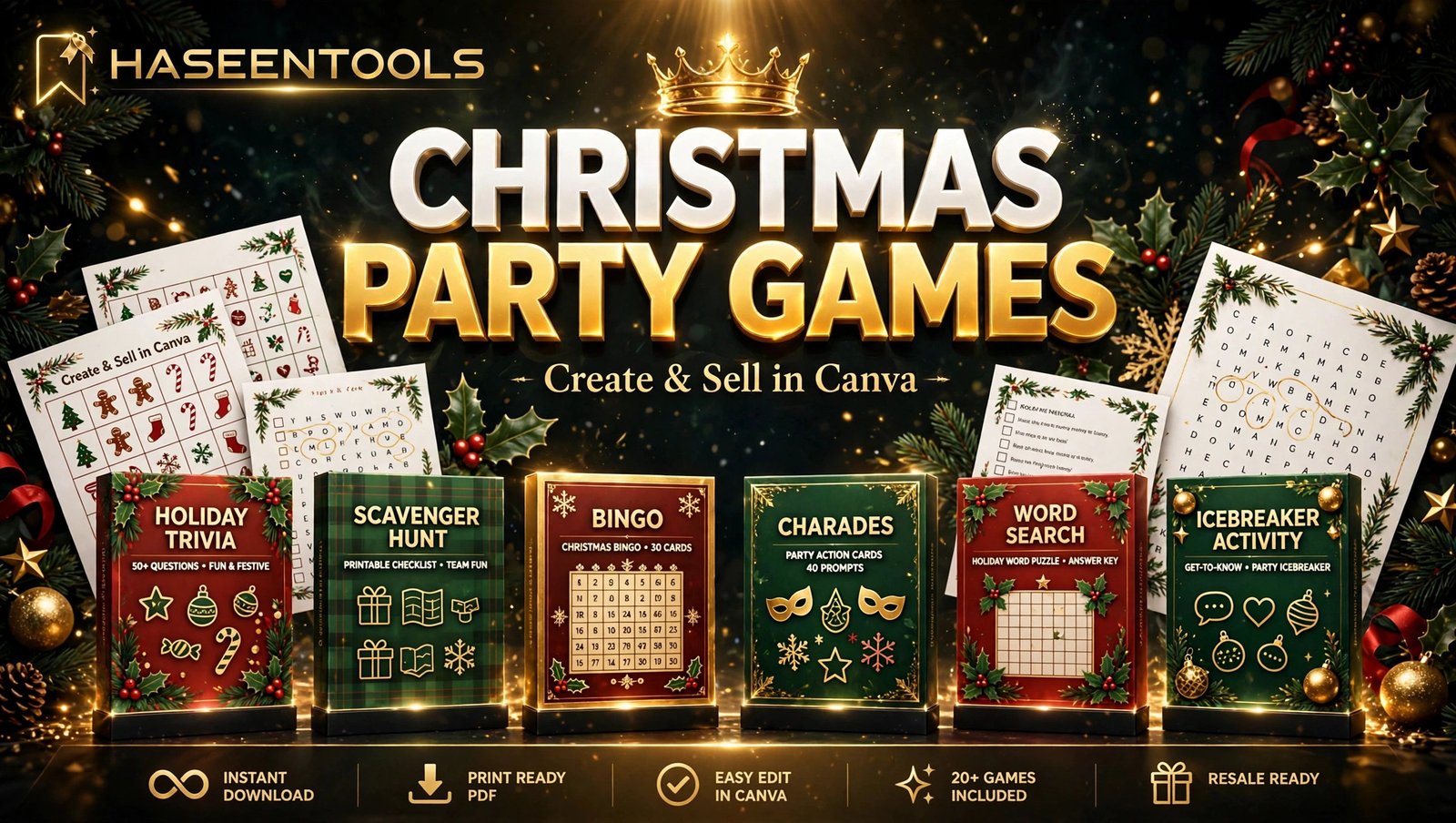
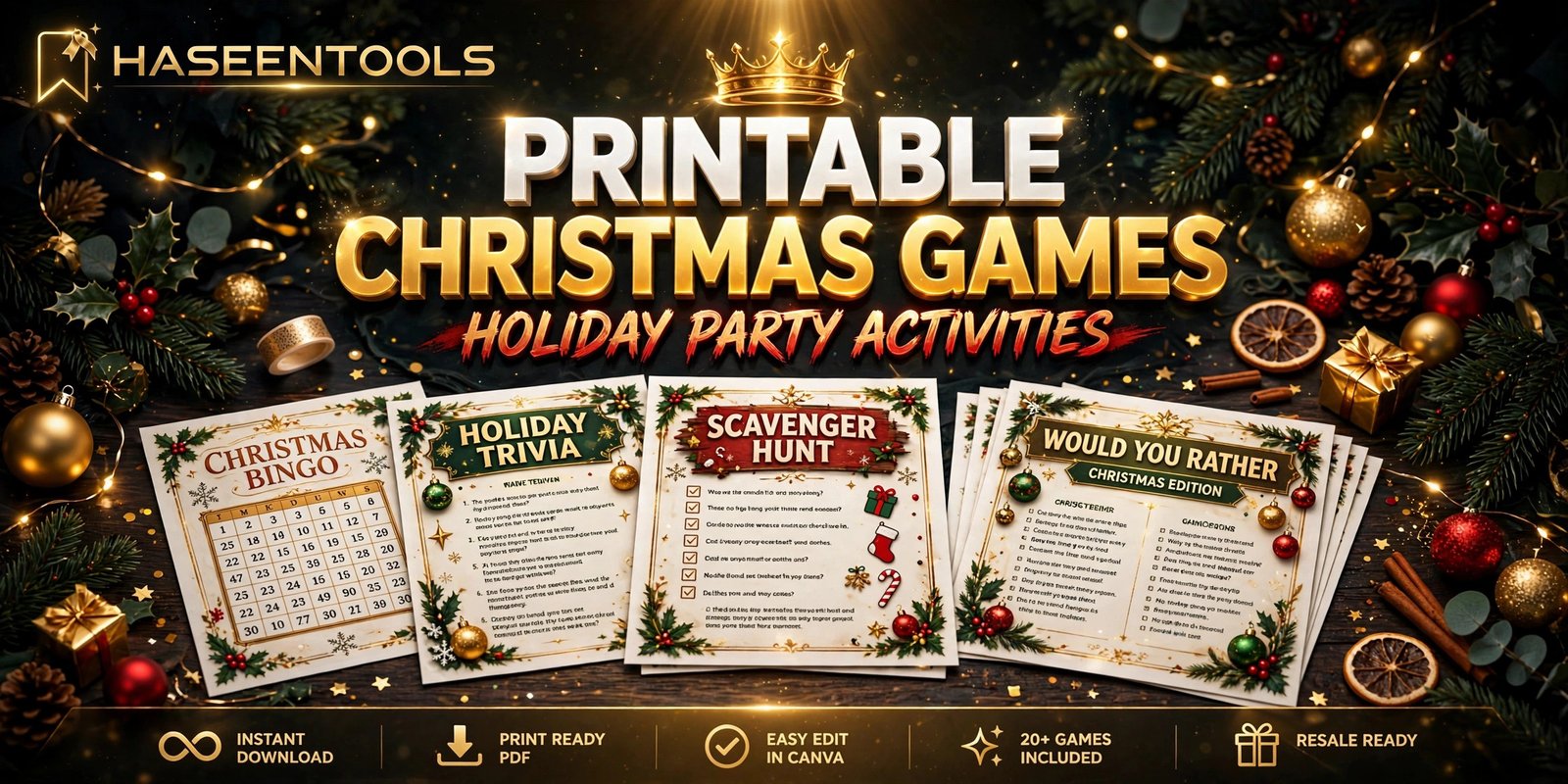
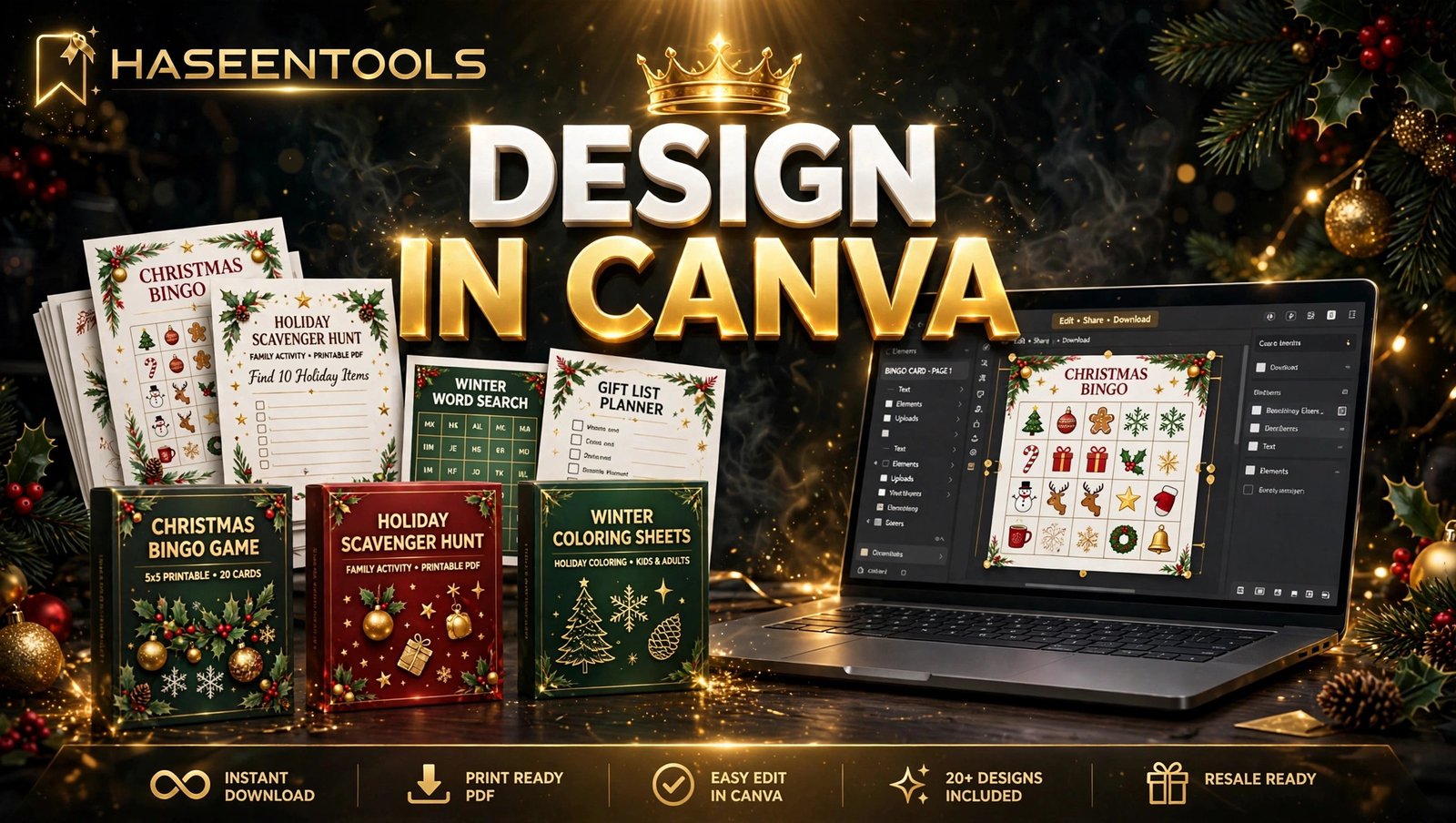
What to do: Build 5 to 10 games in the same theme, colours and fonts, so the bundle looks like one professional set. A strong starter set: Christmas Bingo, Christmas Trivia, a Scavenger Hunt, a Word Search, “Would You Rather: Christmas Edition”, and a “Christmas Emoji Game”.
Exactly how: Duplicate your first Canva design and change only the game content, keeping the header, footer and colours identical. Two games a day finishes a 7-game bundle in under a week. Add one matching extra — a welcome sign or a gift-exchange card — because bonuses make a listing feel generous.
Example: Your bingo sheet becomes a 10-page set of matching games, plus a welcome sign and a thank-you card. One PDF, one theme, and you can charge $6 to $8 instead of $2 for a single sheet. The same logic works across party printables: our guide to printable birthday party games shows how a matching set outsells a single sheet, and printable baby shower games follow the same pattern.
Pro Tip: Make one game kid-friendly and one for adults. A family host buys the bundle when it covers both the children and the grown-ups at the same table.
Step 4: Package the Files Like a Real Product
A buyer who cannot open or print your files will ask for a refund. Packaging is the unglamorous step that protects your sales.
What to do: Deliver a ZIP folder with three things: the game PDF ready to print, a Canva template link so buyers can edit names and colours, and a short instructions PDF in plain language.
Exactly how: Download the games as PDF Print from Canva. Then click Share, choose “Template link”, and copy it — each buyer gets their own editable copy while your original stays untouched. Write a one-page instructions PDF and test the ZIP yourself before listing.
Example: Your ZIP holds the print PDF, an instructions PDF, and a text file with the Canva template link: “Open the link, click Use Template, change the names, download as PDF Print.”
Pro Tip: State the licence clearly in the listing: personal use only, no reselling the files. That one line prevents most misuse.
Step 5: Price It and List It Where Buyers Search
A great product with a weak listing will not sell. With printable Christmas party games to sell in Canva, your listing title, photos and price do the selling.
What to do: List the bundle on Etsy first, because that is where hosts already search for party printables. Write the listing title the way a rushed host would search.
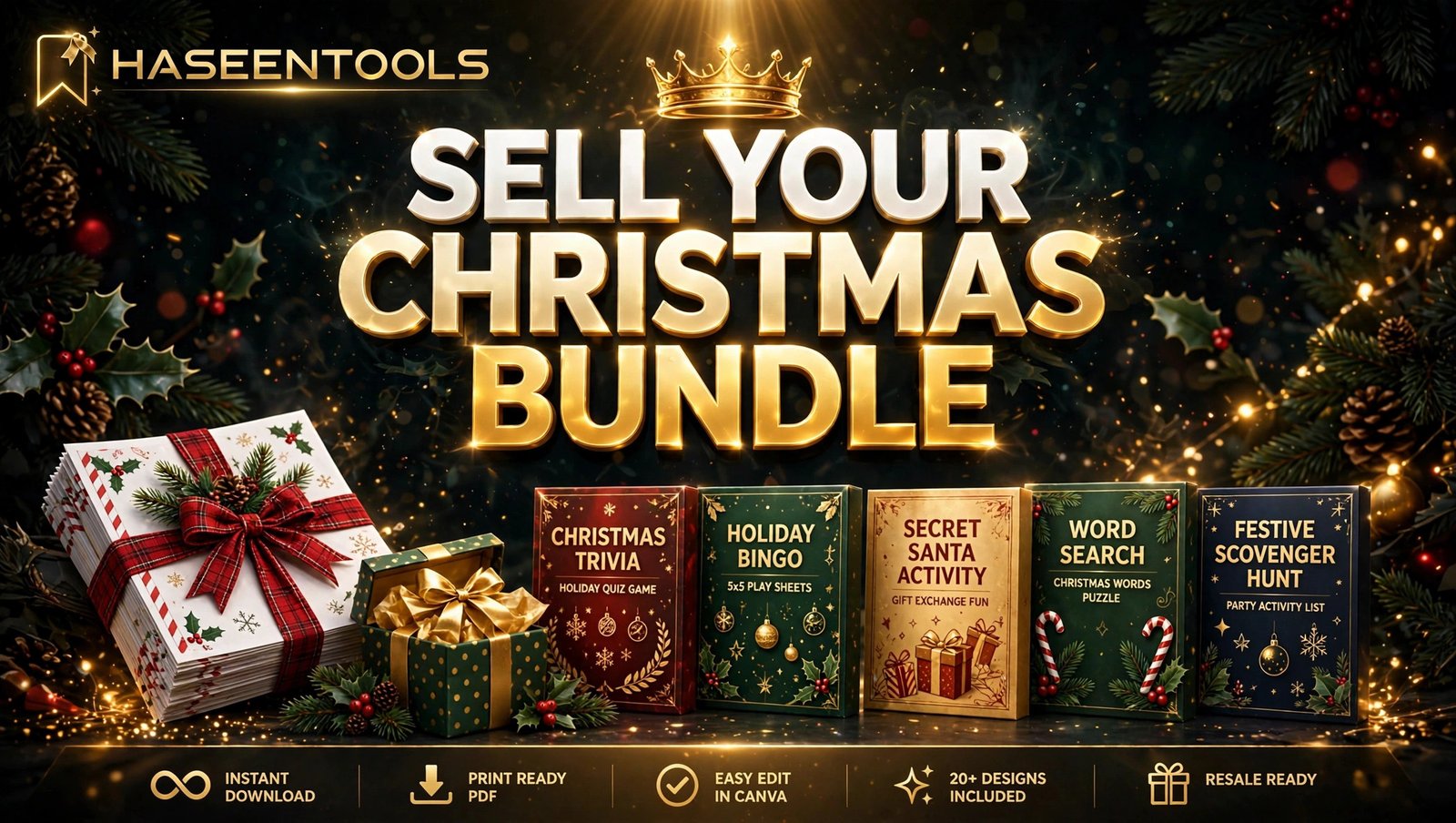
Exactly how: Use a title like “Printable Christmas Party Games Bundle | 10 Woodland Games | Bingo, Trivia, Scavenger Hunt | Editable in Canva”. Price a 7 to 10 game bundle at $5 to $8 — single games sell for $2 to $3, so the bundle must feel like a bargain. Make mockups in Canva: the games on a decorated table and a close-up of one card.
Example: Five mockup photos — a flat-lay of all ten games, a close-up of the bingo card, a styled table scene, the editable Canva link, and a “what’s included” image — tell a buyer everything.
Pro Tip: Do not promise delivery times you cannot control. Say “instant download after purchase”.
Step 6: Promote It With Pinterest and Mockup Pins
Etsy brings search traffic, but Pinterest brings a second audience for printable Christmas party games to sell in Canva: buyers already planning a party.
What to do: Make 3 to 5 Pinterest pins for the bundle, each showing a different game, and link every pin to the listing.
Exactly how: Design tall pins in Canva at 1000 x 1500 pixels, using your game mockup and a headline like “10 Printable Christmas Party Games — Print Tonight”. Publish one pin a day for the first week, with keyword-rich titles.
Example: One pin shows the bingo card, one shows the full flat-lay, one shows the games on a real party table. Three images, one listing.
Pro Tip: Every sale and every review makes the listing stronger. After the first few sales, ask buyers politely for a review — a listing with ten five-star reviews outsells an identical one with none.
Etsy vs Your Own Website vs Gumroad
Each option trades reach for control, so pick the one that fits where you are right now.
| Option | Best for | Fees | Buyer traffic |
|---|---|---|---|
| Etsy | Beginners who want built-in buyers | Listing fee plus a percentage | High — built-in search |
| Your own website | Sellers who want full control | Payment processing plus hosting | Low at first |
| Gumroad | Quick listings, no shop setup | A percentage of each sale | Low |
Most sellers of printable Christmas party games to sell in Canva start on Etsy, then add the same bundle to their own website once Pinterest traffic grows. A clean bundle with good mockups sells anywhere — but a Christmas bundle has a short selling window, so list early.
Common Mistakes to Avoid
These mistakes sink most first bundles of printable Christmas party games to sell in Canva — avoid them.
- Designing ten games before selling one. Make one game, list it, learn what buyers ask for, then build the bundle.
- Dark backgrounds that eat printer ink. Keep backgrounds light and save the colour for borders and titles.
- Skipping the print test. A game that looks perfect on screen can print with cut-off edges. Print one copy first.
- Listing too late. A Christmas bundle listed on 20 December has missed most of its buyers. List by early November.
- Pricing a 10-game bundle at $2. A bundle at $5 to $8 is still a bargain for the buyer.
Quick Checklist
Run through this list before you publish your printable Christmas party games to sell in Canva:
- One game type and one Christmas theme chosen before designing
- All games in US Letter size, light backgrounds, two fonts maximum
- Bundle of 5 to 10 matching games plus one bonus item
- PDF Print file, template link and instructions PDF tested
- Licence stated: personal use only
- Etsy listing with a search-friendly title, 5 mockup photos, $5 to $8 price
- Listed by early November
- 3 to 5 Pinterest pins linking to the listing
Frequently Asked Questions
Can I sell printable Christmas party games I make in Canva?
Yes, if you follow Canva’s licence rules: use free elements or Pro elements you are licensed for, and do not resell Canva’s stock photos or templates unchanged. Design original layouts and deliver your own PDF.
How much can I earn from printable Christmas party games?
It varies widely, and no honest guide can promise a number. Single games usually sell for $2 to $3 and bundles for $5 to $8, and one listing can sell the same file many times.
Do I need Canva Pro to make Christmas party games to sell?
No. A free Canva account is enough for most game designs: free fonts, shapes and elements cover bingo, trivia and scavenger hunts. Start free and upgrade only when a paid feature saves real time.
What size should printable Christmas party games be?
US Letter (8.5 x 11 inches) is the safest choice, because most home printers in the United States use it. Design at that size in Canva, export as PDF Print, and tell buyers to print at 100 percent scale.
When should I list Christmas party games for sale?
As early as possible — ideally by early November. Shoppers start searching in September and October, and the busiest buying weeks are late November and early December.
Conclusion
Printable Christmas party games to sell in Canva are a small product with a real advantage: a host needs them urgently, they print at home, and you make them once and sell them again and again.
- Pick one game and one Christmas theme, and design it properly
- Build it into a bundle of 5 to 10 matching games with a bonus item
- Package a print-ready PDF, a Canva template link and clear instructions
- List it on Etsy at $5 to $8 by early November, with mockups that sell the party
- Promote it on Pinterest, one pin at a time, and let reviews build trust
Your first bundle does not need to be perfect — it needs to be finished, tested and listed before the season peaks. Open Canva, design your first game tonight, and browse the Haseen Tools shop for more ideas.