

How to Create and Sell Printable Photo Booth Props in Canva: A Step-by-Step Guide

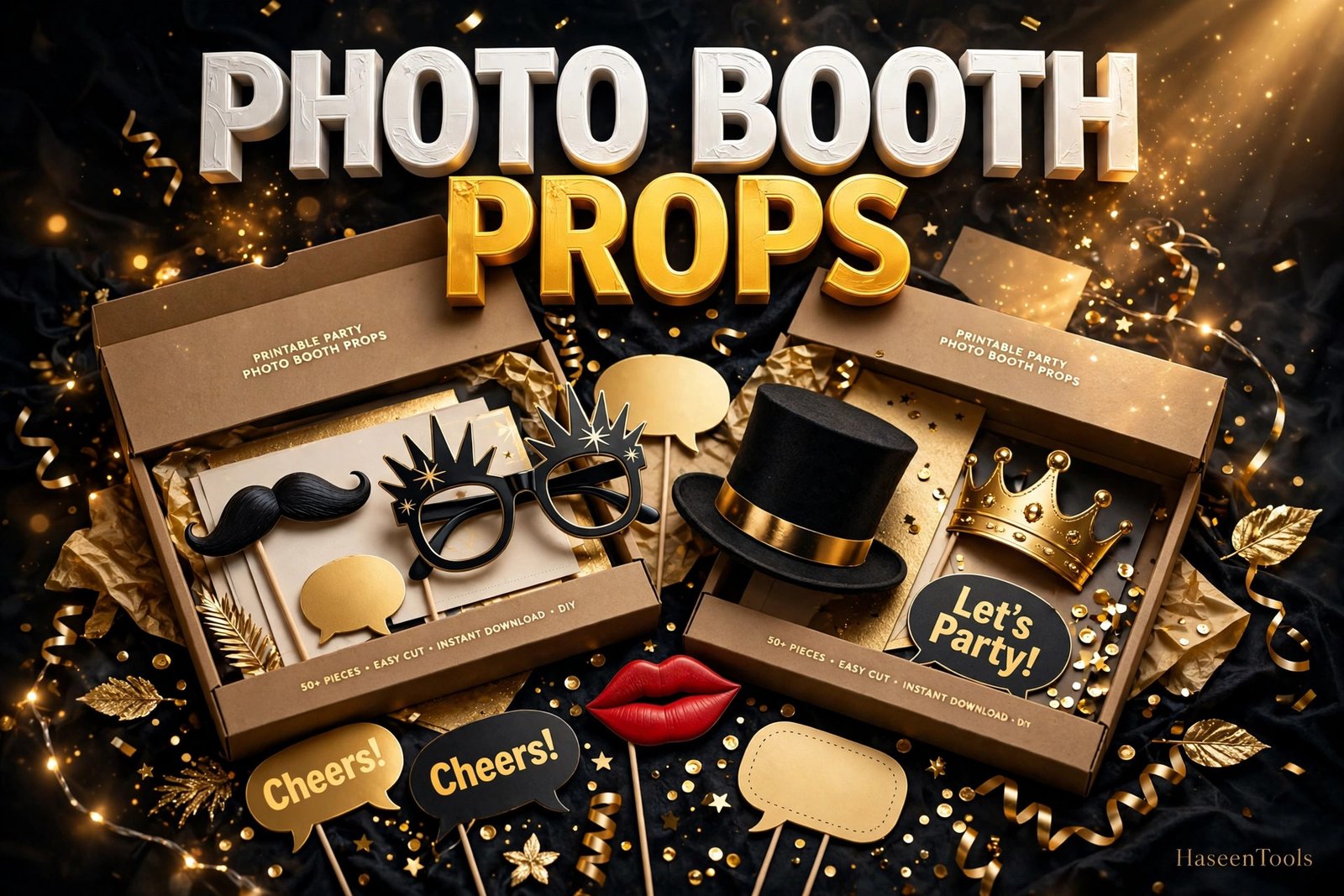
A party host has 30 guests arriving in two hours and a bare corner where the photos should happen. She needs a moustache on a stick and a “Best Day Ever” sign, not a photographer. That is the gap printable photo booth props fill — and you can sell into it from your kitchen table.
Printable photo booth props in Canva are one of the quickest digital products a beginner can make: one US Letter page of cut-out props, sold as a PDF, printed at home and taped to a stick. No stock, no shipping, no design degree. This guide covers the whole process in six steps — from picking a theme buyers search for to listing a set that sells while you sleep.
What Are Printable Photo Booth Props?
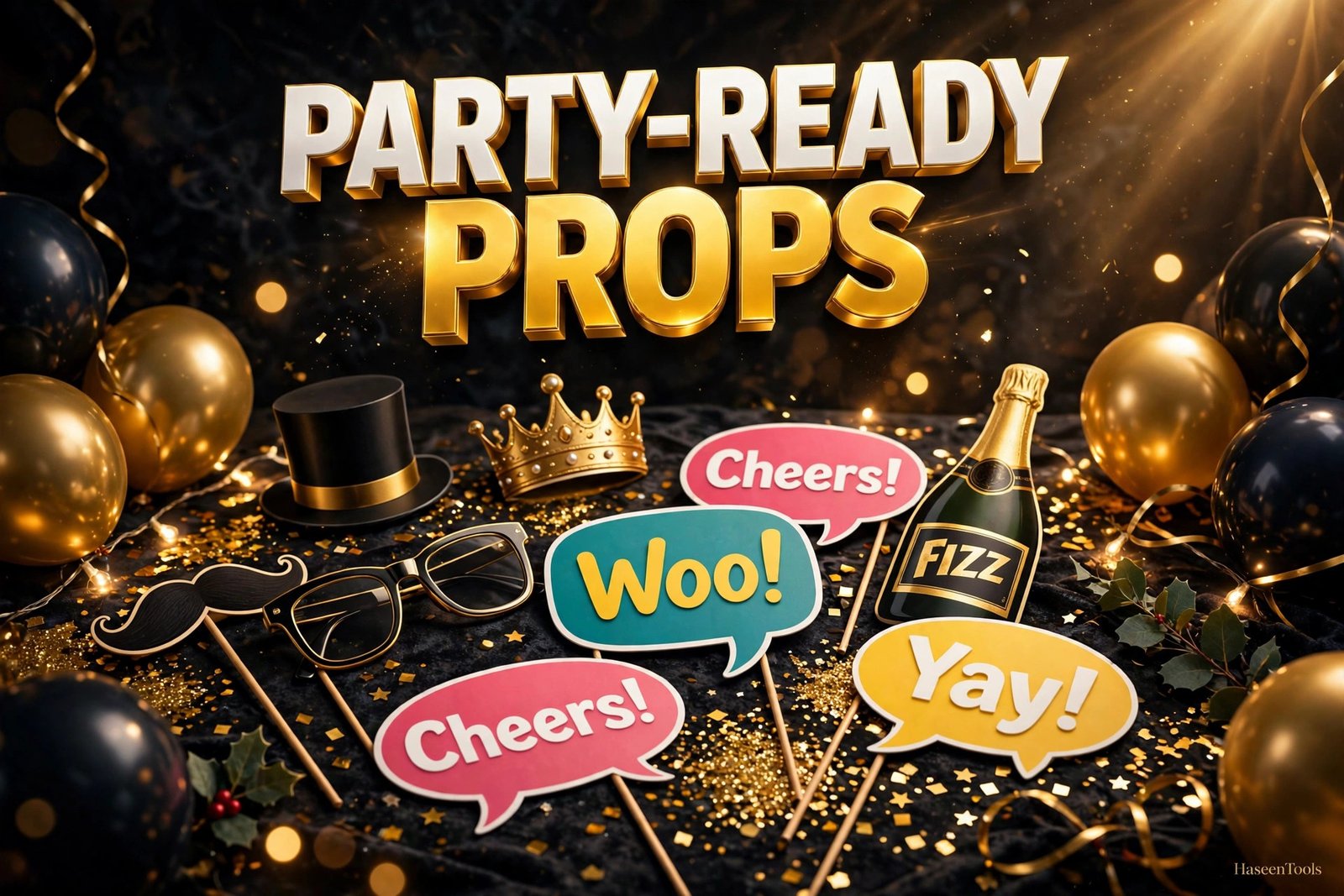
Printable photo booth props in Canva are cut-out shapes — moustaches, glasses, hats, speech bubbles and signs — designed in Canva, sold as instant-download PDF files. Buyers print them on card, cut them out and tape them to sticks for photos. One design sells again and again, no stock or shipping.
But here is the part most people miss: the props are only half the product. The other half is the listing — the mockups, title and instructions that convince a rushed buyer your set is the easy one.
Step 1 — Pick One Theme and One Party
What to do: Choose one theme for one kind of party before you open Canva. “Photo booth props” is a crowd; “bridal shower photo booth props in gold and blush” is a product a buyer can picture at her own party.
Exactly how: Open Etsy’s search bar, type “photo booth props” and read the autocomplete: wedding, baby shower, birthday, graduation, hen party. Pick one where three listings show 100 or more reviews — that proves buyers exist — then narrow by style: gold and blush, rustic or tropical.
Example: “Bridal Shower Photo Booth Props”: 12 pieces — a veil, a ring, lips, a “She Said Yes” bubble, a champagne bottle — in gold and blush. One buyer prints it for 20 guests.
Pro Tip: Sell one theme per listing. A focused set is easier to find — and buy — than a mixed pack of unrelated props.
Step 2 — Set Up Your Page in Canva
What to do: Build your printable photo booth props in Canva on a US Letter page (8.5 x 11 inches), with room to cut each prop out cleanly.
Exactly how: In Canva, click Create a design, choose Custom size, and enter 8.5 x 11 inches. Turn on rulers and margins, and leave half an inch of white space on every side. Plan 8 to 12 props per page — fewer and the set feels thin, more and the cutting gets fiddly — with a finger-width gap between props for the scissors.
Example: Ten props on one page, each 3 to 5 inches wide — a moustache, lips, glasses, a crown, a hat, a bow tie, two speech bubbles, two signs — about 30 minutes to lay out.
Pro Tip: Design on a blank page, not a Canva template. A template you barely change is not original work, and original designs sell better — and stay within Canva’s licence rules.
Step 3 — Design the Props
What to do: Draw the props guests hold up in photos. Buyers judge this part first, so make every prop bold, clear and fun.
Exactly how: Build each prop from simple pieces: two curved shapes make a moustache, circles and rectangles make oversized glasses, a triangle with a band makes a party hat. Give every prop a thick outline so it reads clearly in a photo, even in dim party light. Use two fonts at most and keep backgrounds light so they do not eat printer ink.
Example: A “She Said Yes” bubble in gold script, red lips with a white highlight, a black top hat with a gold band. Three props, one style — the set already looks like it belongs together.
Pro Tip: Hold your design at arm’s length, or shrink it to thumbnail size. If a prop is unclear at that size, simplify it — guests hold props at arm’s length, and cameras sit further away.
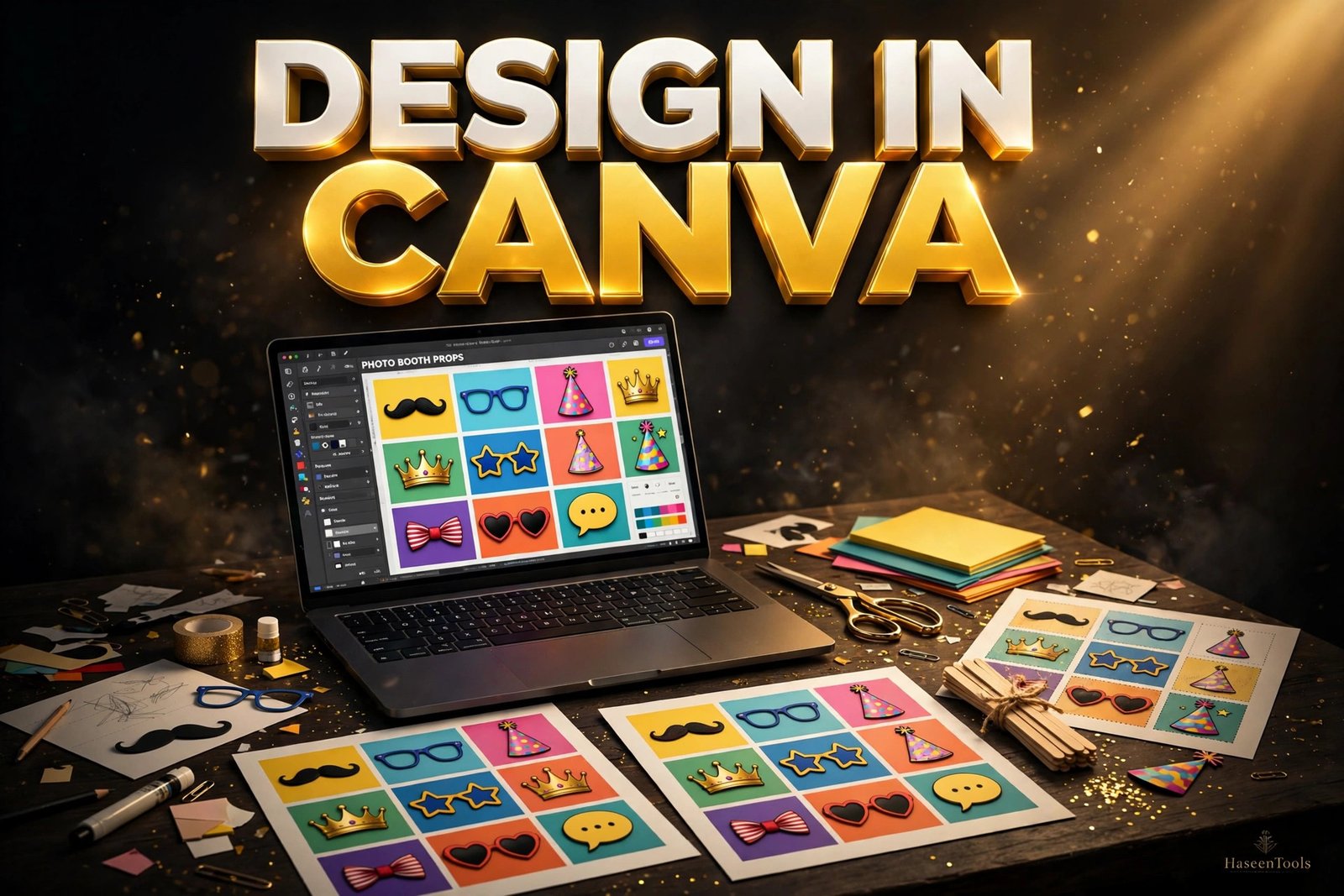
Step 4 — Add Cutting Guides, Stick Marks and Instructions
What to do: Turn a pretty page of printable photo booth props in Canva into a usable product: buyers need to know where to cut, where the stick goes and what to print on.
Exactly how: Add a thin dashed cutting line around each prop, and mark a small circle where the stick should be taped — a 12-inch wooden dowel, a paper straw or a lolly stick all work. Then add a final instructions page that says, in three lines: print on 200–250 gsm card, cut along the dashed lines, tape a stick to the back of each prop.
Example: Your instructions page reads: “1. Print on thick card at 100% scale. 2. Cut along the dashed lines. 3. Tape a stick to the marked spot.” Add a small drawing of a finished prop.
Pro Tip: Print your own test copy on card before you list. If a prop is too small to hold or a cutting line crosses a word, fix it now — a one-star review costs far more than one test sheet.
Step 5 — Export a Print-Ready PDF
What to do: Turn your Canva file into a PDF that prints cleanly — a blurry or wrongly sized file is the fastest way to a one-star review.
Exactly how: Click Share, then Download, and choose PDF Print. Tick “Flatten PDF” so fonts and layout stay as designed. Then check every page: no cut-off words, no overlapping shapes, no blank pages. Print one test copy on card at 100% scale — never “fit to page”, which shrinks the props. Hold a finished prop at arm’s length: if you can read every word, your buyer can too.
Example: A test print shows the crown too small for a photo. Enlarge it by 20%, re-export, and the problem is gone.
Pro Tip: Save a second copy as a PDF Standard for buyers who only view the file on screen. The print file is the product; the screen file is a bonus.
Step 6 — Price and List Your Photo Booth Props for Sale
What to do: Put your finished set in front of buyers with a clear price, honest mockups and a title that says what the set is — this is where printable photo booth props in Canva turn into income.
Exactly how: Price a single-theme set of 8 to 12 props between $3 and $6, and a bundle of three themes between $10 and $15. List on Etsy first, where party hosts already search, with a title written the way a buyer searches: “Printable Photo Booth Props, Bridal Shower, 12 Props, Gold and Blush, Instant Download”. Make mockups in Canva — the props flat on a decorated table, a close-up of one prop held up, the full set fanned out — and state what is included: the number of props, the PDF format, US Letter size, and that nothing physical ships.
Example: A bridal shower set at $4.99 with five mockup photos can sell its first copy within a week of a Pinterest pin.
Pro Tip: Bundle your props with a matching game in the same theme. A buyer who loves your bridal shower props will happily add printable bingo cards to the same order — bundles raise your average order value.
Photo Booth Props vs Other Party Printables
Not every party printable sells the same way. Props win on fun: they show up in every photo, which is why hosts love them. Here is how they compare with the printables sellers list most often.
| Product type | Prep for the buyer | Best for | Typical price |
|---|---|---|---|
| Photo booth props | Print, cut, tape sticks | Weddings, showers, birthdays | $3–$6 |
| Bingo cards | Print and cut | Large groups, all ages | $3–$7 |
| Trivia sheets | Print and write answers | Adults, quiz nights | $3–$6 |
| Invitation templates | Edit in Canva, print or send | Any party with a guest list | $4–$8 |
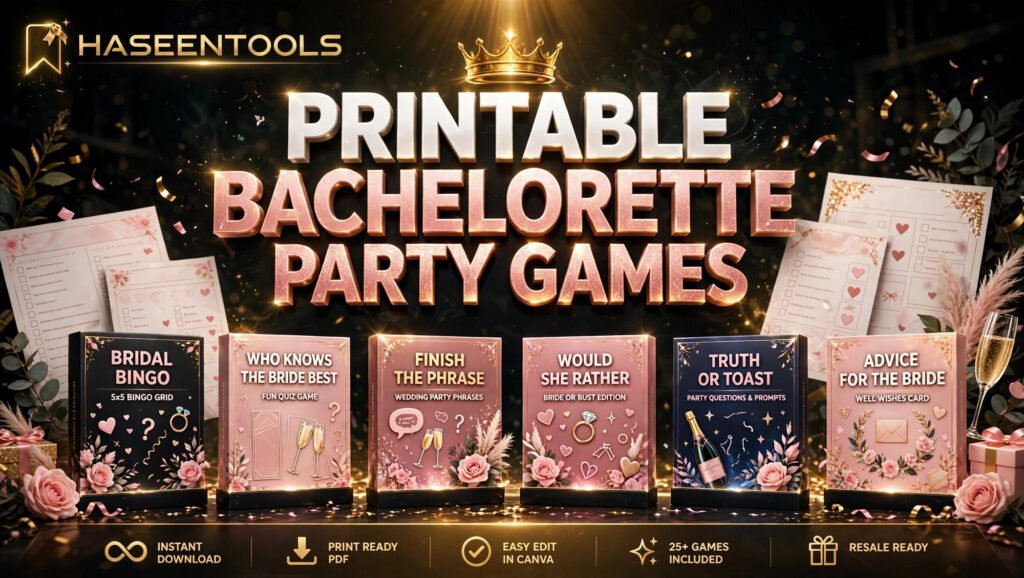
Props are the easiest printable to use at a party — no rules to explain — which is why printable photo booth props in Canva suit beginners so well. A prop set in the same theme as your printable birthday party games brings buyers back.
Common Mistakes to Avoid
- Dark backgrounds that eat printer ink. Keep backgrounds light and save the colour for borders, titles and the props themselves.
- Props too small to photograph. A two-inch moustache disappears in a group photo. Keep props 3 to 5 inches wide so they show up.
- No cutting guides or stick marks. A page of shapes with no guides leaves buyers guessing.
- Copying a Canva template unchanged. Change the layout, shapes and colours until the design is yours.
- Skipping the test print. What looks fine on screen can print too small or too close to the edge.
- Forgetting the instructions page. Many buyers have never made props before — three short lines of instructions prevent most messages.
Common Mistake: Listing a set with only four props. A party of twenty needs at least eight to twelve pieces — build the full set before you list it.
Quick Checklist
- Theme and buyer chosen, demand checked on Etsy
- US Letter pages, 8–12 props per page, half-inch margins
- Bold props, thick outlines, 3–5 inches wide, two fonts maximum
- Dashed cutting lines and stick marks on every prop
- Instructions page: card, cut, tape a stick
- Test print on card checked at 100% scale
- PDF Print export, fonts flattened
- Listing live with mockups, price and instant download
Frequently Asked Questions
Can I sell photo booth props made in Canva?
Yes — printable photo booth props in Canva sell well when the design is your own original work: your layout, shapes, colours and wording. Never sell a Canva template with only small changes, and check Canva’s current content licence rules before you list.
What size should printable photo booth props be?
Each prop should be 3 to 5 inches wide so it shows up clearly in photos, on US Letter pages (8.5 x 11 inches). State the size in the listing.
What do buyers need to use printable photo booth props?
Thick card (200–250 gsm), scissors, tape and a stick per prop — a wooden dowel, paper straw or lolly stick. The file is a PDF they print at home, so nothing ships.
Where is the best place to sell printable photo booth props?
Etsy is the busiest marketplace for party printables; your own website gives you the most control and the full sale price. Many sellers use both.
Conclusion
Printable photo booth props in Canva are one of the simplest digital products you can make: a page of bold shapes, a PDF that prints at home, a set that sells again and again. Pick a theme buyers search for, design props that read clearly in photos, add cutting guides, test-print the file, and list it with honest mockups.
- One theme per set, 8–12 bold props, 3–5 inches wide
- Cutting guides, stick marks and a short instructions page complete the product
- Test print on card at 100% scale before you list anything
- Start at $3–$6 and bundle themes to raise the order value
Open Canva today and design your first prop set — your first sale is one good party away, and your next set will take half the time. Browse the Haseen Tools shop for more printable ideas, and tell us in the comments which theme you will design first.