





7 Ways to Sell Digital Products This Weekend

You have been “researching” digital products for three months, watching other sellers, and telling yourself you will start when you feel ready. Here is the truth: one focused weekend is all it takes to create your first product and list it for sale. By Sunday night, you can go from zero to a live product page with real buyers browsing it.
This guide gives you 7 beginner-friendly product types that are proven to sell and can each be made in a single weekend. Pick one, follow the steps, and stop waiting.
Step 1: Create a Printable Wall Art Pack
What it is: A set of 5-8 motivational or decorative art prints, sold as downloadable PDF or JPG files. Buyers print them at home or at a local shop.
How to make it this weekend: Open Canva (free plan is enough) and pick a theme: minimalist line art, boho botanicals, or bold typography quotes. Build each design on an 8×10 inch canvas at 300 DPI, using Canva’s templates as starting points with your own colors and fonts. A full pack of 8 prints takes about 4-6 hours.
Example: “Boho Sun & Arches” pack — 8 beige-and-terracotta abstract prints at 300 DPI, plus a bonus 5×7 size set, zipped into one file.
Pro tip: Include 3-4 common print sizes (4×5, 8×10, 11×14) in the download. Buyers hesitate when the file fits only one frame size.
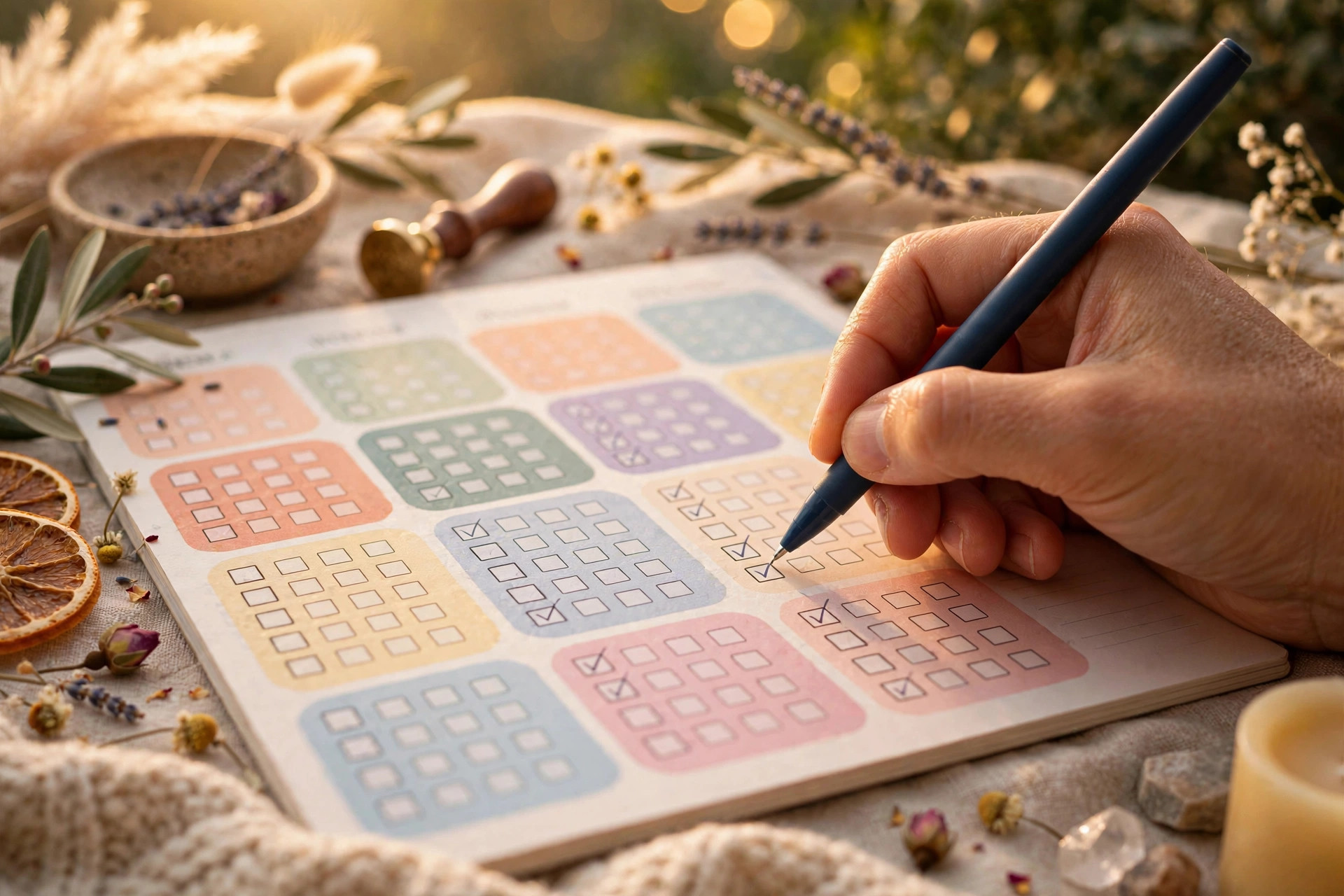
Step 2: Build a Planner or Checklist
What it is: A printable or fillable planner — daily planners, habit trackers, budget sheets, weekly meal planners, or cleaning checklists.
How to make it this weekend: Pick your audience’s most common planning pain point (e.g. “weekly meal planner for busy moms”). Build 15-20 pages in Canva: a cover, calendar spreads, and themed tracker pages. Add hyperlinks between pages so it works as a digital planner too, then export both a print PDF and a linked PDF. Total time: 5-8 hours.
Example: “Ultimate Weekly Reset Planner” — 20 pages: Sunday planning spread, daily to-do pages, meal planner, habit tracker, and weekly review sheet.
Pro tip: Planners priced between $9 and $19 convert best for beginners — read this pricing guide for digital products before you list.
Step 3: Design a Canva Social-Media Template Pack
What it is: 30-50 editable Canva templates for Instagram posts, stories, or Pinterest pins, sold as a shareable Canva template link.
How to make it this weekend: Pick one niche: real estate agents, fitness coaches, or bakeries. In Canva, design 5 master layouts first, then duplicate and vary colors and headlines to reach 40 cohesive templates. Deliver via Canva’s “Template link” share option plus a 2-page usage PDF. Roughly 6-8 hours total.
Example: “50 Instagram Templates for Personal Trainers” — 25 post + 25 story templates in the buyer’s brand colors.
Pro tip: Record a free 3-minute Loom walkthrough showing how to change colors and text. It takes 10 minutes and kills nearly all “how do I use this?” messages.

Step 4: Make a Resume or Cover Letter Template
What it is: A professional resume layout buyers edit in Canva, Google Docs, or Microsoft Word.
How to make it this weekend: Study 5-10 top-selling resume templates on Etsy for layout ideas (never copy them). Build one clean, ATS-friendly design in Canva: clear headings, one professional font like Inter or Helvetica, generous white space. Deliver the Canva template link plus a Google Docs version with sample content buyers can replace. Time: 3-4 hours.
Example: “Modern Minimalist Resume” — 1-page and 2-page layouts, matching cover letter and reference page, with pre-written sample bullet points.
Pro tip: Put “ATS-friendly” in your listing title. Job seekers genuinely fear screening software, and that keyword lifts click-through rates.
Step 5: Create a Digital Sticker Pack
What it is: 20-50 decorative stickers for digital planners (GoodNotes, Notability), sold as pre-cropped PNG files.
How to make it this weekend: Draw simple icons, quotes, and decorative elements in Canva or Procreate on a transparent background. Export each as a 300 DPI PNG and organize them by category. A 40-sticker pack takes about 4-5 hours if you keep each design simple and bold.
Example: “40 Cozy Autumn Planner Stickers” — pumpkins, leaves, coffee cups, and “to-do” banners in warm orange and brown tones.
Pro tip: Show the stickers placed inside a real GoodNotes planner spread on your thumbnail. Buyers need to see the end result before they imagine using it.
Step 6: Bundle a Mockup Pack
What it is: Photorealistic mockup images (t-shirts, mugs, phone cases, wall frames) where other sellers drag in their own designs.
How to make it this weekend: No camera needed. Use free base photos from Unsplash or Placeit’s free tier to generate 10-15 styled mockup scenes in Canva. Package them as high-res JPGs with a drag-and-drop Canva template link. Time: 3-5 hours.
Example: “15 Flat-Lay T-Shirt Mockups” — beige crewnecks on wooden tables styled with plants and coffee, male and female fits.
Pro tip: Niche your mockups (wedding stationery, gym apparel). Generic t-shirt mockups face brutal competition; a narrow niche finds buyers fast.
Step 7: Build a Notion Template
What it is: A ready-to-duplicate Notion workspace — content calendars, project dashboards, finance trackers, study planners.
How to make it this weekend: Open a free Notion account and build a workspace around a workflow you actually use. Add databases with multiple views (calendar, board, table), template buttons, and a clean cover. Test it for a day to catch broken formulas, then publish with “Duplicate as template” sharing. Time: 4-6 hours.
Example: “Freelance Client Dashboard” — project tracker with kanban view, invoice database with payment status, and a monthly income dashboard.
Pro tip: Add a “Start Here” note inside the template explaining each database. Buyers abandon templates they cannot figure out in 60 seconds.
Common Mistakes to Avoid
- Trying to launch with 10 products at once — one polished product beats ten half-finished ones every time.
- Pricing on effort instead of market data — check 10 similar listings first, then price in the middle of the range.
- Publishing with a phone-photo thumbnail — spend 20 minutes on one clean 2000×2000 preview; it decides whether buyers click.
- Skipping usage instructions — a 1-page “how to use this” PDF prevents most support messages and bad reviews.
Quick Checklist
- Pick ONE product type from the 7 steps — the one you can finish, not the one that excites you most.
- Saturday: build the product in Canva, Procreate, or Notion (4-6 focused hours).
- Saturday evening: export files, write the usage PDF, design your thumbnail.
- Sunday: write a keyword-rich title, price from real market data, and publish.
- Sunday night: your first digital product is live. You started — that was the whole point.
Every seller you admire once stared at a blank Canva canvas on a Saturday morning. The ones who succeeded are simply the ones who shipped. If you want to skip the sprint and start from a proven product instead, browse the ready-made bundles at haseentools.com — templates, planners, and mockups built to sell, so your store can be live tonight.
One thought on “7 Ways to Sell Digital Products This Weekend”