





How to Create and Sell Digital Colouring Books: A Step-by-Step Beginner’s Guide

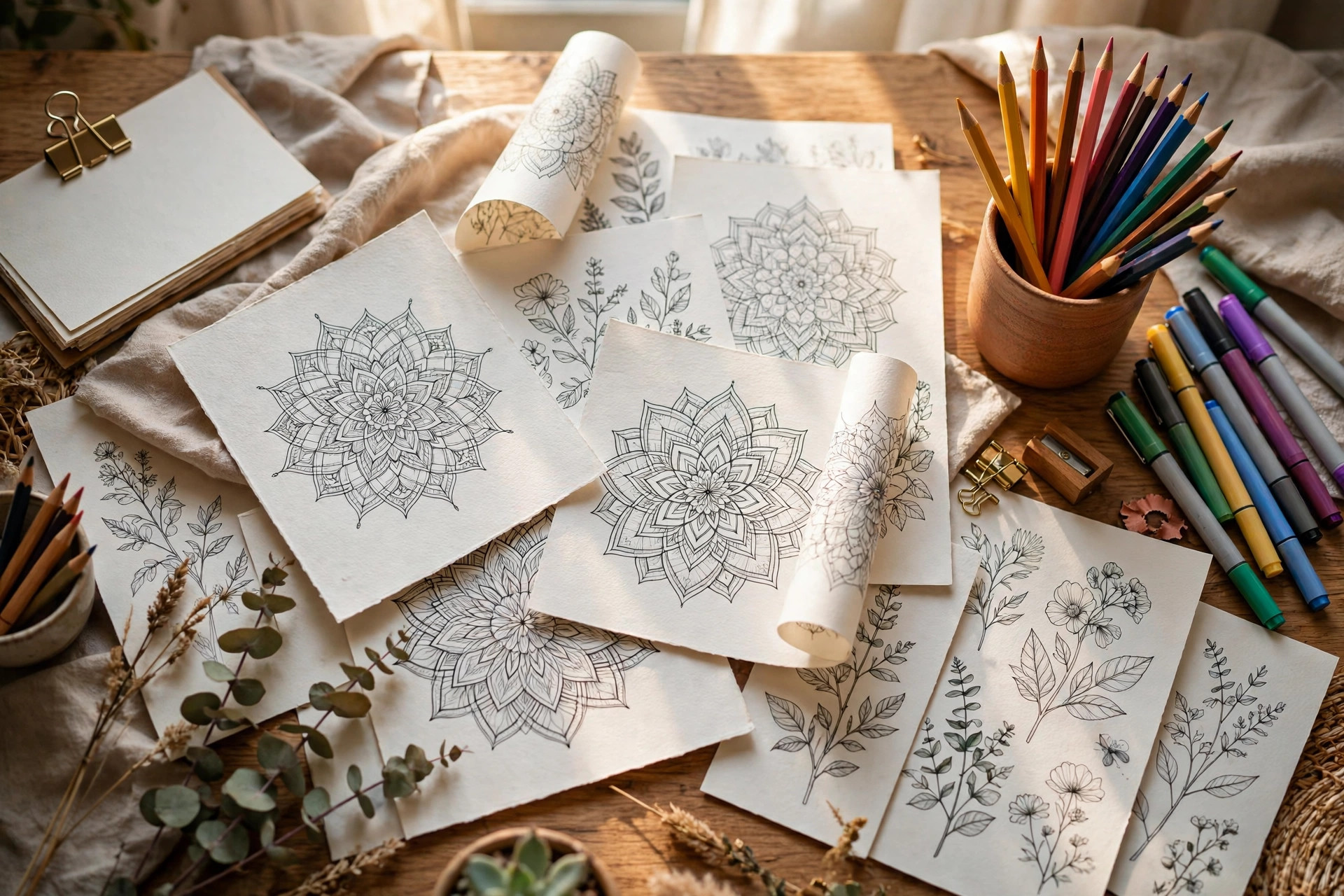
You do not need drawing talent to sell colouring books. You need one repeatable system: a tight niche, a consistent line-art style, and a 30-page PDF you can build in a single weekend. A digital colouring book sells for $7 to $12, re-sells forever, and never needs printing, shipping, or stock. Here is the exact process, start to finish.
Step 1: Pick a Niche, Not a Theme
What to do: Choose one specific buyer and one specific use case before you draw a single line. “Colouring book” is a crowd; “funny office stress-relief colouring pages” is a market you can actually win.
Exactly how: Open Etsy’s search bar and type “colouring pages”, then read the autocomplete suggestions — mandala, animals, toddlers, garden, Christmas. Pick one you can picture clearly. Then search that phrase plus “digital download” and study the top 20 results: if at least three bestsellers have 500+ reviews, real buyers exist. Narrow one more level: not “animal colouring pages” but “baby dinosaur colouring pages for toddlers ages 2 to 4”.
Example: A book called “Baby Dinosaur Colouring Pages for Toddlers (Ages 2–4)” outsells a generic “Cute Animals Colouring Book” for the same effort, because the buyer instantly pictures her child using it.
Pro tip: Validate on Pinterest before you commit. Search your phrase and check save counts — high saves plus modest competition is the green light for beginners.
Step 2: Lock Your Line-Art Style Before Page One
What to do: Define your stroke width, corner style, and detail level once, then never deviate. A colouring book that jumps between thick cartoon outlines and fine mandala lines feels stitched together.
Exactly how: In Canva, use the Draw tool at the largest brush size for bold outlines, or work at 3000 × 3000 pixels and set a fixed stroke width (8–12 px works for print). Use rounded line joins, keep shapes closed so colours do not bleed, and print one test page at home in black and white — if any line looks grey or broken, thicken it before you continue.
Example: Two styles dominate: bold-outline “kawaii” (huge shapes, thick lines, toddler-safe) and fine-line mandala (intricate patterns, adult stress-relief). Pick one; they share nothing but the word “colouring”.
Pro tip: Make a one-page style guide — stroke width, corner rounding, two sample motifs — and keep it open while you design. Every page must match it.
Step 3: Build 30–50 Pages From a Repeatable Page Recipe
What to do: Stop designing every page from scratch. Build four layout templates and rotate them across the whole book.
Exactly how: Create these four layouts: (1) full-page hero illustration, (2) framed vignette with decorative border, (3) pattern-fill page (repeating motifs or mandala), (4) two-page spread scene. Design 4 pages a day and a 30-page book is done in about 8 days. Keep a running list of every motif used — buyers notice when the same turtle appears three times with swapped colours.
Example: An “Under the Sea” book: 12 full-page sea creatures, 8 framed coral vignettes, 6 mandala-pattern pages, 4 spreads. Thirty pages, one style, zero repeats.
Pro tip: Split difficulty into thirds — one third simple (big bold shapes for kids), one third medium, one third detailed. It widens your buyer pool inside a single book. Once you have a motif library, you can multiply it the way our guide to creating digital sticker packs multiplies one design into a whole shop.
Step 4: Export Print-Perfect Files in Both Paper Sizes
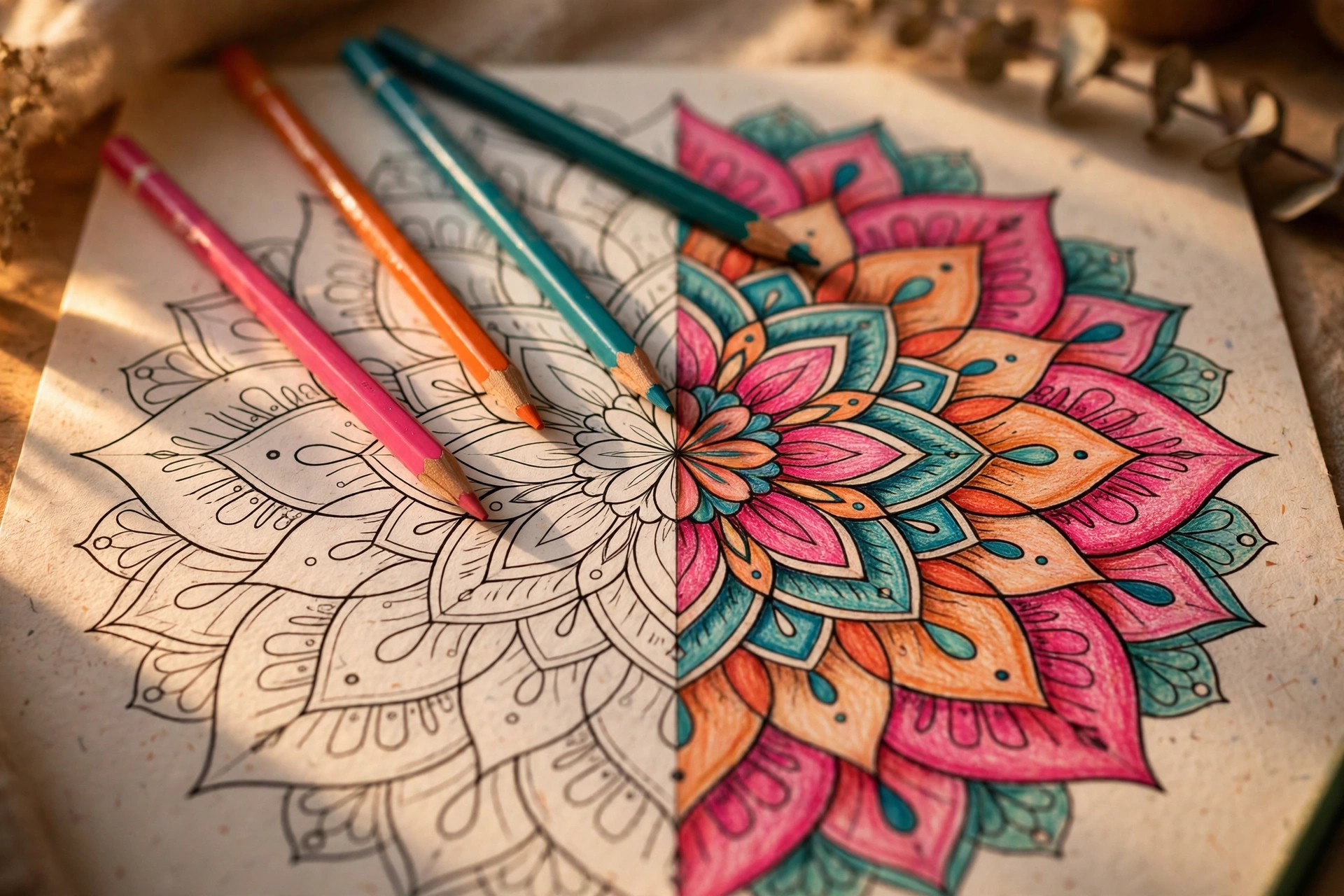
What to do: Deliver your book in the two formats home printers actually use: US Letter and A4, both at 300 DPI.
Exactly how: In Canva, build at 2550 × 3300 pixels (US Letter at 300 DPI) and duplicate the file at 2480 × 3508 pixels (A4). Export both as PDF Print, zip them together, and compress any oversized pages with a free tool like TinyPNG — most marketplaces cap uploads around 20–50 MB. Add a one-page “print settings” sheet to the zip: 100% scale, best quality, matte paper 200 gsm or heavier.
Example: A 40-page book typically lands at 30–45 MB zipped — comfortably inside Etsy and WooCommerce limits once compressed.
Pro tip: Name the zip files clearly: “Baby-Dinosaur-Colouring-Book-US-Letter.pdf” beats “final_v4.pdf” when buyers browse their downloads folder.
Step 5: Design a Cover That Does 80% of the Selling
What to do: Treat the cover as a sales page, not decoration. Buyers decide in three seconds, and the cover is the whole decision.
Exactly how: Show 4–6 of your best pages tilted behind the title like a fan, add a big bold title, a “50 pages” badge, and the age range or audience line. Mock the book up on a styled desk photo with coloured pencils — our printable wall art guide shows how mockups double click-through rates, and the same applies here.
Example: Study the top sellers: their covers show a page collage plus “50 Fun Pages” plus “Ages 4–8”. Nobody buys a cover that shows one lonely page.
Pro tip: A/B test two covers as Pinterest pins for a week before launch. Launch with the winner — the test costs nothing and the data is free.
Step 6: Price, List, and Launch
What to do: Price in the proven band, write a listing that answers every question, and launch with a small push.
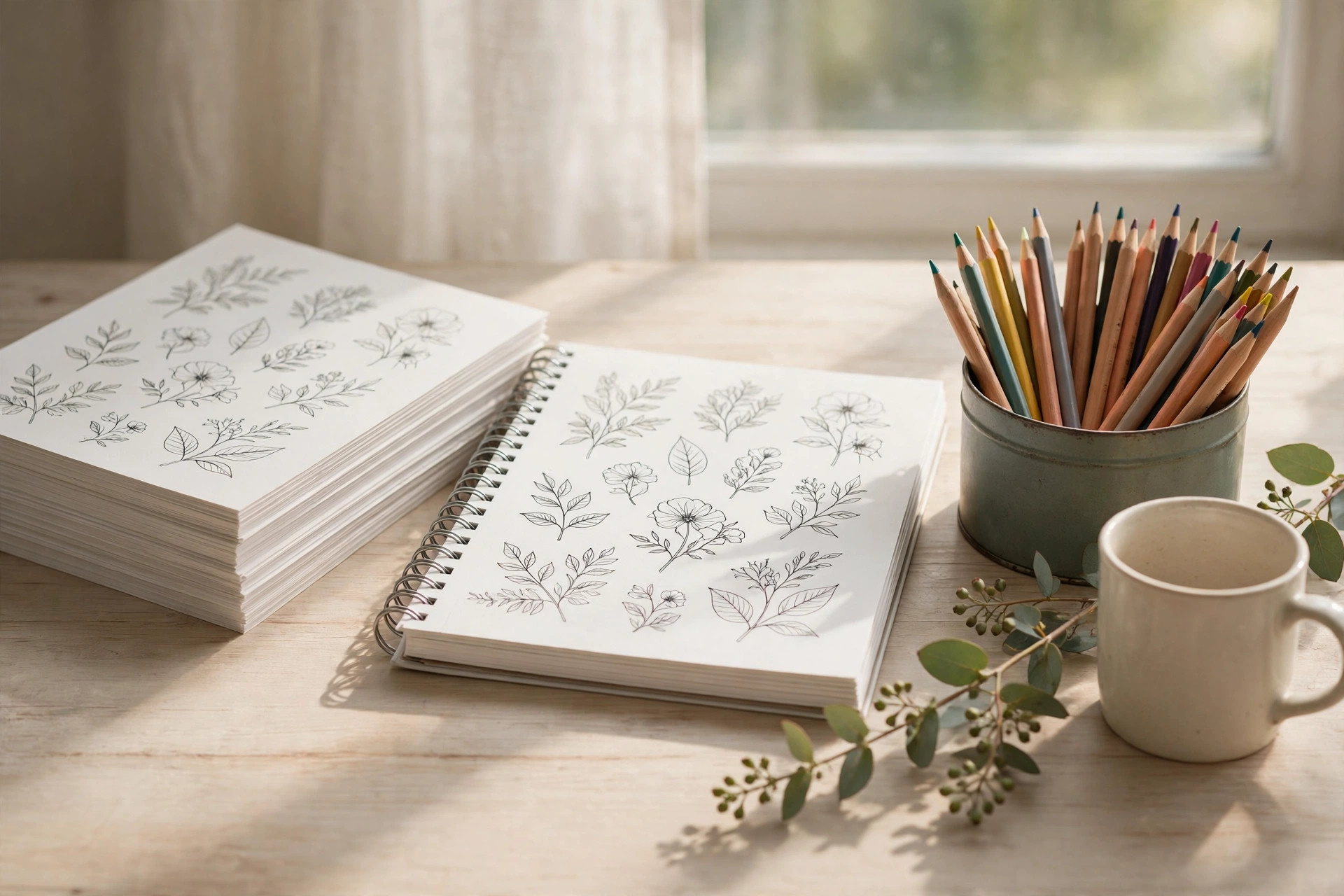
Exactly how: Benchmark five competitors in your niche and land in the $7–$12 band for a 30–50 page book. In your listing, open with the audience (“A 40-page baby dinosaur colouring book for toddlers ages 2–4”), list the exact files (US Letter PDF + A4 PDF + print guide), and use keyword-rich tags like “colouring book printable” and “dinosaur colouring pages pdf”. Launch with a 10% coupon for the first 48 hours to pull in early reviews.
Example: A 30-page book at $9 selling 25 copies a month brings in $225 from files you built once. The deluxe 50-page version at $14 often converts just as well.
Pro tip: Bundle the book with matching printables — a sticker pack or framed nursery art in the same theme — at a 25% bundle discount. Our guide to turning one design into ten products shows the exact system for multiplying a motif across products.
Common Mistakes to Avoid
- Hairline strokes that vanish in print. Anything under 8 px on a 3000-pixel canvas looks grey on paper. Design bold, test print, then ship.
- Publishing a 12-page “book”. It feels like a free sample. Thirty pages is the minimum that reads as a real book; fifty reads as a bargain.
- Repeating motifs with tiny tweaks. Buyers leave one-star reviews when they spot the same crab four times. Keep a used-motif list and honour it.
- Skipping the test print. Screens lie about line weight, margins, and greyscale. One home printout catches everything before your buyers do.
Quick Checklist
- Niche chosen: one buyer + one use case, validated on Etsy and Pinterest
- Line-art style locked with a one-page style guide
- 30–50 pages built from 4 rotating layout templates
- US Letter + A4 PDFs exported at 300 DPI, zipped under the upload limit
- Print-settings page included in the zip
- Cover with page collage, page-count badge, and audience line
- Styled mockup as the listing’s first image
- Priced $7–$12 against five competitors
- Listing opens with the audience and lists every file
- One test print done before publishing
One weekend, one repeatable system, and a PDF that keeps selling while you sleep. When you are ready to design pages faster, grab the Canva template bundles at Haseen Tools and start page one tonight.