





Digital Planner vs Paper Planner: Which Is Right for You?

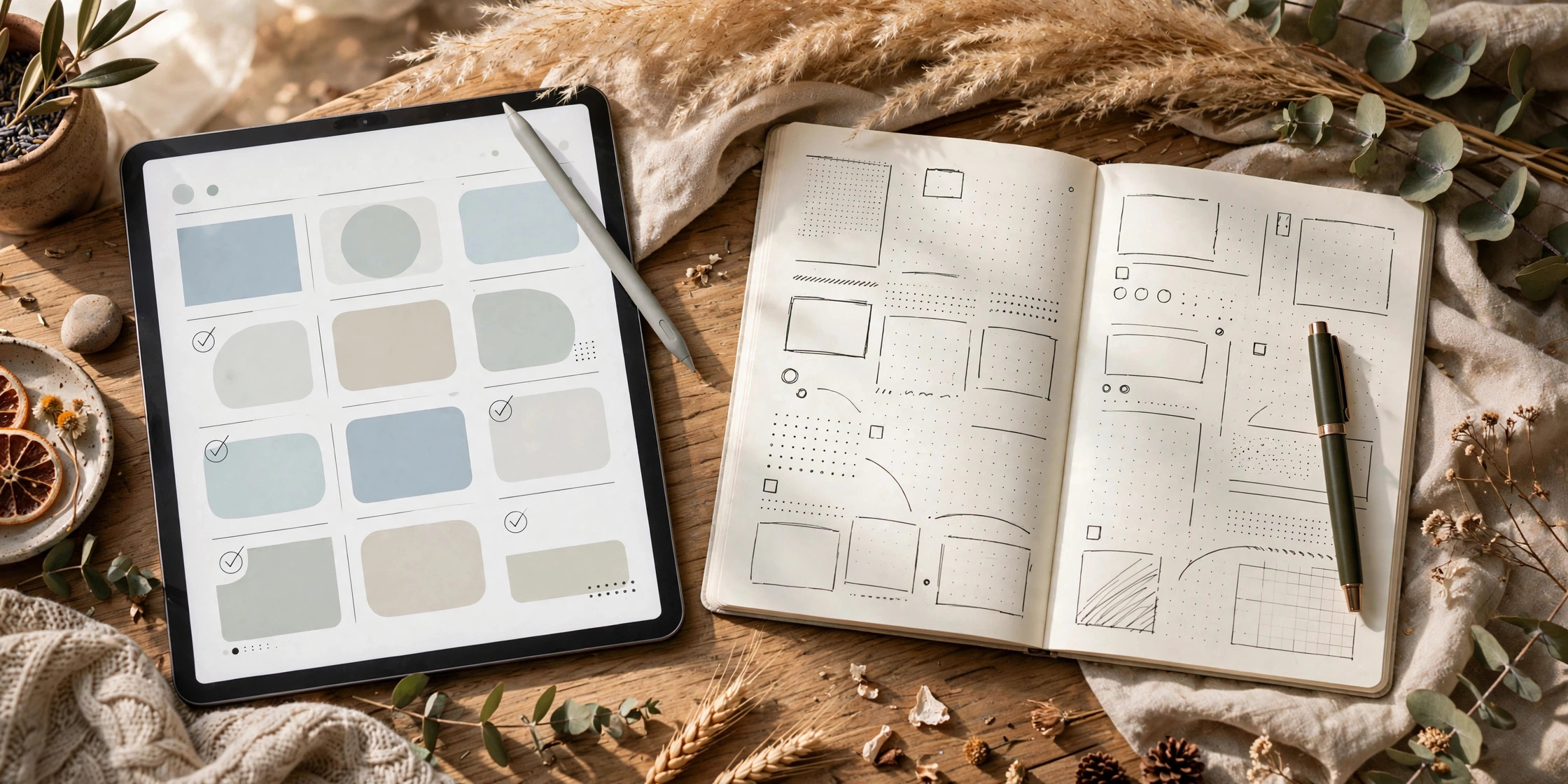
You’ve bought a paper planner three years in a row and abandoned it by February. Then you downloaded a digital planner, used it for a week, and forgot it existed. The problem isn’t you — it’s that you keep choosing a system without ever deciding how you actually plan.
By the end of this article you’ll have a decision you can stick with. Not theory — a score, a two-week test, and a commitment rule. Do the steps, pick one system, and stop switching.

Step 1: Write Down How You Actually Plan
WHAT: Before comparing anything, document your real planning behavior for the last 30 days — not the idealized version.
EXACTLY HOW: Grab a timer and spend 15 minutes writing honest answers to three questions: (1) Where did you record tasks and appointments last month — phone notes, sticky notes, memory, a half-used planner? (2) How many times did you re-check your plan each day? (3) Did you ever re-write a weekly spread, or did you just want a quick daily list?
EXAMPLE: A freelance designer realized she planned entirely in iPhone Reminders and WhatsApp messages to herself. That behavior screams “lives on a device” — paper would force a habit she doesn’t have.
PRO TIP: If your honest answer is “I don’t plan at all yet,” favor the system with the lowest friction — the device already in your hand.
Step 2: Score Digital Planning on the 5 Factors That Matter
WHAT: Rate digital planners (PDF templates used in GoodNotes, Notability, or Zenflip on a tablet with a stylus) on five criteria: cost, portability, customization, handwriting, and distraction risk. Score each 1-5.
EXACTLY HOW: Cost: a quality digital planner template is a one-time purchase of $5-$15 that you reuse forever, plus a tablet you likely already own — score 5 for long-term value. Portability: your entire year’s planners live in one 500-gram tablet — score 5. Customization: duplicate pages infinitely, drag-and-drop layouts, hyperlink tabs — score 5. Handwriting: writing on glass feels different; it takes 1-2 weeks to adapt — score 3. EXAMPLE: A $9 one-time GoodNotes planner replaces $15-$25 of paper planners every year — it pays for itself by month two of year one.
PRO TIP: Don’t factor in the tablet’s price — you already own it, or you were going to buy one anyway. If buying a tablet solely to plan, paper wins by default until the tablet exists.
Step 3: Score Paper Planning on the Same 5 Factors
WHAT: Rate a quality paper planner on the identical criteria so the comparison is fair.
EXACTLY HOW: Cost: a good paper planner runs $15-$40 annually, plus nice pens at $10-$30 — score 3 (recurring forever). Portability: one planner is easy to carry, but a multi-book system or desk planner isn’t — score 3. Customization: stickers, washi tape, and blank pages work, but you can’t duplicate a page or undo ink — score 3. Handwriting: pen on paper is the gold standard for memory retention and enjoyment — score 5. Distractions: paper has no notifications, full stop — score 5.
EXAMPLE: Total: 3 + 3 + 3 + 5 + 5 = 19/25. A paper user who refills a $24 planner each January plus $18 in pens spends ~$210 over five years — the same span a single $9 digital template covers.
PRO TIP: Score “enjoyment” honestly: people who love the physical act of writing stick with paper longer. If pretty stationery motivates you, that handwriting score quietly matters more than the other numbers.
Step 4: Run the 2-Week Head-to-Head Test
WHAT: Stop debating. Use each system for two weeks back-to-back and measure which one you actually open.
EXACTLY HOW: Weeks 1-2: buy or download a digital planner (a digital planner template works fine) and use it daily on your tablet. Weeks 3-4: switch to a paper planner you already own or a cheap $5 one. Track two metrics daily: (1) did you open it? (2) did you complete what was on it? Log these in your phone — 30 seconds a day.
EXAMPLE: A college student ran this test and found she opened the digital planner 13 of 14 days (it was on the iPad she carried to class anyway) versus 9 of 14 for paper (it stayed in her dorm on weekends). The device she already carried won — data beat her assumptions.
PRO TIP: Set a phone alarm at your usual planning time during both test windows. You’re testing the system, not your memory of opening it.
Step 5: Commit to One System for 90 Days
WHAT: Pick the winner from your test, buy the proper version of it, and ban yourself from switching for one quarter.
EXACTLY HOW: If digital won, invest in a planner you like and set it up properly: delete the test file, import the real one into GoodNotes, create your linked tabs, and archive the paper planner out of sight. If paper won, buy the good planner (not the $5 compromise), set up your first weekly spread this Sunday evening (takes ~30 minutes), and put your tablet’s planning apps in a folder you don’t see daily.
EXAMPLE: A project manager who scored digital higher committed by buying a $12 dated 2026 planner in GoodNotes, deleting every planning app shortcut from her home screen except that one, and running it through Q1. She kept it all year — her first unbroken planning year ever.
PRO TIP: The 90-day rule works because 30 days is long enough to adapt but short enough to quit if something is genuinely broken. Switching at day 12 because a new template looked prettier is the disease, not the cure. If you’re selling planners yourself, this same test-and-commit logic is why pricing digital products right matters — customers commit harder to things they’ve evaluated and paid for.
Common Mistakes to Avoid
- Choosing based on aesthetics instead of behavior — the beautiful A5 leather planner is worthless if you live on your phone and it stays on your desk.
- Buying the tablet just for planning — a $300+ device to replace a $20 planner fails the cost math unless the tablet serves five other purposes.
- Running two systems at once — “digital for work, paper for personal” doubles your review time and guarantees one system rots.
- Judging digital in 48 hours — writing on glass feels wrong for the first week; most people who quit on day three would have adapted by day ten.
Quick Checklist
- Document your real planning behavior before choosing anything.
- Score digital (typical ~20/25) and paper (typical ~19/25) on the same 5 criteria.
- Digital wins on cost, portability, and customization; paper wins on handwriting feel and zero distractions.
- Run a 2-week head-to-head test tracking open rate and task completion.
- Commit to the winner for 90 days — no switching allowed.
The planner you’ll actually stick with is the one that fits the life you already live, not the one you wish you had. If you carry a tablet everywhere, digital is your answer — and haseentools.com has digital planner templates ready for GoodNotes and similar apps, so you can start your 2-week test today instead of spending another February on an abandoned system.
One thought on “Digital Planner vs Paper Planner: Which Is Right for You?”