





How to Create and Sell Printable Wall Art: A Step-by-Step Guide for Beginners

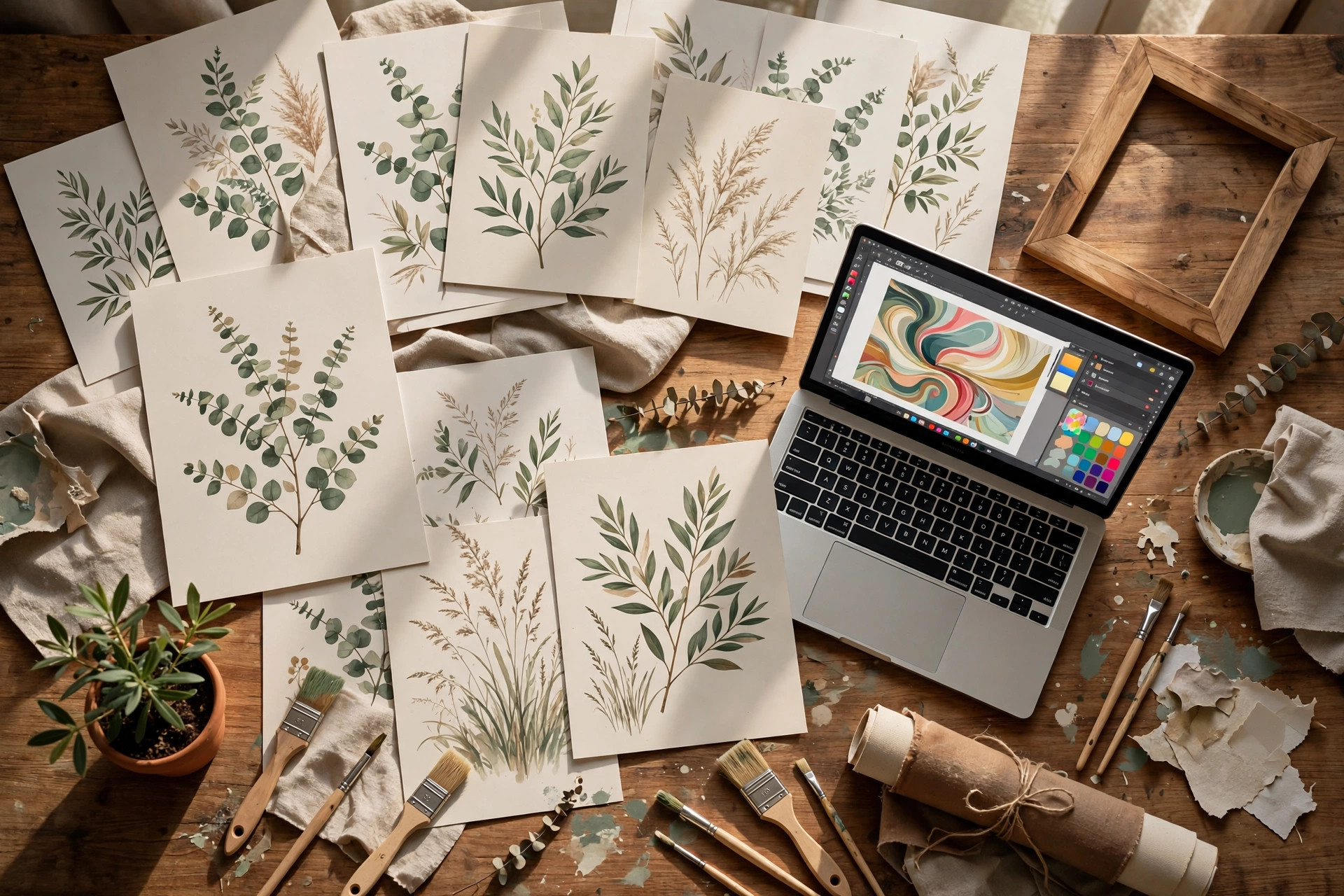
Your wall art doesn’t need a gallery to sell — it needs a printer on the other side of the world. Printable wall art is one of the simplest digital products a beginner can create, and a single strong design can sell hundreds of times with zero inventory, zero shipping, and zero reprints. This guide walks you through the entire process, from the first sketch to the first sale.
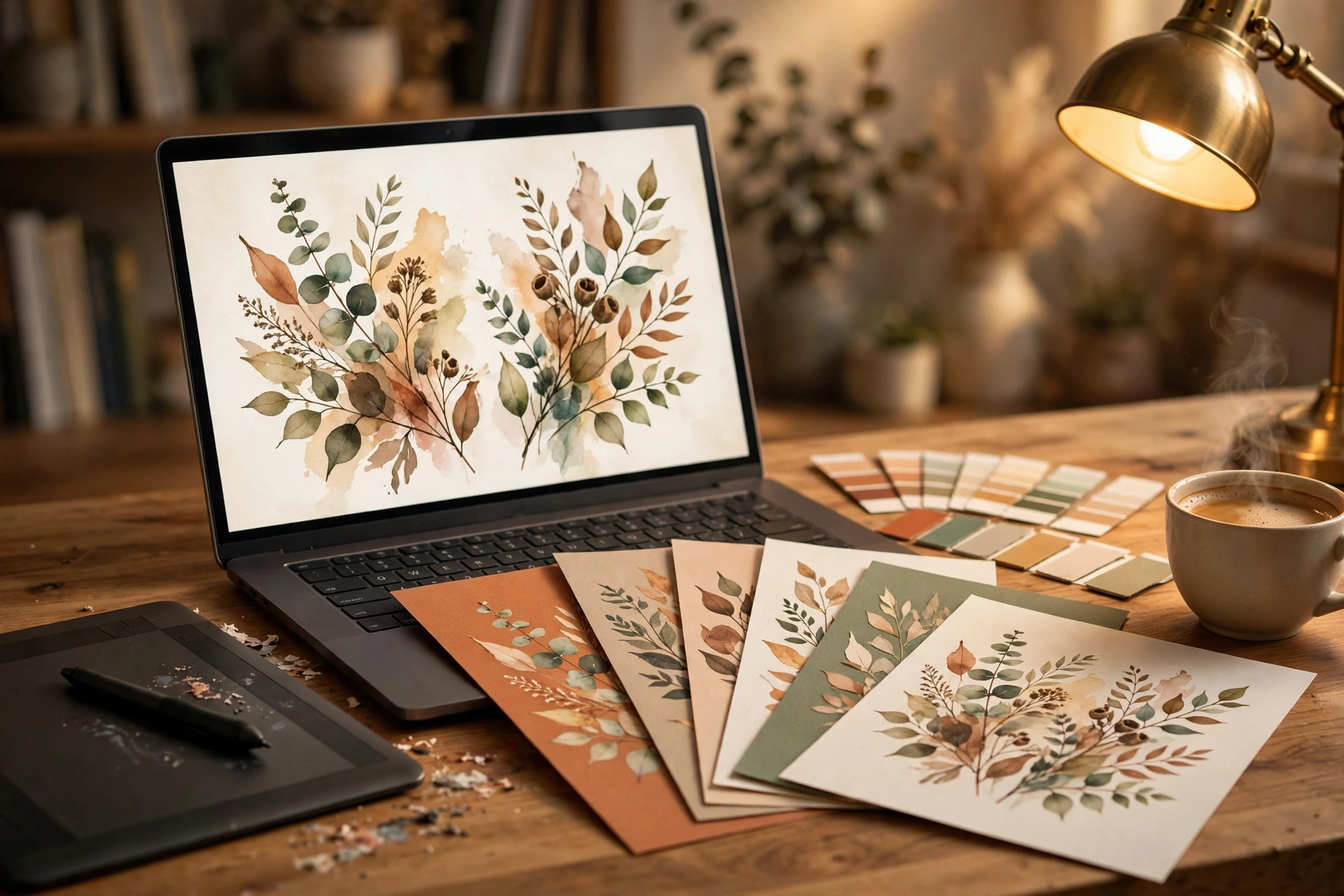
Step 1: Pick a Niche, Not Just a Style
What to do: Choose a specific buyer and room before you open any design tool. “Abstract art” is a crowd; “botanical prints for nursery walls” is a market you can actually win.
Exactly how: Open Etsy’s search bar and type “printable wall art,” then read the autocomplete suggestions — “nursery,” “office,” “kitchen,” “boho bedroom.” Pick one you can picture clearly. Then search that phrase plus “digital download” and study the top 20 results: note the colour palettes, the sizes offered, and the price points.
Concrete example: Instead of “minimalist art,” commit to “line-art botanical prints in sage green and beige for Scandinavian-style living rooms.” Now every design decision answers itself.
Pro tip: Check which niches have steady demand by searching the phrase on Pinterest and looking at save counts. High saves plus modest competition is the sweet spot for beginners.
Step 2: Design at the Right Size From the Start
What to do: Build every design at a print-ready size and resolution, so the file looks crisp on a 16×20-inch frame and still sharp on an 8×10.
Exactly how: In Canva (free plan works fine), create a custom-size design at 4800 × 6000 pixels — that’s an 8:10 ratio at 300 DPI, which covers the most popular print sizes (8×10, 11×14, 16×20). Stick to simple compositions: one focal element, generous white space, and a limited palette of two to four colours. Export a test copy and zoom to 100% on your screen — if edges look soft, rebuild at higher resolution before you go further.
Concrete example: A sage-green eucalyptus sprig centred on an off-white background, with the stems drawn from Canva’s free “line art” elements, takes under 40 minutes and prints beautifully at every listed size.
Pro tip: Offer your download in three standard ratios — 4:5, 3:4, and 2:3 — so buyers can print at any common frame size. One design, three files, triple the perceived value.
Step 3: Export Files Buyers Can Actually Print
What to do: Deliver high-resolution files in the two formats home printers and print shops handle best: PDF and JPG.
Exactly how: Export each ratio as a PDF Print file (this keeps vector elements sharp) and as a JPG at 300 DPI. Name files clearly — “Botanical-Wall-Art-4×5.pdf” beats “final_v3_USE_THIS.pdf” every time. Put all files in one tidy folder and zip it; most marketplaces cap uploads around 20–50 MB per file, so compress any JPG over 10 MB with a free tool like TinyPNG before zipping.
Concrete example: A three-ratio set typically comes to six files (3 PDFs + 3 JPGs) totalling 25–45 MB zipped — well within Etsy and WooCommerce upload limits.
Pro tip: Include a one-page “printing guide” PDF in the zip with recommended paper (matte photo paper, 200 gsm or heavier) and the frame sizes each ratio fits. Buyers rate shops higher when printing feels effortless.
Step 4: Mock It Up So Buyers Can See It on a Wall
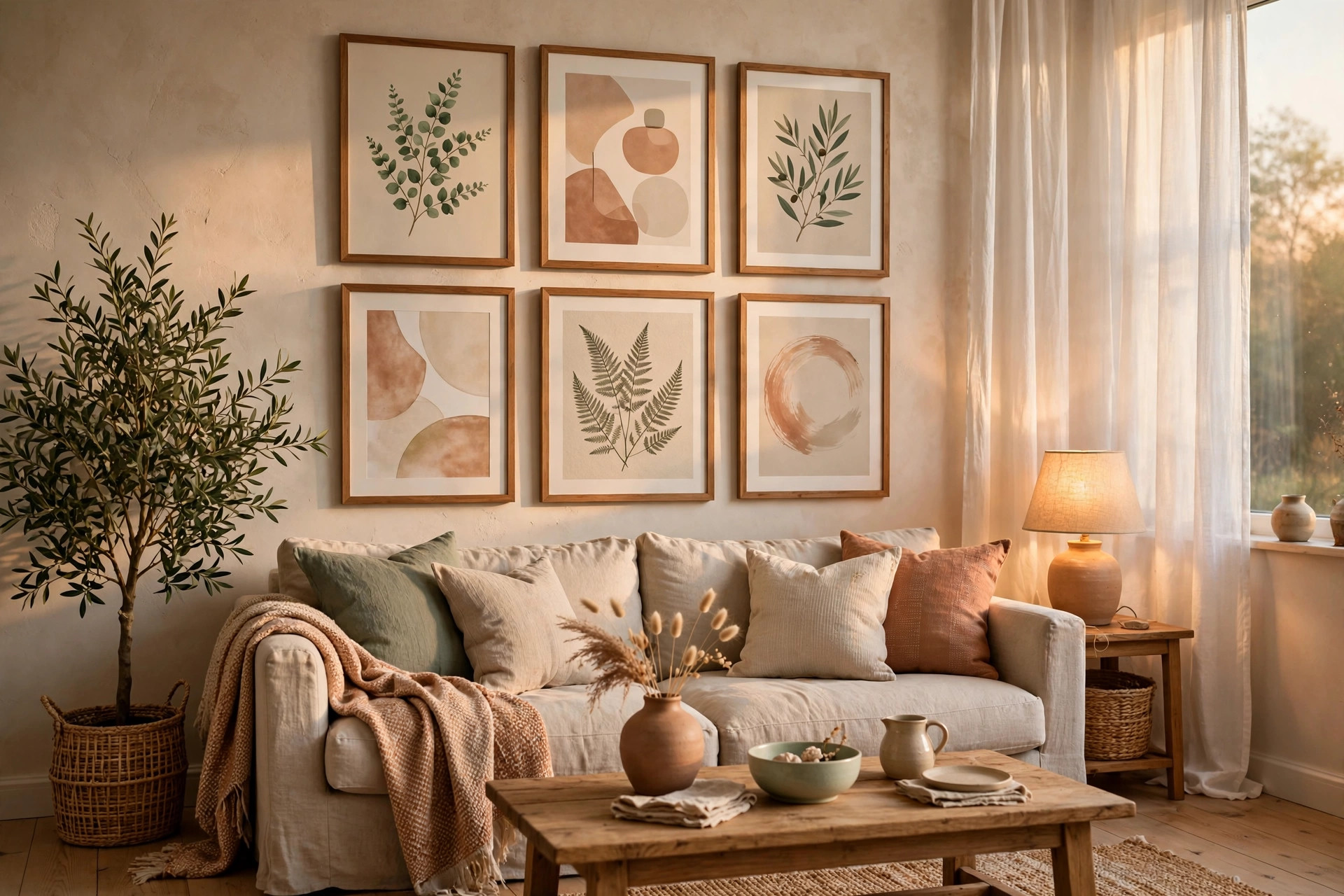
What to do: Show every design framed and hanging in a styled room. Mockups are the single biggest conversion lever for printable wall art.
Exactly how: Search Canva or a mockup site for “frame mockup” templates, drop your design into a living-room or nursery scene, and export three views: a close-up of the frame, a wide room shot, and a flat-lay of the print set. Use these as your listing images in that order.
Concrete example: Sellers who add room-scene mockups consistently report click-through rates double those of listings that show only the flat artwork file.
Pro tip: Keep your mockup rooms consistent with your niche — a nursery print in a nursery scene. Mismatched staging confuses buyers and costs sales.
Step 5: Write a Listing That Answers Every Question Before It’s Asked
What to do: Your description must kill the three fears every printable-art buyer has: “Will it look blurry?”, “How do I print it?”, and “What do I get?”
Exactly how: Open with one benefit line, then a bullet list: exactly which files and ratios are included, the DPI, that it’s an instant download (no physical item ships), and where to print it (home printer, local print shop, or online services like Staples or Vistaprint). Close with your licence terms in plain words.
Concrete example: “You get 6 high-resolution files (3 ratios × PDF + JPG, 300 DPI) — print at home or at any print shop, frame, and hang. No physical item will be shipped.”
Pro tip: Add the phrase “instant download” to your title itself. It’s one of the most-searched modifiers in this category.
Step 6: Price for Volume, Not Vanity
What to do: Printable wall art is a volume game. Price low enough to convert on impulse, high enough to respect your work.
Exactly how: Start at $4–$8 per design for a single print, $12–$18 for a set of three or more. List at least 10–15 designs before judging performance — shops with under 10 listings rarely get meaningful traffic. Once a design has 20+ sales, test a 20% price increase; bestselling prints often sell just as well at the higher price.
Concrete example: A nursery set of 3 prints at $14.99 selling 30 times a month brings in $450 from files you made once.
Pro tip: Bundle slow sellers with a bestseller as a “complete room set” at a 25% discount versus buying separately. Bundles lift average order value without extra design work.
Step 7: Deliver Instantly and Follow Up for Reviews
What to do: Set up automatic delivery so buyers get their files the second they pay, then follow up once for a review.
Exactly how: On your own website, use your store’s digital-download delivery (WooCommerce handles this natively); on Etsy, attach the zip at listing time so delivery is automatic. A week after purchase, send one short message: “Hope your print looks great on the wall! A quick review helps my small shop enormously.” Never offer discounts in exchange for reviews — that violates most marketplace policies.
Concrete example: Shops that send a single polite follow-up typically see review rates climb from under 5% to 15–20%, and reviews are the fuel for search ranking.
Pro tip: Add a thank-you note inside the zip file itself with your shop link and a 10% coupon for the buyer’s next purchase. Repeat buyers are the cheapest growth you’ll ever get.
Common Mistakes to Avoid
- Exporting at 72 DPI. Screen resolution looks fine on your monitor and pixelated on paper. Always design and export at 300 DPI.
- Copying trending designs. “Inspired by” a bestseller is still infringement if the artwork is recognisably theirs. Build from your own compositions.
- Listing with no mockups. Flat artwork files don’t sell the dream; framed room scenes do.
- Forgetting the licence. State clearly whether buyers may print for personal use only. Commercial-use ambiguity causes disputes and refund requests.
Quick Checklist
- Niche chosen (specific buyer + room)
- Designed at 4800px+ on the short edge, 300 DPI
- Three ratios exported as PDF + JPG
- Files named clearly and zipped under the upload limit
- Printing guide PDF included
- Three mockup views created (close-up, room, flat-lay)
- Listing answers “what do I get?” and “how do I print it?”
- Priced $4–$8 single / $12–$18 set
- Instant delivery tested with a test purchase
- Thank-you note + coupon inside the zip
One good printable design, made once, can hang on a thousand walls — and every one of those sales started with the steps above. If you want a head start on the design side, browse Haseen Tools’ Canva template bundles for ready-made layouts you can adapt to your niche, and pair them with our digital planner sets to build a coordinated shop collection that buyers love to bundle.
One thought on “How to Create and Sell Printable Wall Art: A Step-by-Step Guide for Beginners”