





From Hobby to Income: How to Turn Your Designs Into Products That Sell

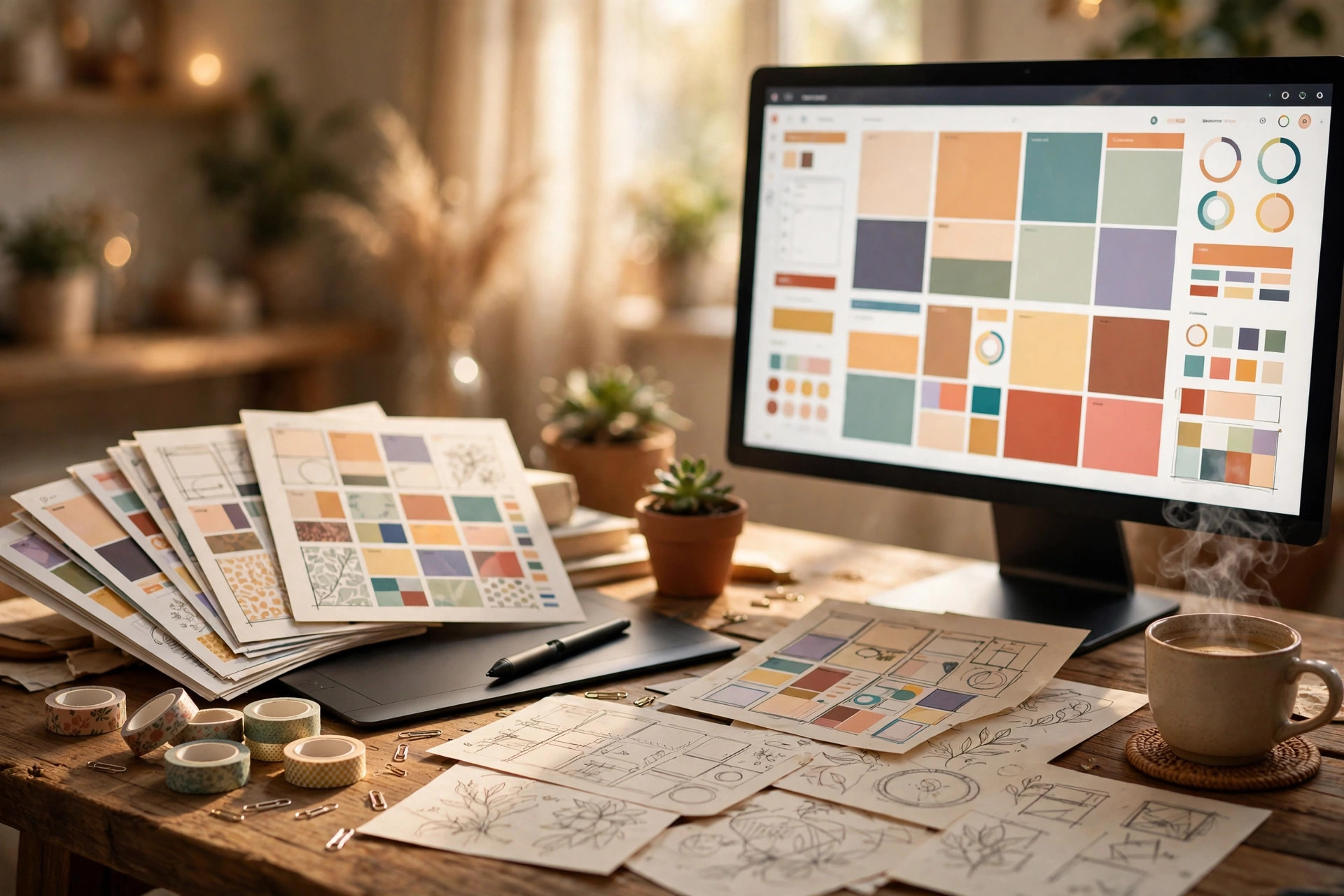
You have a folder full of designs that earn exactly nothing — while strangers sell simpler work every day. The gap is not talent; it is a process. Here is how to turn your designs into digital products that actually sell.
Step 1: Pick one buyer, not one style
What to do: Choose a specific buyer your first products will serve — not “people who like design” but “fitness coaches who post daily on Instagram”.
Exactly how: Search Pinterest and Etsy for those problems and note where demand is strong but quality is thin.
Example: “I help busy moms plan weekly meals with printable planning kits.” A quick Etsy search shows thousands of meal planners — but almost none for picky-eater households, a gap you can own.
Pro tip: Boring niches pay better. Wedding stationery outsells abstract art prints because the buyer has a deadline and a budget, not just admiration.
Step 2: Decide which product type fits your skill
What to do: Match your existing design ability to a product category with proven demand: Canva templates, printable planners, wall art, clipart bundles, social media templates, mockups, or digital stickers.
Exactly how: Score yourself honestly: Can I make 20 variations without getting bored? Do I already own the tools (Canva, Illustrator, Procreate)? Can I explain in one line why mine beats the free options? Pick the category with three yeses.
Example: Fluent in Canva but slow in Photoshop? Skip photo mockups. Launch a 30-template “Instagram carousel pack for real-estate agents” — editable Canva share link plus a PDF instruction sheet.
Pro tip: Start with one product type, not five. Twelve great planner products outsell 40 scattered items in nine categories.
Step 3: Build your first product in one sitting
What to do: Build a single, complete, genuinely useful product — 15-20 pieces of content inside — and finish it this week.
Exactly how: Open your tool, set a timer for four focused hours, and build this skeleton: a cover page, a “how to use” page, the main content (at least 15 pages or templates), and a final page with your shop name and store link. Export printables at 300 DPI; save Canva work as an editable link plus a PDF.
Example: A “30-day social media content calendar” = cover, instructions, 30 dated content pages with prompts and caption starters, and a closing thank-you page.
Pro tip: Your first product will embarrass you in six months — shipped products teach you what buyers want; drafts teach you nothing.
Step 4: Photograph it like it is already famous
What to do: Create 5-8 preview images that show your product in use, not just as flat files.
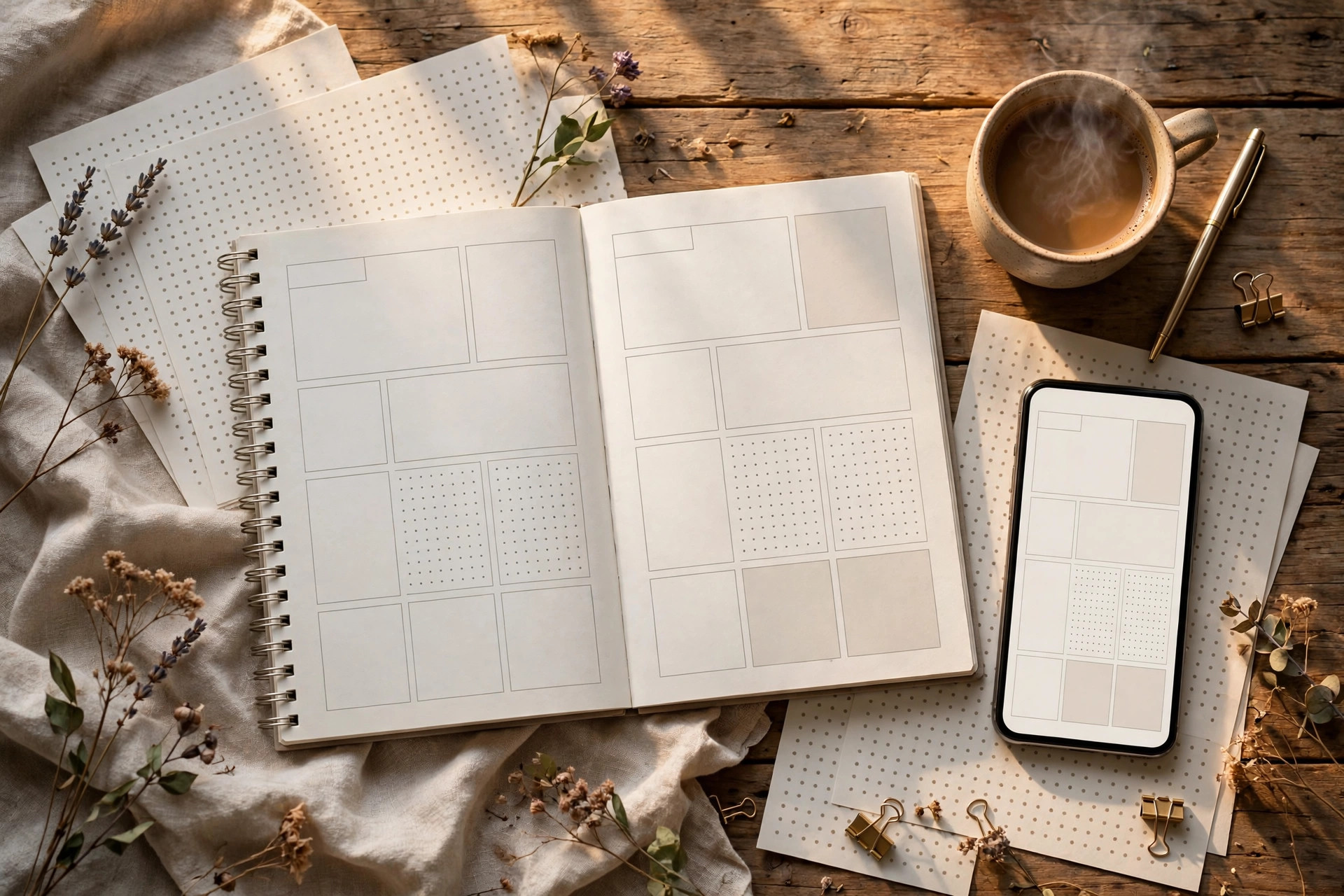
Exactly how: Use free mockup sites (Smartmockups, Placeit’s free tier) or photograph a printed copy on your desk in warm window light. Show: the full set laid out, one close-up detail, the product in a real context, and one “what’s inside” flat-lay. Keep every image bright, sharp, and 2000px on the long edge.
Example: For a printable planner, print one copy at a local shop for a few dollars, photograph it next to a coffee cup and pen — buyers suddenly believe it is worth $12 instead of $4.
Pro tip: Put your strongest shot — product in context, not the cover page — as the thumbnail.
Step 5: Price for profit, not for fear
What to do: Set a price that respects your time: most digital templates sell for $5-$25, premium bundles for $25-$60.
Exactly how: Calculate: (hours spent × your target hourly rate ÷ expected year-one sales) + platform fees. If the math gives $3, raise the scope — more pages, more templates, more bonuses — until the price makes sense. Never price under $5; bargain prices attract refund-happy buyers, not fans. If you want a deeper walkthrough of the numbers, read our guide to pricing your digital products for maximum profit.
Example: A 40-page planner took 8 hours at a $20/hour target = $160. Expect 30 sales in year one, so the base is about $5.30 — list at $14 and fees plus future discounts still leave real margin.
Pro tip: Launch at full price, then run a 20% opening sale — discounts feel real only when the original price was real.
Step 6: List it where buyers already shop
What to do: Put your first product live on one marketplace AND consider your own store for the long term.
Exactly how: Marketplaces like Etsy bring built-in traffic but take roughly 10-15% in combined fees. Your own store (a WooCommerce shop like HaseenTools) keeps nearly all the revenue and lets you build an email list. Start where traffic is, but plan the move: every marketplace sale should invite the buyer to your own store next time with a discount code in the download file.
Example: List the planner on Etsy at $14 this week. Next month, list it on your own store at $12 with a bonus page only store buyers get.
Pro tip: Your download file is free advertising. Include a page saying “Get 20% off your next purchase at [your store]” — it converts one-time buyers into repeat customers.

Step 7: Get your first 10 buyers with proof, not ads
What to do: Earn your first reviews before spending a cent on advertising.
Exactly how: Give the product free to 10 people in your niche (Facebook groups, Reddit communities, your followers) in exchange for honest feedback and a review. Fix every complaint before you call it finished — ten genuine reviews move a listing more than any ad budget.
Example: Post in a teachers’ group: “Free worksheet pack for the first 10 teachers who tell me honestly what to improve.” The slots fill in an hour.
Pro tip: Ask reviewers: “What almost stopped you?” Their answers become your FAQ.
Common mistakes to avoid
- Selling before niche-picking: A “pretty designs” shop competes with the entire internet. A “planners for night-shift nurses” shop competes with almost nobody.
- Endless polishing: Shipping versions one, two, and three teaches you more from real buyers than three weeks of polishing version one.
- Pricing from insecurity: If you would not buy it at your price, fix the product, not the price.
- Ignoring the boring work: Mockups, keywords, descriptions, and file naming decide sales more than the design itself.
Quick checklist
- One specific buyer chosen and written down
- One product type matched to your skills
- First product finished: 15-20+ pieces, 300 DPI exports
- 5-8 preview images, strongest shot as thumbnail
- Price set with real math, never under $5
- Listed on one marketplace, own store planned
- 10 free copies out, feedback applied, reviews collected
You already did the hard part — learning to design. Now give those designs a job: pick your buyer tonight, build the product this week, and list it before the month ends. And when you want to study how a working store presents its goods, browse the template and planner collections at HaseenTools.
One thought on “From Hobby to Income: How to Turn Your Designs Into Products That Sell”