





How to Create a Brand Kit for Your Small Business (No Designer Required)

Your brand is more than a logo — it’s the feeling people get when they land on your shop. And feelings become trust only when they’re consistent: same colours, same fonts, same style, everywhere.
A brand kit is that consistency written down on one page. Here is how to build one from scratch in about two hours — no designer required, no design degree needed.
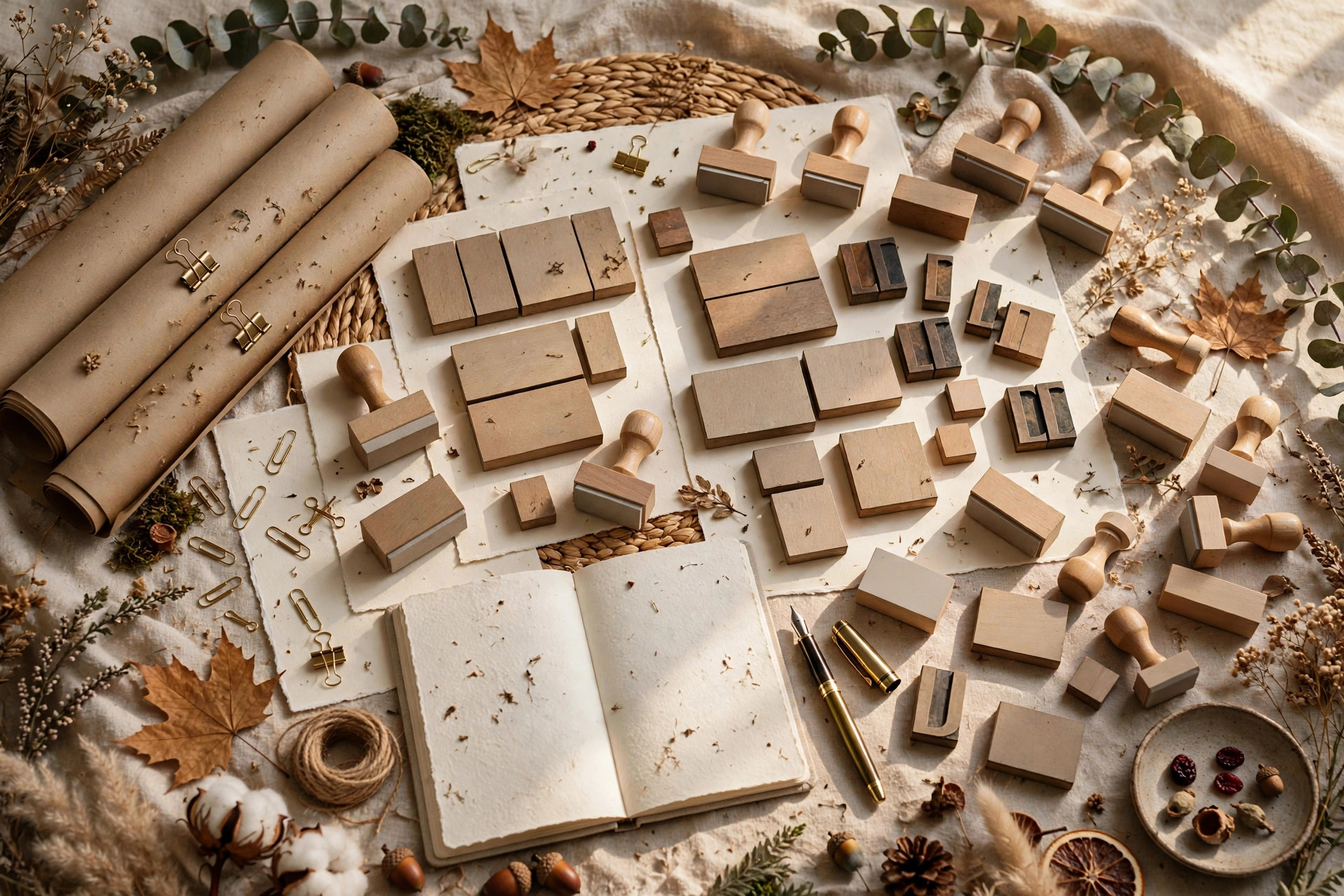
Step 1: Pick Three Core Colours (and Write Down the Hex Codes)
What to do: Choose one primary, one secondary, and one neutral colour.
Exactly how: Your primary is your brand’s personality — the colour people will recognise, like the orange on a delivery box. Your secondary supports it on headings, buttons, and highlights. Your neutral (warm grey, cream, or soft black) keeps everything readable. If combining colours feels hard, use a free palette generator like Coolors.co, then test the trio on a product cover and a social post before committing. Write down the exact hex codes — never eyeball colours twice.
Example: A candle shop picks terracotta #C67B5C as primary, deep forest #2F4A3C as secondary, and warm cream #F7F2EA as neutral. Every product label, Instagram post, and packing slip uses only these three — and customers start recognising the brand before reading the name.
Pro tip: Check contrast with a free WCAG contrast checker: your text colour on your background must pass. Pretty but unreadable is a failed brand.
Step 2: Choose Two Fonts and Stick to Them
What to do: One font for headings, one for body text. That’s the whole system.
Exactly how: Pair a distinctive heading font (a bold serif or a characterful display face) with a highly readable body font (a clean sans-serif). Test both at small sizes — product titles appear in search results and thumbnails, so your heading font must survive at 14px. Record the exact font names and weights. Then the rule is absolute: headings always use the heading font, everything else uses the body font.
Example: A stationery brand pairs Playfair Display Bold for headings with Inter Regular for body. The combination takes ten minutes to choose in Google Fonts and instantly makes their Etsy shop look like it hired an agency.
Pro tip: Use free, widely available fonts such as Google Fonts. A gorgeous font your printer or developer doesn’t have gets substituted — and substitutions destroy consistency.
Step 3: Define Your Visual Style in Three Rules
What to do: Write down how your images and graphics should look, as concrete rules.
Exactly how: First pick a mood in two words: “minimal and airy,” “warm and handmade,” “bold and modern.” Then write three rules that create it — for example: “use soft natural light in all mockups,” “keep backgrounds uncluttered,” “apply the same warm filter to every photo.” Vague taste becomes a checklist anyone — including a future assistant — can follow.
Example: A soap brand’s rules: (1) all product shots on raw linen, (2) morning window light only, (3) no pure-white backgrounds. Six months later their feed looks like one continuous photoshoot, shot across twenty different mornings.
Pro tip: Save one “golden example” photo that nails your style. When in doubt, hold new images next to it — match or reshoot.
Step 4: Design a Simple Logo (Simple Wins)
What to do: Create a clean wordmark — your business name in your heading font, possibly with one small icon.
Exactly how: With colours and fonts already fixed, the logo nearly designs itself. Set your name in the heading font, apply the primary colour, and add a minimal icon only if it adds meaning. Test legibility at 32 pixels — your profile picture, favicon, and thumbnail watermark all live at tiny sizes. If you can’t read it small, simplify further. A Canva logo template is a practical starting point: pick a minimal layout, apply your brand colours and fonts, strip anything decorative.
Example: A printables seller’s logo is just her shop name in a bold serif, terracotta coloured, with a tiny paper-plane icon. It reads perfectly as a 98px Etsy avatar and as a footer on an A4 planner — one design, every size.
Pro tip: Make three versions now: full colour, all-white, and all-black. You’ll need each one within your first month.
Step 5: Assemble Everything on One Page
What to do: Build your one-page brand kit and save it as a PDF.
Exactly how: On a single page, include: your logo (with a note on minimum size and clear space), your three colours with hex codes, your two fonts with usage rules, your three visual-style rules, and two or three do-and-don’t examples showing right versus wrong usage. Lay it out cleanly in Canva or Google Slides, export as PDF, and store it where you’ll actually open it. This page becomes your quality control: before any product cover, post, or banner goes live, compare it against the kit.
Example: Before launching a new printable line, the seller holds each cover against the kit: one cover uses a fourth colour — caught and fixed in two minutes. Without the kit, the off-brand cover ships and dilutes six months of consistency.
Pro tip: Review the kit every six months. Businesses evolve — updating a font or refreshing a secondary colour is normal. Just update the one page and apply it everywhere.
Common Mistakes to Avoid
- Picking six colours “because they’re all pretty.” Three colours, used relentlessly, beat six used randomly. Restraint is the brand.
- Choosing a trendy font nobody can read. If customers squint at your headings, the font failed no matter how stylish it looks.
- A logo with five elements. Name plus one icon, maximum. Everything else is decoration that dies at small sizes.
- Keeping the kit in your head. A brand kit nobody can open doesn’t exist. One page, saved as PDF, where you’ll actually use it.
Quick Checklist: Your Brand Kit in Two Hours
- Three colours chosen, hex codes written down, contrast checked.
- Two fonts chosen, tested at 14px, names recorded.
- Three visual-style rules written, golden example photo saved.
- Simple wordmark logo, legible at 32px, in three colour versions.
- One-page kit assembled, exported as PDF, stored within reach.
Two hours of decisions today buys you years of consistency — and consistency is what turns browsers into buyers who recognise your products on sight. Start simple, stay consistent, and your brand does the heavy lifting.
2 thoughts on “How to Create a Brand Kit for Your Small Business (No Designer Required)”