





Digital Product Bundles: How to Raise Your Average Order Value


Every visitor who buys one $12 product and leaves is money left on the table. The buyer was willing to spend — your shop just didn’t give them a reason to spend more. Digital product bundles fix that: one well-built bundle can lift your average order value from $12 to $29 without a single extra visitor. Here is the exact five-step system to build bundles that sell.
Step 1: Pick a bundle theme that solves one outcome
A bundle is not a random grab bag. It is 3 to 6 products grouped around a single outcome the buyer wants — a finished wedding plan, a week of social media posts, a complete classroom term.
Exactly how: Open a blank document and list every product you sell. Circle the ones a single customer would use together in one project. Then give the bundle a name that states the outcome, not the file types: “Wedding Planning Bundle”, not “4 PDFs + 2 Spreadsheets”. Aim for 3 to 5 products in your first bundle — enough to feel generous, focused enough to stay clear.
Example: A seller offers a budget planner ($14), wedding invitation templates ($12), a guest-list spreadsheet ($9), and a seating-chart template ($11). Sold separately: $46. As the “Complete Wedding Planning Bundle” at $27, it becomes the obvious choice for any engaged couple.
Pro tip: Theme bundles around moments and seasons — “Back-to-School Teacher Bundle”, “New Year Goal-Setting Bundle”. The time pressure is built in, and buyers feel the relevance instantly.
Step 2: Price the bundle so the discount feels real
The bundle must be an obvious deal. Price it 30 to 50 percent below the combined price of the individual products — and show the maths on the page.
Exactly how: Add up the individual prices. Multiply the total by 0.6 (a 40% discount) and round to a clean number — $27, not $27.60. If you are still finding your footing with pricing, read our guide on how to price your digital products first, then apply the discount band. Display the deal as “$46 value — today $27 (save $19)”. The strikethrough number is doing the selling.
Example: The wedding bundle totals $46. Forty percent off gives $27.60, rounded to $27. That is $19 saved — a number big enough to feel, small enough to protect your margin.
Pro tip: Never discount below 30%. A 10 to 15 percent bundle discount feels like a rounding error, and it trains buyers to wait for “real” sales instead of buying now.

Step 3: Design a mockup that shows everything inside your digital product bundle
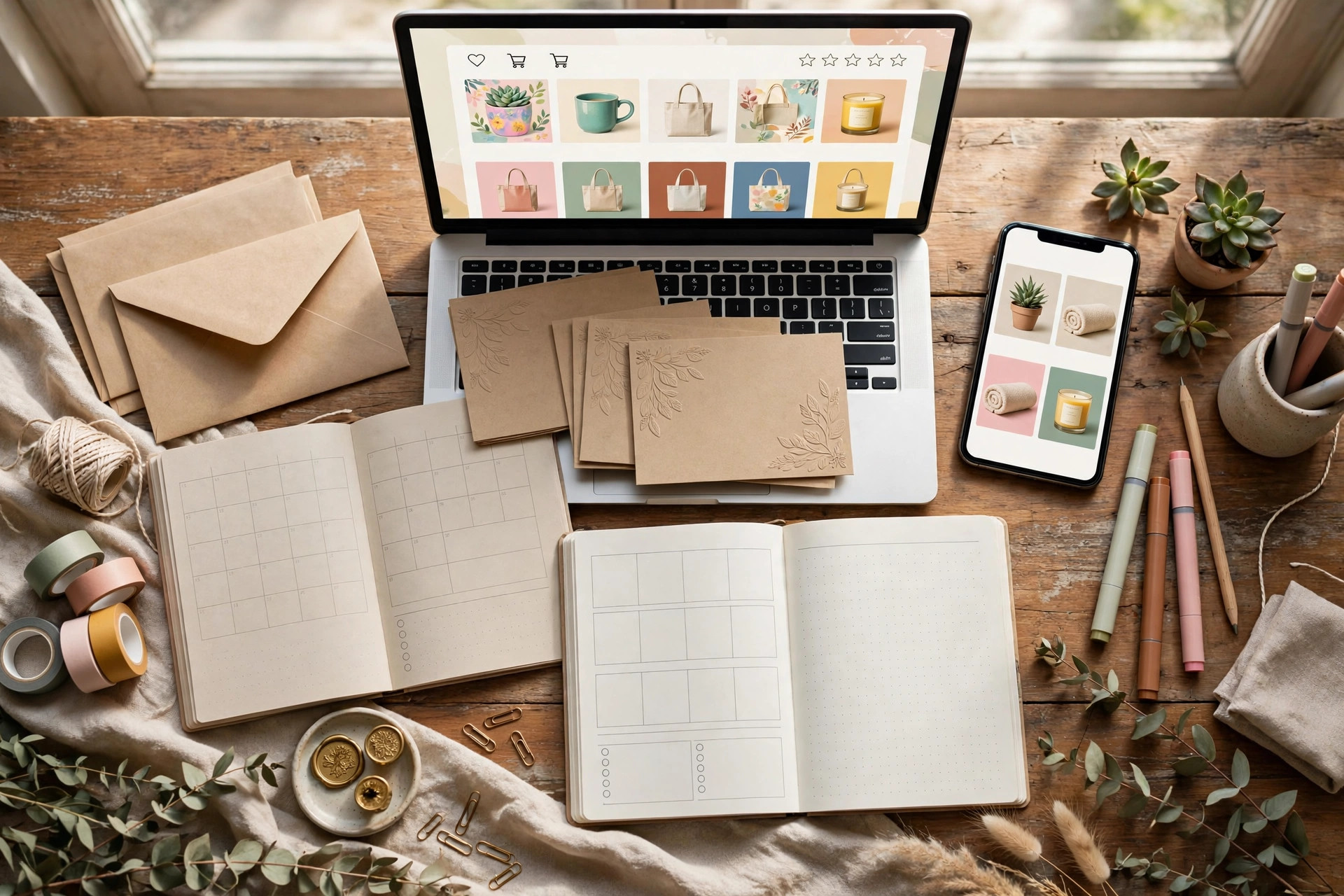
Buyers cannot touch a digital product, so the hero image has to do the touching. One composite mockup that shows every item in the bundle beats ten paragraphs of description.
Exactly how: Build a single 2000×1200 px canvas in Canva. Place each product’s mockup on it at a slight angle, overlapping like a fanned deck of cards. Keep one consistent background colour across the whole image so it reads as one product, not a collage. Add a short numbered list beside the visuals naming each item. For the layout techniques that make mockups convert, see our guide on mockups that sell digital products.
Example: A “40 Social Media Templates Bundle” hero image fans out six template previews in brand colours, with a list beside them: “1. 40 Instagram post templates · 2. Story templates · 3. Caption prompts”. The buyer counts what they get before reading a single word.
Pro tip: Include one “flat lay” style shot — the products arranged like an unboxing photo. Buyers unconsciously count items, and more visible items means more perceived value.
Step 4: Write a product page that sells the outcome, not the file list
Nobody wakes up wanting a PDF. They want a planned wedding, a week’s worth of posts, an organised school term. Write the page for the outcome.
Exactly how: Use this skeleton: (1) headline = outcome + what’s inside — “The Complete Wedding Planning Bundle: 4 Templates, 1 Download”; (2) a 3-line “who this is for” paragraph; (3) a “What’s inside” bullet list naming each item WITH its format and page count; (4) a short FAQ answering “How do I receive the files?” and “Can I edit these?” — the two questions that block most digital purchases.
Example: “What’s inside: 12-page wedding budget planner (PDF, printable A4 + US Letter) · 40 invitation templates (editable Canva link) · Guest list tracker (Excel + Google Sheets) · Seating chart template (Canva + PDF).”
Pro tip: Put the format in every bullet. “Editable Canva link” removes the fear of being stuck with a file they cannot change — and fear is what kills checkouts.
Step 5: Promote the bundle with a deadline and a cross-sell
A bundle sitting quietly in your shop earns quietly. Give it a launch week and link it from everywhere.
Exactly how: Launch with a 7-day intro price ($24 for 7 days, then $27 permanently). Add a “Complete the bundle” link at the bottom of each related single-product page pointing to the bundle. Send one email to your list on day 1 and one “48 hours left” email on day 6.
Example: Launch email subject line: “The Wedding Bundle is here — $24 this week only”. On the invitation-template product page, add: “Buying these? Get all 4 wedding templates for $27 instead of $46.” That single line converts buyers who were already spending.
Pro tip: Rotate one seasonal bundle per quarter — “Holiday Seller Bundle”, “Summer Classroom Bundle”. Seasonal bundles routinely outperform evergreen ones because the deadline is real, not invented.
Common mistakes to avoid
- The random grab bag. Ten unrelated templates at 50% off is not a bundle, it is a clearance bin. No theme, no sale.
- The shy discount. 10 to 15 percent off moves nobody. If you cannot afford 30% off, your single-product prices are too low — fix those first.
- The monster bundle. Fifteen or more items creates decision fatigue. Three to six focused items convert better and are far easier to support.
- The eternal launch price. If the “intro price” never ends, buyers learn there is no urgency. Raise it on day 8 and mean it.
Quick checklist
- 3 to 5 products, one clear outcome, named for the outcome
- Bundle priced 30–50% below combined price, with the value maths shown
- Hero mockup showing every item inside
- Product page: outcome headline, contents list with formats, two-question FAQ
- 7-day launch price with a real end date
- “Complete the bundle” cross-sell links on related product pages
One good bundle can do the revenue work of three single products — and it takes an afternoon to build. Start with the three products your buyers already buy together, and browse the bundles in our shop to study the formula in action.
One thought on “Digital Product Bundles: How to Raise Your Average Order Value”