How to Create and Sell a Printable Wedding Budget Planner in Canva: A Step-by-Step Guide

A couple books a venue for $8,000, then discovers the photographer costs $3,500, the flowers $2,000, and the cake another $900 — and none of it was in the original plan. That slow leak is why weddings run over budget, and it is why a printable wedding budget planner to sell is such a strong first product: every engaged couple needs one, and most of them are searching for it weeks after the proposal. This guide shows you how to create and sell one in Canva, in six practical steps.
What Is a Printable Wedding Budget Planner?
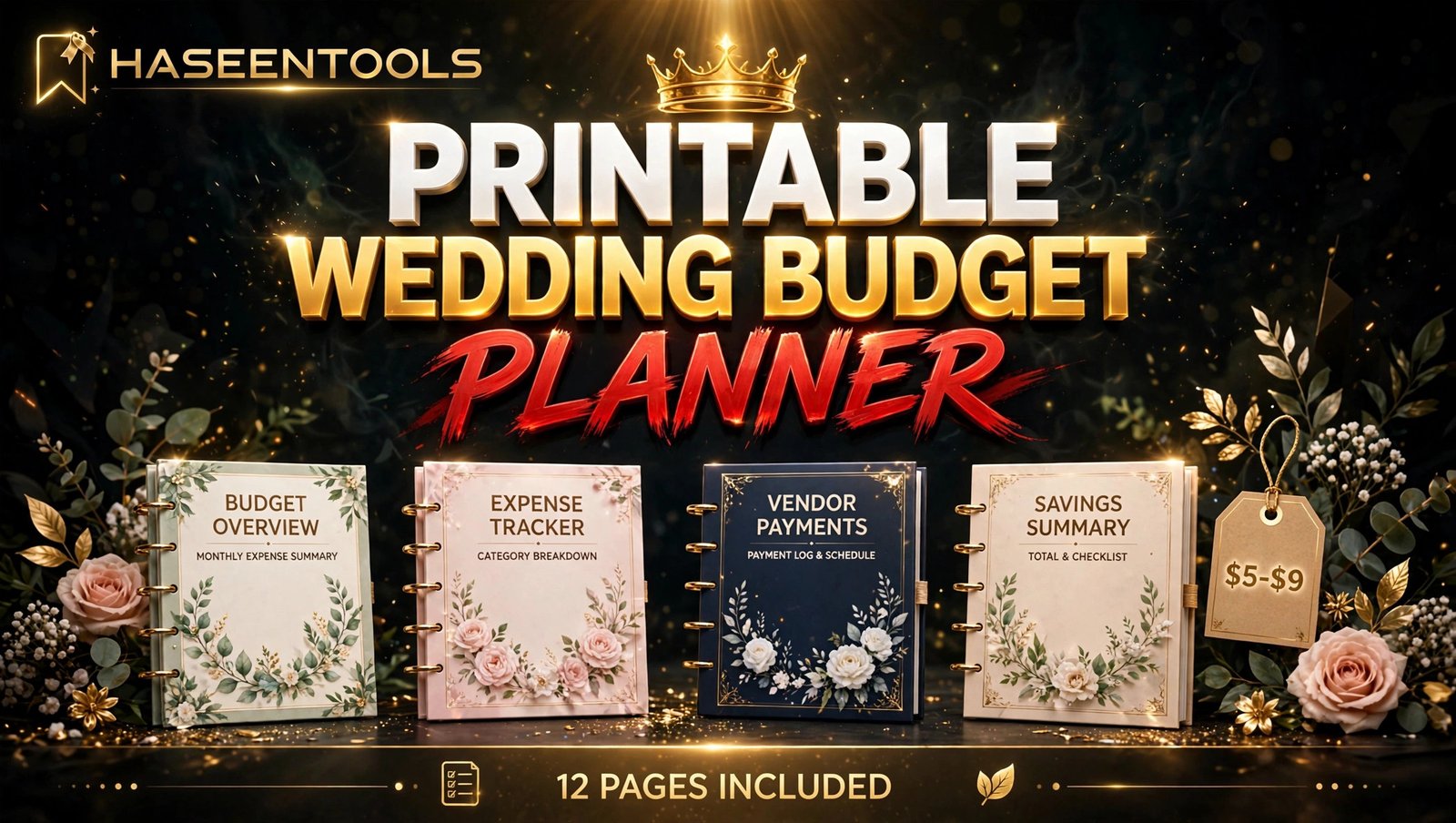
A printable wedding budget planner is a set of pages that helps a couple plan every wedding cost in one place: the budget, a breakdown by category, a vendor payment tracker, and a balance that shows what is left. Buyers print it at home and fill it in by hand.
You design the 12-page set once in Canva, export it as a PDF, and sell the same file again and again on Etsy or your own shop. The buyer gets instant download and a calm plan; you get a product with no stock, no shipping, and no printing.
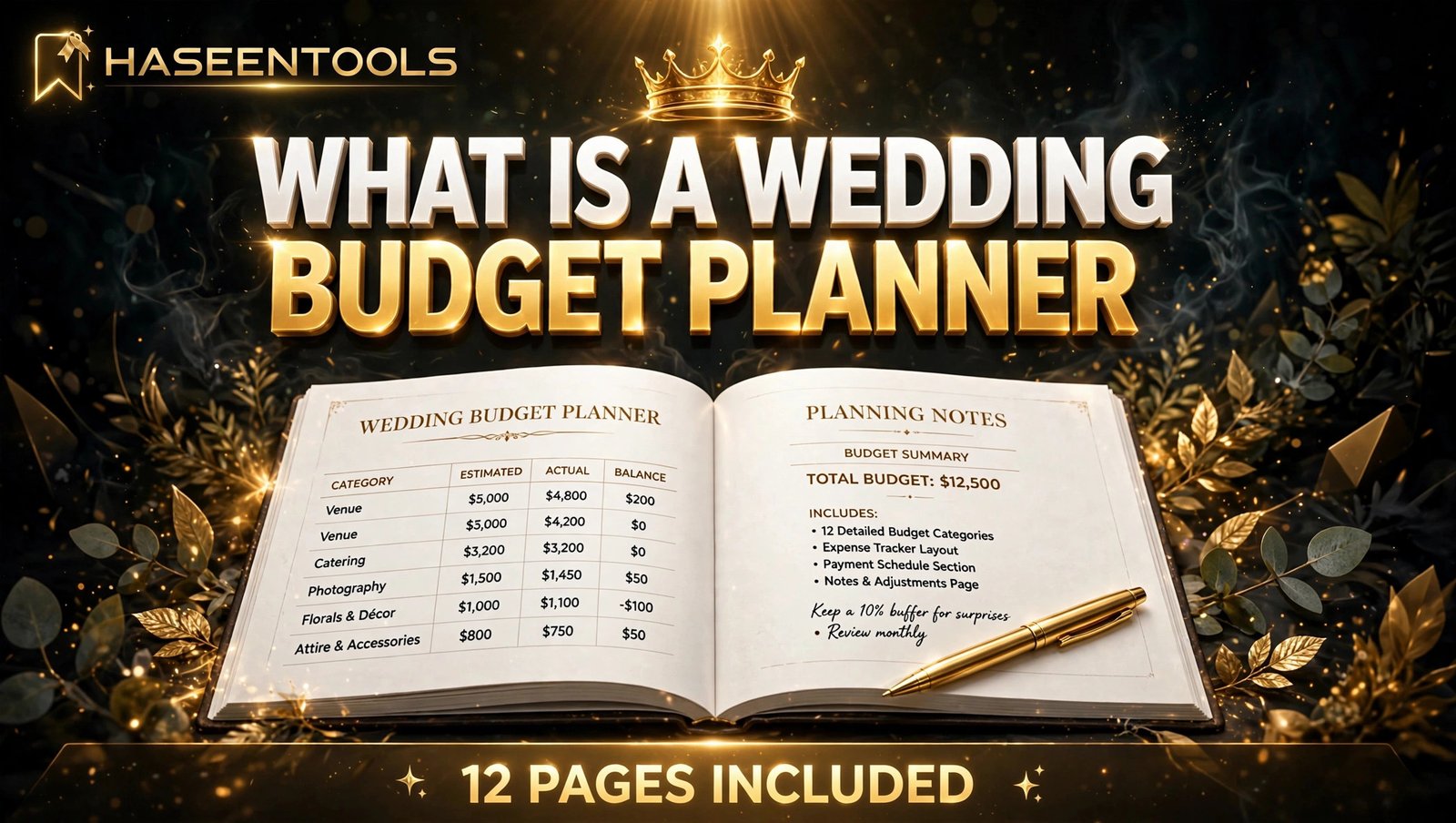
Step 1: Research What Couples Actually Track
What to do: Find out which money pages buyers open first, so you build around real wedding costs instead of guessing.
Exactly how: Search “wedding budget planner printable” on Etsy and open the ten bestsellers. List every page they include. You will see the same pages again and again: total budget, category breakdown, vendor payment tracker, guest count cost, and a monthly savings plan. Then read the three-star reviews: they say what is missing, such as “no page for tracking deposits paid” or “no space for the honeymoon fund”.
Example: If six bestsellers have a category breakdown but none has a payment schedule, your planner wins with one page: vendor, total fee, deposit paid, balance due, and due date.
Pro Tip: Check which wedding budget pages appear most on Pinterest boards — the pages couples pin are the pages they buy.
Step 2: Map the 12 Pages Before You Design Anything
What to do: Sketch the full page list on paper first, so designing becomes filling a structure instead of inventing one page at a time.
Exactly how: Plan 12 pages in the order a couple will use them: cover, how to use this planner, total wedding budget, budget by category, vendor payment tracker, guest list cost tracker, monthly savings plan, spending log, deposit due dates, honeymoon fund, budget review, and notes. Give every page one job and one clear heading, and leave enough white space for handwriting — cramped tables are the top complaint in planner reviews.
Example: Your budget-by-category page could hold 12 rows only: venue, catering, photography, video, flowers, music, dress, suits, cake, invitations, transport, and decor. Twelve rows fit neatly on one US Letter page with space for estimated cost, actual cost, and the difference.
Pro Tip: Put the total budget page first and the review page last — a planner that starts with the big number and ends with a check-in feels complete. The same page-mapping approach works for digital budget planners too.
Step 3: Design It in Canva at the Right Size
What to do: Build a clean, print-ready planner that looks calm on paper, not crowded on screen.
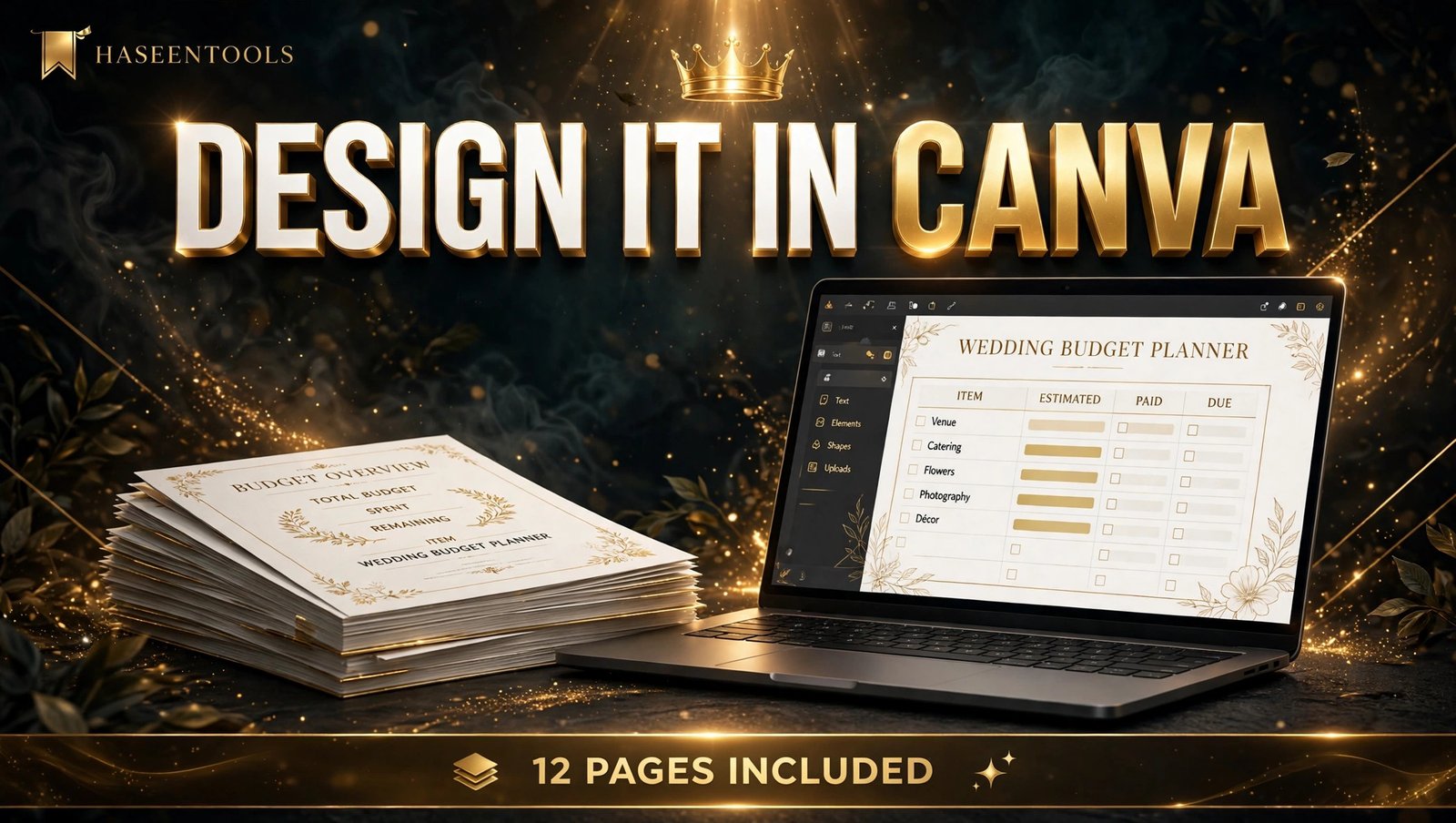
Exactly how: In Canva, create a US Letter document, 8.5 by 11 inches, with margins of at least 0.5 inches so home printers never cut off a table edge. Choose two fonts — one elegant serif for headings, one simple sans-serif for tables — and three colours plus a neutral, such as sage, blush, cream, and charcoal. Build the budget-by-category page first, then duplicate its table style for the payment tracker and the spending log, so every page matches.
Example: A sage-and-cream layout with gold headings reads as wedding stationery, not a spreadsheet, and it takes about two hours to build once the first table is right.
Pro Tip: Test-print one page at home at 100 percent scale before you design the other eleven — a table that prints clean once will print clean twelve times.
Step 4: Make the Numbers Easy to Follow
What to do: Give every money page a clear total row, so a couple always knows where they stand without doing sums in their head.
Exactly how: Add three columns to every cost table: estimated cost, actual cost, and difference. Put a bold total row at the bottom of each table, and a “money left” box on the total budget page that the buyer fills in after every update. Add a small running-balance column to the spending log, so each new entry shows the budget remaining. Keep the numbers large — 12-point type minimum — because buyers write in the boxes by hand.
Example: A couple writes $8,000 estimated for the venue, $8,600 actual, and sees a $600 overrun in the difference column at once. That one column is the reason they keep using the planner instead of a notebook.
Pro Tip: Add one worked example on the “how to use” page, with sample numbers filled in — buyers copy the example instead of asking how the planner works.
Step 5: Price It at $5–$9 and List It on Etsy
What to do: Price where wedding-printable buyers already spend, and write a listing that sells the calm of a planned budget, not just the pages.
Exactly how: Check five bestsellers in your niche. Single printable wedding planners usually sell for $5 to $9, and full wedding bundles sell for $15 to $25. Start your 12-page planner at $7 to collect reviews, then raise the price by $2 once you have ten reviews. Package a ZIP with the print PDF, a one-page “start here” sheet, and a short instructions PDF. State the licence plainly: personal use only, no reselling. Then test the ZIP yourself from a private browser window before you publish the listing.
Example: “Plan your whole wedding budget in one place: 12 pages covering venue, catering, vendors, and payments, printable at home” outsells “cute wedding budget PDF” because it names the outcome.
Pro Tip: Show the planner filled in, not blank, in your first preview image — buyers trust a page they can see working.
Step 6: Promote It With Pinterest and Bundle It With Your Wedding Range
What to do: Launch one planner properly, drive its first traffic from where engaged couples already browse, and plan the follow-up product before launch week ends.
Exactly how: Create five mockups before listing: the cover, the total budget page, the vendor payment tracker, a filled-in category page, and the “what’s included” flat-lay. Publish on a Tuesday or Wednesday morning, then publish three Pinterest pins the same day, one showing the cover, one the budget page, and one the payment tracker, each linking to the listing. For two weeks, watch which preview gets clicks and which questions buyers ask.
Example: A seller whose buyers kept asking “Does this work for a small wedding?” added one line, “Works for weddings of 20 to 300 guests”, and saw her conversion rate rise within a fortnight.
Pro Tip: Pair your budget planner with matching digital wedding planner templates in the same style — a couple who finds your planner often needs the budget pages too. A set of printable wedding invitations in the same colours makes a natural bundle.
Printable Wedding Budget Planner to Sell: PDF or Editable Template?
Most successful sellers offer both in one listing. Here is the difference.
| Option | What the buyer gets | Best for | Watch out for |
|---|---|---|---|
| Printable PDF | A fixed file to print and fill in by hand | Buyers who like paper | No colour or font changes |
| Editable Canva template | A link to edit in free Canva | Buyers who want their own colours | Pro elements need a template link |
| Bundle of both | PDF plus template link | Most listings | Keep the ZIP under 50 MB |
The bundle wins most of the time for a printable wedding budget planner to sell: the PDF covers buyers in a hurry, the template link covers buyers who want control, and the instructions PDF answers common questions before they reach your inbox.
Common Mistakes to Avoid
- Designing for every wedding style at once. One clear style, such as modern minimal or rustic, wins faster than a planner trying to please every taste.
- Cramming 20 pages into a planner when buyers only use 12. More pages feel like value; unused pages feel like clutter.
- Using tiny fonts under 11 points. Anything cramped fails the moment a buyer prints it and tries to write in it.
- Forgetting the total row. A money page with no total is just a list, and buyers will say so in reviews.
- Skipping the test print. Print one copy at home at 100 percent scale and check every table before you list.
Quick Checklist
- One buyer and one money problem chosen, checked against five Etsy bestsellers
- A mapped 12-page structure, in the order couples will use it
- One Canva master layout at US Letter size, two fonts, three colours plus a neutral
- Total row and “money left” box on every money page, type at 12 points or larger
- One test print done at home, tables checked at 100 percent scale
- Listing priced at $5–$9, with five mockups and a filled-in first preview
- ZIP tested from a private window, licence stated as personal use only
- Three Pinterest pins published on launch day, stats reviewed after two weeks
Frequently Asked Questions
How much does a printable wedding budget planner sell for?
A single printable wedding budget planner usually sells for $5 to $9 on Etsy, and a full wedding bundle with the planner included sells for $15 to $25. One listing can sell the same file many times, so earnings depend on your listings, mockups, and promotion.
Do I need Canva Pro to make a wedding budget planner to sell?
No. A free Canva account is enough for most planner designs. Canva Pro helps with background removal and premium elements, but start free and upgrade only when a paid feature saves you real time.
What pages should a wedding budget planner include?
At minimum: a total budget page, a budget-by-category page, a vendor payment tracker, a guest list cost tracker, a spending log, and a monthly savings plan. A 12-page set adds due dates, a honeymoon fund, a review page, and notes.
Where is the best place to sell a printable wedding budget planner?
Etsy is the best starting point, because engaged couples already search there for wedding printables. Once a listing has reviews and steady sales, add it to your own website or Gumroad so you keep more of each sale.
Conclusion
A printable wedding budget planner to sell is a small product with a real advantage: every couple needs one, they need it early, and you make it once and sell it again.
- Research five bestsellers first, then map a 12-page set in the order couples use it
- Design it in Canva at US Letter size, with clear total rows and room to write
- Price it at $5–$9, show it filled in, and list it on Etsy with five mockups
- Promote it on Pinterest, one pin at a time, and bundle it with your wedding range
Your first planner does not need to be perfect — it needs to be finished, tested, and listed. Open Canva, design your first budget page tonight, and browse the Haseen Tools shop for inspiration. Tell us in the comments which wedding style you will design first.