How to Create and Sell a Printable Password Tracker in Canva: A Step-by-Step Guide

You know the feeling. You open a website, type the password you are sure is right, and the screen shakes its head. You try the other one, then the one with the exclamation mark, then click “forgot password” for the third time this week. A printable password tracker to sell fixes this exact frustration for your buyers — and it is one of the simplest digital products you can make.
Everyone has this problem, which is why this little printable sells so well. No fancy design skills, no big budget: design one tidy set in Canva, save it as a PDF, list it once — then the same file can sell again and again.
In this guide, you will build a complete 12-page password tracker set in six steps: plan it, size it, design it, add a cover and bonus pages, package it, and list it. By the end, you will have a real product ready to sell for $3–$7.
What Is a Printable Password Tracker?
A printable password tracker is a PDF log where you write down each website, username and password, then print it and keep it somewhere safe. A printable password tracker to sell is the log, designed in Canva as a 12-page set and listed on Etsy or your shop for $3–$7.
Most buyers are not looking for an app. They want a page they can fill in with a pen, tuck into a drawer, and find in ten seconds — no subscriptions, no logins, no learning curve.
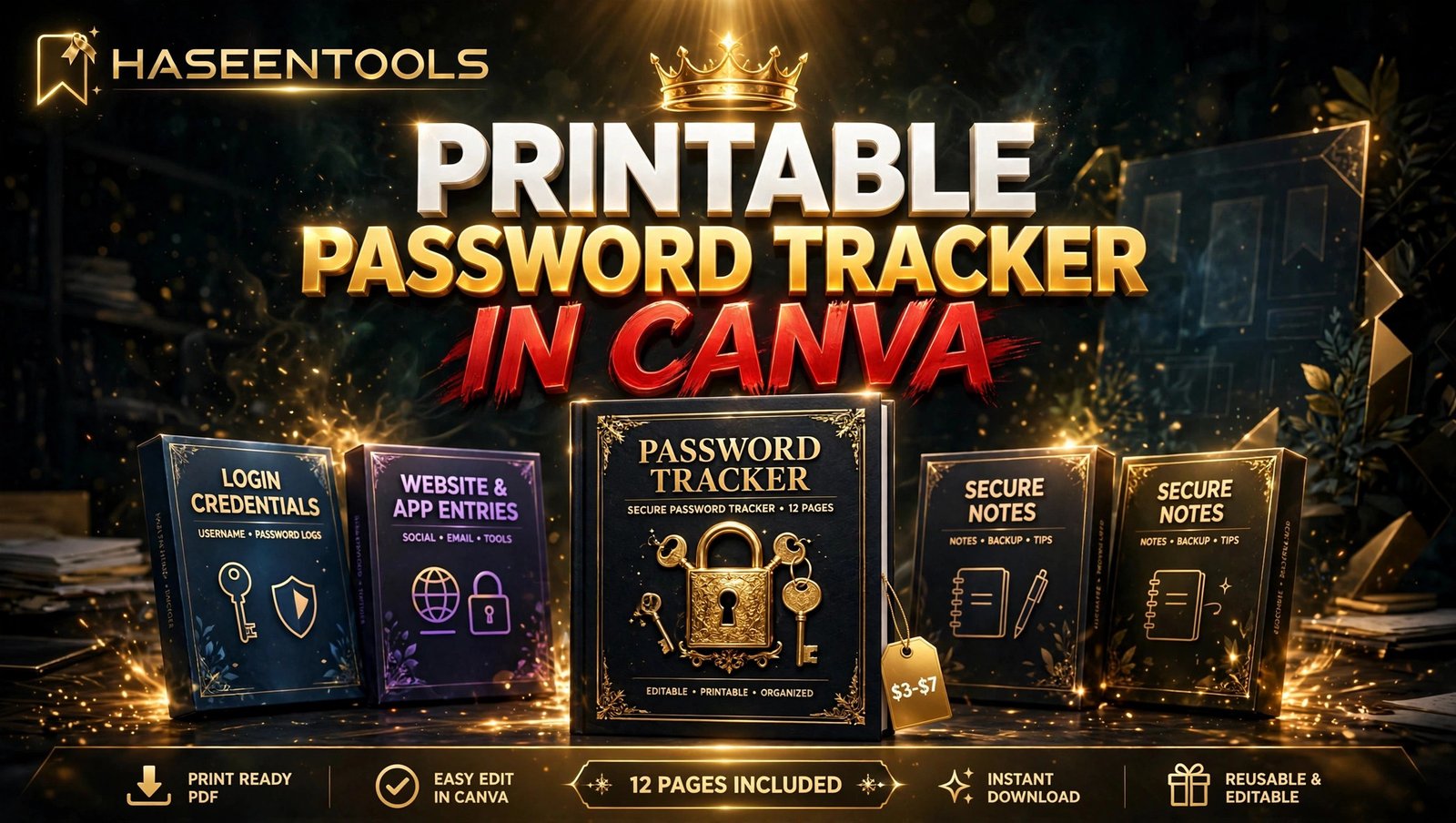
Your set has 12 pages: one cover, ten log pages and one tips page. Each log page holds 12 entries, so the full set stores 120 passwords — put that number on your listing and your mockups.
Pro Tip: Keep the design calm and readable: big writing lines, clear column headings and plenty of white space beat a busy background — your buyer fills this in by hand.
Step 1: Pick Your Buyer and Plan the Pages
What to do: A printable password tracker to sell starts with one clear buyer — decide exactly who it is for, then sketch the pages on paper before you open Canva.
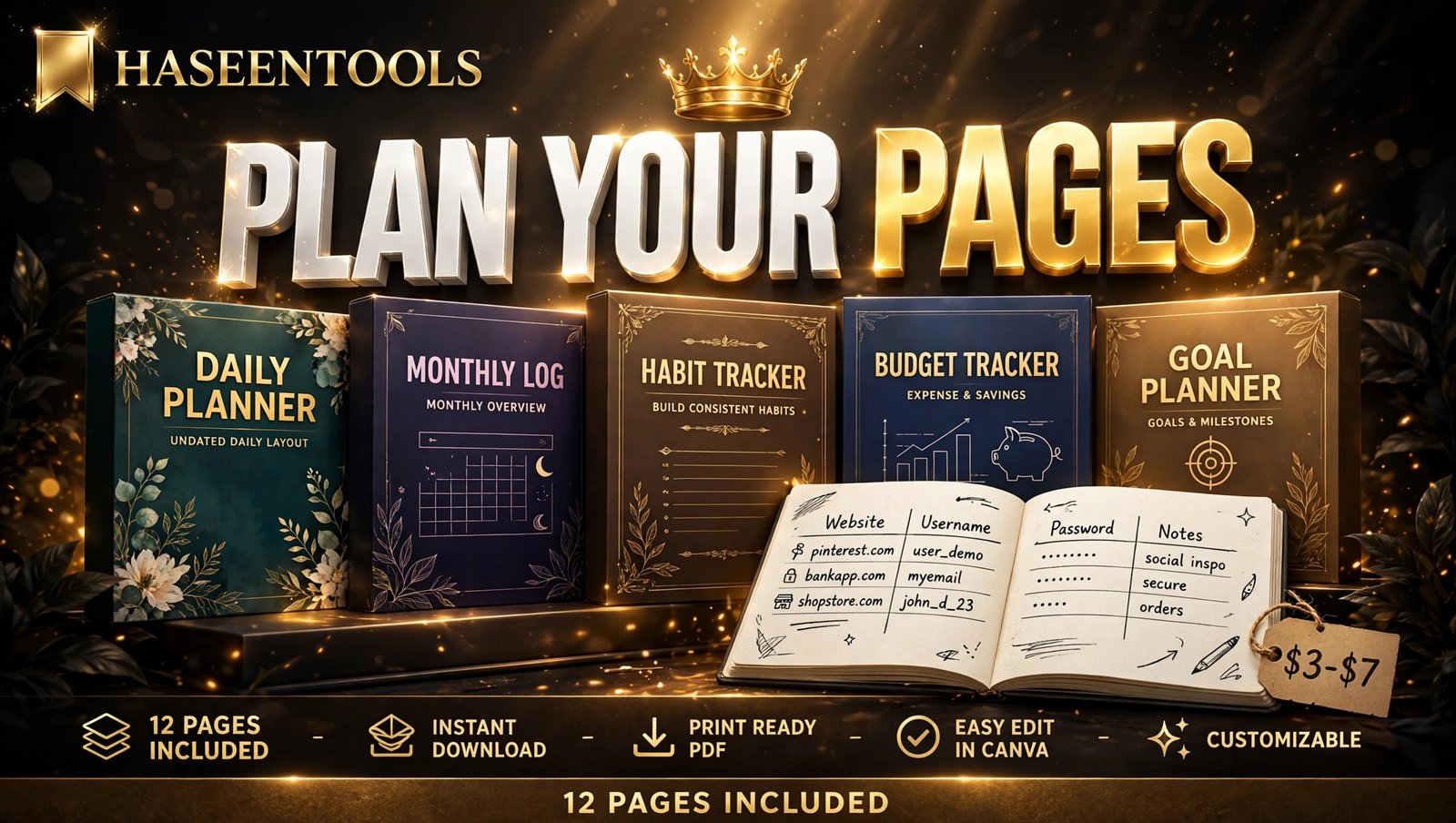
Exactly how: Write one sentence about your buyer, like “Busy mums who want one safe place for every family login.” Then list your 12 pages: cover, ten identical log pages, and a tips page called “Keep Your Passwords Safe.” Set the columns now — Website, Username, Password, Notes. Four are all you need; a fifth squeezes the writing space too much.
Example: A tracker for parents adds a “Whose account?” column, because mum, dad and the kids share one book. One for small business owners adds a “Team member” column instead.
Pro Tip: Plan for 12 entries per log page. Twelve rows fit neatly on US Letter, and ten pages of twelve gives you the clean “120 entries” promise for your listing.
Step 2: Set Up the Right Size in Canva
What to do: Create a Canva design in the size your buyers actually print.
Exactly how: Open Canva, click “Create a design”, then “Custom size”. Enter 8.5 x 11 inches for US Letter, the size most US Etsy buyers expect. Add A4 later for UK and European buyers. Keep margins at 0.5 inches or more so home printers never cut off your columns.
Example: A US Letter design still prints fine on A4, with a small white border. But an A4 design printed on Letter can lose its edges — so start with US Letter.
Pro Tip: Turn on Canva’s rulers and guides first. A straight column grid is what makes a tracker look professional.
Step 3: Design the Log Pages
What to do: Build one clean log page, then copy it ten times.
Exactly how: Start with a plain white background and a header that says “Password Tracker”. Add your four column headings — Website, Username, Password, Notes — in bold, dark text. Draw 12 rows with thin lines, each about 0.6 inches tall so handwriting fits. Add a small footer: page number plus a line like “Store this book somewhere safe.” Then duplicate the page nine times.
Example: Give the Website column the most width, about 30% of the page, because website names run longest. Username and Password get about 25% each, and Notes gets the rest for hints like “changed in March”.
Pro Tip: Use one font for headings and one for column labels, both dark grey or black. Handwriting is hard enough to read without a pale grey font fighting it.
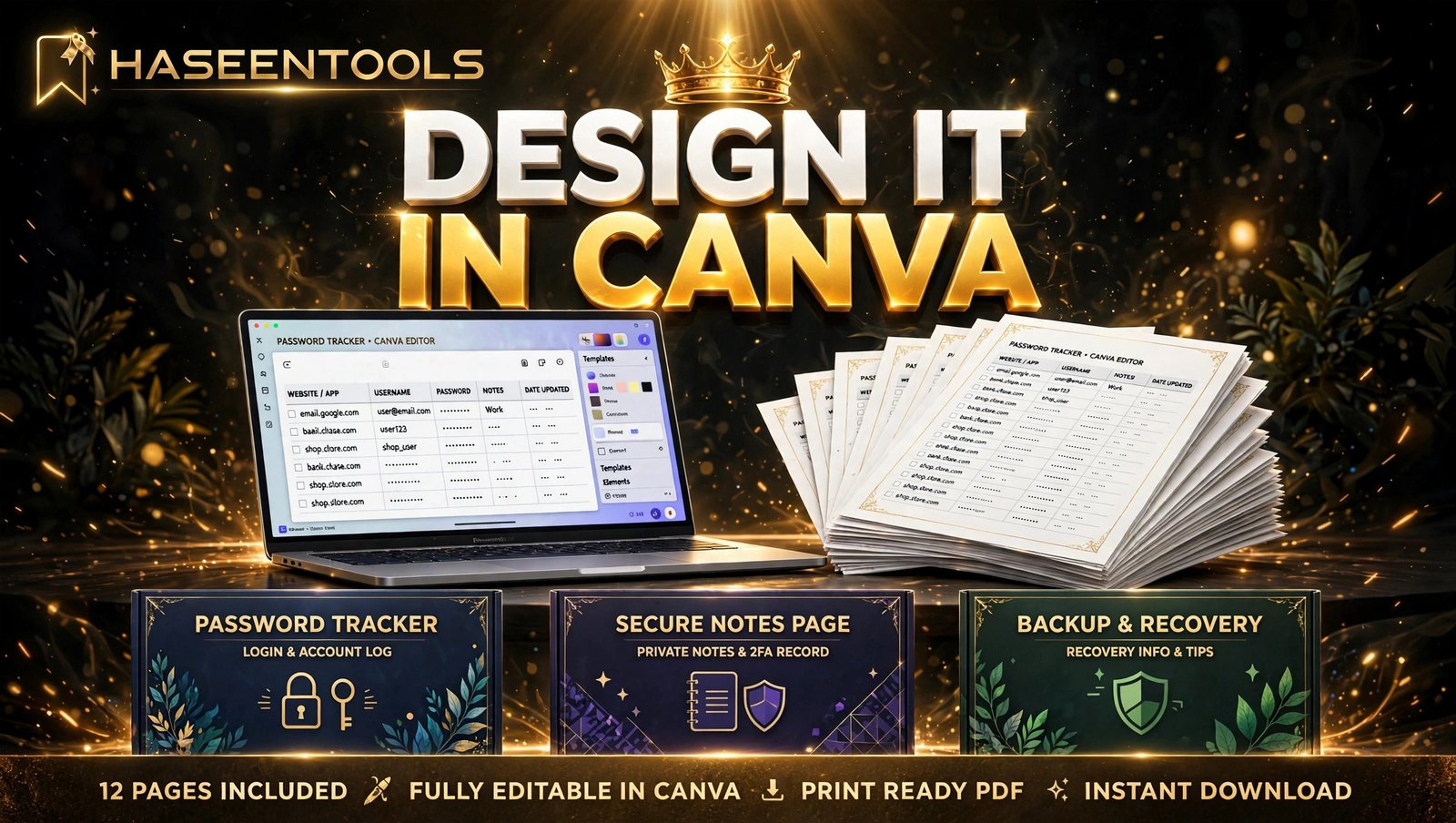
Step 4: Add a Cover and Bonus Pages
What to do: Design a cover that sells the product at a glance, plus one useful tips page.
Exactly how: Make the cover bolder than the inside pages: a big title like “My Password Tracker”, a short line such as “120 logins, one safe place”, and a small lock or key graphic from Canva’s free elements. Keep it to three colours at most. Then add your tips page with five short safety tips: use a different password for your bank, change passwords after a data breach, never share passwords by email, keep the book away from work, and update the book the day you change a password.
Example: One seller added a bonus “Important Accounts” page with bigger boxes for bank, email and phone PINs. Buyers called it the page they used most — and it cost her ten minutes to make.
Pro Tip: Put “12 pages” and “120 entries” on the cover. Buyers decide in seconds, and those two numbers answer their first question: how much do I get?
Step 5: Export, Test-Print and Package the PDF
What to do: Export the set as a print-ready PDF, print one copy yourself, and package it with clear instructions.
Exactly how: In Canva, click Share, then Download, and choose “PDF Print” — it keeps lines sharp and text crisp. Print one copy at home and fill in three rows by hand. Check that the writing fits, the lines are straight and nothing is cut off. Then save a second version as “PDF Standard” for buyers who want a smaller file, and write a one-page instruction sheet: how to print, which paper to use, and storing the book safely. Zip all three files together.
Example: A test print once caught a column heading too close to the edge — fine on screen, but the printer cut off the last letter. That one test print saved the seller from a one-star review.
Pro Tip: Name files clearly, like “Password-Tracker-12-Pages-US-Letter.pdf”. A clear name stops the “which file do I print?” message after download.
Step 6: List It and Get Your First Sales
What to do: List the tracker where buyers already search, with photos that show the pages clearly.
Exactly how: Start with Etsy, because buyers already search there for “password tracker printable”. Write a title that starts with the words they type, add all 13 tags, and upload at least five photos: the cover, one open log page, a close-up of the writing lines, the tips page, and a flat photo of the printed book. Price the set at $3–$7. In the description, state the page count, entry count, size, licence (personal use only) and what the buyer receives. Then list the same file on your own shop too, so you keep the full sale price there.
Example: One new seller made her first sale in four days by pinning her cover photo on Pinterest with the title “Never reset a password again”. The pin cost nothing and sent buyers to her Etsy listing.
Pro Tip: Offer the tracker in a small bundle later — tracker plus a printable meal planner, for example — at $8–$12. Bundles raise the average order without extra design work.
But here is the part most people miss: the listing is only half the job. The other half is getting seen — a simple Pinterest pin or a short post in a home organisation Facebook group can do more than any paid ad.
Where Should You Sell Your Password Tracker?
Not every platform works the same way: some take a bigger fee but bring you buyers, while others keep more money in your pocket but need you to bring your own traffic.
| Platform | Fees | Traffic | Best for |
|---|---|---|---|
| Etsy | Listing fee plus a percentage of each sale | Built-in buyers search daily | First sales and discovery |
| Your own shop | Payment fees only, no marketplace cut | You bring the traffic | Keeping the full $3–$7 per sale |
| Gumroad | A percentage of each sale | Small built-in audience | Simple links from social media |
If you are just starting, list on Etsy first, then add your own shop — discovery from Etsy, full-price sales from your own shop.
Common Mistakes to Avoid
- Five or six columns look clever on screen and unreadable on paper. Four columns is the sweet spot.
- Rows under 0.5 inches tall frustrate buyers with normal handwriting. Give each row room.
- A design that looks perfect in Canva can still print with cut-off edges. Always print one copy before you list.
- A tracker that looks like everyone else’s will not stand out in search. Change the layout, colours and column mix until it is clearly yours.
- State “personal use only” in the listing. It stops buyers asking for resale rights and protects your design.
Common Mistake: The biggest mistake is pricing too low. A $1 tracker attracts bargain hunters who leave the harshest reviews, while $3–$7 signals a proper product that still feels like an easy buy.
Quick Checklist
- Buyer picked, pages planned on paper
- US Letter size set up, 0.5-inch margins
- One clean log page designed, copied to ten
- Cover shows “12 pages” and “120 entries”
- Tips page with five safety tips included
- Exported as PDF Print, test-printed at home
- Listed on Etsy, five photos, $3–$7 price
- Licence stated as personal use only
Frequently Asked Questions
How many pages should a printable password tracker have?
Twelve pages work well: one cover, ten log pages and one tips page. Ten log pages at 12 entries each store 120 passwords, which covers most households. A thinner book feels cheap; a thicker one is hard to print.
Can I sell a password tracker I made in Canva?
Yes — a printable password tracker to sell must be your own original work. Use free Canva elements or your own shapes and text, never a template as-is. Selling your finished design as a PDF is the standard route — just check Canva’s current licence terms before you list.
What size should a printable password tracker be?
US Letter (8.5 x 11 inches) is the safest first choice, because most Etsy buyers print at home on Letter paper. Add A4 later if buyers ask — the same design, resized, opens up UK and European buyers.
How much should I charge for a printable password tracker?
Price a 12-page set at $3–$7 — low enough for an impulse buy, high enough to look like a real product. Bundle it later with another printable, like a meal planner, at $8–$12.
Conclusion
A printable password tracker to sell is a small product with a big advantage: it solves a problem everyone recognises, takes one afternoon to design, and sells for $3–$7 from a single file.
- Plan the buyer and the pages before you open Canva
- Design one clean log page, then copy it ten times
- Test-print before you list, and state the licence clearly
- List on Etsy first, then add your own shop
Open Canva today and sketch your first log page. Your buyers are already searching for a safer way to remember passwords — make sure your tracker is the one they find.