How to Create and Sell Printable Wedding Programs in Canva: A Step-by-Step Guide

A guest takes her seat at a wedding ceremony, the music starts — and the first thing she picks up is the program. In ten seconds she knows who is walking down the aisle, what happens next, and when to stand. That small booklet is also a product you can design once in Canva and sell again and again. Printable wedding programs in Canva are one of the easiest wedding stationery products to make: a short order of events, a few names and a clean layout. This guide walks you through six steps, from picking a style to listing a finished set on Etsy.
What Are Printable Wedding Programs in Canva?
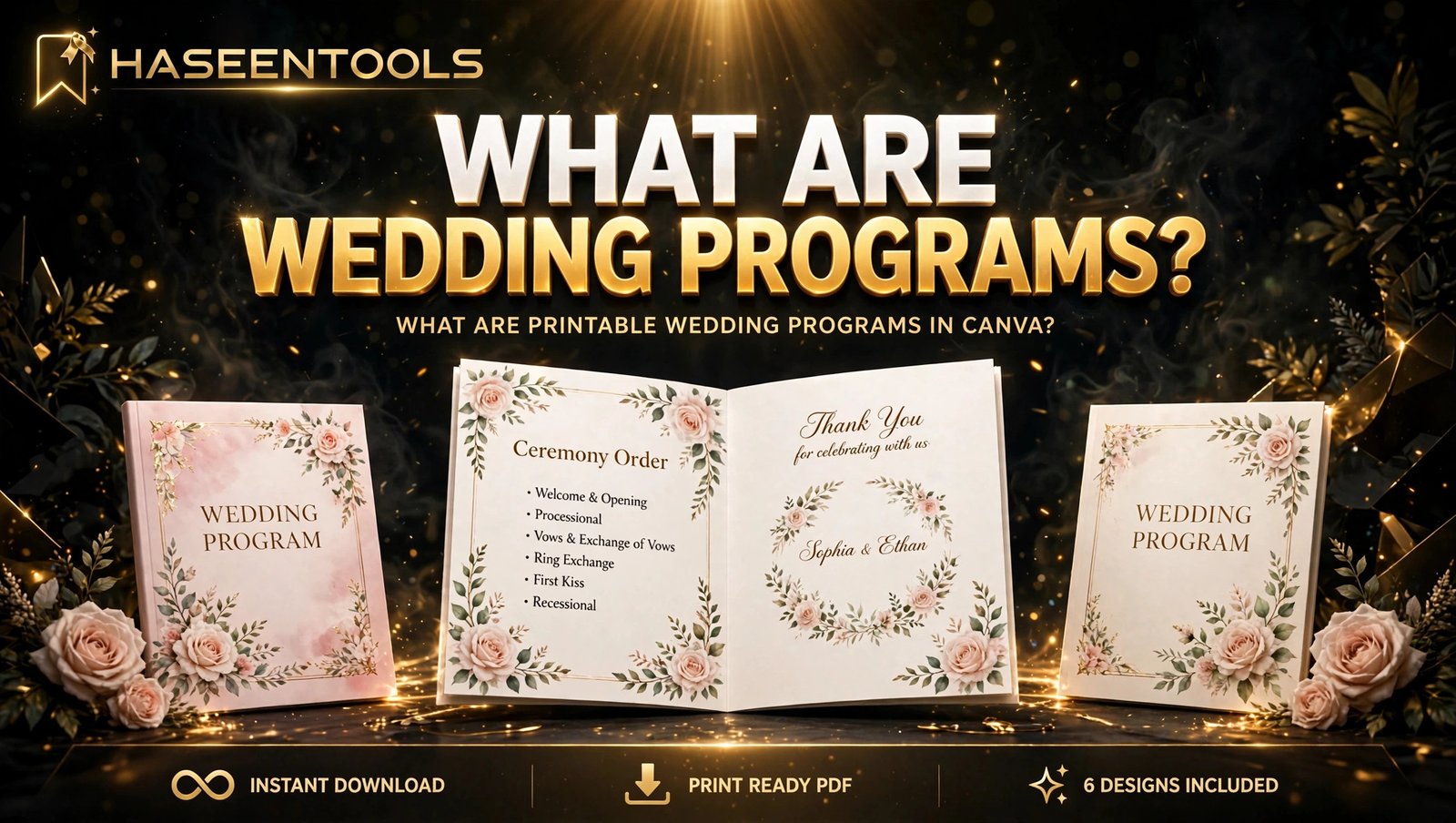
Printable wedding programs in Canva are editable ceremony booklets you build in Canva and sell as a print-ready PDF or an editable Canva template link. The buyer downloads the file, types in the names and ceremony order, then prints the programs at home or at a local print shop.
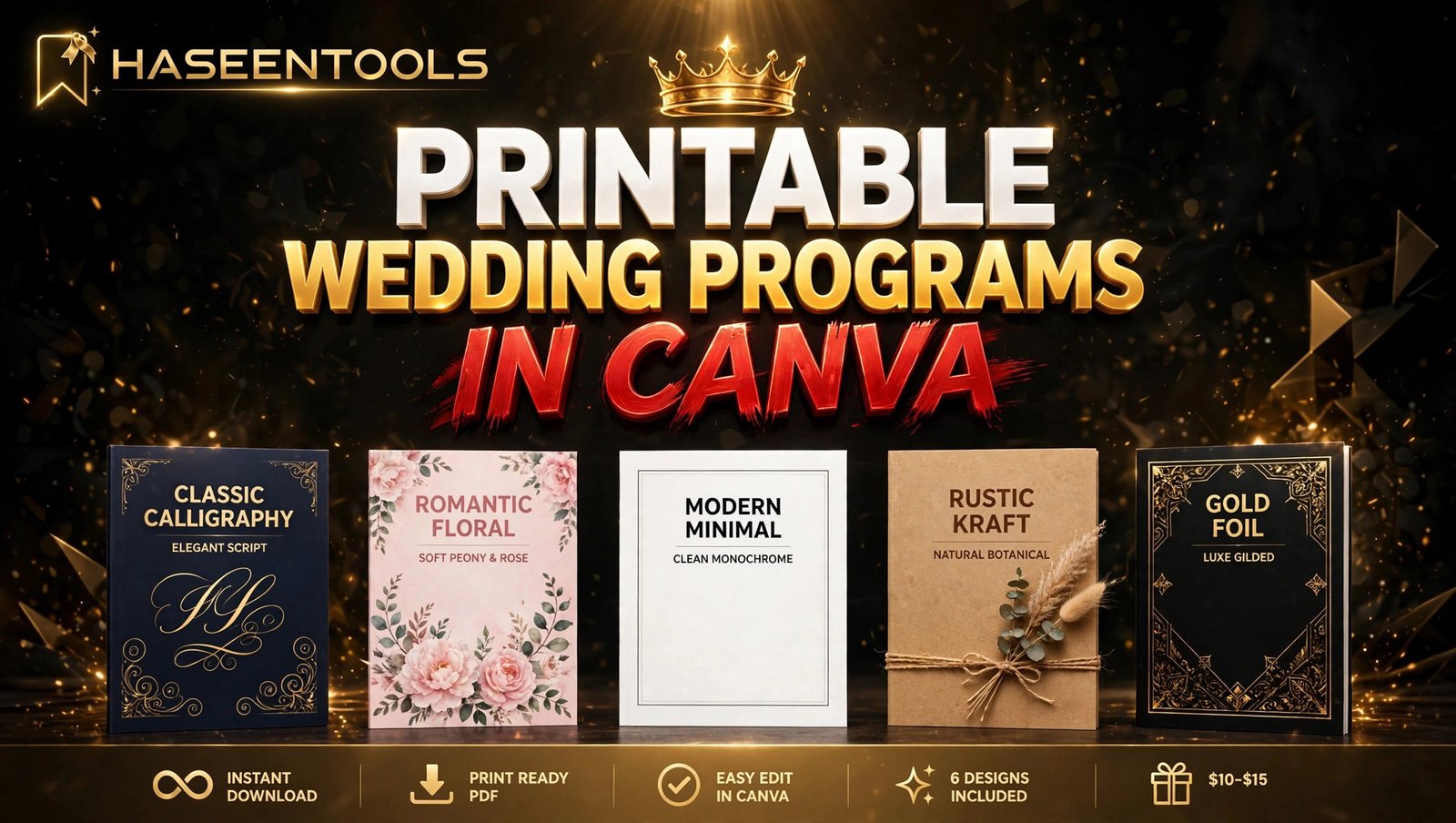
Most sellers offer a set of six matching programs in one style, with different ceremony layouts inside — church, garden, modern minimal and a blank template. A set feels complete, and it lets you charge more than a single program could.
Step 1: Pick One Style and One Buyer
Start with one style your buyer can picture in her guests’ hands — not ten.
What to do: Choose a single wedding style first, then a buyer. Modern minimal, rustic kraft, romantic floral, boho, gold foil and classic calligraphy are the styles couples search for most.
Exactly how: Open Etsy, search “wedding program template”, and read the top 20 results. If at least three bestsellers in your style have 100 or more sales, real buyers exist. Note their colours and fonts, then plan a cleaner version.
Example: A seller picks romantic floral for budget-conscious brides: blush roses, cream paper and a gold heading. That first set takes about two and a half hours to design.
Pro Tip: Match the style to a product you already sell, like your printable wedding invitations, so one buyer can buy the whole set from you.
Step 2: Set Up Your Canva File at the Right Size
A beautiful program that prints at the wrong size is a refund waiting to happen. Size and margins come before decoration.
What to do: Build your printable wedding programs in Canva as a half-fold booklet at 5.5 x 8.5 inches, made from one US Letter sheet folded in half — the size guests expect, and it prints easily at home. Keep safe margins of 0.25 inches on every side, and keep every name inside that frame.
Exactly how: In Canva, choose Custom size and enter 8.5 x 11 inches, then design it as two 5.5 x 8.5 inch halves. Turn on rulers and guides, drag a margin guide 0.25 inches in from each edge, and plan four pages: front cover, inside left, inside right and back cover.
Common Mistake: Designing a flat single page and calling it a program — a real program is a booklet, with a cover, an inside order of events and a back page.
Step 3: Map the Ceremony Order Guests Actually Need
Your buyer is a busy bride who wants to type in a few names, download the file and get on with the wedding. Her guests need to know what happens, in what order, and who is who.
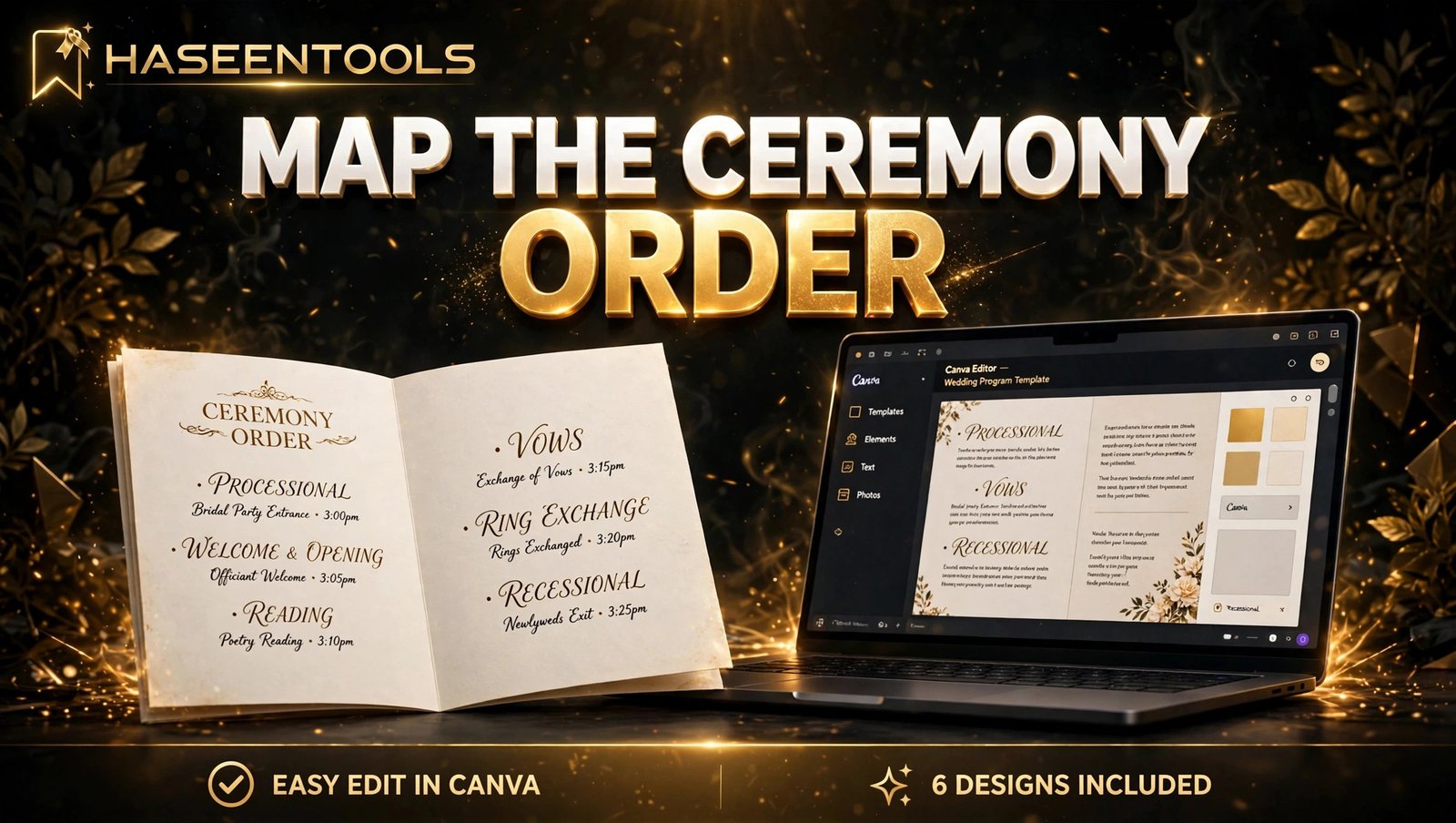
What to do: Plan the inside pages around the ceremony order: processional, welcome, readings, exchange of vows, exchange of rings, pronouncement and recessional. Add a wedding party list with names and roles, and a thank-you note on the back page.
Exactly how: Write the full order of events in a plain document first, in the words a guest should read. Then paste it into Canva as labelled text boxes: “PROCESSIONAL”, “READING”, “VOWS”, “WEDDING PARTY”. Keep each text box on its own layer and lock the background.
Example: A buyer opens the template link, types “Processional: Here Comes the Bride” over the placeholders, adds her four bridesmaids’ names, and downloads a print-ready PDF in under fifteen minutes. That speed earns five stars.
Pro Tip: Leave one blank line under each section heading, so brides with a longer ceremony can add a reading or a song without breaking your layout.
Step 4: Design a Program Guests Can Read in Seconds
Guests glance at a program, they do not study it. They look for the next thing that happens, then look up again — so your layout has to work in one glance.
What to do: Build a clean booklet with a clear hierarchy: the couple’s names and the word “Ceremony” in the largest text on the cover, then each part of the ceremony in bold, then a short line of detail in smaller text. Use no more than two fonts — one elegant serif or script for the headings, one simple sans-serif for the details. Keep the ceremony order at 14 points or larger.
Exactly how: Study the layout of Canva’s wedding program templates, then build your own original design from a blank page. Label every editable text box in plain words: “COUPLE’S NAMES”, “CEREMONY ORDER”, “WEDDING PARTY”, “DATE AND VENUE”.
Example: A guest opens the program, finds “Exchange of Vows” in bold in two seconds, and follows the ceremony without asking the person next to her. That is the whole job.
Common Mistake: Filling the cover with decoration and shrinking the ceremony order — the order of events is the product, so give it the most space.
Step 5: Build the Full Set of 6 Programs Fast
Designing six programs one by one is the slowest part of this product — so do not do it that way.
What to do: Design one master program, then duplicate it five times and change only the ceremony layout on each copy. Keep the style, colours and layout identical across all six, because a matching set is what the buyer is paying for.
Exactly how: In Canva, finish program number 1 completely, then duplicate the design. Change the ceremony order on each copy until you have six programs: a traditional church ceremony, a garden ceremony, a modern minimal ceremony, a rustic barn ceremony, a beach ceremony and a blank template.
Example: A seller finishes her master program in thirty minutes, duplicates it five times in twenty more, and has a full set ready in under an hour.
Pro Tip: Make three colourways of the same set — blush, sage and navy — and show all three in your listing photos. One design, three looks.
Step 6: Package, Price, List and Promote It
A great design with a weak listing will not sell — your title, photos and price do the selling while you sleep.
What to do: List on Etsy first, where couples already search for printable wedding programs in Canva. Write the title the way a rushed bride would search, price it in the proven range, and show mockups that sell the wedding — then pin it on Pinterest, where couples plan ceremonies.
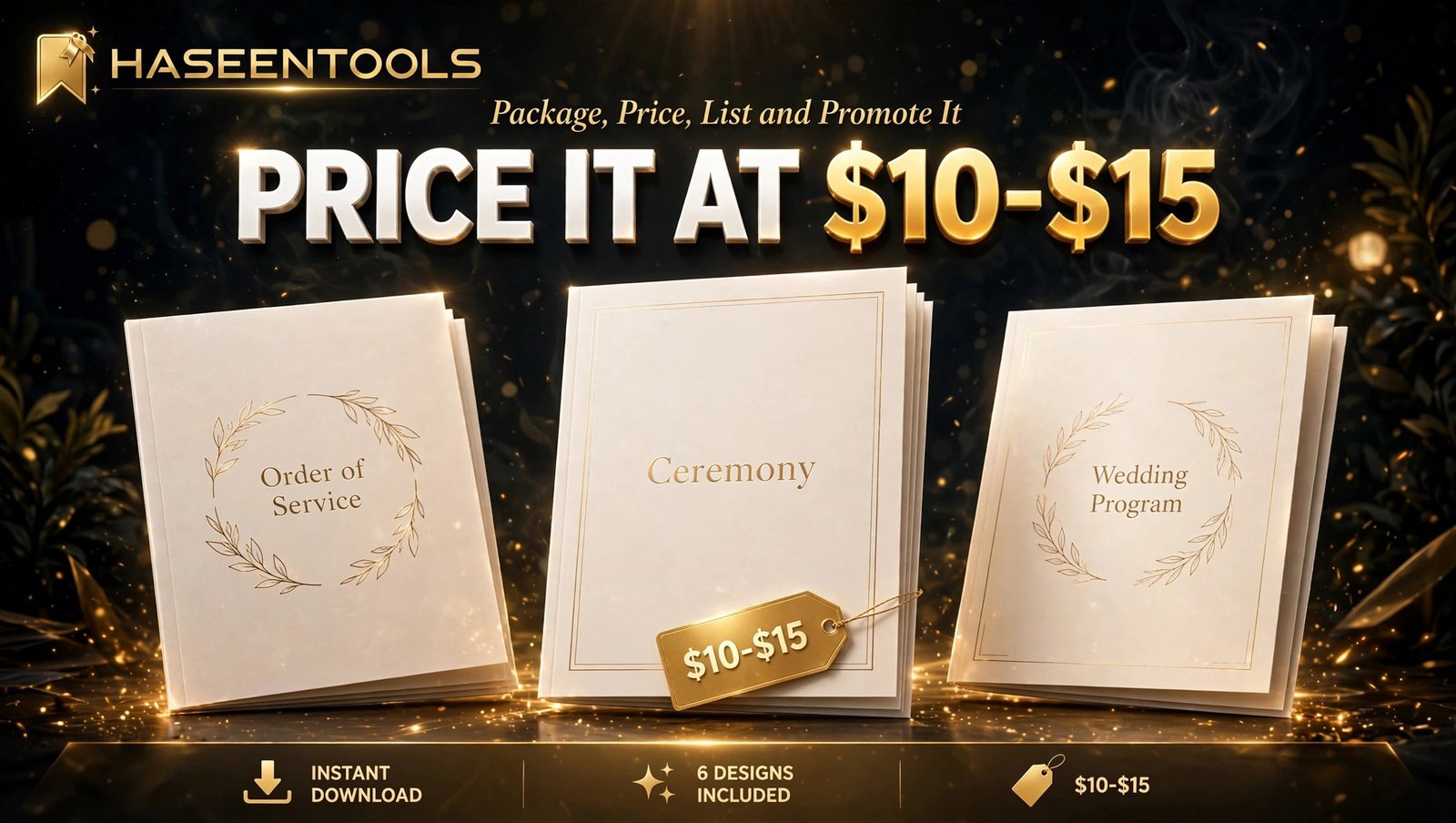
Exactly how: Use a title like “Printable Wedding Program Template | Romantic Floral | Editable in Canva | Instant Download”. Price singles at $4 to $7 and a 6-design set at $10 to $15. Package a ZIP with the print PDF, the template link inside a short instructions PDF, and a blank program page. State the licence plainly: personal use only, no reselling. Then make 3 to 5 Pinterest pins at 1000 x 1500 pixels, each showing a different ceremony style, and publish one a day for a week.
Example: Five preview images — the full set fanned out, one program open to the ceremony order, all three colourways, a printed mockup on a chair, and a “what’s included” image — tell a buyer everything in ten seconds.
Pro Tip: Pair your programs with matching printable wedding seating charts in the same style — a couple who finds your seating chart often needs programs too. The same Pinterest approach sells printable wedding menu cards too.
Single Program vs Set vs Editable Template: Which Should You Sell?
Most sellers offer all three in one listing.
| Option | What the buyer gets | Price range | Best for |
|---|---|---|---|
| Single program | One fixed ceremony order to print | $4–$7 | Buyers on a tight budget |
| 6-design set | Six programs, matching style | $10–$15 | Most buyers, best value |
| Editable Canva template | A link to edit in Canva Pro | $8–$12 | Buyers who want their own names and order |
The set wins most of the time: the PDF covers buyers in a hurry, the template link covers buyers who want control, and the instructions PDF answers questions before they reach your inbox.
Common Mistakes to Avoid
- Designing for every wedding style at once. One deep style wins faster than a shop full of unrelated programs.
- Using tiny text for the ceremony order. Guests glance at a program in seconds — if they cannot find the next part, it fails.
- Shipping files buyers cannot edit. A flattened JPEG with no Canva link invites refunds.
- Forgetting the blank program. Buyers with a different ceremony need a blank page to add their own order.
- Pricing a 6-design set at $4. A set at $10 to $15 is still a bargain for a wedding.
Quick Checklist
- One style and one buyer chosen, checked against three Etsy bestsellers
- Program built as a half-fold booklet, 5.5 x 8.5 inches, 0.25-inch safe margins
- Ceremony order mapped first, text boxes labelled, background locked
- Ceremony order at 14 points or larger, two fonts maximum, blank lines under headings
- Six matching programs made by duplicating the master, plus one blank
- Three colourways made, PDF exported, ZIP under 50 MB
- Test print done, readable at a glance from one metre away
- Template link tested, test print done at home
- Etsy listing priced $4 to $7 single or $10 to $15 set, five preview images
- 3 to 5 Pinterest pins published, one a day, linking to the listing
Frequently Asked Questions
Can I sell printable wedding programs in Canva?
Yes, if you follow Canva’s licence rules: use free elements or Pro elements you are licensed for, and never resell Canva’s stock or templates as they are.
What size should printable wedding programs be?
Use a half-fold booklet at 5.5 x 8.5 inches, made from one US Letter sheet folded in half, with 0.25-inch safe margins.
How many programs should a set include?
Six programs is the sweet spot: a traditional church ceremony, a garden ceremony, a modern minimal ceremony, a rustic barn ceremony, a beach ceremony and a blank template.
Do I need Canva Pro to make wedding programs to sell?
No. A free Canva account is enough to design a full set. You only need Canva Pro to share the set as an editable template link, which is how most sellers deliver it.
Conclusion
Printable wedding programs in Canva are a small product with a real advantage: every ceremony needs them, couples are in a hurry, and you make them once and sell them again.
- Pick one wedding style and one buyer, and design your printable wedding programs in Canva as a half-fold booklet
- Map the ceremony order first, then make it big and readable
- Duplicate the master program six times, and add three colourways
- Package a 6-design set with a blank program at $10 to $15
- List it on Etsy with mockups that sell the wedding, and pin it on Pinterest
- Test print everything before you list — one test print beats one refund
Your first set does not need to be perfect — it needs to be finished, tested and listed. Open Canva and design your first program tonight. Tell us in the comments which ceremony style you will design first.