How to Create and Sell a Printable Advent Calendar in Canva: A Step-by-Step Guide

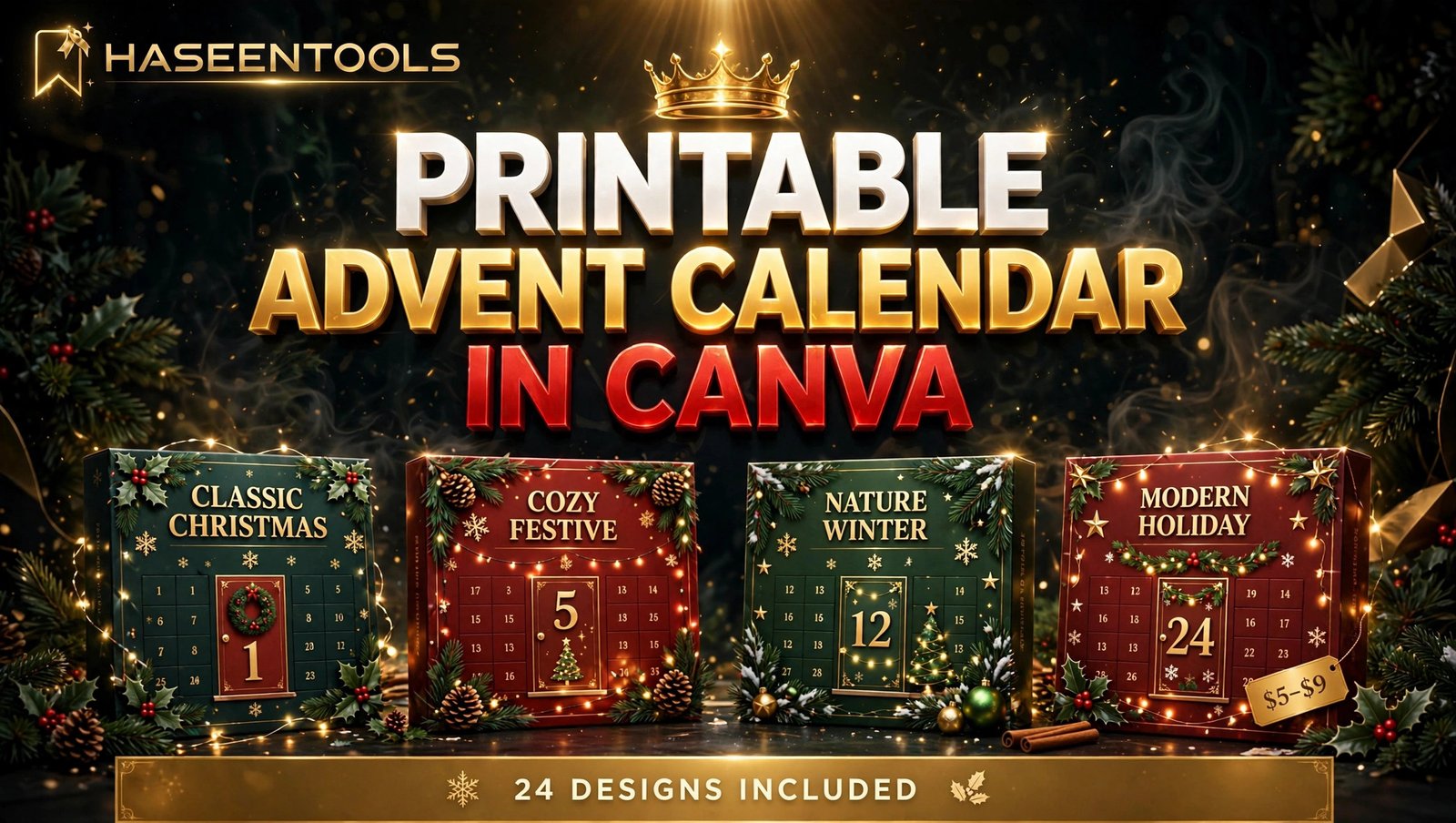
Every November, parents, teachers and gift-hunters search for Advent calendars — and the good ones sell out fast. A printable Advent calendar to sell lets you join that rush without holding a single box in stock. You design it once in Canva, sell it as a PDF, and buyers print at home. This guide walks you through all six steps, from picking a style to listing before 1 December.
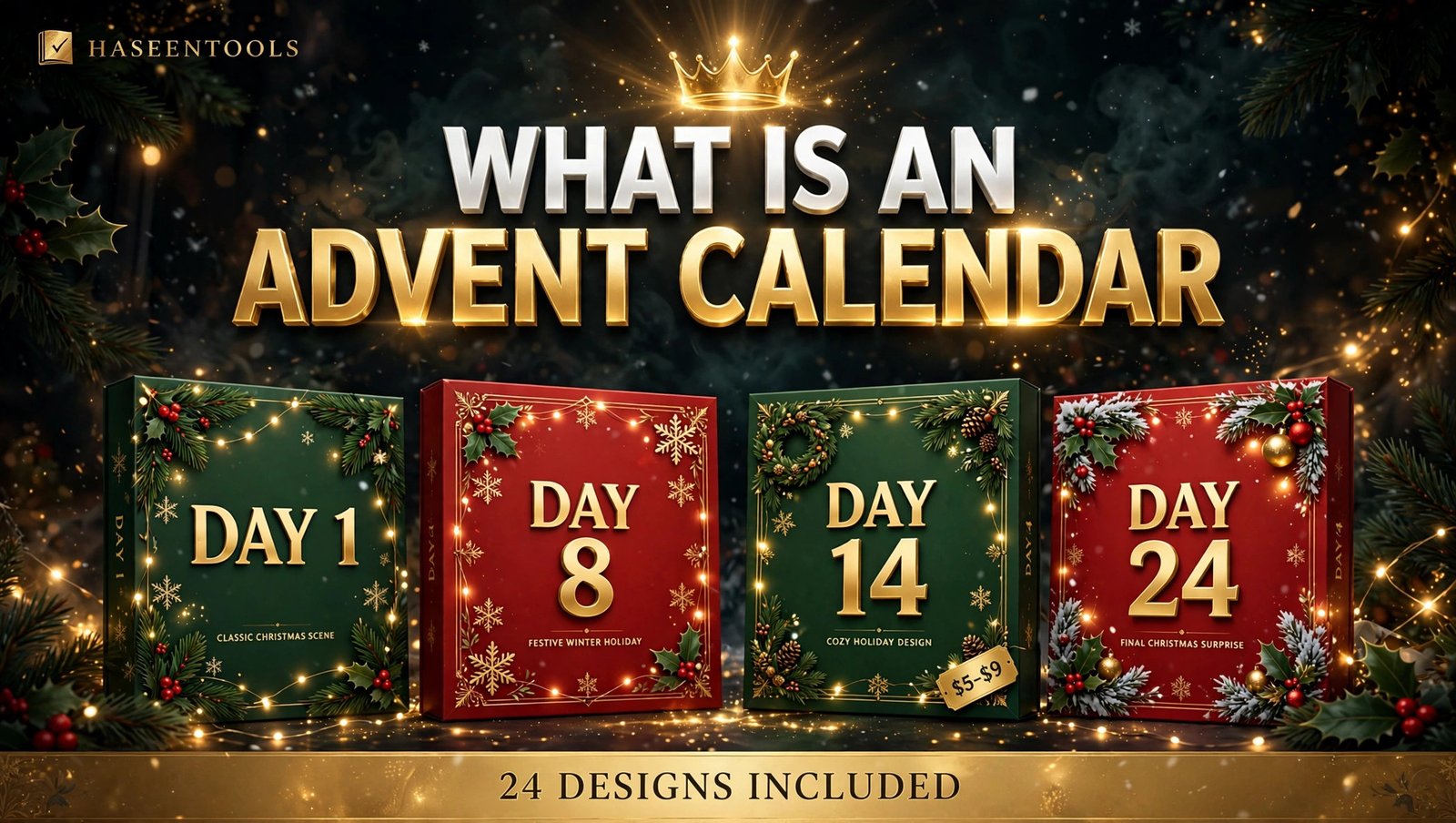
What Is a Printable Advent Calendar?
A printable Advent calendar is a file buyers download and print at home, with 24 numbered doors, pockets or cards — one to open each day from 1 to 24 December. It mixes activities, treats or messages behind each number, and sells as a PDF or a Canva template link.
That is what makes a printable Advent calendar to sell such a strong seasonal product. A buyer pays once, prints it the same evening, and the family uses it for 24 days. You never pack, post or reprint anything — and because it only works in December, shoppers feel a real deadline, so Advent calendars sell best in November.
But here is the part most people miss: the calendar is only half the product. Buyers are really buying the 24 little moments inside it. A calendar with 24 thoughtful activities beats a pretty one with empty doors — so this guide spends as much time on what goes inside each day as on the design.
Step 1: Pick Your Advent Calendar Style
What to do: Choose one clear format before you open Canva — the format decides every design choice that follows.
Exactly how: Pick from the three formats buyers already understand. Pocket calendars have 24 little pockets in a grid, for a note or sweet in each one. Door-flap calendars print as flat sheets with numbered flaps to cut and fold. Card sets give buyers 24 mini cards, one per day, to peg to a string or pin to a board. Choose the one you can design in a single afternoon.
Example: A first-time seller picks the card set: 24 cards at 4 x 6 inches, two per US Letter page — 12 pages plus a cover and an instruction page.
Pro Tip: Sell the format in your listing photos: cards pegged on a string with fairy lights, so a buyer understands it in three seconds.
Step 2: Set Up Your Canva File the Right Way
What to do: Build it on the right page size with room to cut, so buyers can print at home without anything getting chopped off.
Exactly how: In Canva, click Create a design, then Custom size, and set US Letter at 8.5 x 11 inches. Turn on margins and rulers, and keep every number, picture and line at least half an inch from the edge. Name each page as you go — “Cards 1–2”, “Cards 3–4” — so you never lose track of which numbers are done.
Example: Your cover says “24 Days of Christmas — Printable Advent Calendar” in big festive letters, with a line underneath: “Print, cut, and open one card a day, 1–24 December.”
Pro Tip: Print one test page before you design all 24 cards — a five-minute test now saves you from redoing the whole set later.
Step 3: Design All 24 Days
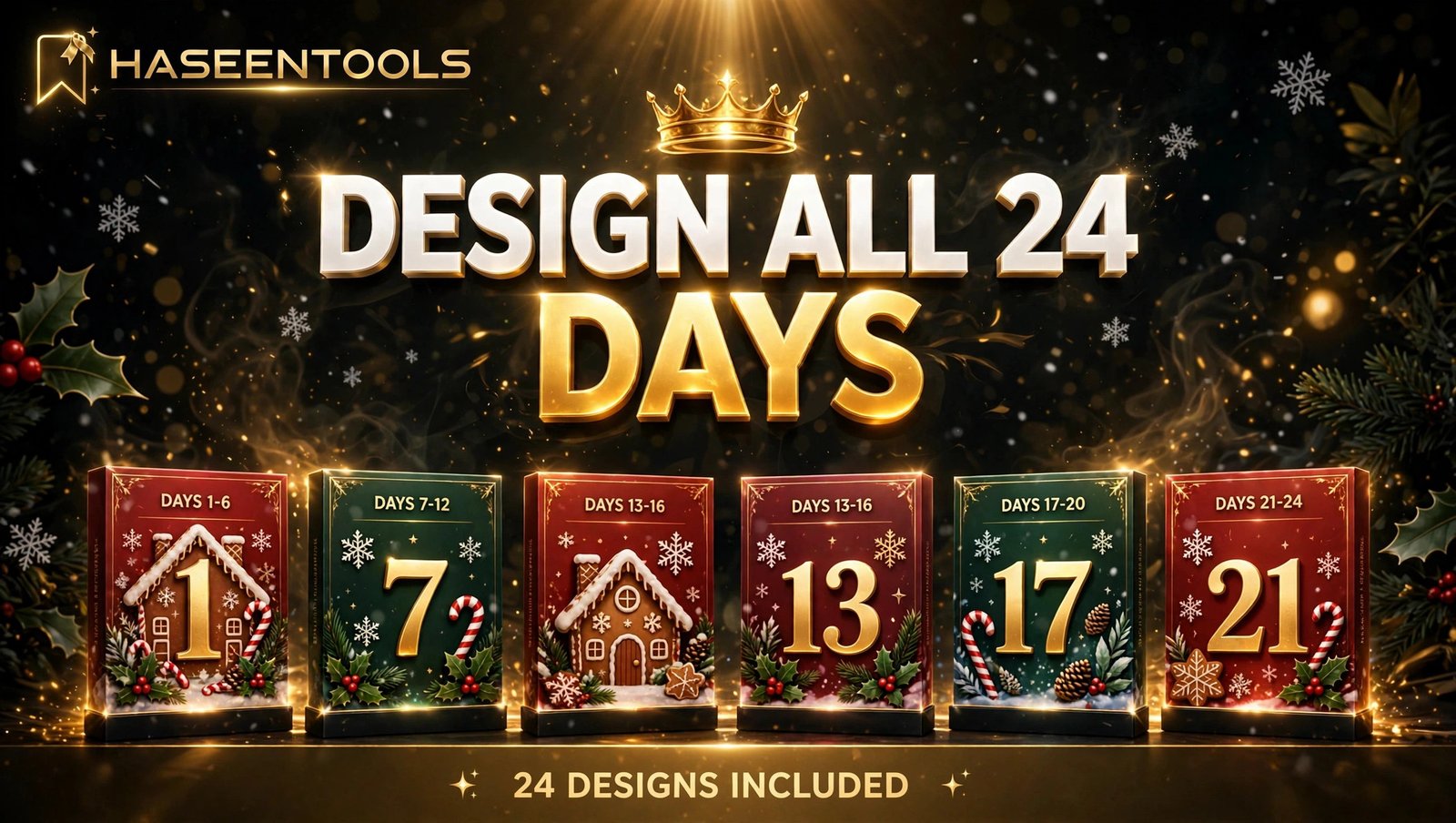
What to do: Design the 24 days as one matching set, not 24 separate pictures, so it looks like a product worth paying for.
Exactly how: Pick one theme and one colour palette for every card. A classic red-and-green theme with gold numbers works for most buyers; snowy blue-and-white suits a calmer, modern look. Put the day number big and bold in the same corner of every card, then vary the small picture underneath: a star on day 1, a tree on day 5, a snowman on day 12. Keep to two fonts at most: one bold display font for the numbers, one clean font for the words.
Example: Day 7 shows a big gold “7” on deep green with a gingerbread house; day 8 uses the same green and gold style with a candy cane — different picture, same family.
Pro Tip: Number the cards 1 to 24 in order as you design them — a missing or doubled number is the most common complaint in Advent calendar reviews.
Step 4: Add the Fun Inside Each Day
What to do: Fill every day with something worth opening — an activity, a treat or a kind message — because that turns a pretty file into a product buyers recommend.
Exactly how: Write your 24 surprises before you finish the design, mixing three kinds: activities (bake cookies, build a snowman, sing a carol), treats (a chocolate, a sticker, a candy cane) and kind words (a joke, a compliment, a Christmas memory). Keep each surprise to one short line so it fits on the card, and spread the best ones across the month — a big activity on day 1, a special one saved for day 24.
Example: Day 1: “Make hot chocolate together tonight.” Day 12: “Leave a kind note for someone you love.” Day 24: “Family movie night.”
Pro Tip: Offer two versions of the surprise list: one for young kids and one for adults. It takes twenty extra minutes and doubles the buyers your calendar fits.
Step 5: Package, Price and Write Your Listing
What to do: Turn your design into a clean download and a listing that answers every buyer question.
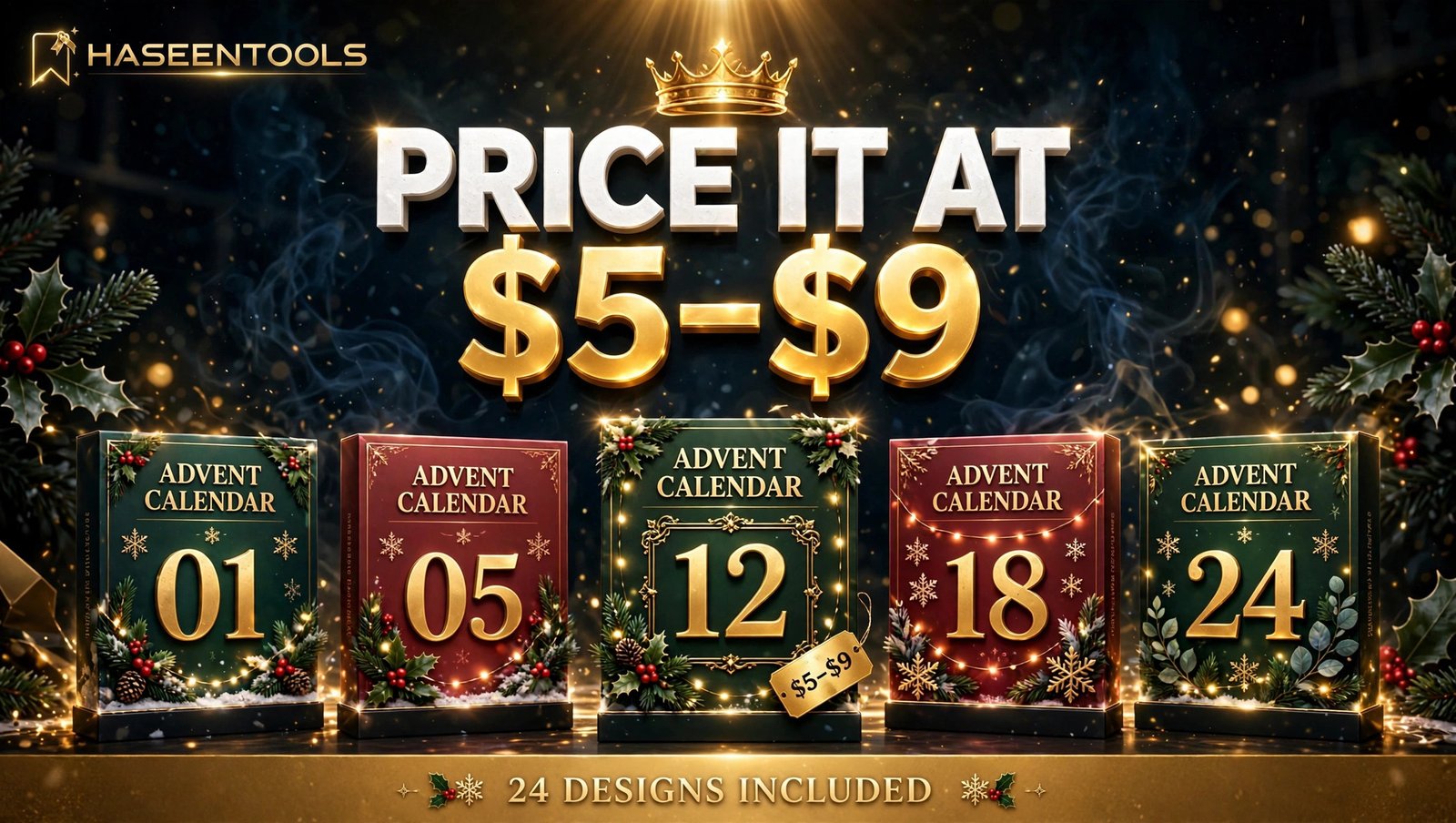
Exactly how: Export the file from Canva as PDF Print — the high-quality setting buyers expect for home printing. Put a short instruction page first: what paper to use, how to cut the cards, and that the set includes 24 designs, one for each day. Price the set at $5–$9: where a 24-design calendar feels like a bargain and still earns you real money. Then write your listing with the facts up front: 24 designs, US Letter size, PDF Print file, instant download, personal-use licence. Make three mockup photos: the full set fanned out, one card close up, the cards on a string.
Example: Your listing title reads “Printable Advent Calendar — 24 Days of Christmas Countdown Cards, Instant Download PDF”, and the first line says “24 designs included — one card for every day, 1–24 December.”
Pro Tip: Show the number 24 in your listing photos. Buyers count value in days, so “24 designs included” on the image sells harder than words buried in the description.
Step 6: List It and Promote It Before 1 December
What to do: Get your printable Advent calendar to sell listed while shoppers are still buying, then put it in front of them daily.
Exactly how: List the calendar on Etsy and on your own shop in the same week you finish it — early November at the latest, because searches peak in the last two weeks of November. Use “printable Advent calendar” in your listing title and first line of the description — that is the phrase buyers type. Then make one Pinterest pin a day from your listing photos — the full set, a close-up, the string display, a “24 days” countdown — and point every pin at your listing.
Example: A seller lists on 10 November, pins the full-set photo on 11 November and the close-up on 12 November, and by 20 November has five sales — all before a single door is opened.
Pro Tip: Put the date in your pins: “Ready before 1 December” beats “Christmas calendar” — it reminds shoppers time is ticking.
Printable Advent Calendar vs Other Christmas Printables
Not every Christmas printable sells the same way. This table compares the most common ones on effort, price and timing.
| Product | Design effort | Typical price | Best selling window |
|---|---|---|---|
| Printable Advent calendar | Medium — 24 matching designs | $5–$9 | Early to late November |
| Christmas party games | Low — 8–10 pages | $5–$9 | November to mid-December |
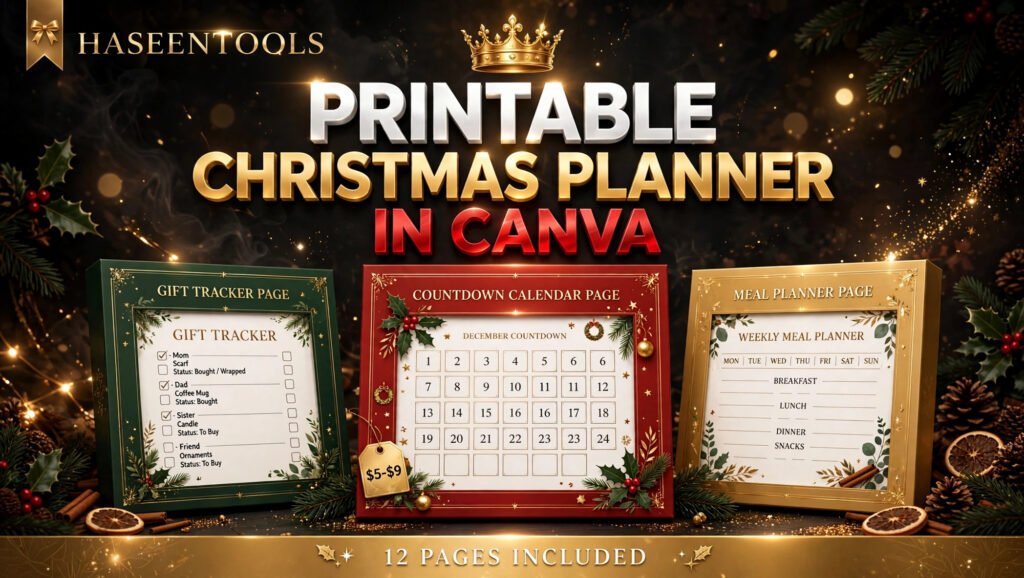
| Christmas planner | High — 12 pages | $5–$9 | October to November |
| Christmas gift tags | Low — one sheet, many tags | $3–$5 | Late November to December |
An Advent calendar takes more work than gift tags, but it has the hardest deadline of the four — and hard deadlines sell. If you make one Christmas product this year, make the one buyers cannot buy in January.
Common Mistakes to Avoid
- 24 unrelated cards. A calendar that changes style every day looks like leftovers. One theme, one palette, one number style.
- No cutting margin. Anything too close to the edge gets sliced off on home printers. Keep half an inch clear.
- Empty days. A day with nothing inside is a broken promise. Write all 24 surprises before you export.
- Listing too late. A calendar listed on 5 December has missed its buyers. List in early November.
- Hiding the count. If buyers cannot see “24 designs” in your photos, they assume the set is smaller. Put it on the image.
Quick Checklist
- Format chosen: pockets, flaps or 24-card set
- Canva file set to US Letter, margins on
- One theme and palette on all 24 days
- Numbers 1–24 checked in order
- 24 surprises written, mixed
- Test page printed and checked
- PDF Print export, instruction page first
- Price $5–$9, “24 designs included” on listing photos
- Listed on Etsy and your shop by mid-November
- Pinterest pins daily to 1 December
Frequently Asked Questions
How many days should a printable Advent calendar have?
A printable Advent calendar has 24 days, from 1 to 24 December. That is the standard buyers expect, so put it in your listing: 24 designs, one for each day. A 12-day or 25-day version confuses shoppers and earns returns.
Can I sell an Advent calendar I made in Canva?
Yes, if it is finished and original — your layout, numbers, wording and styling. You cannot sell Canva’s own graphics or templates on their own. Check Canva’s current licence rules before you list, especially with Pro elements.
What size should I design a printable Advent calendar?
Design it on US Letter paper, 8.5 x 11 inches. For a 24-card set, two 4 x 6 inch cards fit per page, so the full calendar is 12 pages plus a cover and an instruction page.
When is the best time to list a printable Advent calendar?
List it in early November at the latest. Searches peak in the last two weeks of November, and buyers need time to download, print and cut before 1 December. A mid-November listing still catches the rush; a December one mostly misses it.
Conclusion
A printable Advent calendar to sell is one of the simplest seasonal products you can make in Canva — 24 matching designs, one clear deadline, and buyers who need it before a fixed date. Pick one format, keep your 24 days in a single matching style, fill every day with something worth opening, and price the set at $5–$9 with “24 designs included” front and centre. Then list early and pin daily until Advent begins.
- A 24-day calendar beats a pretty file with empty days — the surprises are the product.
- One theme, one palette and one number style make 24 cards look like a set.
- US Letter, PDF Print and a test print keep it printing cleanly at home.
- Early November is the listing window; December is already too late.
Start today: open Canva, set up your US Letter file, and design your first six cards. For a matching Christmas product to list beside it, try a printable Christmas planner next — same skills, same buyers. And if this guide helped, share it with a friend planning their first Christmas product.