





How to Create and Sell Printable Bingo Cards in Canva: A Step-by-Step Guide

One printable bingo set can sell while you sleep. A buyer downloads it, prints it at home, and plays it at a shower, a classroom party, or game night — and you never touch a printer. That is the quiet power of printable bingo cards to sell in Canva: a simple grid, a fun theme, and a file that keeps earning.
If you can drag, drop, and type, you can make one. Here are six steps to create printable bingo cards to sell in Canva, from picking a theme buyers search for to listing your finished set.
What Are Printable Bingo Cards?
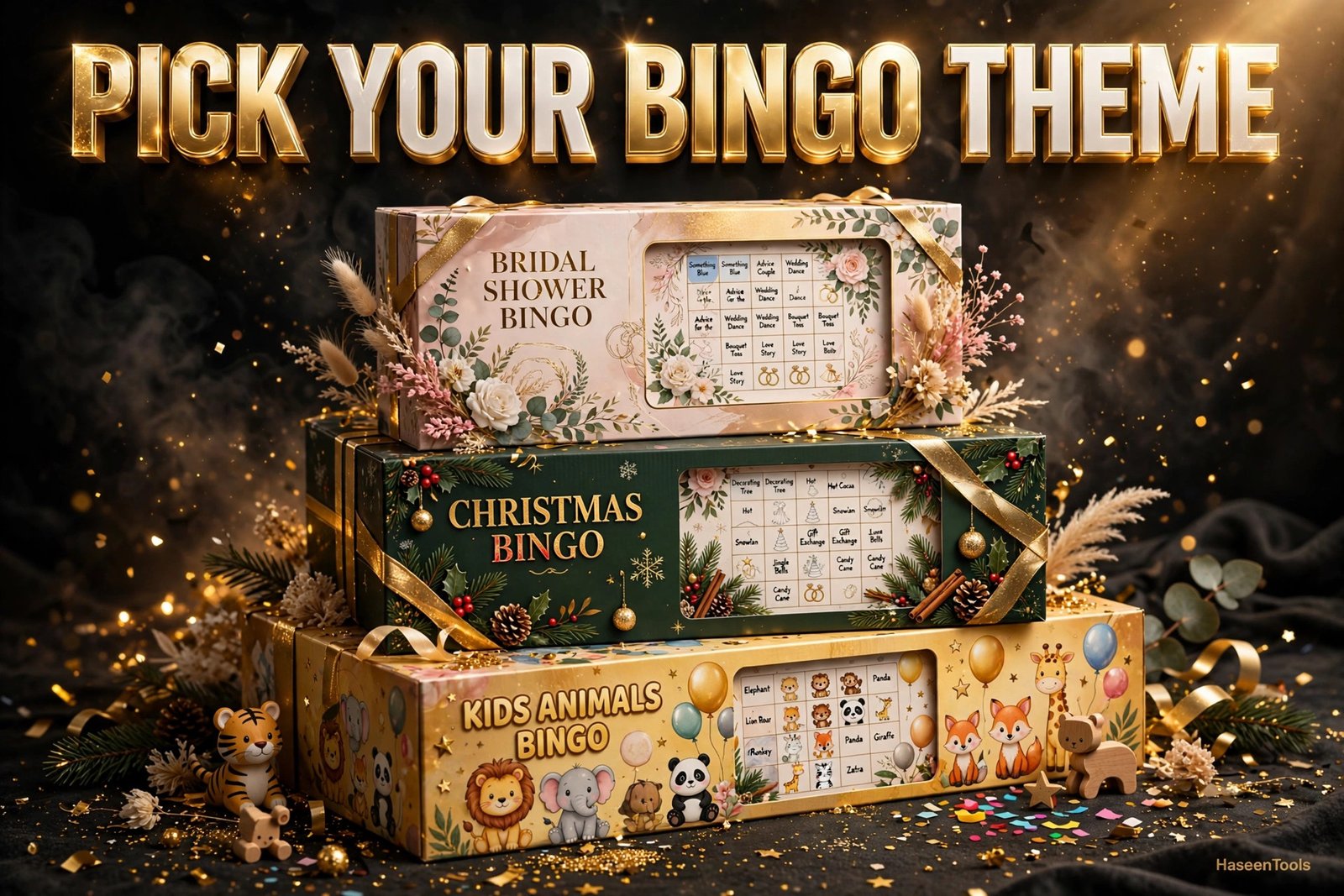
Printable bingo cards are 5×5 game grids sold as digital PDF files. Each card carries words, numbers, or pictures in columns under the letters B-I-N-G-O, and buyers print as many copies as they need at home. Sellers create them once in Canva and sell the same file again and again.
That repeat sale is the whole appeal. A birthday mum buys one set for twenty guests, a teacher buys another for thirty pupils, and a bride buys a third for her shower — and you ship nothing.
The grid stays the same; only the words change — swap “bride” for “snowman” and a bridal shower set becomes a Christmas set. One skill, endless themes.
Step 1 — Pick a Bingo Theme and Audience
Choose one theme and one buyer before you open Canva. A card built for everyone pleases no one, and a clear theme makes your listing easy to find.
Start with the occasion, then name the buyer: bridal showers, baby showers, kids’ birthdays, classrooms, and Christmas parties are the busiest themes. Then check demand by typing your theme into the Etsy search bar. If several shops sell it, buyers want it — your job is to make a better version.
Pick a theme you can fill with 30 to 40 words. “Animal bingo for kids” works because every child knows lions and penguins. A theme with only ten good words runs dry fast.
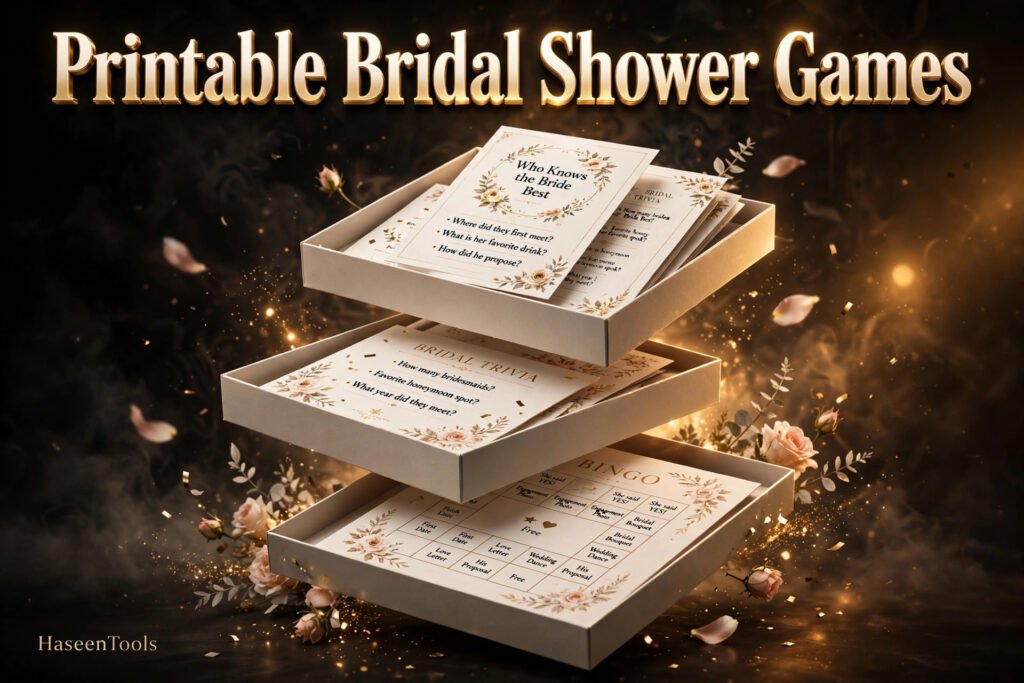
Example: a bridal shower set with “bride”, “bouquet”, “first dance”, and “honeymoon”. One buyer prints 20 cards, and the game fills a quiet half-hour.
Pro Tip: Sell one theme per listing. “Bridal Shower Bingo” is easier to find — and buy — than a mixed pack of unrelated themes.
Step 2 — Set Up Your Card in Canva
Build a clean 5×5 grid on a US Letter page (8.5 × 11 inches) with space for a title — the size most home printers handle. A good starting point when you make printable bingo cards to sell in Canva.
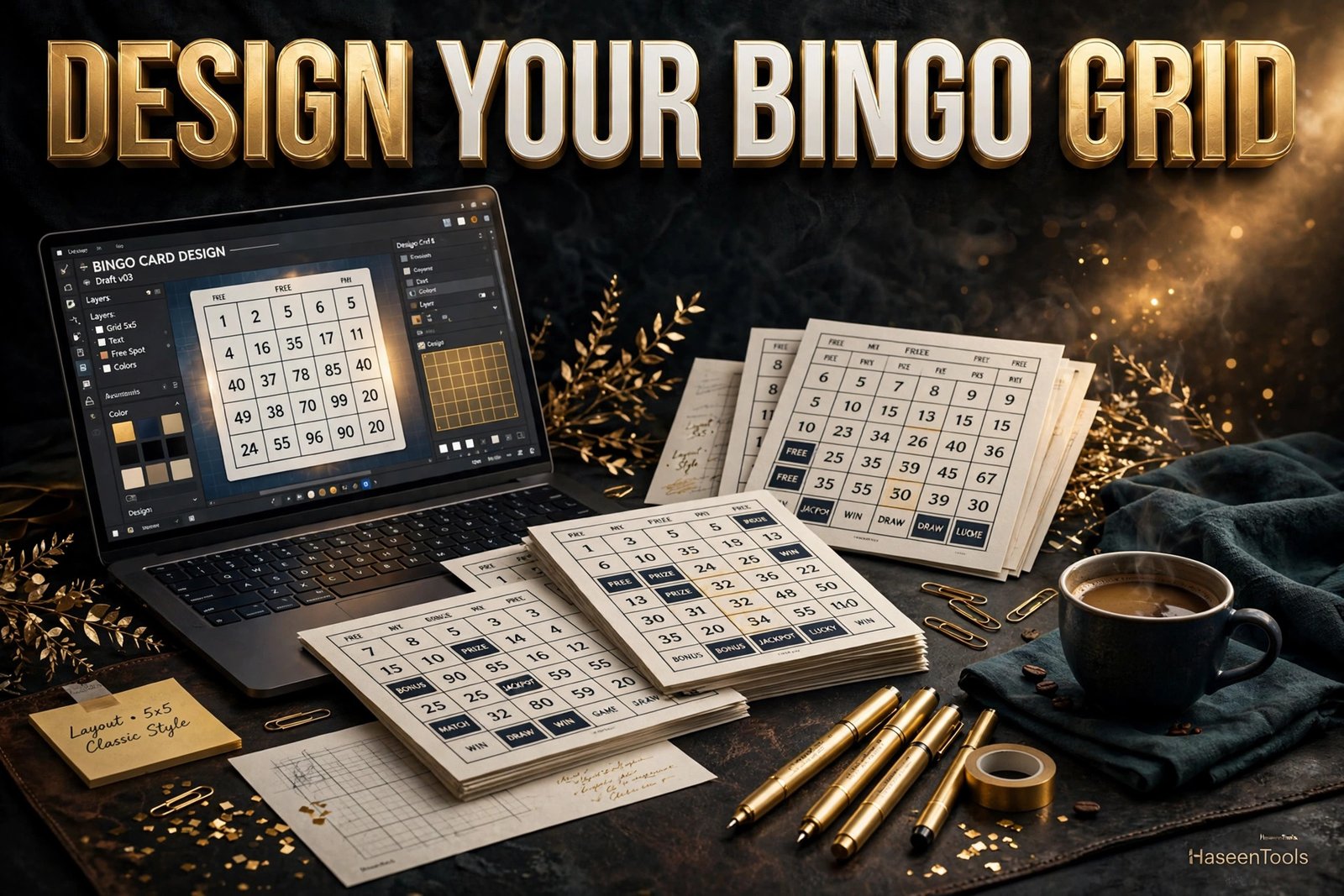
In Canva, click Create a design, choose Custom size, and enter 8.5 × 11 inches. Turn on rulers and margins so nothing sits near the edge. Add the title at the top in a big, bold font, then build the grid: five columns headed B, I, N, G, O, and five rows of squares below them. Keep the squares even, with a little white space between them.
For a shortcut, open Canva’s free Bingo Cards app. Type in your word list and it generates a full set of cards with the words shuffled into different positions on each one.
Example: 1-inch squares, a “BINGO” header row in dark teal, and the title “Christmas Bingo” in a playful bold font.
Pro Tip: Design on a blank page, not a Canva template. A template you barely change is not original work, and original designs sell better.
Step 3 — Fill the Grid With Words, Numbers or Pictures
Fill every square with a word, number, or picture that fits your theme — this is the part buyers judge first.
Write a list of 30 to 40 theme words before you touch the grid. Short words work best — long phrases crowd the square and slow the game down. Use one font at 18 points or larger, and centre each word. For kids’ sets, swap some words for simple pictures: a lion or a cupcake reads faster than text for a five-year-old.
Shuffle the words on every card — no two cards should be identical, or two players will win at the same moment. Canva’s Bingo Cards app shuffles for you; by hand, copy the page and drag the words into new positions.
Example: for animal bingo, start with lion, penguin, frog, elephant, owl, fox, bear, duck, snake, and monkey — then add twenty more.
Pro Tip: Mark the centre square as a FREE space with a small star — the one square every bingo card is expected to have.
Step 4 — Make a Matching Set: Calling Cards and Markers
A bingo set is more than player cards. Buyers also need calling cards, markers, and a short “How to Play” page — bundle them all in one PDF.
Make one calling card per word, each showing a single word in large type for the caller to read aloud. Then add round markers buyers can cut out, and a final page explaining the rules in three or four lines: how to win, who calls, and what the winner gets.
Keep the whole set in one Canva file, one page per card. A 20-card set plus calling cards, markers, and instructions runs to about 25 pages, and downloads as a single PDF.
Example: 20 unique player cards, 30 calling cards, one marker sheet with 100 circles, and one instructions page — a complete game in a single file.
Pro Tip: Number your calling cards in a corner — if one blows off the table mid-game, the number tells the caller which word it was.
Step 5 — Export a Print-Ready PDF
Turn your Canva file into a high-quality PDF that prints cleanly. A blurry or wrongly sized file is the fastest way to a one-star review.
Click Share, then Download, and choose PDF Print. Tick “Flatten PDF” so fonts and layout stay exactly as designed. Then open the file and check every page: no cut-off words, no overlapping text, no blank pages.
Then print one test copy at home on plain paper at 100% scale — never “fit to page”, which shrinks the grid. Hold the card at arm’s length: if you can read every word easily, your buyer can too. A careful export separates amateur sets from professional ones.
Example: a test print shows the bottom row too close to the edge. Nudge the grid up half an inch, re-export, and the problem is gone.
Pro Tip: Save a second copy as a PDF Standard for buyers who only view it on screen. The print file is the product; the screen file is a bonus.
Step 6 — Price and List Your Bingo Cards for Sale
Put your finished set in front of buyers with a clear price, honest mockups, and a title that says what the game is. This is where printable bingo cards to sell in Canva turn into income.
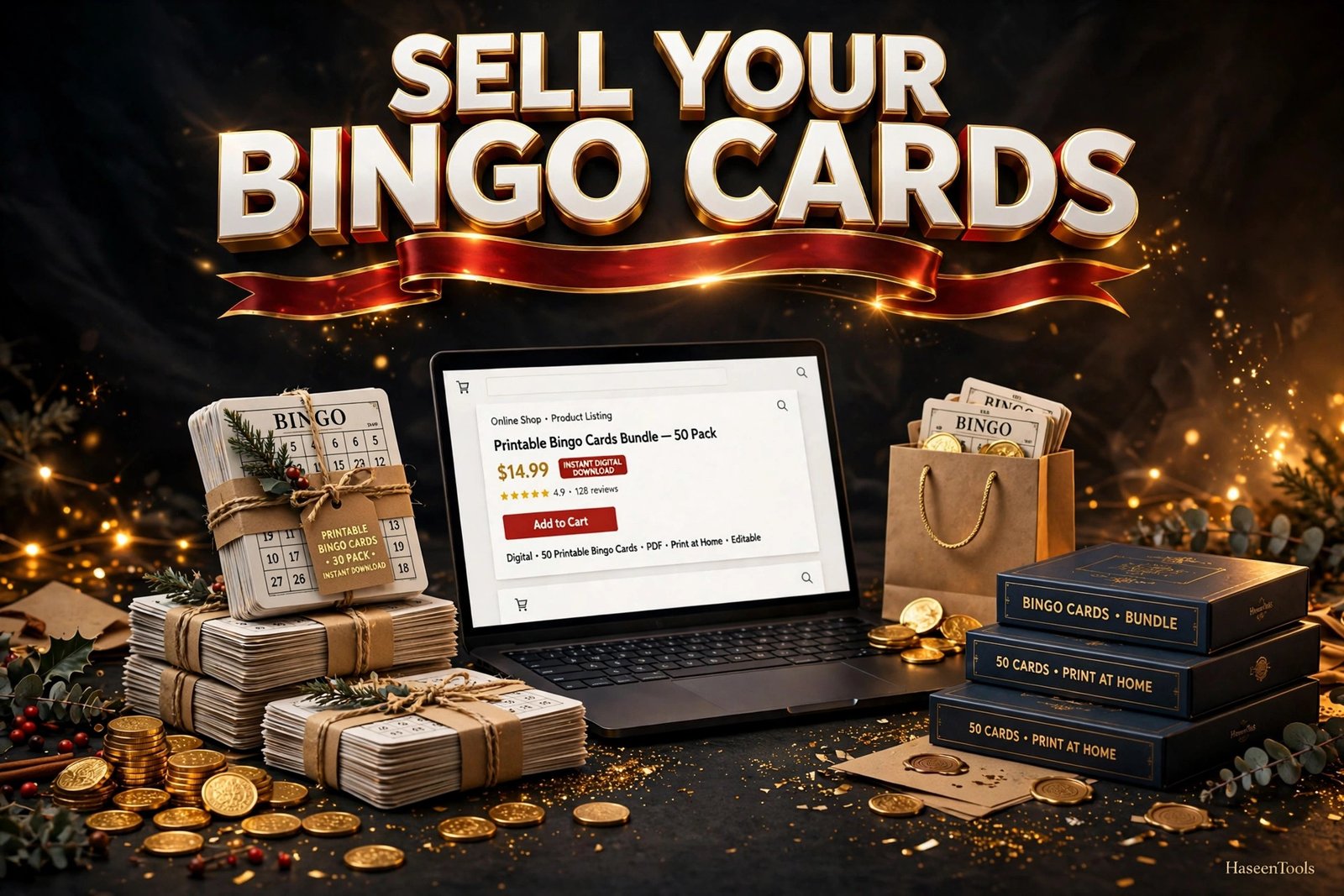
Price a single-theme set between $3 and $7, and a bundle of three themes between $10 and $15. Start low, then raise the price after your first ten sales and a few good reviews. List on Etsy or your own website, and write the title the way a buyer searches: “Bridal Shower Bingo Cards Printable, 20 Unique Cards, Instant Download”. Show mockups of the cards on a table, the calling cards fanned out, and the instructions.
In the listing, say exactly what is included: the number of unique cards, calling cards, markers, instructions, PDF format, and US Letter size. Say what is not included too: no physical item ships, and the file is for personal use.
Example: a Christmas bingo set at $4.99 with five mockup photos sells its first copy within a week of a Pinterest pin.
Pro Tip: Make a second set in a different theme the same week and list it as a bundle — bundles raise the average order value, and one buyer often takes both.
Printable Bingo Cards vs Other Party Games
Not every party game sells the same way. Bingo wins on simplicity: one file, no cutting dozens of pieces, no writing answers. Here is how it compares with the games sellers list most often.
| Game type | Prep for the buyer | Best for | Typical price |
|---|---|---|---|
| Bingo cards | Print and cut | Large groups, all ages | $3–$7 |
| Trivia sheets | Print and write answers | Adults, quiz nights | $3–$6 |
| Scavenger hunts | Print, cut clues, hide items | Kids, outdoor parties | $4–$8 |
| Charades cards | Print and cut | Small groups, teens | $2–$5 |
Bingo is the easiest game to run at a party, which is why printable bingo cards to sell in Canva suit beginners so well. If you already sell printable birthday party games or printable baby shower games, a bingo set in the same theme brings buyers back.
Common Mistakes to Avoid
- Reusing the same layout for every card. Players notice when two cards match, and the game breaks. Shuffle every card, or use the Bingo Cards app.
- Tiny text. If a word needs squinting, the card is too crowded — shorten the word or grow the square.
- Forgetting the calling cards. Player cards with nothing to call from are an unfinished product.
- Selling a Canva template with barely any changes. Buyers pay for original design, and Canva’s rules expect the same.
- Skipping the test print. What looks fine on screen can sit too close to the edge on paper.
Common Mistake: Listing five unique cards as a party pack. A party of twenty needs twenty different cards — build the full set before you list it.
Quick Checklist
- Theme and buyer chosen, with 30–40 words listed
- US Letter page, 5×5 grid, FREE centre square
- 20 unique player cards, all shuffled differently
- Calling cards, markers, and a “How to Play” page included
- Test print checked at 100% scale
- PDF Print export, fonts flattened
- Listing live with mockups, clear price, and instant download
Frequently Asked Questions
How many bingo cards should I include in a set?
A set of printable bingo cards to sell in Canva should hold twenty unique cards for most parties, and thirty for larger groups. Fewer than ten feels thin for the price — start with twenty.
Can I sell bingo cards made in Canva?
Yes, if the design is your own original work: your layout, words, colours, and styling in a finished product. Never sell a Canva template with only small changes, and check Canva’s current content licence rules before you list.
What size should printable bingo cards be?
US Letter (8.5 × 11 inches) is the standard for home printing, and the size most buyers expect. One card per page keeps squares large and readable — say the size in the listing.
Where is the best place to sell printable bingo cards?
Etsy is the busiest marketplace for printable games; your own website gives you the most control and the full sale price. Many sellers do both: Etsy for discovery, their own shop for repeat buyers.
Conclusion
Printable bingo cards to sell in Canva are one of the simplest digital products you can make: a grid, a theme, and a PDF that sells again and again. Pick a theme buyers search for, build a clean 5×5 grid, shuffle every card, add calling cards and instructions, test-print the file, and list it with honest mockups.
- One theme per set, 30–40 words, 20 unique shuffled cards
- Calling cards, markers, and instructions complete the product
- Test print at 100% scale before you list anything
- Start at $3–$7 and bundle themes to raise the order value
Open Canva today and pick your first theme. Your first sale is one good game away — and your next set will take half the time.


2 thoughts on “How to Create and Sell Printable Bingo Cards in Canva: A Step-by-Step Guide”