How to Create and Sell Printable Anniversary Party Games in Canva: A Step-by-Step Guide

The hall is booked, the cake is ordered, and then someone asks, “So, what are we actually going to DO at the party?” That awkward silence is your business opportunity. Printable anniversary party games in Canva are one of the simplest digital products a beginner can create and sell, because every anniversary party needs entertainment, and nobody wants to plan it themselves.
In this guide, you will learn how to design, package, price, and sell a complete set of printable anniversary party games in Canva — even if you have never sold a digital product before. Just Canva, a good idea, and one focused weekend.
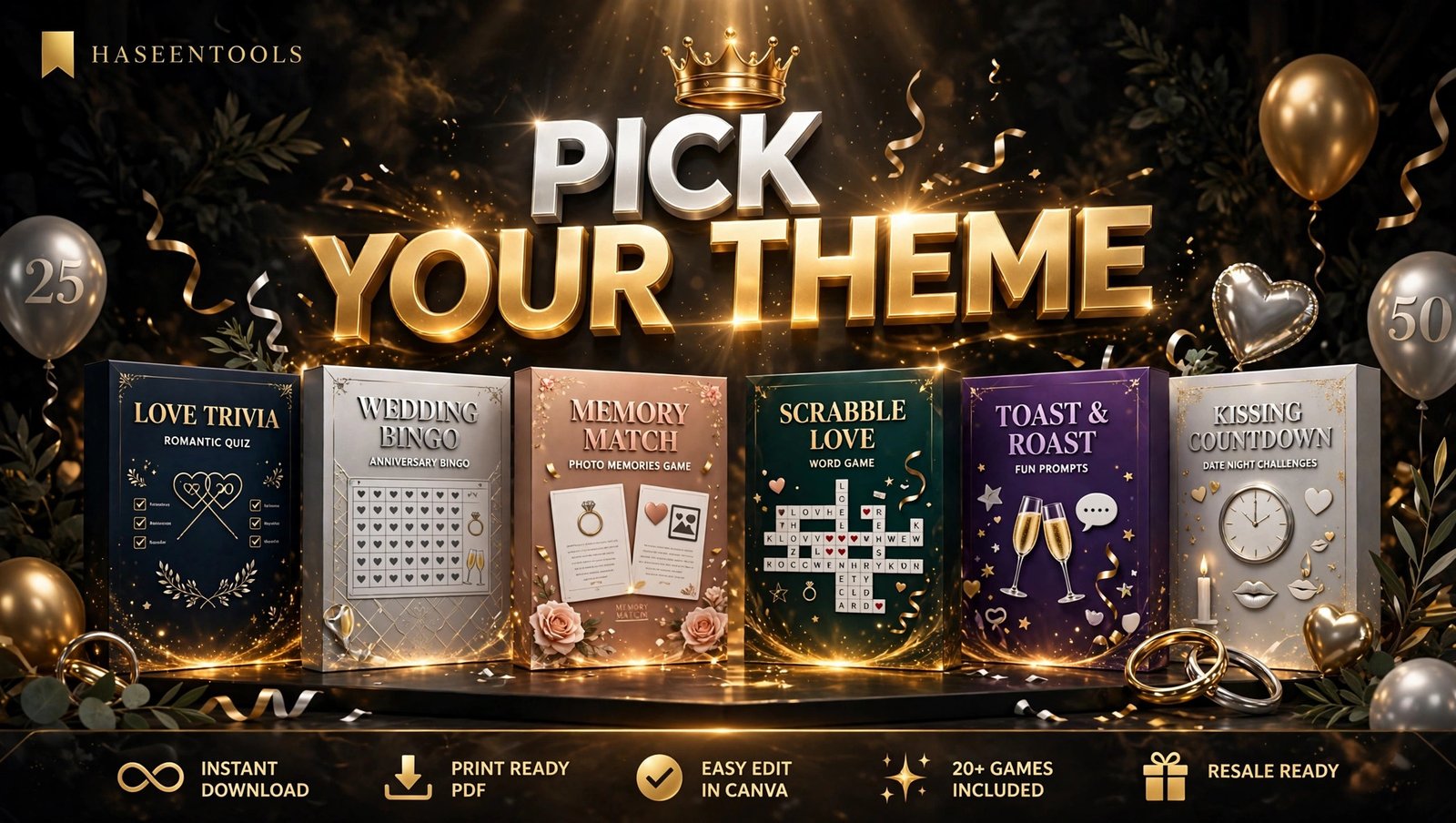
What Are Printable Anniversary Party Games?
Printable anniversary party games are instant-download game sheets that party hosts print at home and play at an anniversary celebration. Think “How Well Do You Know the Couple?”, a love-story word search, anniversary trivia, or a “25 Years of Memories” matching game. The buyer downloads a PDF, prints as many copies as they need, and plays in minutes.
Featured snippet answer: Printable anniversary party games in Canva are instant-download game sheets you design in Canva, export as a print-ready PDF, and sell as a digital bundle. A good bundle includes 8 to 10 games, an answer key, and printing instructions, so hosts can buy, print, and play in under 15 minutes.
Unlike wedding games, anniversary games celebrate a couple’s shared history — and unlike a single game sheet, a bundle covers the whole party in one purchase.
But here’s the part most people miss: the games that sell best are not the cleverest ones. They are the ones a busy host can understand in ten seconds flat.
Step 1: Pick Your Anniversary Theme and Game Mix
What to do: Choose one clear theme for your bundle and decide which 8 to 10 games it will include.
Exactly how: Start with the milestone. A silver 25th calls for elegant grey and white; a golden 50th for gold and cream; a first anniversary can be playful and bright. Then pick a mix so every guest finds something they enjoy: two “know the couple” games, two word games, two guessing games, one active game, and one sentimental game. Write the list down before you open Canva — designing without a plan is how bundles end up with six quizzes.
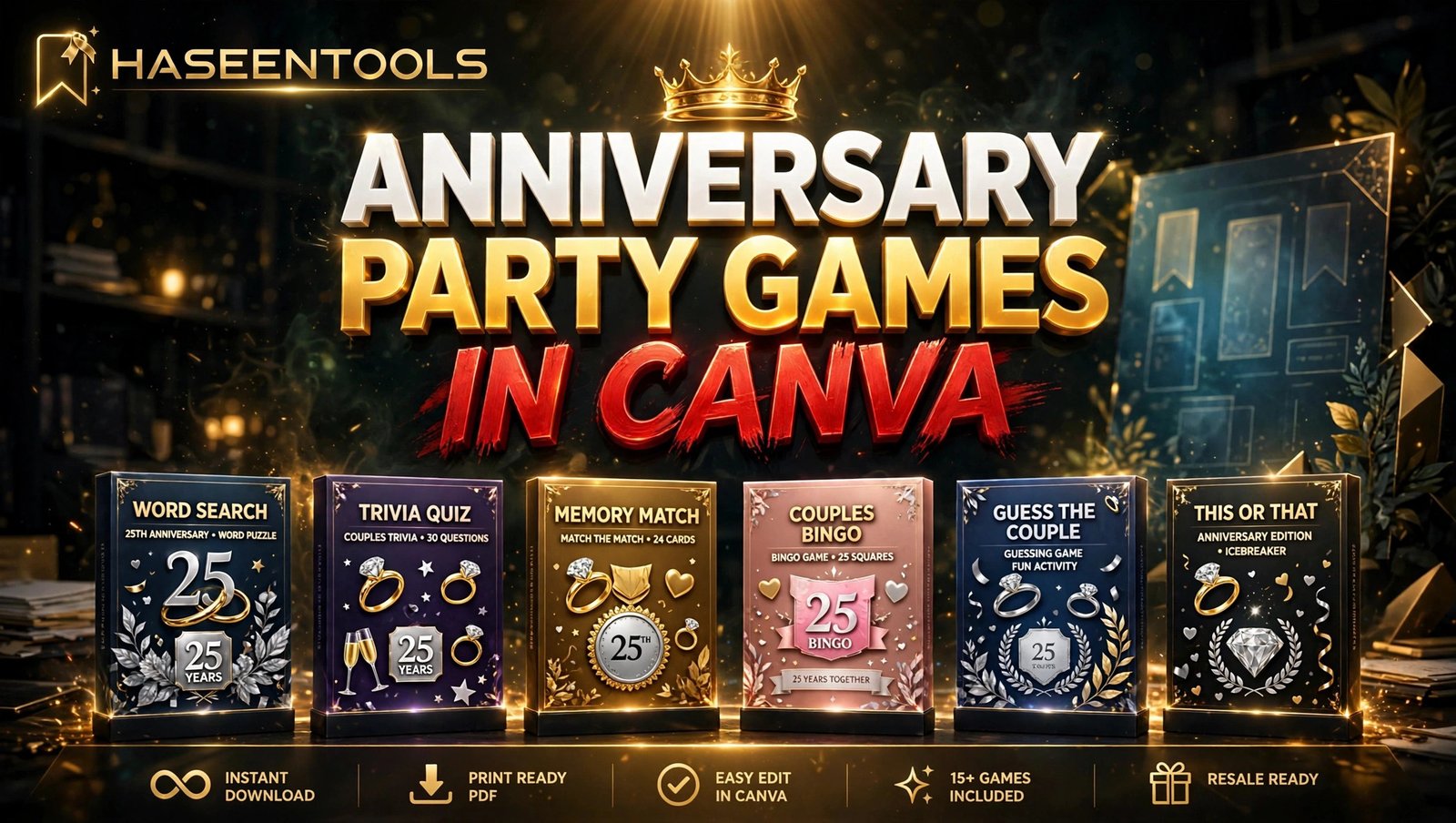
Example: For a 25th anniversary bundle, try “How Well Do You Know the Couple?”, “Guess the Year”, “Love Song Titles”, “Memory Match”, and “Advice for 25 More Years”, plus a word search, a quote game, and a “Would the Couple Rather…?” round. Eight games, four types, one silver theme.
Pro Tip: Build your first bundle around one milestone — 25th or 50th anniversaries sell best.
Step 2: Design the Games in Canva
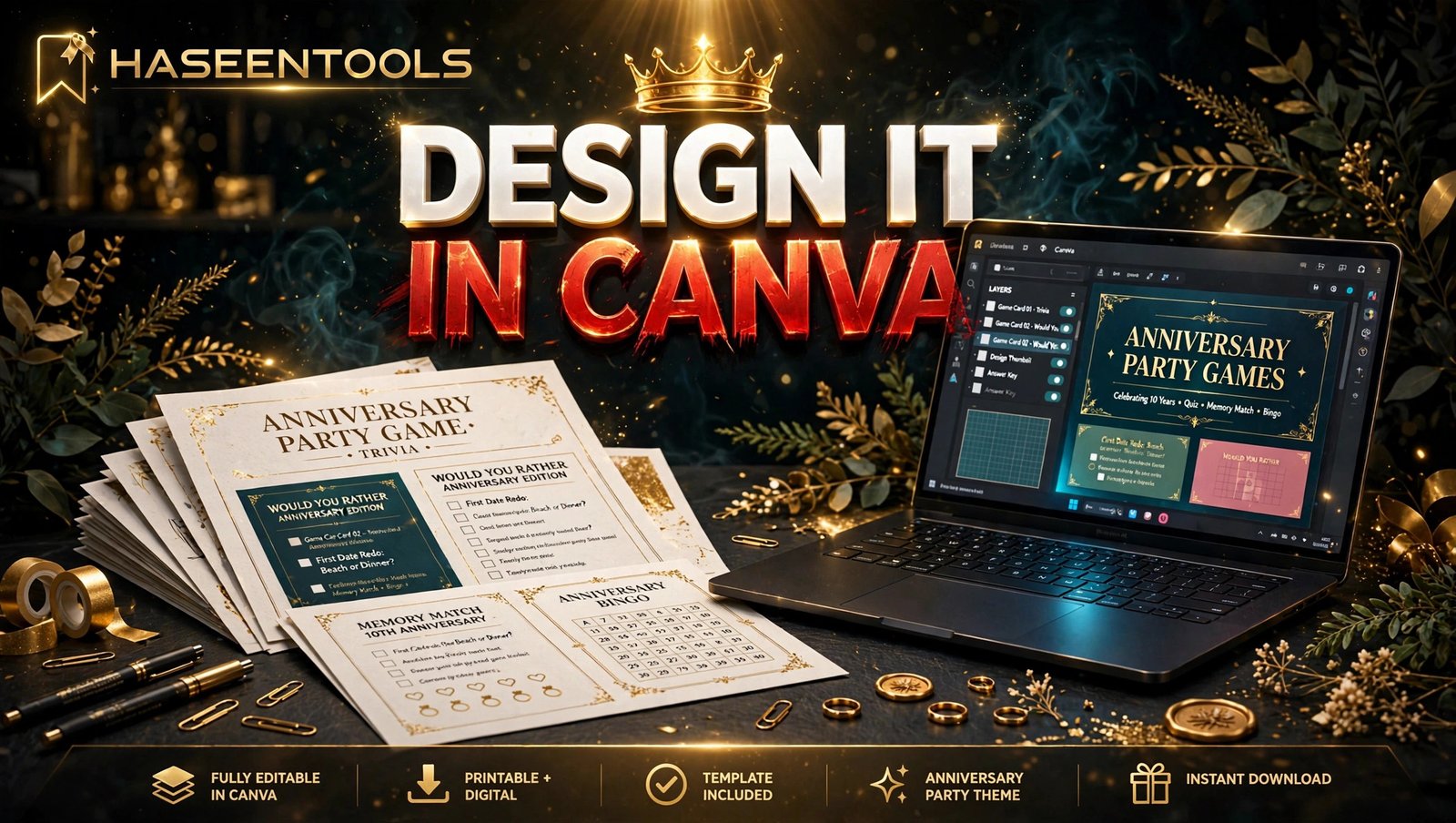
What to do: Create each game as a US Letter page (8.5 × 11 inches) in Canva, using one consistent style across the whole bundle.
Exactly how: Open Canva, click “Create a design”, choose “US Letter Document”, and set up a simple template first: one heading font, one body font, one colour palette, and a small decorative element such as a thin gold border. Keep the title big at the top, the instructions in one short line underneath, and plenty of white space for answers.
Example: A clean layout is a 36-point heading, a 14-point instruction line (“Circle the answer you think is right — most correct answers wins!”), and 10 questions in 14-point text with space to circle A, B, or C. One page, no clutter.
Pro Tip: Use Canva’s free fonts only — Playfair Display for headings and Lato for body text look elegant together and print beautifully.
Step 3: Write Questions Guests Actually Enjoy
What to do: Write the questions, prompts, and answers for every game in your bundle.
Exactly how: Write questions a real guest could answer, drawn from the couple’s story: where they met, their first date, their favourite song, the year they married, their funniest argument. Mix easy questions with two or three tricky ones so the game stays fun instead of frustrating. For word games, use anniversary words — love, vows, rings, dancing, memories, together. Then write the answer key on a separate page and double-check every answer twice — one wrong answer embarrasses the host in front of a whole room.
Example: For “Guess the Year”, list ten moments — “They got married”, “They bought their first house” — and give four year options for each. Guests guess, the host reads the answers, and the closest score wins. It takes 15 minutes to write.
Pro Tip: Leave two blank lines at the bottom of “Advice for 25 More Years” for guests’ own wishes — that page becomes a keepsake the couple takes home.
Step 4: Package the Games Into a Print-Ready Bundle
What to do: Turn your separate game pages into one polished PDF bundle a buyer can print without thinking.
Exactly how: Keep all games in one Canva file, in play order, and add three extra pages: a cover page, a “How to Play” page, and an answer key at the end. Export as PDF Print, then open the PDF and check every page for cut-off text, overlaps, and spelling mistakes. Print the full bundle once — a five-minute test print catches the errors a screen never shows.
Example: Your final bundle is 11 pages: cover, how-to-play, 8 games, and 1 answer key — guests get pages 3 to 10, the host keeps the answer key. That structure is exactly what buyers expect.
Pro Tip: Add a small footer on each game page — “Print as many copies as you need for your party” — so buyers know the whole guest list is covered.
Step 5: Price Your Bundle and List It for Sale
What to do: Set a fair price and list your bundle where party hosts already shop.
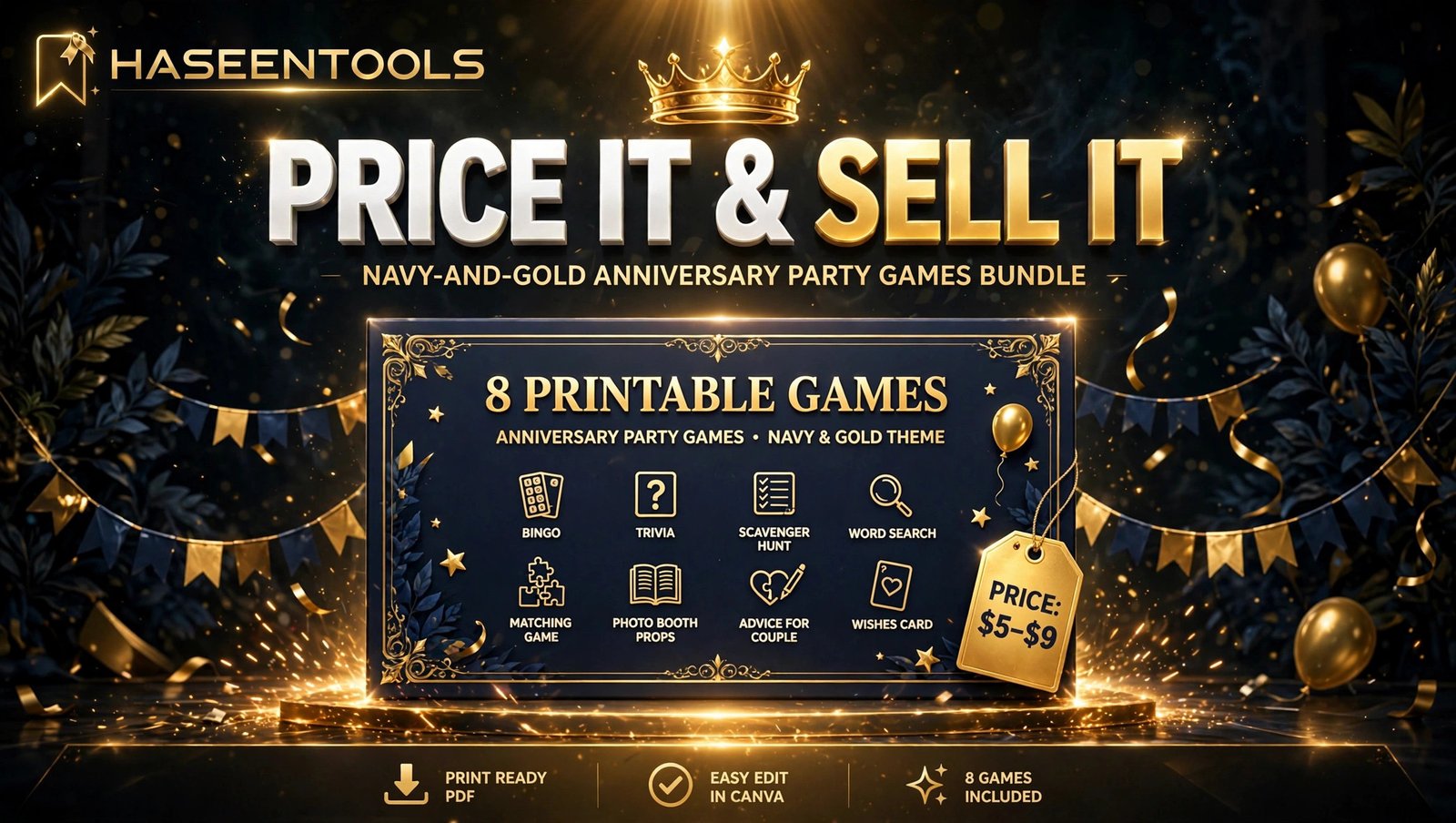
Exactly how: Price your printable anniversary party games in Canva bundle of 8 to 10 games between $5 and $9. That is cheaper than a single greeting card set, yet high enough to feel like a real product. A single game sheet sells for $2 to $3, but bundles earn more per sale and get better reviews. List first on Etsy, where buyers already search for “anniversary party games”, and on your own shop so you keep the full sale price. Write a listing title that says exactly what it is — “Printable 25th Anniversary Party Games Bundle, 8 Games, Instant Download” — and use your best game page as the first listing photo.
Example: If your bundle sells at $7 and you make 10 sales a month, that is $70 from one bundle you built in a weekend. Add a 50th and a 1st anniversary version, and three small bundles quietly earn more than one big one.
Pro Tip: Offer a free single game as a sample in your shop — hosts who try it come back for the full bundle.
Step 6: Promote Your Games With Pinterest and Free Samples
What to do: Get your printable anniversary party games in Canva in front of party hosts with pins and a free sample game.
Exactly how: Create three Pinterest pins: one showing the cover page, one showing a game page close-up, and one listing all 8 game titles. Link every pin to your listing, on boards like “Anniversary Party Ideas” and “Printable Party Games”. Then share your free sample game in Facebook party-planning groups as a genuinely helpful freebie, with a link to the full bundle — the same freebie-first approach works for printable engagement party games too.
Example: A pin titled “8 Printable 25th Anniversary Party Games — Instant Download” can send 20 to 30 clicks a week once it starts ranking on Pinterest — free traffic while you design your next bundle.
Pro Tip: Make a second version of your best pin with a different headline every month.
But promotion only works when the product is genuinely good. A bundle with spelling mistakes or blurry pages gets returns and bad reviews no matter how many pins you post. Quality first, promotion second.
Printable Anniversary Party Games vs Other Party Games
Anniversary games sit in a sweet spot: buyers are motivated, parties are planned weeks ahead, and hosts happily pay for something that makes them look organised.
| Game type | Buyer motivation | Price range | Competition |
|---|---|---|---|
| Anniversary party games | High — milestone event | $5–$9 per bundle | Low — few dedicated sellers |
| Baby shower games | High — planned months ahead | $5–$9 per bundle | Medium — established niche |
Anniversary games win on competition: far fewer sellers focus on them than on bridal shower games, yet buyers are just as willing to pay. That gap is why this niche is worth your weekend.
Common Mistakes to Avoid
- Designing games nobody can read. Tiny fonts and dark backgrounds look stylish on screen and terrible on a home printer — test-print every page.
- Writing questions only the couple could answer. Guests give up when every question needs insider knowledge — mix in general questions anyone can guess.
- Skipping the answer key. Hosts need answers ready. A bundle without an answer key gets one-star reviews fast.
- Copying another seller’s games. Write your own questions and layouts — copied games get listings removed and accounts banned.
- Pricing a bundle like a single game. Eight games are worth more than one. Price the bundle at $5 to $9, not $2.
Common Mistake: The biggest mistake is launching with only three games.
Quick Checklist
- Theme and milestone chosen (25th, 50th, or 1st anniversary)
- 8 to 10 games planned across at least 4 game types
- Every game test-printed and readable at arm’s length
- Answer key written and double-checked
- Cover page, how-to-play page, and answer key added
- Price set at $5 to $9 and listed on Etsy and your own website
- 3 Pinterest pins created and linked to the listing
- Free sample game shared in one party-planning group
Frequently Asked Questions
Can I sell printable anniversary party games made in Canva?
Yes. Printable anniversary party games in Canva sell well, as long as your layout, text, and questions are your own work. Do not sell Canva’s own templates or standalone graphics, and check Canva’s current content licence rules before listing.
How many games should an anniversary party games bundle include?
Aim for 8 to 10 games — enough to fill an evening without overwhelming the host, and it justifies a $5 to $9 price. Fewer than 5 games look thin next to competitors.
What size should printable anniversary party games be?
Use US Letter (8.5 × 11 inches) for North America, where most home printers use it.
Do I need Canva Pro to sell printable anniversary party games?
No. The free version of Canva is enough to design and sell a complete games bundle. Canva Pro adds premium fonts, graphics, and the background remover — but none are required for your first bundle.
Conclusion
Printable anniversary party games in Canva are a small, focused product with a clear buyer, low competition, and a build time of one weekend. Pick a milestone, design 8 to 10 games in one consistent style, write questions guests can answer, package them into a print-ready PDF, and price the bundle at $5 to $9.
- Start with one milestone — 25th or 50th anniversaries sell best.
- Design for the printer, not the screen — test-print every page.
- Bundle 8 to 10 games — bundles earn more and review better than single sheets.
- Promote with Pinterest — one good pin can bring clicks for months.
Your first bundle will not be perfect, and that is fine. Publish it, learn from the first few sales, and make the next one better. Open Canva today and design your first game before the weekend is over — your future buyers are already planning their parties.