How to Create and Sell a Printable Fitness Planner in Canva: A Step-by-Step Guide


Most gym bags hold a water bottle, headphones, and a plan that lives only in someone’s head. That is why a printable fitness planner sells: it turns a vague intention — “I should work out more” — into a page a buyer can hold, fill in, and follow. A printable fitness planner to sell is a 12-page PDF a buyer prints at home, with workout logs, weekly plans, and progress pages. In this guide, you will build one in Canva in six steps, price it at $5–$9, and list it where fitness buyers shop. No design degree is needed — just a clear buyer, a tidy layout, and a test print.
What Is a Printable Fitness Planner?
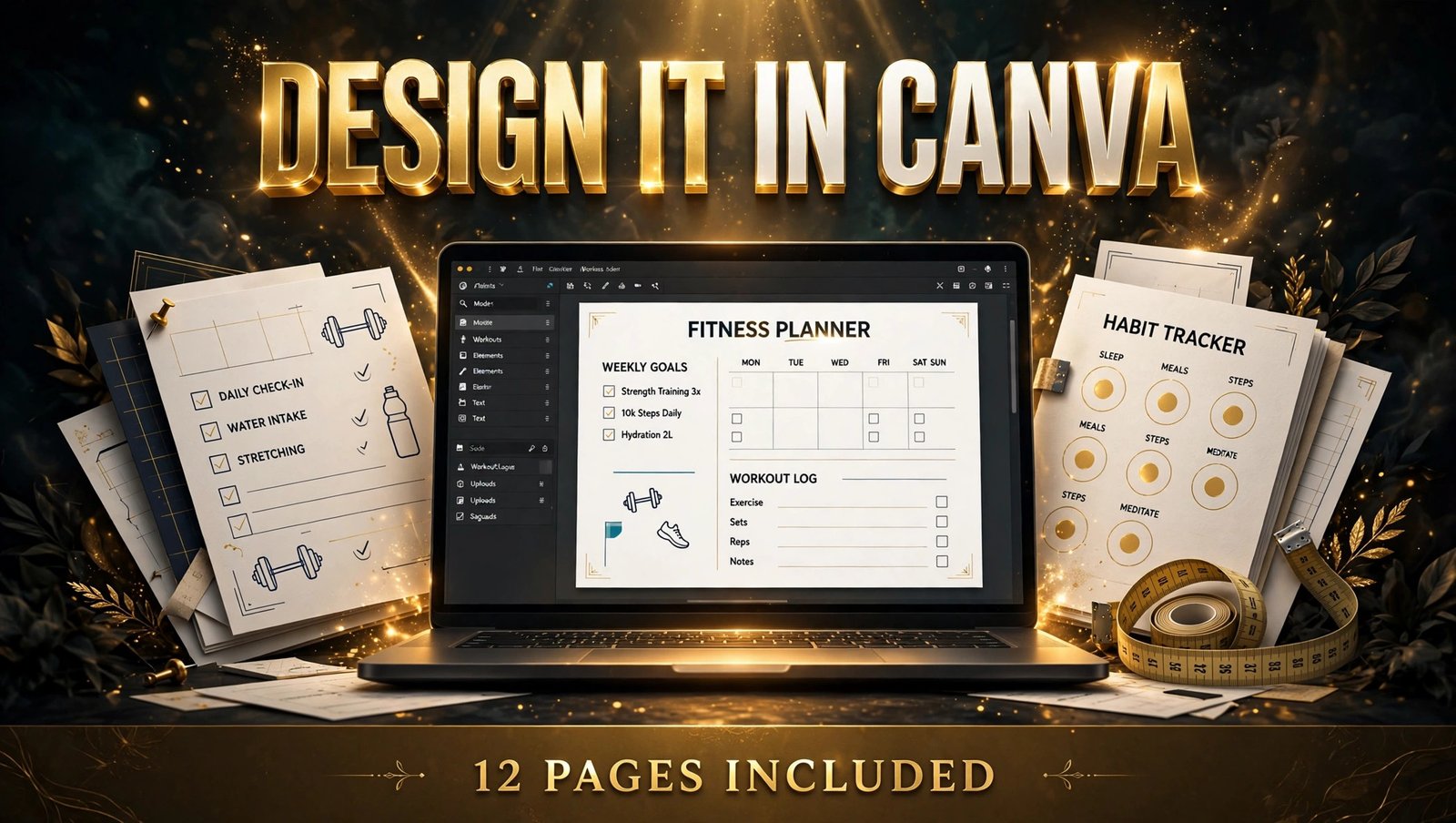
A printable fitness planner is a PDF a buyer downloads and prints at home to plan workouts and track progress. A good one includes a weekly workout plan, a workout log, a habit tracker, and a monthly progress page. Design it once in Canva and sell it as an instant download.
A printable fitness planner is not a medical product and should never promise weight loss or a specific result. It records what the buyer did, reminds them what comes next, and shows progress over time.
But here is the part most people miss: buyers do not pay for pretty pages. They pay for a system they will actually use on a Monday morning. Keep that in mind, and your planner will stand out.

Step 1: Pick One Buyer and One Fitness Goal
WHAT: Choose one buyer and one goal their planner serves, and design only for them.
EXACTLY HOW: Write one sentence: “For [buyer], who wants [goal], this planner helps them [result].” Then pick the sharpest of three buyer types: beginners starting at home with no equipment, busy parents fitting in 20-minute workouts, or gym members tracking lifts and personal bests. Search “fitness planner printable” on Etsy and keep the niche where at least three bestsellers have 50 or more reviews. Narrow further: not “fitness planner” but “home workout planner for beginners”.
EXAMPLE: “For a beginner working out at home, who keeps losing track of what to do each day, this planner helps them follow a simple weekly routine without a gym.” That sentence tells you every page you need — and every page you can skip.
PRO TIP: Pick a buyer you could be yourself for 30 days. If you cannot name 10 workouts that person does, the niche is too broad.
Step 2: Plan Your 12 Pages Before You Design
WHAT: Sketch the full page list on paper before opening Canva, so every page earns its place.
EXACTLY HOW: List all 12 pages in buyer order: cover, my fitness goals, monthly overview, weekly workout plan, workout log, habit tracker, measurements page, progress check-in, meal planning page, rest-day notes, monthly review, and notes. Write the job of each page in five words or fewer. Put planning pages first, tracking pages in the middle, and review pages last. The same page-mapping approach works for other planners, such as digital budget planners.
EXAMPLE: Your weekly workout plan page needs only five sections: the day, the workout type, the exercises, the time, and a tick box for “done”. A page with ten sections gets abandoned on day two.
PRO TIP: Design the monthly review page first. It shows which numbers the other pages must collect — if the review asks for total workouts, the log must count them.
Step 3: Design the Planner in Canva
WHAT: Build a clean, print-ready planner in Canva with consistent fonts, colours, and spacing on every page.
EXACTLY HOW: In Canva, create a custom size of 8.5 by 11 inches (US Letter), portrait orientation. Pick two fonts — one bold heading font, one plain body font — and three colours plus black and white. Keep write-in areas at 14 points or larger, and make tick boxes at least a quarter of an inch square. Reuse the same header, table style, and margins on all 12 pages, and add page numbers.
EXAMPLE: A planner in navy, white, and one bright accent colour looks professional in a thumbnail and prints cleanly in black and white. Five fonts and a rainbow palette look messy at thumbnail size.
PRO TIP: Print one copy at home at 100 percent scale and fill in a full week by hand. If a box is too small for your pen, it is too small for your buyer.
Step 4: Build Workout and Progress Pages Buyers Love
WHAT: Make the two pages buyers open most — the workout log and the progress page — genuinely useful, not just decorative.
EXACTLY HOW: Give the workout log five columns: exercise, sets, reps, weight, and rest. Leave the exercise column blank so buyers write their own moves. On the progress page, add a measurements table, a “how I feel” rating from 1 to 10, and a small box for a weekly win. Pair these with a 31-day habit tracker for daily habits such as stretching, walking, or drinking water.
EXAMPLE: A log showing “Squats — 3 sets — 12 reps — 10 kg — 60 sec rest” shows a buyer exactly how the page works. A blank log with no example leaves them guessing.
PRO TIP: Never write medical advice or promise results on any page. Track what the buyer did, not what they should weigh — that keeps your planner honest and your listing safe.
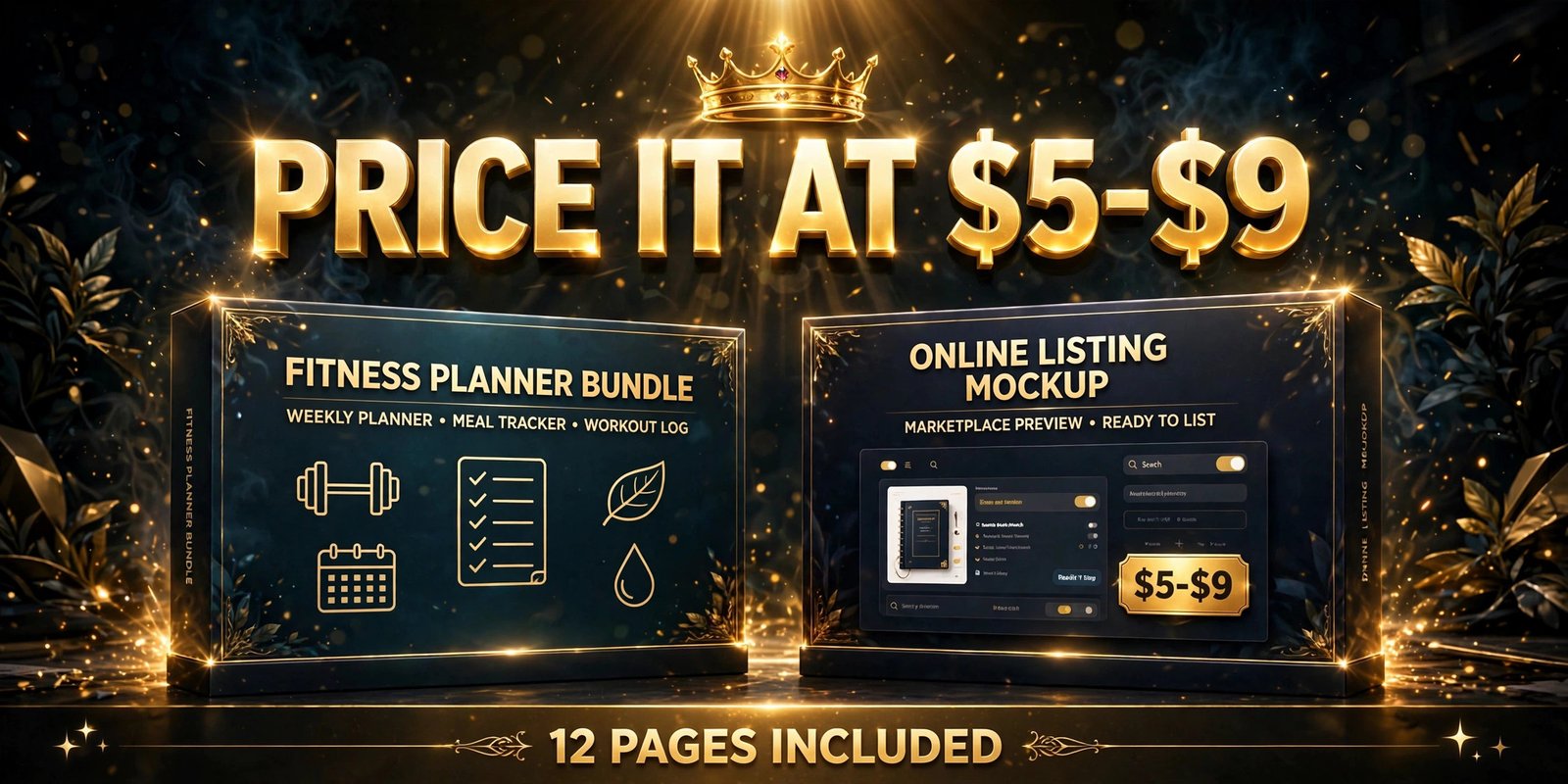
Step 5: Price It at $5–$9 and Write a Listing That Sells
WHAT: Set a price buyers in your niche already pay, and write a listing that names the buyer and the result.
EXACTLY HOW: Check five bestsellers in your niche. A 12-page printable fitness planner typically sells for $5–$9, while a larger bundle with a 30-day challenge pack sells for $12–$18. Start at $5 or $6 to collect reviews, then raise the price by $1 after ten reviews. In your listing, lead with the buyer and the outcome: “A 12-page printable fitness planner for beginners working out at home — plan your week, log every workout, and track your progress.” List every file, state “printable PDF, editable in free Canva”, and show a filled-in weekly plan as your first preview image.
EXAMPLE: “Printable fitness planner — 12 pages, US Letter + A4, instant download” tells a buyer the size, the count, and the delivery in one line. “Cute gym planner, instant download” tells them nothing.
PRO TIP: Show the planner filled in for two weeks in your preview images, not blank. Buyers buy the finished result far more readily than an empty grid.
Step 6: Launch It and Get Your First Sales
WHAT: List your printable fitness planner to sell on Etsy and your own shop, then drive its first traffic from Pinterest the same week.
EXACTLY HOW: List the PDF on Etsy first, then add the same product to your own shop so you keep more of each sale. Publish on a Tuesday or Wednesday morning, when planners get the most views. On launch day, pin the filled-in weekly plan to Pinterest with a keyword-rich title such as “Printable fitness planner for beginners — 12 pages”. For two weeks, watch which search terms bring clicks, then fix the price or first preview image if views are high but sales are low.
EXAMPLE: A seller whose buyers kept asking “Does this work for home workouts?” added “home workout friendly, no equipment needed” to the title and saw sales rise within a fortnight.
PRO TIP: After your first planner sells, build your second listing in the same fitness niche, not a new one. A matching 30-day challenge pack beats ten unrelated planners.
Which Fitness Planner Should You Make First?
Not every printable fitness planner to sell needs 12 pages. Start with the size that matches your buyer, then grow the bundle once reviews arrive.
| Planner type | Pages | Typical price | Best for |
|---|---|---|---|
| Weekly workout planner | 4–6 pages | $3–$5 | First product, fast to make |
| 12-page fitness planner | 12 pages | $5–$9 | Beginners who want a full system |
| 30-day challenge pack | 20+ pages | $9–$15 | Buyers who want a guided month |
A 12-page planner is the sweet spot for a first product: big enough to feel like real value, small enough to finish in a weekend.
Common Mistakes to Avoid
- Designing for every fitness goal at once. One buyer and one goal wins faster than a planner covering running, lifting, yoga, and meal prep in one file.
- Filling pages with decoration and leaving no writing space. Buyers print a planner to write in it, not to frame it.
- Using tiny fonts and cramped columns. Anything under 11 points, or a tick box too small for a pen, fails on paper.
- Making health claims on the cover. Never promise weight loss or a specific result — it breaks buyer trust and marketplace rules.
- Skipping the test print. One page that cuts off at the margin is the most common reason for a refund.
Quick Checklist
- One buyer and one fitness goal, written in a single sentence
- 12-page list mapped in buyer order, review page designed first
- Canva file at US Letter size, two fonts, three colours, 14-point write-in text
- Workout log with exercise, sets, reps, weight, and rest columns
- Progress page with measurements, a 1–10 feeling rating, and a weekly win box
- 31-day habit tracker included for daily habits
- One test print filled in by hand for a full week
- Listing priced at $5–$9 with a filled-in preview image and a plain file list
- Etsy listing live plus the same product on your own shop
- Pinterest pin published on launch day, stats reviewed after two weeks
Frequently Asked Questions
Do I need Canva Pro to make a printable fitness planner?
No. Canva’s free plan covers everything in this guide: custom page sizes, shapes, tables, and PDF export. Canva Pro only matters for Pro elements or Bulk Create for many colour versions — add those later, once sales start.
Can I sell a fitness planner on Etsy?
Yes. A printable fitness planner to sell is one of the most common digital products on Etsy. List it as an instant download, state clearly that it is a printable PDF, not a physical item, and use a keyword-rich title.
What size should a printable fitness planner be?
US Letter (8.5 by 11 inches) is the standard in the United States, and A4 (210 by 297 mm) in the UK and Europe. Offer both in one download so buyers never need to ask which one to print.
Do buyers need a printer to use it?
No. Most buyers print at home, but the same PDF works on a tablet with an app such as GoodNotes or Notability, where they write on it with a stylus. Mention both options in your listing so no buyer is left out.
Conclusion
A printable fitness planner to sell is a simple product with a clear job: help one buyer follow a routine they can see, track, and repeat. Build it for that buyer, keep the pages usable, price it at $5–$9, and launch it where fitness buyers shop.
- Pick one buyer and one fitness goal before you design anything
- Map all 12 pages in buyer order, with the review page designed first
- Keep fonts big, boxes writable, and health claims out of the planner
- Price it at $5–$9, show a filled-in preview, and pin it on launch day
Start with the buyer sentence from Step 1 today, and your 12-page planner can be live by the weekend. Browse the Haseen Tools shop to see how polished, buyer-focused products are presented.