How to Create and Sell Printable Recipe Cards in Canva: A Step-by-Step Guide


Your grandmother’s best recipes are probably fading on stained index cards in a kitchen drawer. Millions of home cooks want their favourite meals saved properly, and they will happily pay a few dollars for a beautiful set of cards that does the job. That is why printable recipe cards to sell in Canva are such a strong first product: small to make, easy to print, and useful in every kitchen. In this guide, you will design a 12-card set, price it fairly, and list it for sale.
What Are Printable Recipe Cards?
Printable recipe cards hold one recipe each: title, ingredients, method, times, and servings. Buyers download the file, print the cards at home, and fill them in by hand. Most sets use the classic 4 by 6 inch size.
A printable recipe card set is a digital download of 12 matching cards, usually 4 by 6 inches, that a buyer prints at home. Each card holds one recipe with ingredients, method, times, and servings, and the set is sold as a PDF, an editable Canva template link, or both.
People do not buy recipe cards for the paper. They buy a kitchen that finally feels organised, and family recipes that survive longer than a phone note.
Step 1: Choose Your Recipe Card Set Idea
What to do: Pick one clear theme for your set of 12 cards, so every card feels like it belongs together.
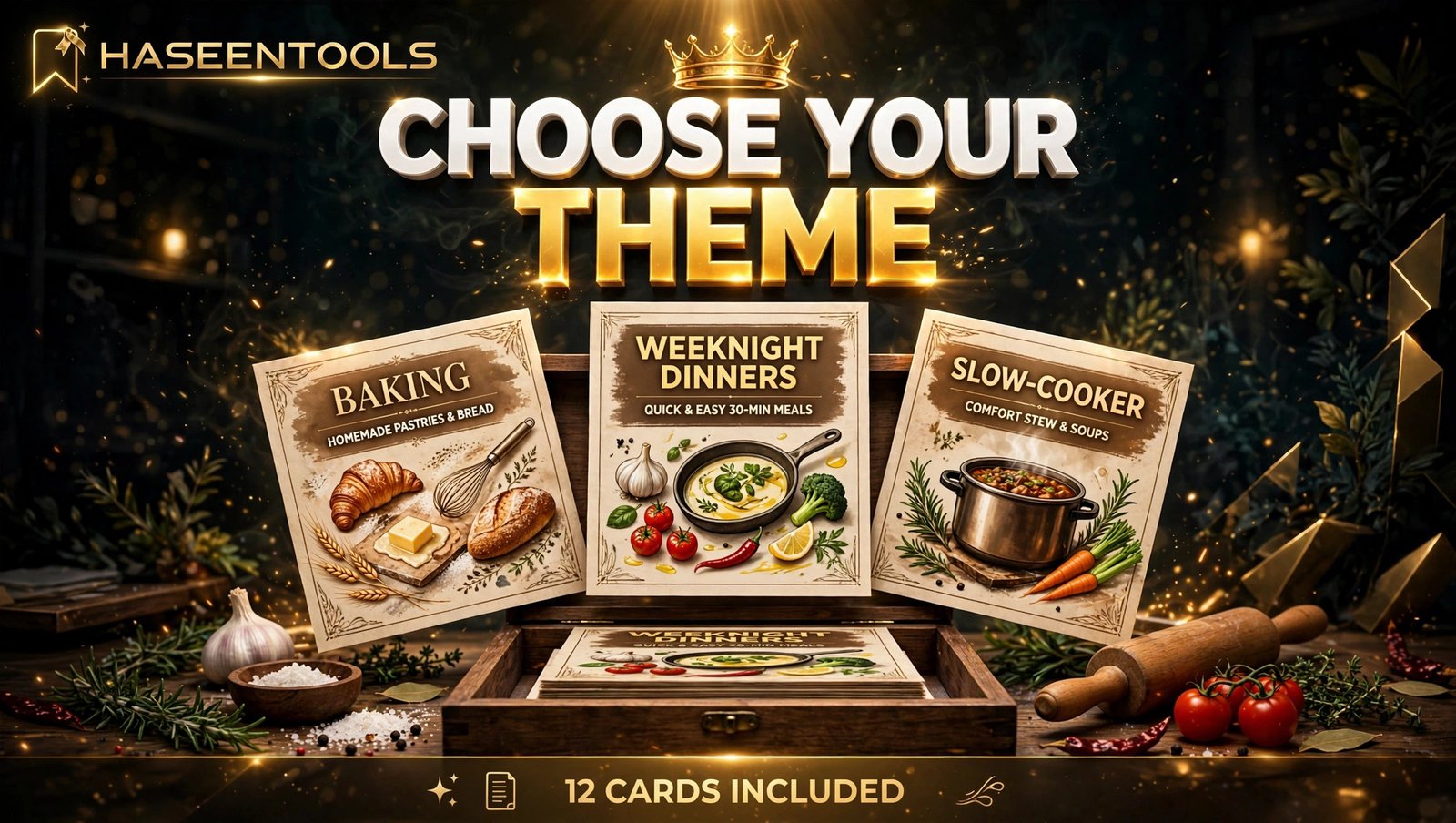
Exactly how: Write down three themes you know well, such as weeknight dinners, baking, or slow-cooker meals. Search each one on Etsy and Pinterest. Then choose the theme where you can name 12 real recipes without guessing, and where rival sets leave a gap.
Example: You pick baking, because you bake every weekend: chocolate cake, banana bread, sugar cookies, and nine more.
Pro Tip: Choose a theme you can talk about for ten minutes without notes.
Common Mistake: Trying to cover every kind of cooking in one set. A mixed set looks unfocused.
Step 2: Plan the 12 Cards in Your Set
What to do: Decide which 12 recipes go in your printable recipe cards to sell in Canva, and what every card must contain, before you open Canva.
Exactly how: List your 12 recipes on paper, one per line, and check that each one is different enough to earn its card. Note the prep time, cook time, servings, and ingredient count beside each one, and simplify any recipe with more than 12 ingredients. Add a cover card and a conversion card so the set feels complete. Use the standard 4 by 6 inch size, and plan two cards per US Letter page.
Example: Your set holds 12 recipes plus a cover and a conversion card, so a buyer sees 14 pages in the preview.
Pro Tip: Write every recipe in the order its ingredients are used, with exact amounts.
Common Mistake: Leaving the planning to the design stage. Designing without a list means redesigning half the cards later.
Step 3: Design the Cards in Canva
What to do: Build one master recipe card layout in Canva, perfect it, and then duplicate it for all 12 recipes.
Exactly how: In Canva, create a custom size of 4 by 6 inches and design the first card: title at the top, times and servings underneath, ingredients on the left, numbered steps on the right, and a notes box at the bottom. Use one heading font and one body font, keep body text at 11 points or larger. Use two or three colours plus black and white, with colour only for headings and accents. Once the first card is right, duplicate it 11 times and swap in each recipe, then design the cover and conversion cards the same way. Our guide to digital recipe book templates shows the same one-layout method on a bigger scale, and it is the whole trick behind printable recipe cards to sell in Canva: design once, reuse twelve times.
Example: Your master card has a warm brown title, a thin gold line under the facts row, and wide lined boxes.
Pro Tip: Design the hardest recipe first. If your layout survives the longest ingredient list, it will survive all twelve.
Common Mistake: Using a script font for the writing areas, or filling the card with decoration.

Step 4: Test Print and Fix the Details
What to do: Print your cards on a real home printer, fill one in by hand, and fix every problem before anyone pays.
Exactly how: Export a PDF Print file, then print three cards: the cover, your longest recipe, and your shortest recipe. Check that no text sits too close to the edge, that the writing lines fit real words, and that the colours look right in black and white. Fill in one card with a pen while you cook. Fix the master card first, then re-duplicate it so every card carries the fix. Check your spelling twice: a typo is the fastest way to earn a one-star review.
Example: Your test print shows the method steps crowding the bottom edge, so you shrink the title by two points.
Pro Tip: Print in black and white once. Many buyers print without colour ink, and pale yellow headings can vanish completely.
Common Mistake: Skipping the test print and trusting the screen. Soft colours can print dark, and text that looks fine on a laptop can be unreadable on paper.
Step 5: Price Your Recipe Card Set at $5–$9
What to do: Give your 12-card set a fair price that matches similar sets, and say exactly what the buyer gets.
Exactly how: Look at five similar sets on Etsy. A focused set of printable recipe cards to sell in Canva usually sells for $5–$9. Price the PDF at the lower end, and charge a little more if you also include the editable template link, so the buyer can change the recipes and reuse the design. Make the value obvious: 12 recipe cards, a cover card, a conversion card, 4 by 6 inch size, US Letter and A4 files, and a personal-use licence. State clearly whether the set is printable only or editable too. Our printable meal planner guide prices a focused pack the same honest way.
Example: You list the PDF set at $7 and the PDF plus editable link at $9.
Pro Tip: Do not discount on day one. A launch discount trains buyers to wait, and a $7 product does not need a sale.
Common Mistake: Pricing by guessing instead of checking the market. A $15 price looks overpriced next to similar sets, and a $2 price makes buyers wonder what is wrong with it.

Step 6: List It and Promote It
What to do: Put your set where hungry buyers already look, and show it in use.
Exactly how: List it on Etsy or in the Haseen Tools shop, and upload at least five images: the cover, two filled-in cards, the full set laid out flat, and one card in a recipe box. Write a listing title that leads with the benefit, such as “Printable Recipe Cards, 12 Baking Cards, 4×6, Instant Download”, then add five bullets covering the card count, size, paper sizes, and file format. On launch week, publish three pins: the full set, a filled-in card, and one answering “how do you organise family recipes?” Keep Etsy’s fees in mind: a $0.20 listing fee and a 6.5% transaction fee on the order total, so a $7 sale keeps most of its value. If you sell the editable version, remember Canva‘s rule: templates with Pro elements can only be sold as a template link, never as a PDF file.
Example: Your launch pin shows a printed card in a wooden recipe box beside a mixing bowl, captioned “Twelve bakes, one tidy box.”
Pro Tip: Ask your first three buyers for an honest review after they print the cards.
Common Mistake: Uploading only flat digital mockups. Buyers trust a printed card in a real kitchen.
Printable PDF or Editable Template Link?
| Feature | Printable PDF | Editable Canva template link |
|---|---|---|
| What the buyer gets | A fixed file to print | A copy to edit in Canva |
| Best for | Printing and gifting | Personalising recipes |
| Canva Pro elements | Fine to include | Only as a template link, never as a PDF |
| Price | $5–$7 for 12 cards | $7–$9 for 12 cards |
When you offer printable recipe cards to sell in Canva, offer both: the PDF for buyers who want to print tonight, and the template link for buyers who want to make the cards their own.
Common Mistakes to Avoid
- Copying recipes word for word. Write your own versions, from recipes you have actually cooked.
- Designing cards with no room to write. If a buyer cannot fit a dish name in the title box, the card will not survive.
- Selling Canva stock elements as your product. Your cards must be your own layout and wording.
- Offering one paper size only. Buyers outside the United States often need A4. Offer both.
- Forgetting the conversion card. Cups, grams, and oven temperatures confuse buyers.
Quick Checklist
- One clear theme, with 12 real recipes named.
- 12 cards plus a cover and a conversion card.
- One master layout, duplicated, with the same fonts and colours.
- Every card test-printed and filled in by hand.
- US Letter and A4 print files both included.
- A clear licence, honest file names, and a readme.
- A fair price of $5–$9, the editable version a little higher.
- Listing photos show printed cards in a real kitchen.
- Three launch pins published in the first week.
Frequently Asked Questions
Can I sell printable recipe cards made in Canva?
Yes, if your design is your own layout and wording and you follow Canva’s licence rules. That is the first rule for printable recipe cards to sell in Canva: use free elements or elements your Canva plan allows in products for sale, and sell only the finished PDF or template link.
What size should printable recipe cards be?
The classic size is 4 by 6 inches, which fits standard recipe boxes and card sleeves. Two cards fit on one US Letter page. Offer the same cards sized for A4 as well.
How many recipe cards should be in a set?
Twelve cards make a strong first set: enough to feel like real value, small enough to design in one weekend. Add a cover card and a conversion card, and your listing can honestly promise 14 pages.
How do I price printable recipe cards to sell in Canva?
Check five similar sets, then price yours in the same range. A focused set of 12 printable recipe cards usually sells for $5–$9, with the editable version a little higher. Start with one clear price, and adjust later based on real sales.
Conclusion
Printable recipe cards to sell in Canva work because they solve a small, daily problem: family recipes scattered across phones, notebooks, and memory. A themed set of 12 cards, designed once and sold again and again, turns that problem into a tidy product.
- Pick one theme you know well, and plan all 12 recipes first.
- Build one master layout in Canva, then duplicate it for the whole set.
- Test print every card, in colour and in black and white.
- Price the set at $5–$9, show printed cards in a real kitchen, and launch with three honest pins.
Start today: write down the 12 recipes you cook most, and sketch your first card on paper. Your first set does not need to be perfect, just useful. Browse the Haseen Tools shop for more printable templates to pair with your recipe cards.