

How to Create and Sell a Printable Savings Tracker for Kids in Canva: A Step-by-Step Guide

Your seven-year-old has $5 in coins, a toy in mind, and no idea how the two connect. The coins sit in a drawer; the toy stays on a wish list.
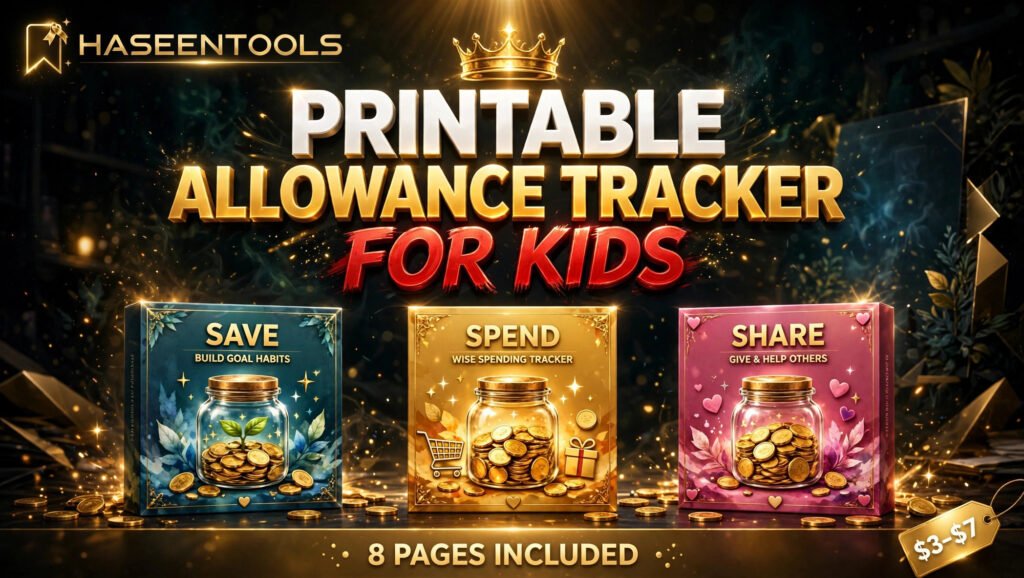
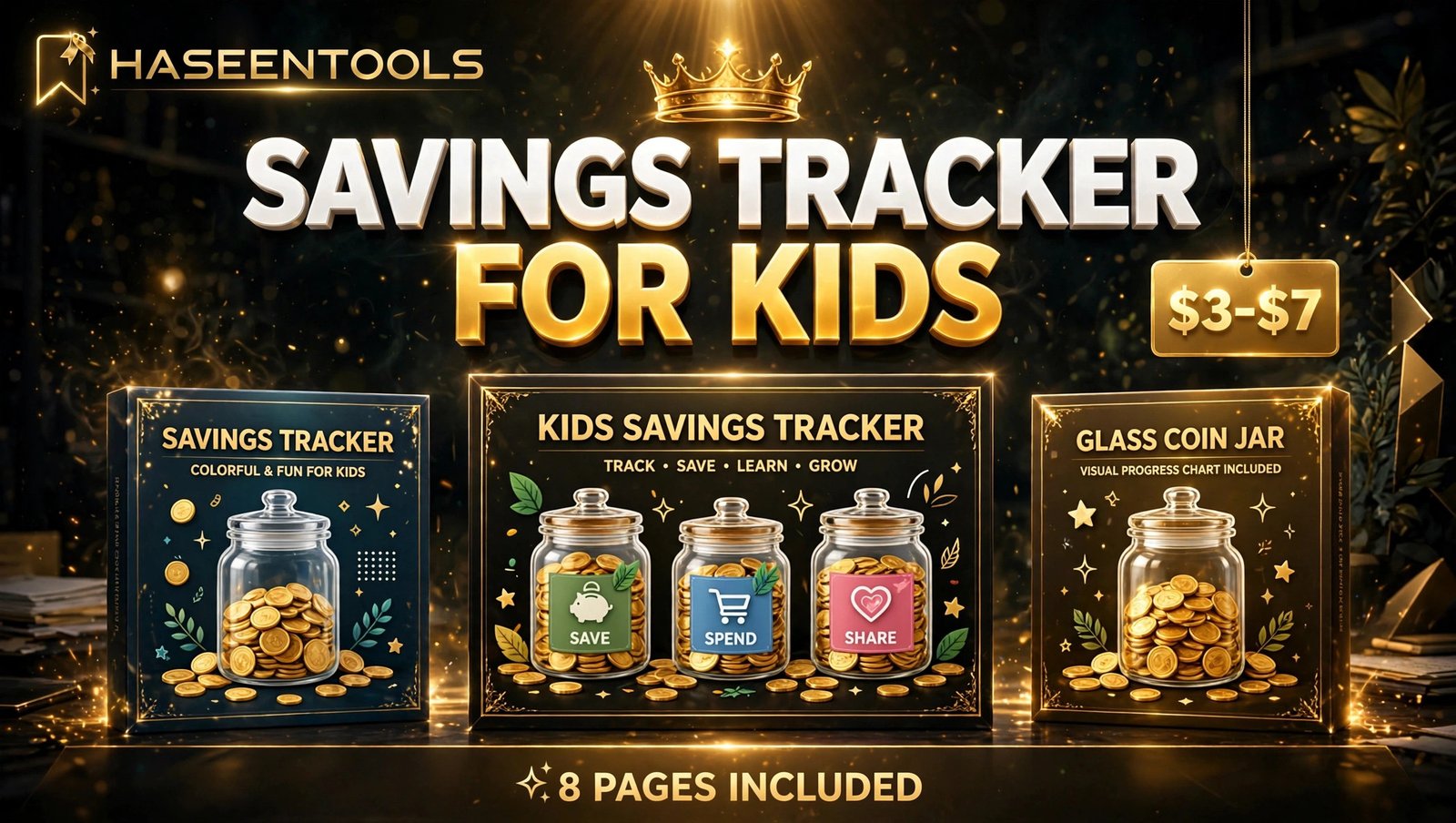
That gap is your product. A printable savings tracker for kids turns loose change into a visible journey: a goal at the top, a jar that fills coin by coin, and a star for every week the child sticks with it. Parents buy it because it teaches saving without a lecture.
In this guide, you will build an 8-page tracker in Canva, price it at $3–$7, and list it on Etsy or your own shop.
What Is a Printable Savings Tracker for Kids?
A printable savings tracker for kids is an 8-page PDF that helps children aged 6 to 12 watch their money grow. It has a goal page, a three-jar save-spend-share tracker, a weekly log, a coin-counting page, a reward chart and a monthly progress page.
The buyer is almost never the child. It is a parent, grandparent, teacher, or homeschool mum who wants money skills taught early, at home — something simple, cheerful, and ready to print tonight.
A good tracker does three jobs at once: it gives the child a goal, shows progress at a glance, and makes saving feel like play, not homework.
But here is the part most people miss: the tracker is not really about money. It is about patience — and parents will pay for that lesson.
Step 1: Pick the Age Group and the Money Goal
What to do: Choose one age band and one goal type before you design a single page.
Exactly how: Pick either ages 6–8 or ages 9–12 — never both in one product. Younger kids need big boxes, pictures, and goals up to $20. Older kids can handle goals up to $50, a weekly log, and simple addition. Then pick one goal type: a toy, a book, a game, or a gift. Write both at the top of your notes and check every page against them.
Example: Ages 6–8 with a $15 toy goal: 15 coin circles to colour and a 10-star reward chart. Ages 9–12 with a $50 game goal: bigger numbers, a weekly log with a running total, and a monthly progress page.
Pro Tip: One age band, one goal type, one product. A tracker that tries to suit every child suits nobody.
Step 2: Map Out Your 8 Pages
What to do: Sketch all 8 pages on paper before you open Canva, so the set feels like one product.
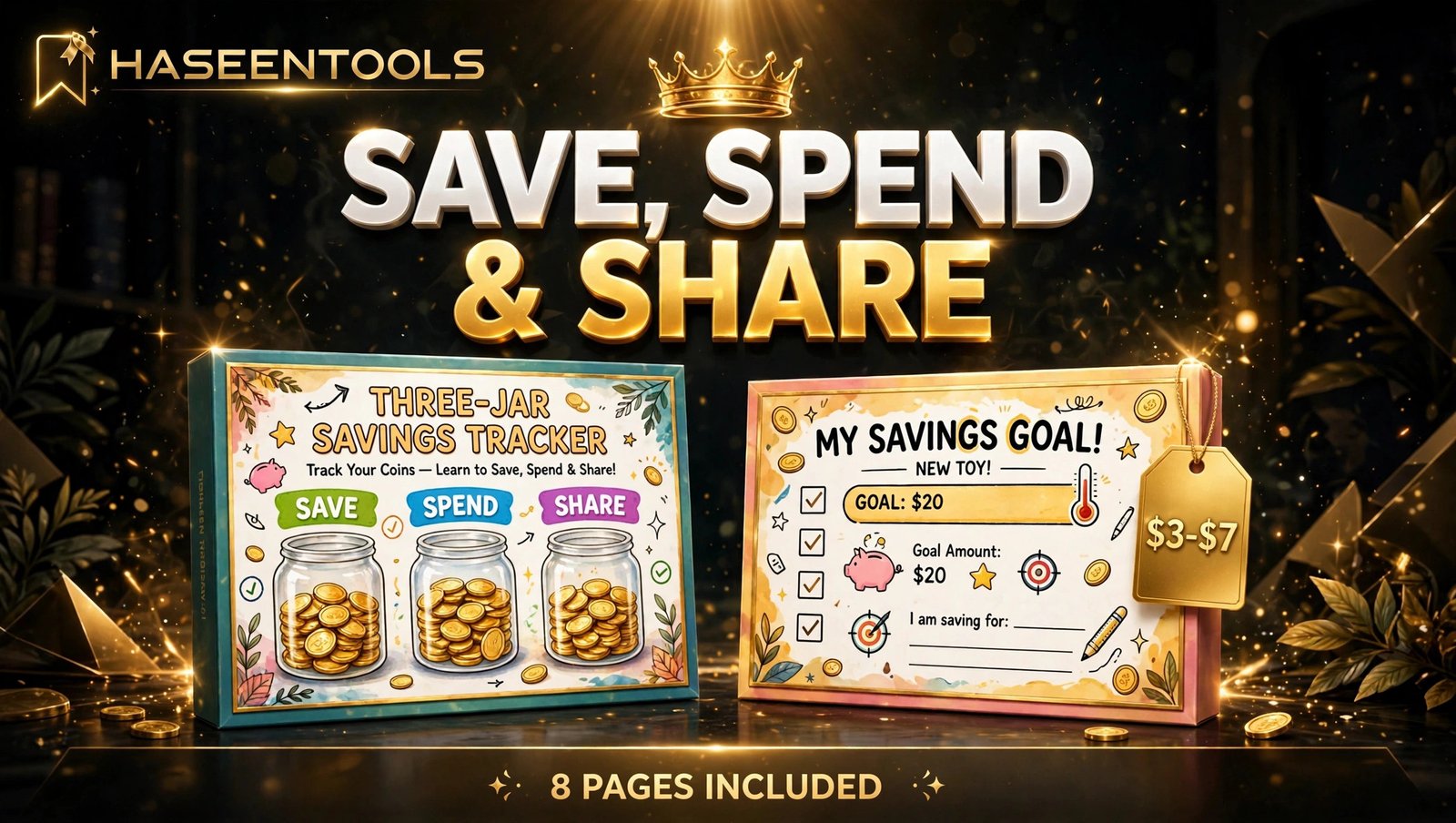
Exactly how: Give each page one job. Page 1: the cover. Page 2: the savings goal page — a box for the goal, a line for the amount, a target date. Page 3: the three-jar page — save, spend, share — with a jar picture for each. Page 4: the weekly log (date, amount saved, running total). Page 5: the coin-counting page. Page 6: the reward chart with 10 star boxes. Page 7: the monthly progress page with a bar to fill in. Page 8: the savings story page, where the child writes what they saved for and how it felt.
Example: Page 2 gets used on day one, page 3 every time pocket money arrives, and page 4 every Sunday evening. If a page has no clear moment of use, cut it.
Pro Tip: Number the pages lightly in a corner — parents file the set in a binder, and numbers stop the weekly log ending up before the goal page.
Step 3: Design It in Canva
What to do: Build the 8 pages in Canva on a US Letter page, with big text, bright colours, and pictures doing the talking.
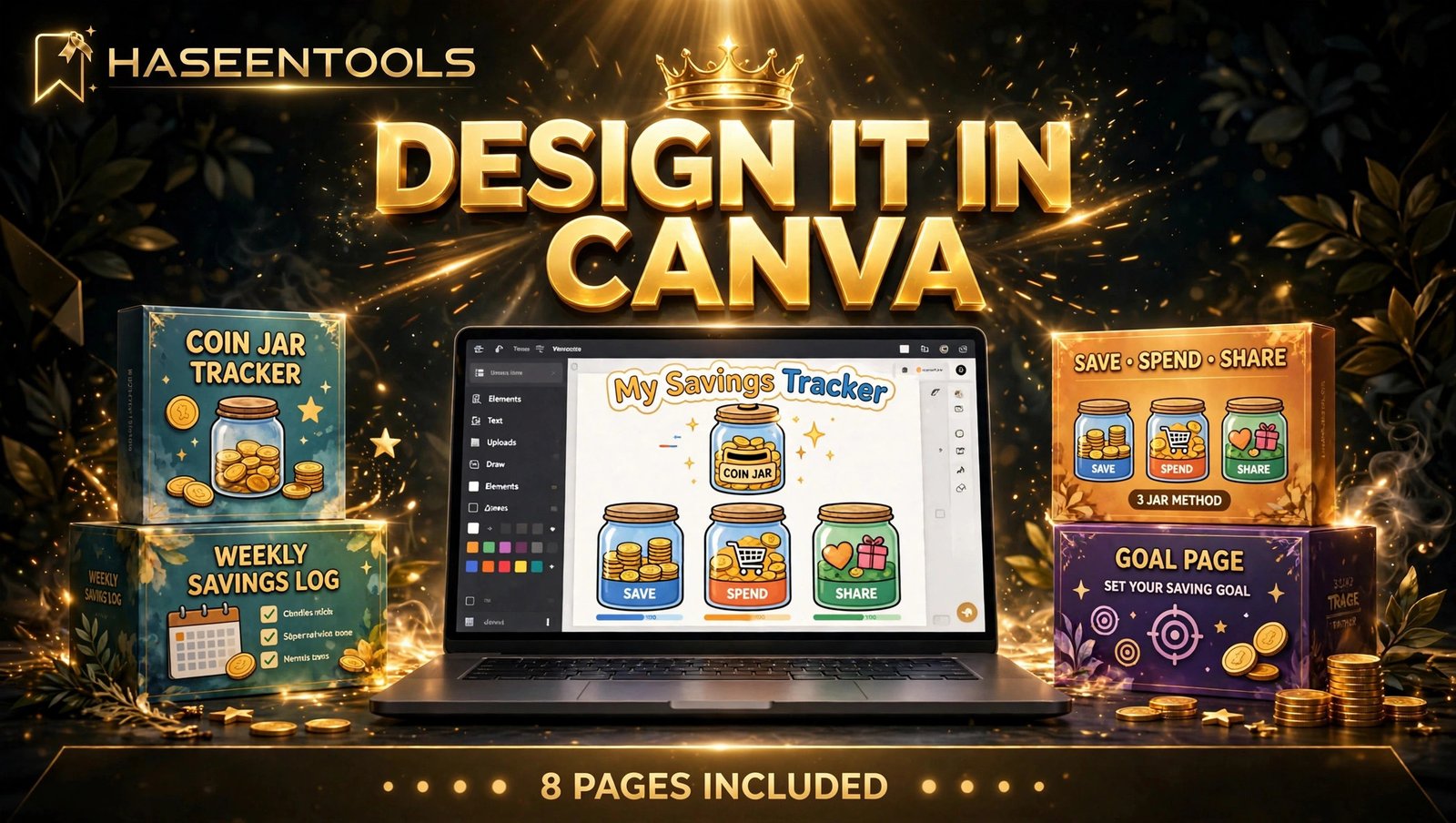
Exactly how: Open Canva and start a US Letter document (8.5 x 11 inches), then duplicate it for an A4 version so buyers outside the US can print it properly. Use one rounded, friendly font for headings and one for body text, at 18 points or larger. Draw the jars with Canva shapes — a rounded rectangle, a lid, and coin circles. Keep one palette across all 8 pages: two bright colours and one soft background colour.
Example: A cover with a big smiling coin jar, the title in chunky letters, and three small jars labelled Save, Spend, and Share tells a buyer everything in three seconds — make it the strongest page in the set.
Pro Tip: Design page 3, the three-jar page, first. It is the heart of the product — if the jars look fun and the boxes fit a child’s handwriting, the rest follows.
Step 4: Test It With a Real Kid
What to do: Print the set and hand it to a real child before you list it anywhere.
Exactly how: Print all 8 pages, give the child a pencil and $2 in coins, and say only “this is yours — save for something you want.” Then watch: where does the child pause, which box is too small, which word do they ask you to read? Fix every sticking point, then test again. Two rounds catch almost every problem a buyer would ever find.
Example: One seller found children wrote the amount in the date column because the two columns looked the same. She shaded the date column pale yellow, and the problem vanished — a five-minute test that saved her a dozen one-star reviews.
Pro Tip: Test with the age you designed for — a 12-year-old will call a 7-year-old’s tracker babyish, which tells you nothing. A printable chore chart for kids pairs naturally with a savings tracker: allowance from chores is the money children save first.
Step 5: Price It at $3–$7
What to do: Price the 8-page set between $3 and $7, and let a bundle do the upselling.
Exactly how: Start at $5 for the full 8-page set. That price says “small, useful, worth it” to a parent, and it leaves room for a launch discount without dropping to $1 — a $1 tag makes buyers wonder what is wrong with it. Add a bundle at $7: the tracker plus a colouring sheet or a matching bookmark. Keep the licence personal use only, and say so clearly — resellers need a different licence, and that is a separate product.
Example: A $5 tracker with 20 sales a month earns $100 before fees; a $3 tracker needs 34 sales to earn the same. The cheaper price rarely brings extra buyers, but it always brings lower earnings per sale.
Pro Tip: Never price by the hours you spent on it. Parents compare your $5 tracker with a $5 coffee, not your design time — and against a coffee, it is a bargain.

Step 6: List It and Launch It
What to do: List the tracker where parents already shop, then launch with one Pinterest pin a day for a week.
Exactly how: On Etsy, write a title that starts with the words parents type: “Printable Savings Tracker for Kids, Money Saving Chart, Kids Allowance Tracker, Canva Template PDF.” Add a short description naming the 8 pages, the two sizes (US Letter and A4), and the personal-use licence. Upload five mockups: the cover, the three-jar page, the weekly log, a flat lay of the printed pages, and the set on a child’s desk. Use the same title and images on your own shop. Then pin a fresh variation of the cover to Pinterest each day for a week, each linking to the listing.
Example: A seller who launched on a Sunday evening saw her first sale within two days, from a Pinterest pin, not Etsy search. New listings need outside traffic while search rankings catch up.
Pro Tip: Launch on a Sunday evening, when parents plan the week ahead. List your tracker in the HaseenTools shop alongside your other kids’ printables.
Where to Sell Your Printable Savings Tracker for Kids
| Where you sell | Cost to start | Who finds your listing | Best for |
|---|---|---|---|
| Etsy | Small listing fee, plus a cut of each sale | Shoppers searching Etsy | Your first sales |
| Your own shop | No marketplace cut; hosting only | Buyers from Pinterest and Google | Long-term profit |
| Teachers Pay Teachers | Free to join; the site takes a share | Teachers browsing for classroom tools | Classroom buyers |
Etsy brings the shoppers, your own shop keeps the profit, and a teacher marketplace reaches classroom buyers.
Common Mistakes to Avoid
- Designing for adults. Tiny text and long instructions belong in an office planner. If a 7-year-old cannot read it alone, redesign it.
- Skipping the real-kid test. A tracker that looks perfect on screen can fail in a child’s hands — print it, test it, and fix it before a buyer does the testing for you.
- Pricing at $1. A $1 price tag tells buyers the product is worth $1. Start at $5 and let a bundle carry the value instead.
- Putting a year or a date on the pages. A “2026 savings challenge” stops selling in January — leave dates blank so it sells all year.
- Forgetting the A4 version. Buyers outside the US print on A4 — a US Letter file alone earns refund requests and one-star reviews.
Quick Checklist
- Age band picked: 6–8 or 9–12, not both
- 8 pages mapped, each with one clear job
- Cover, goal page, three jars, weekly log, coin page, reward chart, progress page, story page
- US Letter and A4 versions included
- Text 18 points or larger; one colour palette across all pages
- Printed and tested with a real child in the age band
- Priced at $3–$7; bundle option ready
- Personal-use licence stated on the listing
- Five mockup images uploaded, cover first
- Etsy listing live; one Pinterest pin a day for a week
Frequently Asked Questions
What age is a printable savings tracker for kids best for?
Ages 6 to 12. Ages 6 to 8 need big boxes, pictures, and goals up to $20; ages 9 to 12 can handle a weekly log, a running total, and goals up to $50. Design for one age band, not both.
Do I need Canva Pro to make a printable savings tracker for kids?
No. A free Canva account has everything this product needs: shapes for the jars, friendly fonts, and PDF export in US Letter and A4. Canva Pro adds extras, but none are required for an 8-page tracker that sells.
Can I sell the same tracker on Etsy and my own website?
Yes. Sell the same PDF on both with a personal-use licence, at the same price, so buyers never feel cheated. Do not sell or share the editable Canva link — buyers get the finished PDF, and the design stays yours.
How much can I earn from a printable savings tracker for kids?
No fixed amount exists, and nobody can promise you one. At $5 a sale, the tracker is a small, steady product, not a windfall. Its real value is as a first purchase: a parent who buys it often returns for a matching printable screen time tracker for kids or a chore chart, and bundles are where earnings add up.
Conclusion
- A printable savings tracker for kids is an 8-page Canva PDF that turns pocket money into a visible goal, built for one age band and one goal type.
- Test it with a real child, price it at $3–$7, and keep the pages free of years and dates so it sells all year.
- Launch where parents already shop — Etsy first, your own shop next — and let Pinterest bring the first buyers while search catches up.
Your first sale will not come from a perfect design. It will come from a simple tracker a real child can use without help. Build the 8 pages this week, print them, hand them to a child, and fix what they stumble on. Then list it.