

How to Create and Sell a Printable Birthday Party Planner in Canva: A Step-by-Step Guide

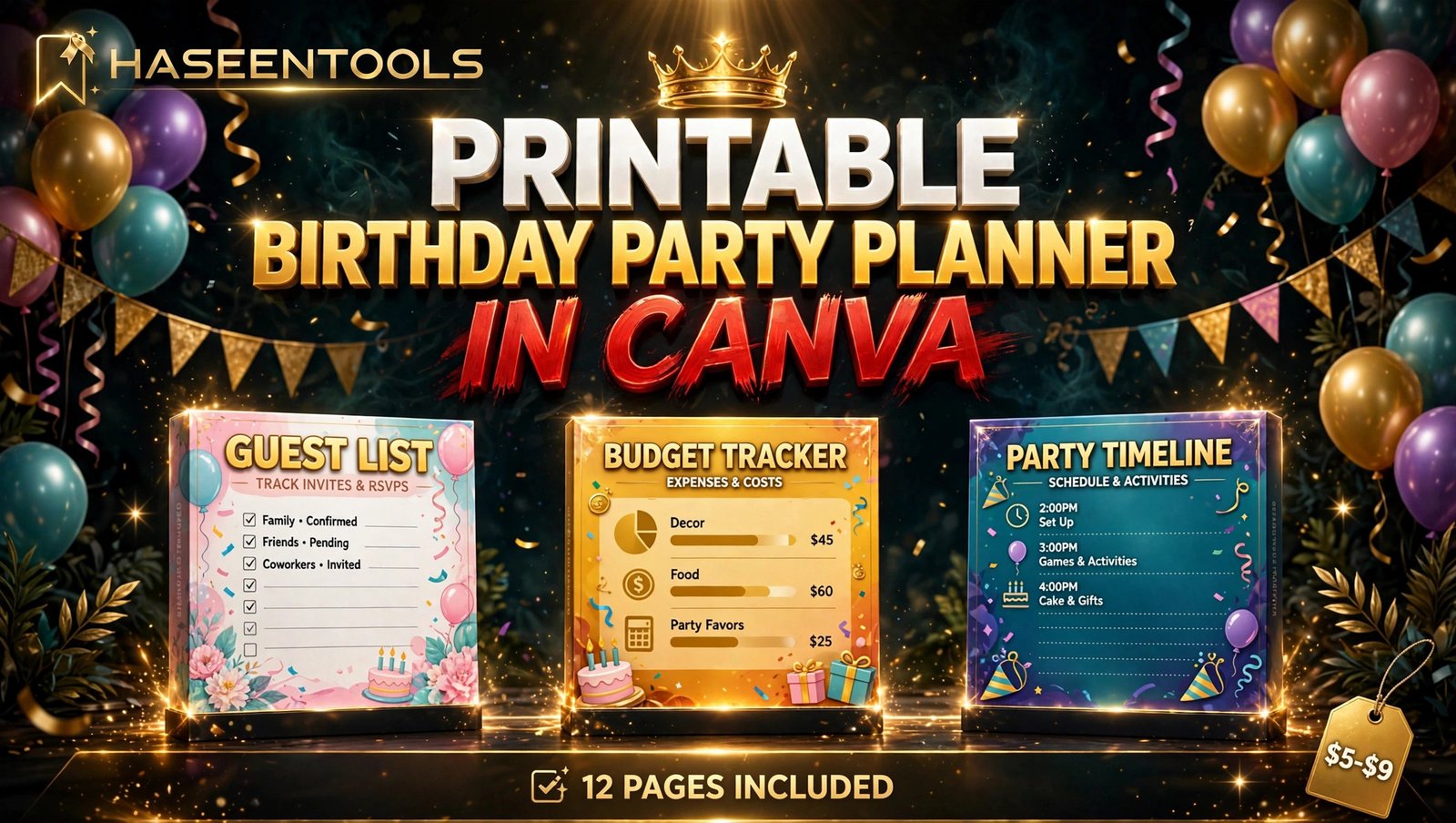
A birthday party looks simple until you are the one planning it. The guest list lives in three different chats, the cake order is due tomorrow, and nobody can remember who is bringing the balloons. That is exactly why a printable birthday party planner sells: it turns party chaos into one calm checklist. And a printable birthday party planner to sell is one of the friendliest first products you can make in Canva — no drawing skill, no expensive software, just clear pages a busy parent can print tonight.
In this guide you will build a 12-page birthday party planner, price it at $5–$9, and list it where party planners already shop.
What Is a Printable Birthday Party Planner?
A printable birthday party planner is a set of PDF pages a buyer downloads, prints at home, and fills in by hand. It is not a single checklist. It is a small system: a party overview, a guest list, a budget page, a menu planner, a decoration list, a timeline, and a day-of schedule, all in one matching set.
Most buyers are parents planning a child’s birthday, but the same pages work for adult birthdays and milestone parties. They buy the planner to keep everything in one place instead of scattered notes on their phone. If you want a printable birthday party planner to sell, this is the product to build — one file, many pages, and a buyer who needs it this week.
How do you create and sell a printable birthday party planner? You pick one buyer, plan 12 useful pages, design them in Canva at US Letter size, export a print-ready PDF, test print every page, then list the planner on Etsy or your own shop for $5–$9 with a personal-use licence.
But here is the part most people miss: the planner that sells is not the prettiest one. It is the one that answers the exact questions a stressed host is asking the night before the party.
Step 1: Pick Your Buyer and Party Style
What to do: Choose one buyer and one party style before you open Canva. A planner for a five-year-old’s dinosaur party is a different product from one for a 40th birthday dinner.
Example: A kids’ party planner uses big tick boxes, a “party jobs” page for helpers, and a budget with rows for cake, decorations, food, and party bags. An adult birthday planner swaps the party-bag page for a drinks list and a playlist page.
Exactly how: Write your buyer down in one sentence: “Busy mums planning a child’s birthday at home for 10–20 guests.” Then pick a style: bright and playful, pastel and soft, or bold and modern. Every page must match that buyer and that style, or the set will feel random.
Pro Tip: Search Etsy for “birthday party planner printable” and read five listings — note what buyers praise.
Step 2: Plan the 12 Pages
What to do: Sketch all 12 pages on paper before you design anything. A clear page list makes the planner faster to build and easier to sell.
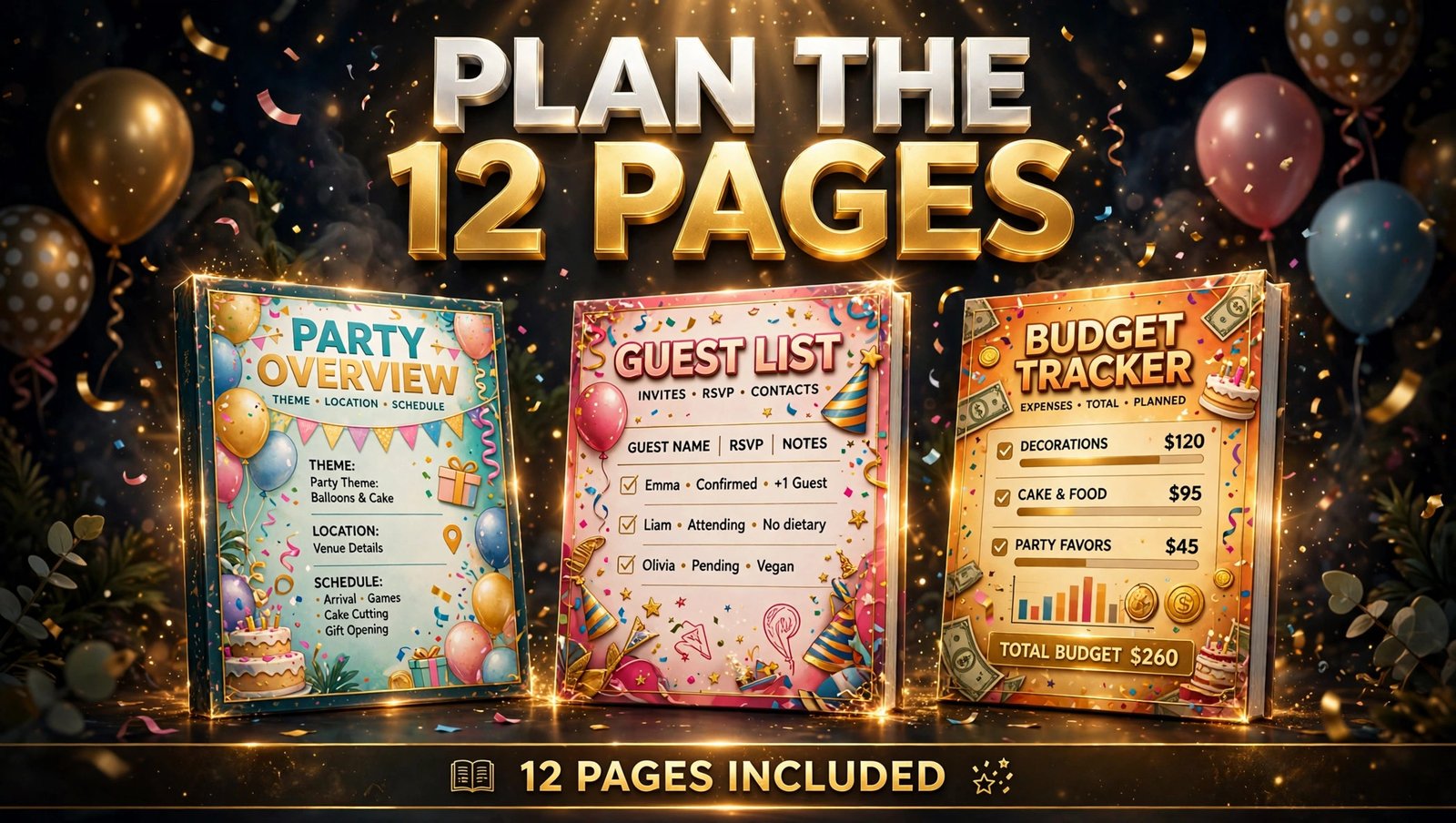
Exactly how: Give the planner a cover page, then these 11 planning pages: party overview, guest list, budget tracker, menu planner, shopping list, decoration checklist, party timeline (4 weeks to party day), day-of schedule, party jobs, thank-you notes tracker, and a notes page. Keep every page to one job.
Example: The budget tracker has columns for item, estimated cost, actual cost, and paid or not. A buyer planning a $150 party writes “cake — $35 — $32 — paid” and instantly sees $118 left.
Pro Tip: Put the page list in your listing photos.
Step 3: Design It in Canva
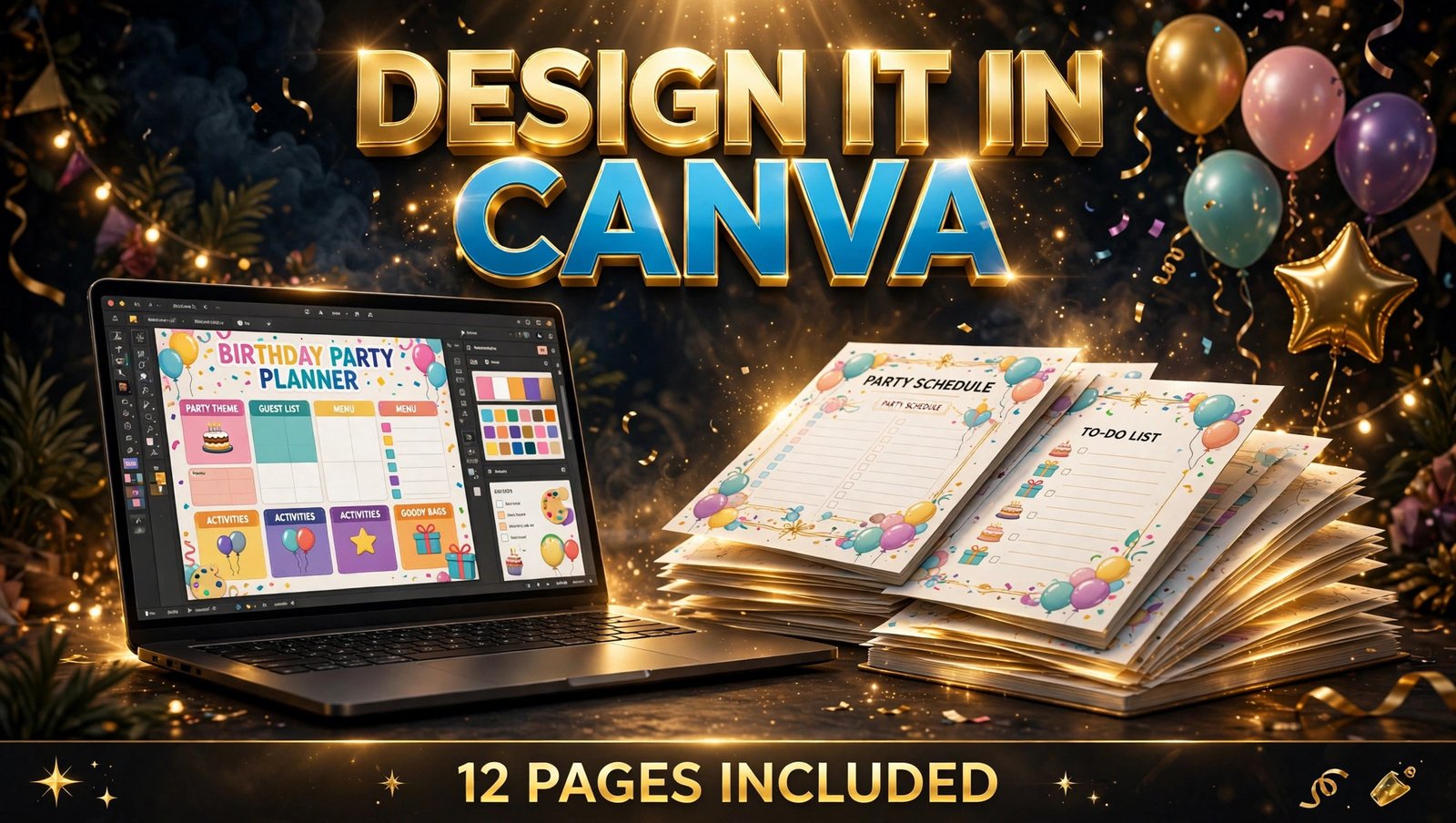
What to do: Build the planner in Canva at US Letter size (8.5 × 11 inches), with a consistent look across all 12 pages.
Exactly how: Open Canva, choose “Custom size” and set 8.5 × 11 inches. Pick two fonts — one bold heading font and one clean body font — and three or four colours that match your party style. Design the cover first, then copy its header, footer, and colours onto every other page. Leave generous blank space for handwriting.
Example: A bright kids’ party set uses a sunny yellow header band, a chunky rounded heading font, and simple balloon shapes on the cover only. The planning pages stay clean — lines, boxes, and tick squares — so they print clearly in black and white.
Pro Tip: Test your colours on a home printer early.
Step 4: Export, Test Print and Package It
What to do: Export the planner as a print-ready PDF, print every page yourself, fix every flaw, then package the files with a simple instruction sheet.
Exactly how: In Canva, choose Share, then Download, then PDF Print. Print all 12 pages at home on plain paper. Check every line, tick box, and heading: does the text sit inside the margins, are the tick boxes big enough to tick, and does anything get cut off? Fix the problems in Canva and export again. Then add an A4 version and a one-page instruction sheet (US Letter or A4, 100% scale, single-sided).
Example: One seller found her guest-list page printed with the last column half cut off. The fix took two minutes, but a buyer would have left a one-star review for the same flaw.
Pro Tip: Print on the cheapest paper you own.
Step 5: Price It at $5–$9
What to do: Price the single 12-page planner at $5–$9, and offer a bundle with your birthday party games for $12–$15. A printable birthday party planner to sell at this price is an easy impulse buy for a parent already spending $100 or more on the party itself.
Exactly how: Start at $7 for the planner alone — low enough for an impulse buy, high enough to look like a real product. Add the bundle as a second listing: planner plus 8–10 birthday party games for $12–$15. Buyers planning a party often want both, and the bundle lifts your average order without extra design work.
Example: At $7, ten sales a month is $70 from one file you made once. Add the $14 bundle and three bundle sales a month adds $42 on top.
Pro Tip: Do not price at $1 or $2 to “get sales faster” — cheap prices attract picky reviews, and raising the price later is harder than starting at a fair one.
Step 6: List It and Promote It
What to do: List the planner on Etsy and on your own shop, then promote it with Pinterest pins and one short video of the pages.
Exactly how: On Etsy, use a clear title that names the product and the buyer: “Printable Birthday Party Planner, 12 Page Kids Birthday Planner, Party Planning Checklist PDF”. Upload five photos: the cover, the page list, the budget page, the timeline page, and a flat-lay of printed pages. Write the description in plain words: what is inside, how it prints, and that it is a digital download. Then make three Pinterest pins — cover, budget page, timeline — and link each pin to the listing.
Example: A seller pinned her planner’s budget page with the caption “Plan a $150 birthday party without the stress”. That single pin brought her first five sales, because it showed the exact page a stressed buyer wanted.
Pro Tip: Film a 15-second phone video flipping through the printed pages and post it as a Reel and a Pinterest idea pin — buyers trust a product they can see in real hands.
Birthday Party Planner vs Other Party Printables
| Product | Pages | Buyer | Price | Best for |
|---|---|---|---|---|
| Birthday party planner | 12 | Parents, party hosts | $5–$9 | Organising the whole party |
| Birthday party games | 8–10 games | Parents, party hosts | $5–$9 | Entertaining guests at the party |
| Baby shower planner | 12 | Expecting parents, hosts | $5–$9 | Planning a baby shower |
| Party invitations | 6 designs | Party hosts | $10–$15 | Inviting guests in style |
A planner and a games pack solve different problems, which is why they bundle so well. The planner organises the party; the games entertain the guests.
Common Mistakes to Avoid
- Designing before planning the pages. A planner built without a list ends up with two budget pages and no timeline. Sketch the 12 pages first.
- Tiny tick boxes and cramped lines. Buyers write by hand. If a line is too short to write “Aunt Sarah — vegetarian — plus one”, the page is useless.
- Copying a Canva template unchanged. Buyers can spot a stock template, and Canva’s licence does not allow selling its content as it is. Change the layout, fonts, colours, and wording until it is yours.
- Forgetting the A4 version. Half the world prints on A4. A planner sold in US Letter only will collect refund requests from buyers overseas.
- No test print. A planner that looks perfect on screen can print with cut-off edges or pale text. Print every page before you list it.
Quick Checklist
- Buyer and party style chosen in one sentence
- 12-page list sketched on paper
- Cover designed first, style copied to all pages
- Two fonts and 3–4 colours used consistently
- Exported as PDF Print, US Letter and A4
- Every page test printed and fixed
- Instruction sheet included in the ZIP file
- Priced at $5–$9, bundle at $12–$15
- Etsy listing live with five photos and clear description
- Three Pinterest pins linking to the listing
- Personal-use licence stated in the listing
Frequently Asked Questions
Do I need Canva Pro to make a printable birthday party planner?
No. The free Canva plan covers everything in this guide: custom sizes, shapes, lines, fonts, and PDF export. Canva Pro adds extra elements and the background remover, but a clean planner built with free shapes and fonts sells just as well.
How many pages should a printable birthday party planner have?
Twelve pages is the sweet spot: a cover plus eleven planning pages covering the overview, guest list, budget, menu, shopping, decorations, timeline, day-of schedule, party jobs, thank-you notes, and notes. Fewer pages feel thin for $5–$9.
Can I sell a birthday party planner made in Canva on Etsy?
Yes, as long as the design is your own original work. Combine Canva’s free shapes, fonts, and your own layout into a new design, and sell it as a finished PDF — never sell Canva’s stock elements on their own. State the personal-use licence clearly in the listing.
What size should I design a printable birthday party planner in?
Design at US Letter (8.5 × 11 inches) and include an A4 version in the same ZIP file. US Letter covers buyers in the United States and Canada, while A4 covers the United Kingdom, Australia, and most of the rest of the world.
Conclusion
A printable birthday party planner is a small product with a clear job: take a stressed party host from chaos to calm in 12 pages. Pick one buyer, plan the pages before you design them, test print every page, and price the set at $5–$9 with a $12–$15 bundle beside it. A printable birthday party planner to sell is a first product any beginner can finish in a weekend.
- One buyer, one style: a planner built for busy parents planning a kids’ birthday sells better than a planner built for everyone.
- Twelve pages, one job each: cover, guest list, budget, menu, timeline, and day-of schedule cover the whole party.
- Test print before you list: the cheapest paper in your house is the best quality check you own.
- Bundle it: the planner plus birthday party games at $12–$15 lifts every order without new design work.
Open Canva today, sketch your 12 pages, and list your first planner this week.