

How to Create and Sell a Printable Christmas Party Planner in Canva: A Step-by-Step Guide

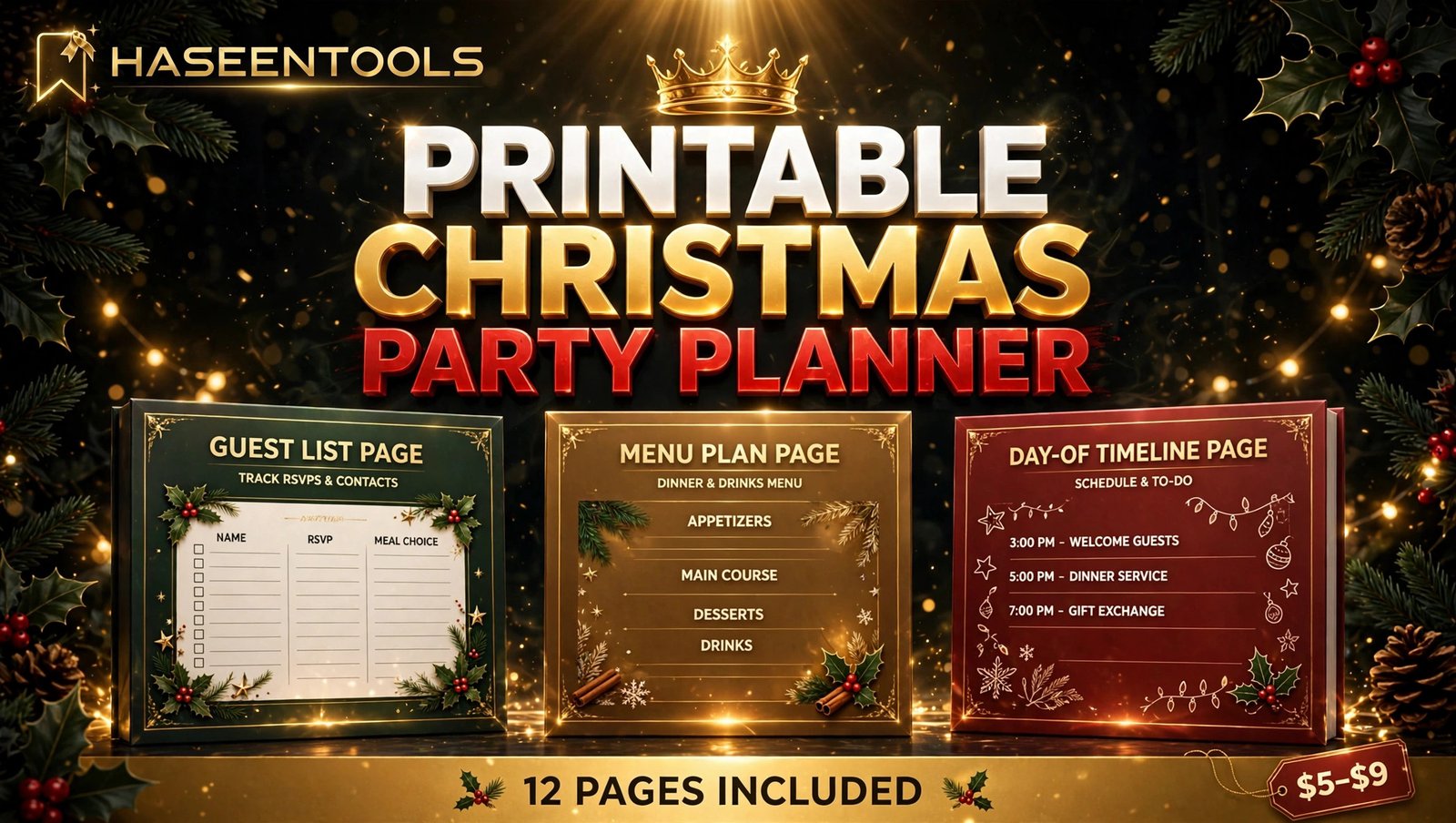
Picture this: it is 23 December, twelve guests are coming tomorrow, and the host cannot remember who is bringing dessert, how many chairs she has, or whether she bought enough napkins. That panic is a product waiting to happen. A printable Christmas party planner to sell turns that chaos into one calm set of pages — and hosts are searching for it right now, with about four weeks to Christmas.
In this guide, you will learn how to create and sell a printable Christmas party planner in Canva, from the pages buyers need to a finished listing. You do not need a design degree or a big audience — just a clear system, a tidy layout, and a listing that explains the benefit in seconds.
What Is a Printable Christmas Party Planner — and Why Does It Sell?
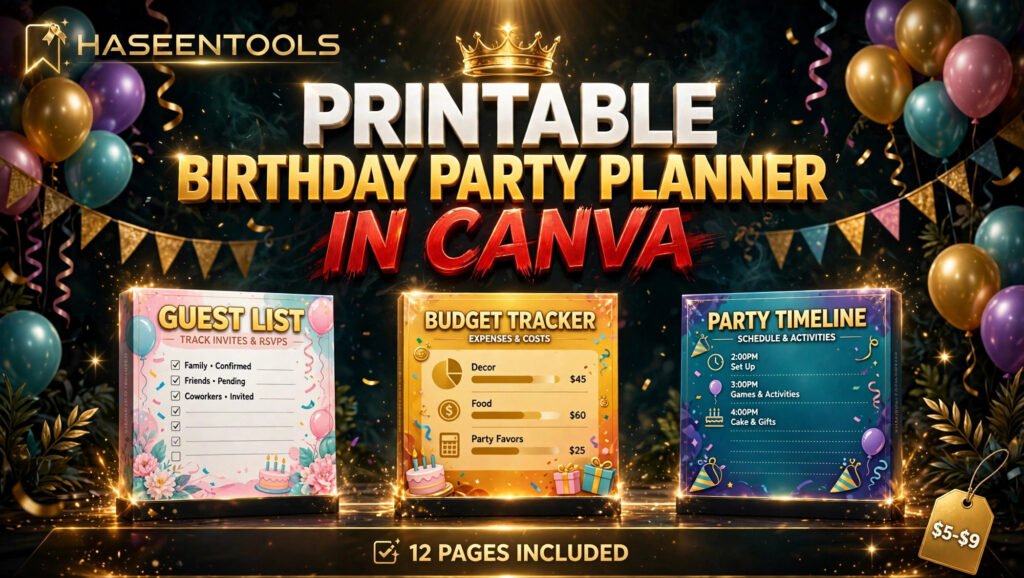
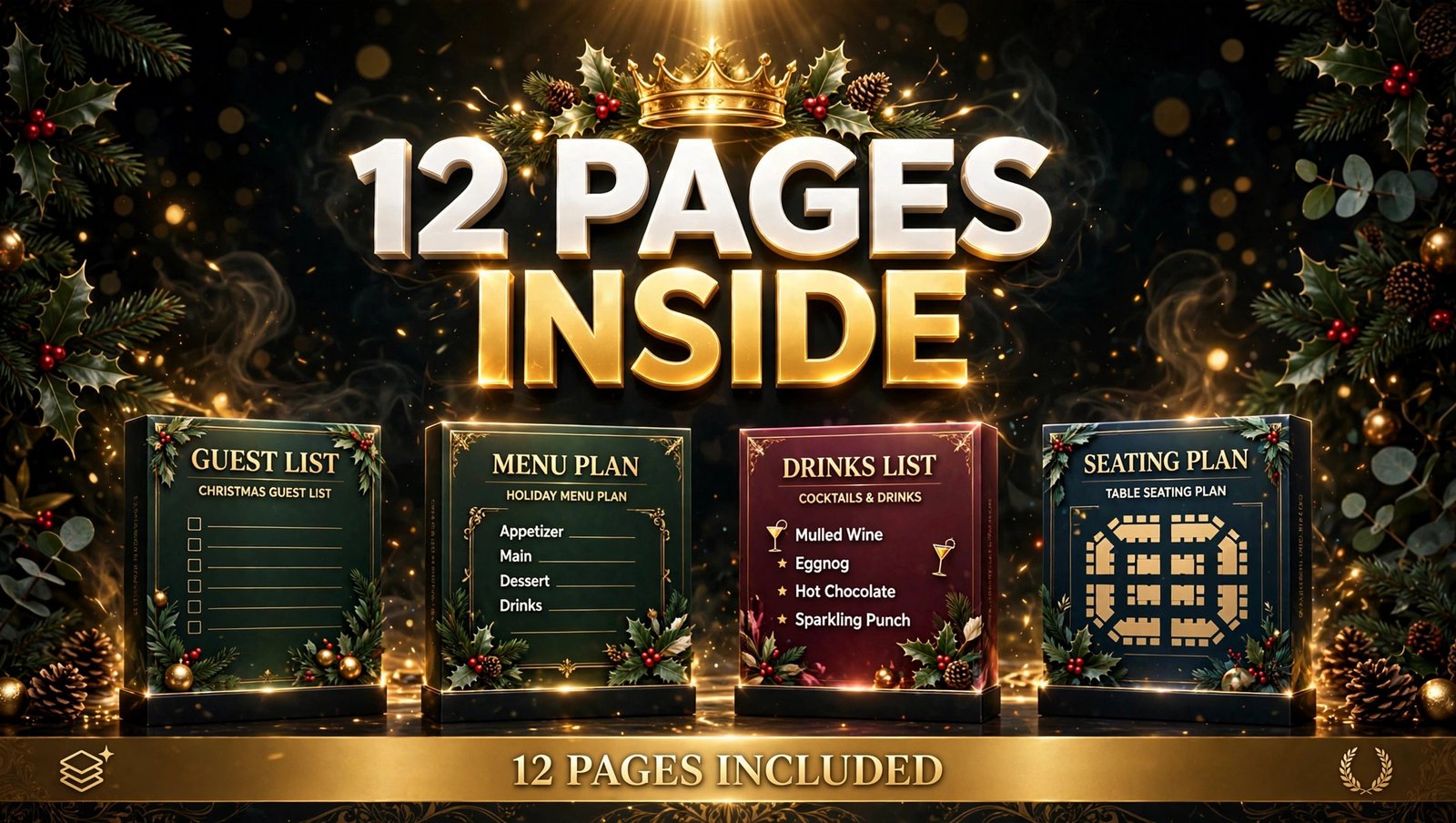
A printable Christmas party planner is a set of print-at-home pages that organises one party: guest list, budget, menu, drinks, shopping, decorations, seating and a day-of timeline. Sellers design it in Canva and sell it as a PDF download, a 12-page pack priced at $5–$9.
People do not buy pretty pages. They buy a party that runs smoothly — a plan a busy host can read in ten seconds and actually follow.
But here is the part most people miss: a party planner is different from a general Christmas planner. A Christmas planner organises the whole season. A party planner organises one evening, and every page answers one party question: who is coming, what are we eating, where does everyone sit, and what happens at 7 o’clock. That focus is what makes buyers choose it over a generic planner.
Step 1: Pick One Party and One Buyer
What to do: Choose one kind of Christmas party and one buyer before you design anything — a family dinner and an office party are different products.
Exactly how: Pick one buyer — a mum hosting twelve relatives, a first-time host with eight friends, or an office manager planning a team lunch — then note their real party: how many guests, what kind of food, and what stresses them most. Build the pack around that: a guest list with a food column and a simple day-of timeline.
Example: For a mum hosting twelve people: a guest list with a column for each guest, their food needs, and a tick box for “replied”. One page, no forgotten allergy, no missing chair.
Pro Tip: Ask one friend what part of hosting a Christmas party they dread most, then build your first page around that answer.
Step 2: Plan the 12 Pages Before You Design Anything
What to do: Decide the exact pages in your pack and what each one does, so a buyer sees the full pack in your listing photos.
Exactly how: Sketch your pack on paper first. A strong 12-page set is: a cover, a party countdown, a guest list, a party budget, a menu plan, a drinks list, a shopping list, a decoration checklist, a seating plan, a music and games plan, a day-of timeline, and blank notes. Offer US Letter and A4.
Example: Your menu plan lists each dish, who is cooking it, and what time it goes in the oven, so the host never serves cold potatoes. The same logic that makes a printable cleaning schedule work for households works here too: one job, one page, one clear list.
Pro Tip: Give every page a small footer, such as “Party date: ___”, so buyers never mix up one year’s planner with the next.
Step 3: Design Your Christmas Party Planner in Canva
What to do: Build a warm, readable planner in Canva that a buyer can print in colour or black and white and write on.
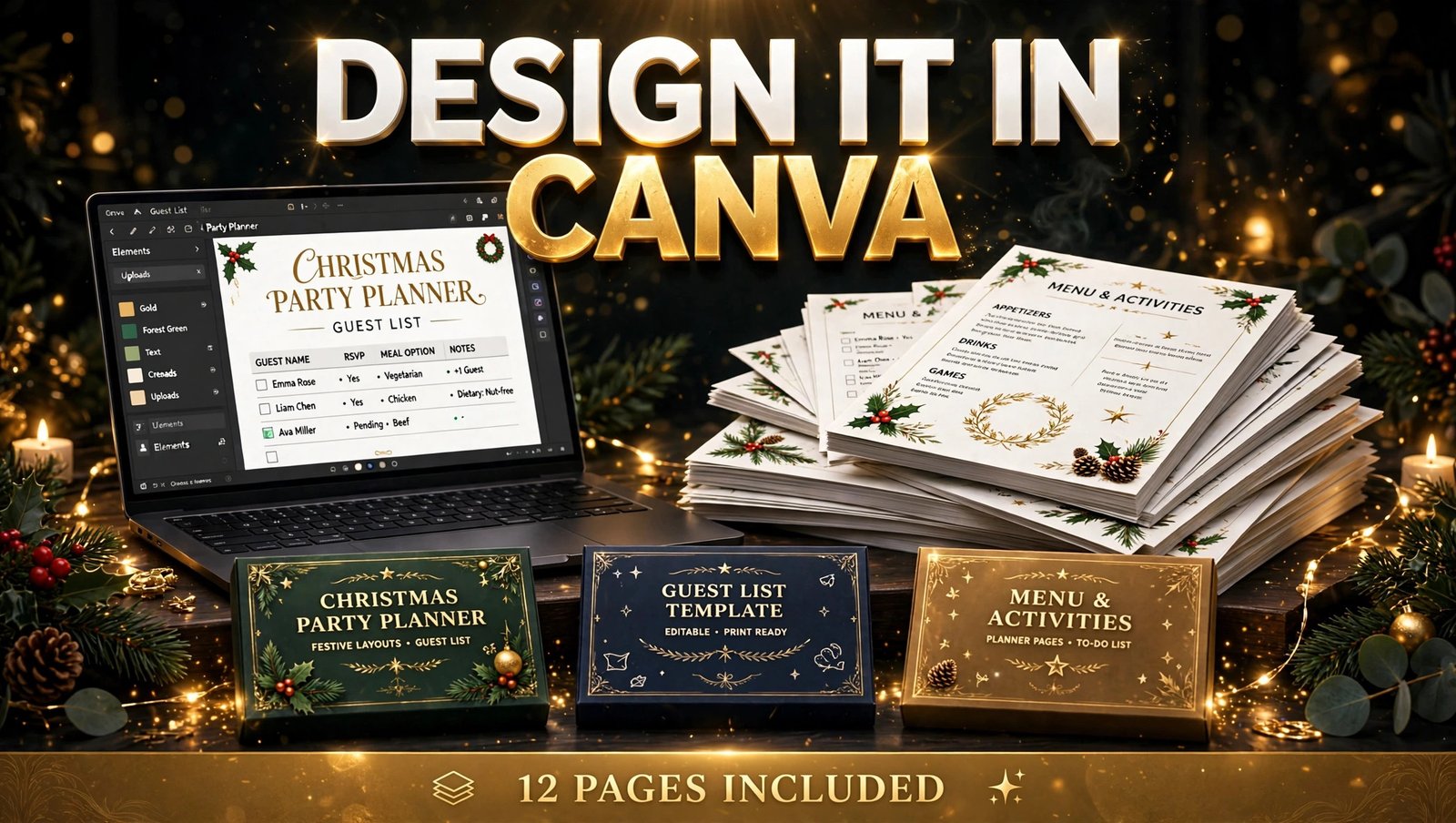
Exactly how: In Canva, create a custom size of 8.5 by 11 inches for US Letter and design the guest list page first. Use one clear heading font and one simple body font, keep body text at 11 points or larger, and make every tick box at least 14 points square. Use festive colours only for headings and accents — deep green, warm red and gold — so the page prints well in greyscale. Test-print one page, fill it in with a pen, fix anything cramped, then duplicate the file for A4.
Example: A guest list with ten rows, a wide tick column and a small “food needs” note lets a host see her whole party at a glance.
Pro Tip: Keep your palette to three colours plus black and white. A calm palette looks professional and prints cheaply.
Step 4: Test-Print Every Page and Fix the Small Problems
What to do: Print every page, fill each one in by hand, and fix the small problems before a buyer sees them. A planner that fails on paper earns bad reviews fast.
Exactly how: Print the full pack at 100 percent scale. Write in every box with a normal pen, tick the boxes, and add up a sample party budget. Check three things: boxes big enough to write in, headings inside the page edge, and colours that still read in black and white. Fix what fails, then print again.
Example: A buyer prints the seating plan, writes “Aunt Sara — near the fire” in a seat box, and moves two guests around. If the writing space is too small, she will ask for a refund.
Pro Tip: Ask a friend to fill in one page without any help. Every place they pause is a place your design needs fixing.
Step 5: Price It at $5–$9 and Write a Listing That Sells
What to do: Turn your design into a tidy download with clear files, a fair licence, and a listing that answers questions first.
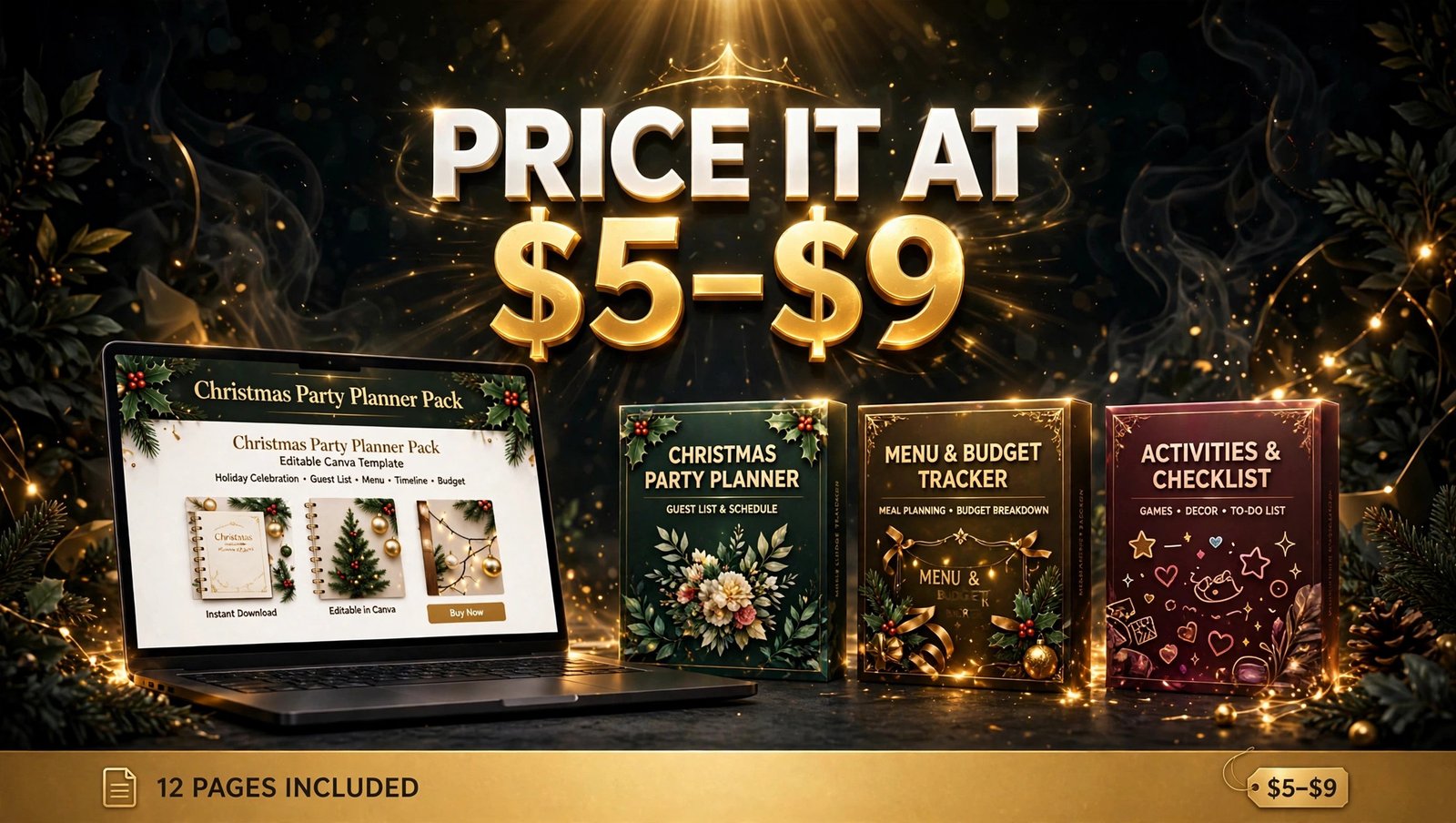
Exactly how: Export a print-ready PDF for US Letter and one for A4, plus a short instruction sheet. Name files clearly, such as “Christmas-Party-Planner-US-Letter.pdf”, and zip everything into one download under 20 MB. Write a simple licence in plain words: personal use only, no sharing, no reselling the file as it is. Price the 12-page set at $5–$9 — the proven band for a printable Christmas party planner to sell. Write your listing title with the benefit first, then five bullets: what is included, both paper sizes, how to print it, and who it suits.
Example: A listing titled “Printable Christmas Party Planner | 12-Page Host Organiser | Guest List, Menu and Timeline” tells a buyer the format, the size, and the benefit before she clicks. “Christmas Planner” tells her nothing. Pair it with printable Christmas party games in the same shop and shoppers buy both.
Pro Tip: Show one photo of the planner printed and filled in on a kitchen table. It answers “will this work in my home?” better than any paragraph.
Step 6: Launch It and Promote It Where Party Hosts Look
What to do: Publish the listing this week, then share it where Christmas hosts look for help.
Exactly how: List the pack on Etsy and your own shop on the same day, so every pin and post has somewhere to land. Then make three promos from your own pages: a Pinterest image, a short video of the guest list being filled in, and a post answering “how do I plan a Christmas party without the stress?” Share the question post first, then pin your best image with a problem-first title.
Example: You post a short video that fills in one whole guest list in 30 seconds, captioned “Every guest, one page, no panic.” Shoppers save it because it shows the result.
Pro Tip: Add a line to your listing in early December — “print tonight, plan tomorrow” — because late buyers need to know it is instant.
Single Page, 12-Page Pack, or Full Party Binder?
| Option | Pages | Price | Best for |
|---|---|---|---|
| Single-page guest list | 1 | $2–$4 | A buyer who wants one fridge page. |
| 12-page Christmas party planner pack | 12 | $5–$9 | Most buyers — guests, menu and timeline in one set. |
| Full party binder | 20+ | $10–$15 | Buyers who want every list in one binder. |
A first product should be the middle row for a printable Christmas party planner to sell: complete without overwhelming you. But here is the part most people miss — once buyers love the 12 pages, a full binder becomes your next product, not your first. Launch the pack now, while Christmas searches are rising.
Common Mistakes to Avoid
- Copying a general Christmas planner. A party planner answers party questions. If your pages could belong in any planner, they are too vague.
- Making the writing space too small. If a buyer cannot write in the box, the page will not survive the first party.
- Offering one paper size only. Buyers outside the United States need A4; buyers in the United States need US Letter. Offer both.
- Forgetting the test print. Colours that look soft on screen can print dark or muddy. Print and fix it first.
- Listing too late. A Christmas party planner listed on 20 December has five selling days. List it now.
- Writing a vague listing. “Beautiful planner” tells a buyer nothing. Say what is inside, what sizes it fits, and how to use it.
Quick Checklist
- You researched one real Christmas party host and their biggest party stress
- Your pack has 12 pages, each with a clear job
- US Letter and A4 PDFs are both included and test-printed
- The licence, file names, and listing bullets are clear and honest
- Listing photos show a filled-in sample page and the full pack
- The listing is live now, while Christmas searches are rising
Frequently Asked Questions
Can I sell a printable Christmas party planner made in Canva?
Yes, if you use your own layout and wording and follow Canva’s rules for the elements. Use free elements, or elements your plan allows in products for sale, and sell only the finished PDF.
How many pages should a printable Christmas party planner have?
A focused first pack of 12 pages works well: a countdown, guest list, party budget, menu plan, drinks list, shopping list, decoration checklist, seating plan, music and games plan, a day-of timeline, and notes. A short pack earns better reviews than a padded one.
What size should a printable Christmas party planner be?
Offer US Letter (8.5 by 11 inches) and A4 together — most home printers handle one of those sizes. Test-print both.
When should I list a printable Christmas party planner to sell?
List it now. With about four weeks to Christmas, searches are at their busiest in late November and early December, so a listing live this week has four selling weeks, while one listed on 20 December has only a few days.
Conclusion
A printable Christmas party planner to sell succeeds when it fits a real party: quick to fill in, easy to print, and clear enough to live on the fridge.
- Research one real Christmas party host before you design a single page.
- Keep the pack focused: 12 pages, both US Letter and A4, priced at $5–$9.
- Test-print and fill in every page yourself before you list it.
- List now, promote the problem you solve, and ask for honest reviews.
Start today with Step 1: spend 30 minutes listening to what Christmas hosts ask for, then sketch your planner on paper. Your first planner does not need to be perfect — it needs to be useful, and usefulness is what shoppers buy again and again. Browse the Haseen Tools shop for more printable templates.