

How to Create and Sell a Printable Declutter Checklist in Canva: A Step-by-Step Guide

Open any kitchen drawer: three phone chargers nobody owns and a menu from a restaurant that closed years ago. Most homes are not dirty — they are full. That is exactly why a printable declutter checklist to sell is such a strong first product: it promises a calmer home in 30 days and takes one afternoon to design in Canva. Here you will build that 8-page challenge, price it at $3–$7, and list it where buyers search.
What Is a Printable Declutter Checklist?
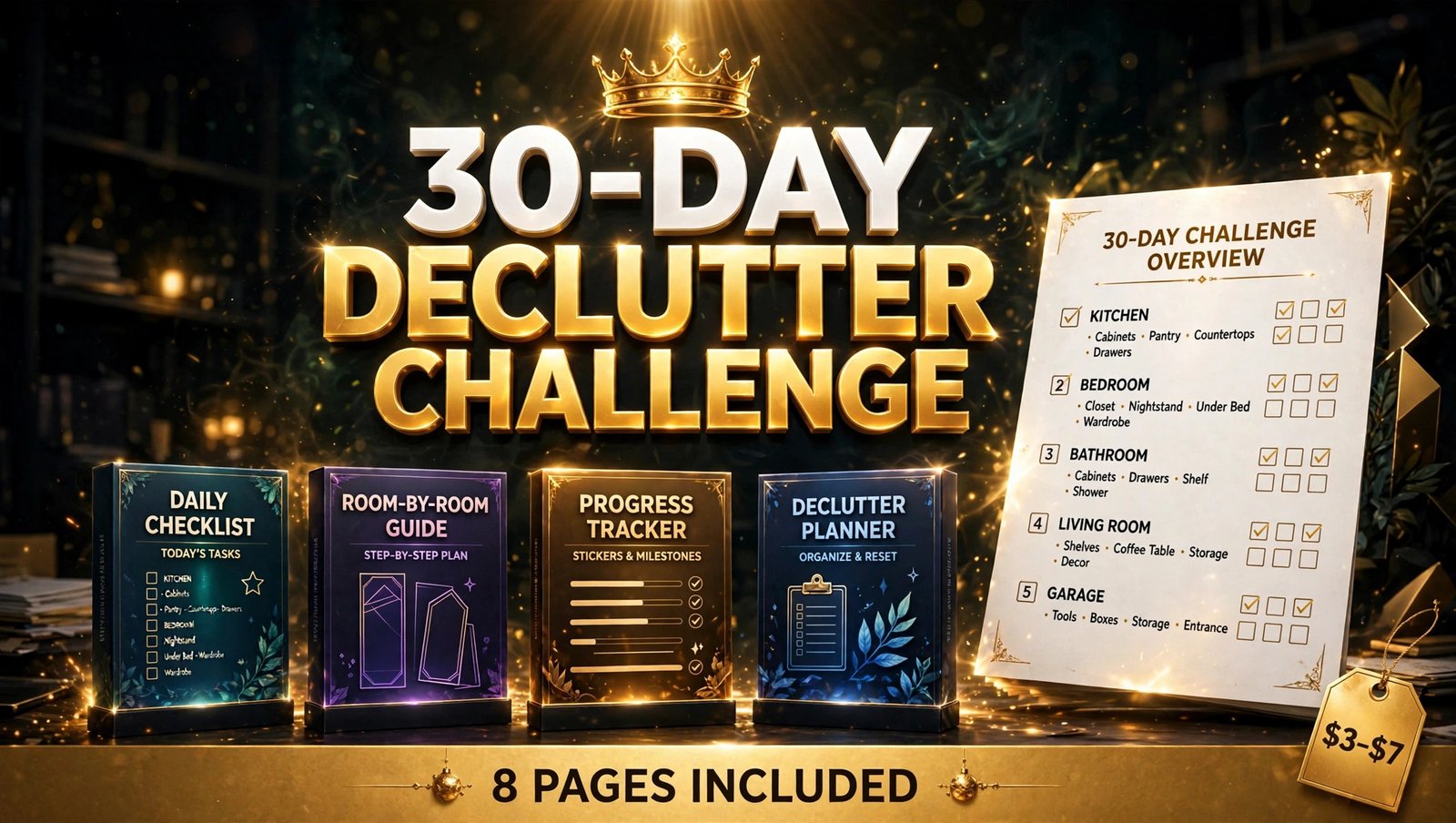
A printable declutter checklist is a one-page-per-room tick list that tells a buyer what to sort, keep, donate, toss or sell — and in what order. Your version runs as a 30-day challenge: five rooms, six days each, one small job a day, with a tick box beside every task.
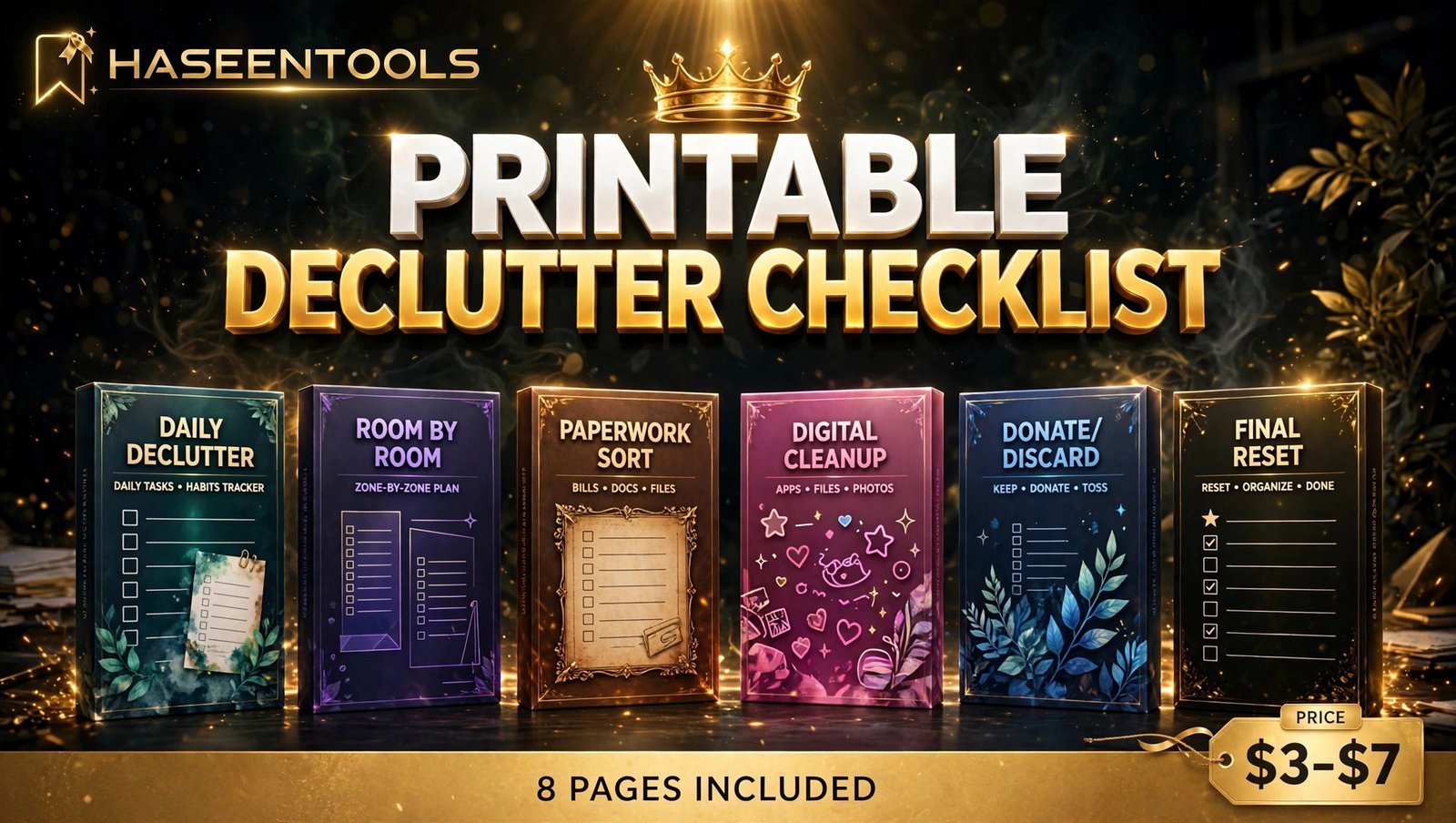
What is a printable declutter checklist? A printable declutter checklist is a downloadable PDF that breaks clearing out a home into daily tasks, so the buyer can tick each job off when done. Most sets include a 30-day plan, a keep-donate-toss-sell sorter and a progress page, and sell as a personal-use PDF for $3–$7.
Decluttering is not the same as cleaning. A printable cleaning schedule tells someone when to mop and dust; your checklist tells them what to let go of. A buyer who just cleared a cupboard still needs a routine afterwards — which is why the two products sell so well together. But the checklist must feel finishable, or the buyer never starts.
Step 1: Pick Your Declutter Angle
What to do: Choose one clear promise before you open Canva. A checklist that tries to cover every room, every season and every family size helps nobody.
Exactly how: Write one sentence that finishes this frame: “This checklist helps [buyer] clear [one space] in [time] by doing [one small job a day].” Ours reads: “This checklist helps busy parents clear five rooms in 30 days, one 15-minute job a day.” Build every page around it.
Example: A 30-day challenge beats a generic “declutter your home” list: it has a start date, a finish line and a daily win. Your buyer ticks Day 1 on a Monday, sees real progress by Friday — and that daily win earns five-star reviews.
Pro Tip: Keep the promise to 15 minutes a day. A buyer who believes the job is short starts tonight; one who expects a full weekend puts the printout in a drawer.
Step 2: Map the 8 Pages
What to do: Plan all 8 pages on paper first, so the set feels complete and nothing is repeated. A buyer who finds two identical pages, or a missing room, feels short-changed.
Exactly how: Give the set this shape: page 1 is the 30-day overview, pages 2–6 are one room each (kitchen, bedroom, bathroom, living room, garage and entryway), page 7 is the keep-donate-toss-sell sorter, and page 8 is the progress page with a tick-off grid. Each room page holds six daily tasks with a tick box beside each one.
Example: The kitchen page runs like this: Day 1, the junk drawer; Day 2, expired food; Day 3, duplicate utensils; Day 4, chipped mugs and plates; Day 5, the top of the fridge; Day 6, one pantry shelf. Six jobs, six ticks, one room done.
Pro Tip: Put the easiest job first. A quick win on Day 1 builds the habit that carries the buyer through.
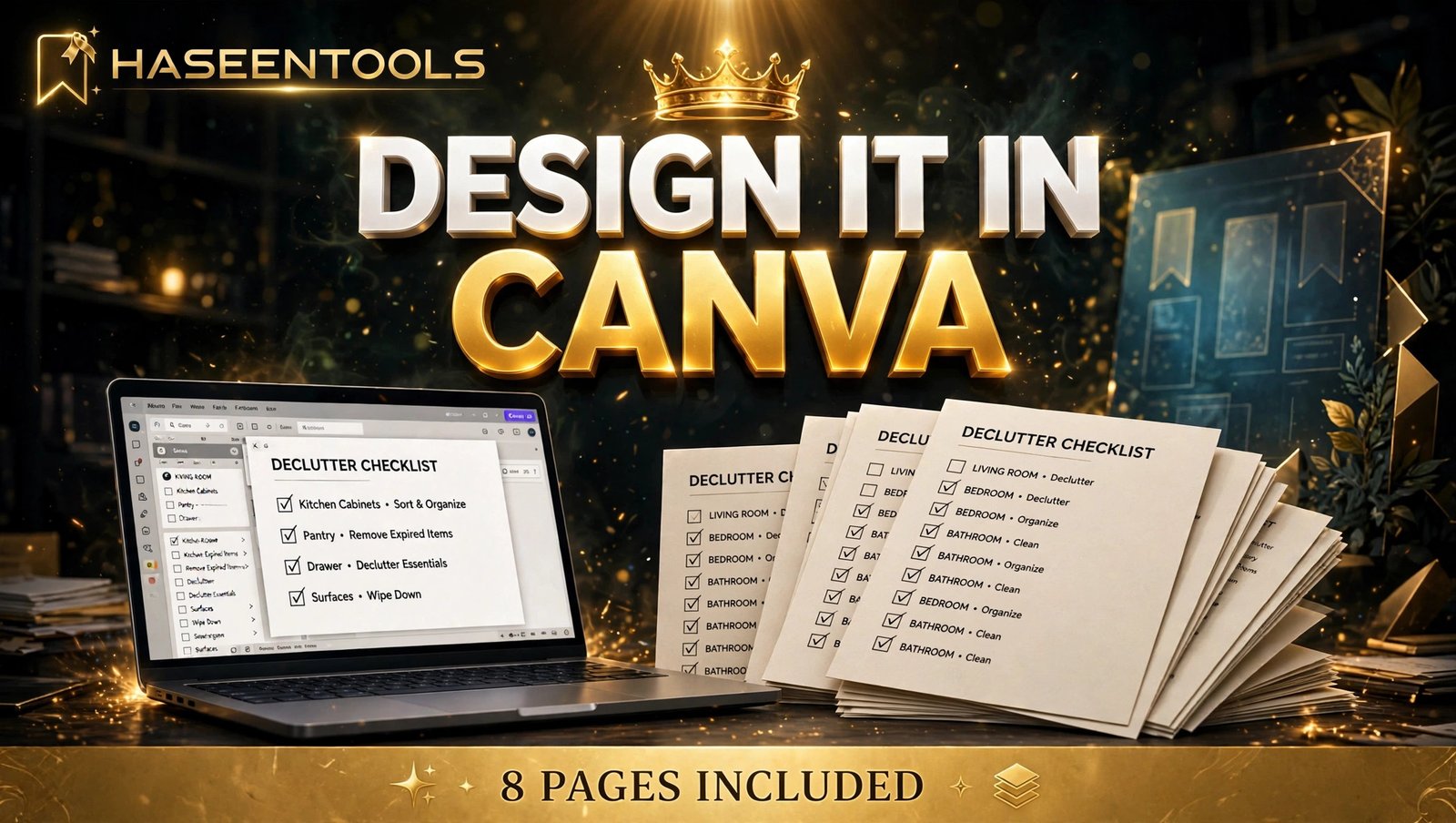
Step 3: Design It in Canva
What to do: Build the 8 pages in Canva on US Letter (8.5 × 11 inches), with the same fonts, colours and tick-box style on every page so the set looks like one product.
Exactly how: Open Canva and choose a custom size of 8.5 × 11 inches. Pick two fonts and three colours at most, plus black and white. Draw each tick box as a simple square outline, big enough to tick with a pen. Keep body text at 12 pt or larger, leave a half-inch margin, and use only free elements so the finished PDF stays legal to sell.
Example: A layout that works: a sage-green header bar with the room name, six rows with a tick box and one short task each, and a footer line that reads “Day 1–6 of 30”.
Pro Tip: Design one room page, then duplicate it five times and swap the tasks. You keep a consistent look and finish in half the time.
Step 4: Test-Print and Fix It
What to do: Print every page on your own printer before you list the product. A PDF that looks perfect on screen can still fail on paper.
Exactly how: Download the file as PDF Print, then print each page in black and white and in colour. Tick every box with a pen and check three things: boxes big enough to tick, no text cut off at the edges, and the lightest grey text still readable in black and white. Fix what fails, then print that page again.
Example: On a first print, the sorter page often fails: the four columns (keep, donate, toss, sell) squeeze too close and the headings wrap onto two lines. Widening the columns and shortening each heading to one word fixes it.
Pro Tip: Ask one friend to print the set and tick a full room page unaided. Anywhere they pause is a page that needs clearer wording.
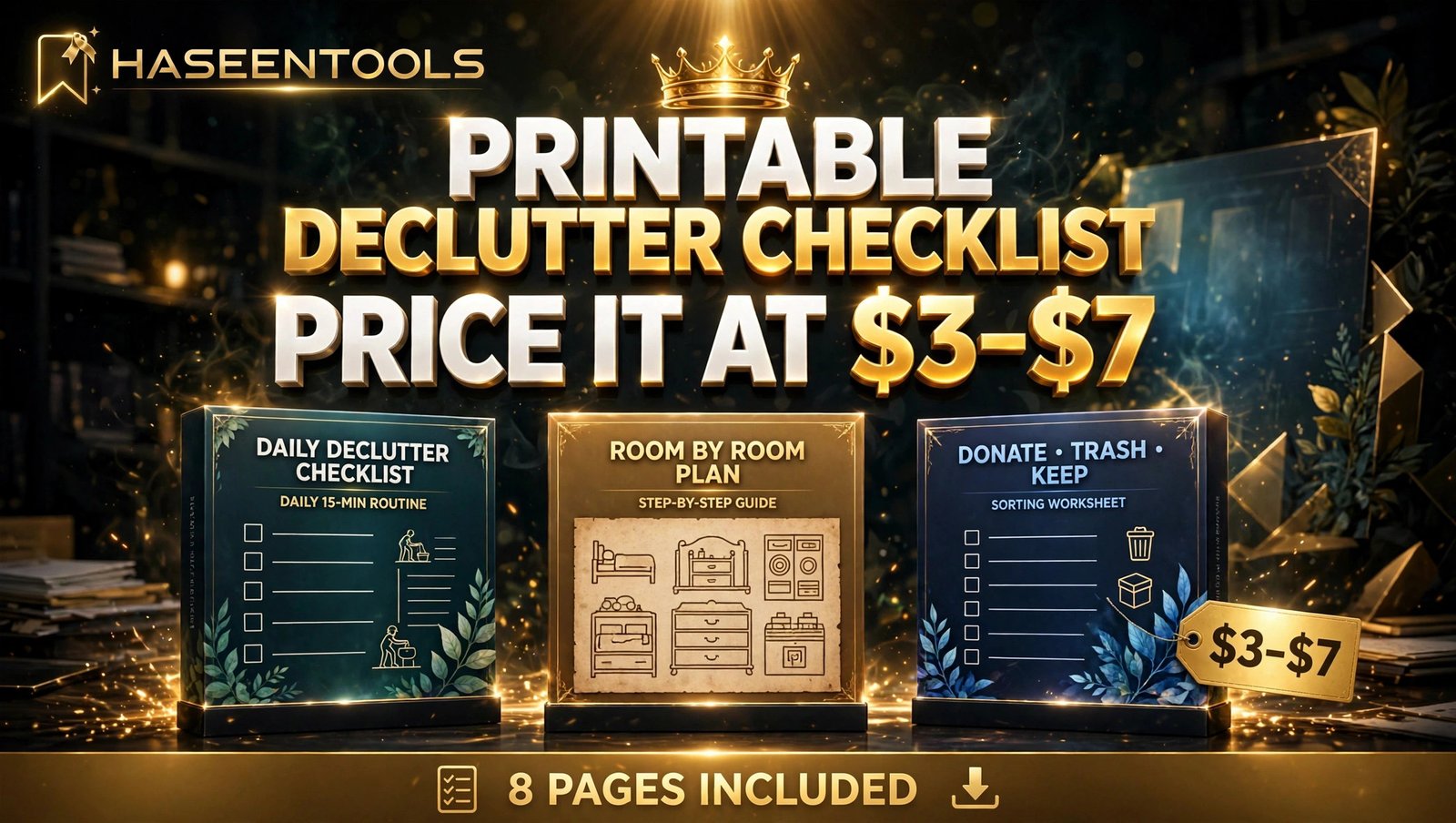
Step 5: Price It at $3–$7
What to do: Price the 8-page set at $3–$7 — what buyers already pay for single-purpose checklists, and low enough for an impulse buy.
Exactly how: Start at $5 for the full 8-page set. Sell a single-room page as a $3 sample, so buyers can try the style before they buy the set. Later, bundle the checklist with your cleaning schedule or moving checklist at $9–$12. Never price it at $1 — buyers read $1 as a warning sign, not a bargain.
Example: A buyer comparing two listings sees your 8-page set at $5 next to a 3-page list at $4. Your set wins: the buyer counts the pages, the price per page feels fair, and the 30-day plan turns a list into a challenge with a finish line.
Pro Tip: Keep the price the same on every platform. A buyer who finds it cheaper elsewhere feels tricked — and one who finds it dearer elsewhere buys it there.
Step 6: List It and Get the First Sales
What to do: List the PDF on Etsy and in the HaseenTools shop on the same day, with clear photos and a description that repeats the 30-day promise. Then send the first buyers to it from Pinterest, where they already gather.
Exactly how: Write the listing title as “Printable Declutter Checklist | 30-Day Room-by-Room Challenge | 8 Pages | Instant Download”. Upload five listing photos: the challenge overview page, one room page, the sorter page, the progress page, and the printed set. In the description, state the page count (8), the price ($5), the file type (PDF, US Letter and A4) and the licence (personal use only). Then pin the overview page on Pinterest with “30-day declutter checklist” in the title, linked to your shop listing.
Example: Your first five sales often come from one Pinterest pin, not from search. A pin showing the full 30-day overview page gets saved because the buyer sees the whole challenge before clicking.
Pro Tip: Reply to the first buyer’s question within a few hours. Early replies turn into early reviews, and reviews lift the listing in search.
Declutter Checklist vs Cleaning Schedule vs Home Binder
| Product | Job it does | Pages | Price | Best buyer |
|---|---|---|---|---|
| Declutter checklist | Removes what is no longer needed | 8 | $3–$7 | A full home |
| Cleaning schedule | Keeps a clear home clean, week by week | 10 | $5–$9 | A clear but messy home |
| Full home binder | Runs the whole household in one file | 20+ | $12–$18 | One-system buyers |
The declutter checklist is the easiest of the three to make and the easiest for a buyer to finish, which is why it makes a good first product. The cleaning schedule is the natural next purchase: once the clutter is gone, the buyer needs a routine to keep it that way.
Common Mistakes to Avoid
- Cramming 30 tasks onto one page. Tiny text with no white space feels like homework. One room per page, six tasks.
- Forgetting the sorter page. Without a keep-donate-toss-sell page, the buyer piles everything on the bed and gives up. The sorter makes the system work.
- Using dated pages. Never print a month or a year on the checklist. A buyer who downloads it in March should not see January on the cover.
- Copying tasks from another seller. Write every task in your own words, from your own home. A checklist built from your real junk drawer reads as honest.
- Skipping the test print. A tick box too small to tick is the most common one-star complaint on checklist listings, and one print catches it.
Common Mistake: The biggest mistake is designing for yourself. You know where everything in your home lives; your buyer does not. If a task only makes sense in your kitchen, rewrite it for any kitchen.
Quick Checklist
- [ ] Promise: 30 days, five rooms, 15 minutes a day
- [ ] 8 pages mapped: overview, five rooms, sorter, progress page
- [ ] US Letter, two fonts, three colours, free elements only
- [ ] Every page test-printed in colour and black and white
- [ ] Price set at $3–$7, bundle planned
- [ ] Etsy and shop listings live with five photos
- [ ] Pinterest pin posted, “30-day declutter checklist” in the title
Frequently Asked Questions
Do I need Canva Pro to make a printable declutter checklist to sell?
No. The free plan covers everything this set needs: custom page sizes, tick-box shapes, free fonts and free elements. Canva Pro adds premium graphics and a background remover, but neither is needed here. Start free; upgrade once a product is selling.
How many pages should a declutter checklist have?
Eight pages work well for a printable declutter checklist to sell: one 30-day overview, five room pages, one sorter page and one progress page. Fewer than six feels thin, and more than twelve turns a quick challenge into a binder the buyer never finishes.
Can I sell a declutter checklist as a PDF and as a Canva template?
Yes, but sell them as two separate listings. The PDF buyer wants to print and tick; the template buyer wants to edit the words. A PDF made with Pro elements must never be sold as a file, so build it from free elements only.
What licence should a printable declutter checklist carry?
Personal use only. The buyer may print it for their own home as many times as they like, but may not resell it, share the file or give it away. State this in the listing in plain words.
Conclusion
- A printable declutter checklist to sell is small and finishable: 8 pages, five rooms, 30 days, 15 minutes a day.
- The 30-day challenge angle is what makes it sell: a start date, a finish line and a daily win.
- Build it in Canva on US Letter, test-print every page, and price the set at $3–$7.
- List it on Etsy and your own shop the same day, then pin the overview page so buyers find it for weeks.
Your next step is simple: open Canva, map your 8 pages, and print page 1 tonight. If this guide helped, share it with a friend staring at a full drawer of their own — and tell us in the comments which room you would clear first.