





How to Create and Sell Printable Birthday Party Games in Canva: A Step-by-Step Guide


A birthday host has 24 hours, 15 guests and no plan for the awkward hour between cake and goodbyes. She searches for printable birthday party games to sell in Canva — no, she searches to buy them. That is your opening: a host in a hurry will happily pay a few dollars for a game she can print tonight. You design it once, and the same file sells while you sleep.
This guide covers the whole process, from picking your first game to listing a bundle buyers find — no design degree, no expensive software, no stock.

What Are Printable Birthday Party Games — and Why Do They Sell?
Printable birthday party games to sell in Canva are ready-to-print game sheets — bingo, trivia and scavenger hunts — designed in Canva and sold as instant-download PDFs. Buyers print them at home, so there is no shipping, no stock and no waiting, and one design can sell hundreds of times.
Demand is steady all year, because birthdays never stop, and a host who finds your game at 8 pm wants it printed by 9 pm. But the game is only half the product. The other half is the listing — the title, the mockups and the price that convince a rushed buyer to click yours.
Step 1: Pick One Game and One Party Type
What to do: Choose a single game type for a single kind of birthday before you open Canva. “Birthday games” is a crowd; “birthday bingo for a 7-year-old’s dinosaur party” is a product a buyer can picture using tonight.
Exactly how: Open Etsy’s search bar and type “birthday bingo”, then read the autocomplete: kids, adults, 30th, 40th, teen, office. Pick one where at least three listings show 100 or more reviews — that proves buyers exist. Then narrow once more by theme: dinosaur, princess, football, garden party.
Example: “Dinosaur Birthday Bingo for Kids Ages 5–8” will outsell a generic “Birthday Bingo Printable” for the same effort, because the buyer instantly sees her own party in it.
Pro Tip: Start with bingo — the easiest game to design, the most searched party game, and one page carries the whole product.
Step 2: Design the Game in Canva at Print Size
What to do: Build your game at US Letter size (8.5 x 11 inches) in Canva, with a clean layout a host can read from across the room.
Exactly how: In Canva, create a custom size design of 2550 x 3300 pixels — US Letter at 300 DPI, so it prints sharp. Use one bold title font and one plain body font, never more than two. Keep backgrounds light so they do not eat printer ink, and save the colour for borders, titles and icons. Leave a white margin of at least half an inch on every side.
Example: A bingo card with a 5 x 5 grid, a dinosaur icon in the centre free space, and 24 short words like “cake” and “balloons” takes about 40 minutes to design.
Pro Tip: Design your own layout from a blank page. Canva’s licence rules mean you cannot take one of its templates, change two colours and sell it as your own — your design must be original.

Step 3: Build a Matching Set, Not a Single Sheet
What to do: Turn one game into a small matching set. A single sheet sells for $2 to $3; a set of 5 to 10 games in one theme sells for $5 to $8 and feels like a bargain. This is where printable birthday party games to sell in Canva start earning properly — one listing, many games, one happy buyer.
Exactly how: Keep the same colours, fonts and border style across every game, then add variety: bingo, a trivia quiz, a scavenger hunt, a “would you rather” sheet and a word search. Add one bonus item — an answer key, or a matching “happy birthday” sign. Design each game on its own page in the same Canva file so the style stays consistent.
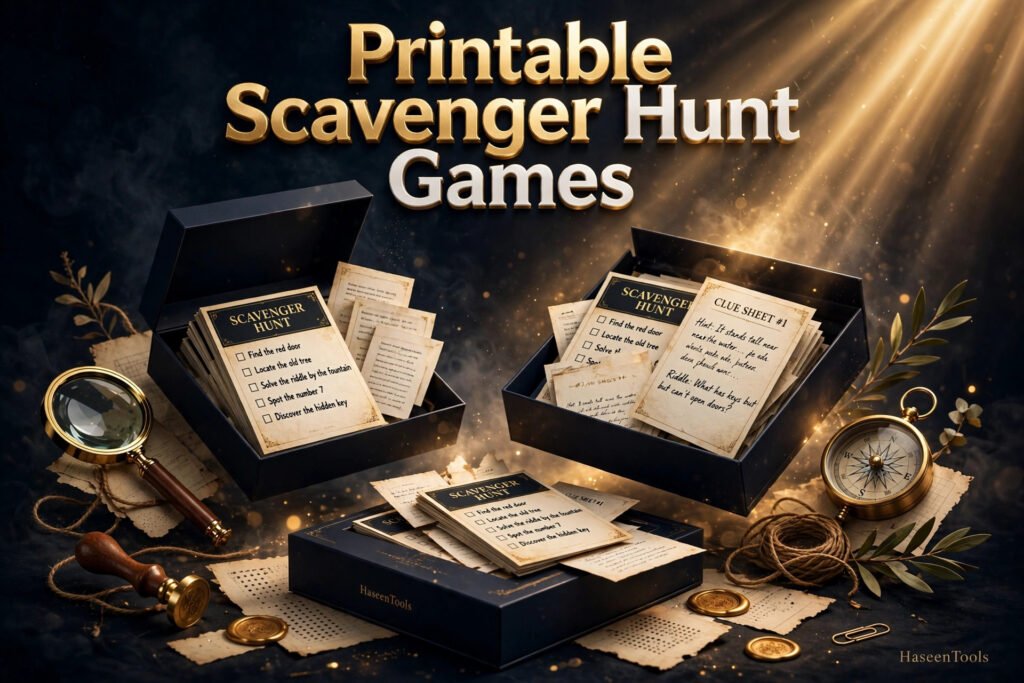
Example: A “Dinosaur Party Games Bundle” with bingo, trivia, a scavenger hunt and a word search gives the host a full evening of fun from one download and your listing five mockup photos instead of one. The same bundle logic works across party printables: our guide to printable baby shower games shows how a matching set outsells a single sheet, and digital invitation templates in the same theme can grow the bundle further.
Pro Tip: Name every game file clearly before you export — “Dino-Bingo.pdf” beats “final_v3.pdf” when a buyer opens her downloads folder at party time.
Step 4: Package the Files Like a Real Product
What to do: Deliver a ZIP folder with three things: the game PDF ready to print, a Canva template link so buyers can edit names and colours, and a short instructions PDF.
Exactly how: Download the games as PDF Print from Canva. Then click Share, choose “Template link”, and copy it — each buyer gets her own editable copy while your original stays untouched. Write a one-page instructions PDF in plain language: how to open the link, how to change the wording, and how to print at 100 percent scale. Test the ZIP yourself before listing.
Example: Your ZIP holds the print PDF, an instructions PDF and a text file with the template link. The instructions say, in three short lines, “Open the link, click Use Template, change the names, download as PDF Print.”
Pro Tip: State the licence clearly in the listing: personal use only, no reselling the files. That one line prevents most misuse.
Step 5: Price It and List It Where Buyers Search
What to do: List the bundle on Etsy first, because that is where hosts already search for party printables. Write the listing title the way a rushed host would search, price it in the proven range, and show mockups that make the buyer feel the party.
Exactly how: Use a title like “Printable Birthday Party Games Bundle | 10 Dinosaur Games | Bingo, Trivia, Scavenger Hunt | Editable in Canva”. Price a 5 to 10 game bundle at $5 to $8 — single games sell for $2 to $3, so the bundle must feel like a bargain. Make mockups in Canva: the games flat on a decorated table, a close-up of one card, and a flat-lay of the whole set.
Example: Five mockup photos — a flat-lay of all ten games, a close-up of the bingo card, a styled table scene, a screenshot of the editable Canva link, and a “what’s included” list image — tell a buyer everything in ten seconds.
Pro Tip: Do not promise delivery times you cannot control. Say “instant download after purchase” — that is how Etsy delivers digital files, and it sets the right expectation.

Step 6: Promote It With Pinterest and Mockup Pins
What to do: Make 3 to 5 Pinterest pins for the bundle, each showing a different game, and link every pin to the listing.
Exactly how: Design tall pins in Canva at 1000 x 1500 pixels, using your game mockup as the main image and a headline like “10 Printable Birthday Party Games — Print Tonight”. Publish one pin a day for the first week, with keyword-rich titles so Pinterest search finds them months later.
Example: One pin shows the bingo card, one shows the full flat-lay, one shows the games on a real party table. Three images, one listing — and each pin can keep bringing buyers for months.
Pro Tip: Every sale and every review makes the listing stronger. After the first few sales, ask buyers politely for a review — a listing with ten five-star reviews will outsell an identical one with none. Once one bundle sells, build the next one in the same niche — a matching digital colouring book in the same theme brings repeat buyers back.
Etsy vs Your Own Website vs Gumroad
Where should you sell your games? Each option trades reach for control, so pick the one that fits where you are right now.
| Option | Best for | Fees | Buyer traffic |
|---|---|---|---|
| Etsy | Beginners who want buyers already searching | Listing fee + % of each sale | High — built-in search |
| Your own website | Sellers who want full control and no marketplace rules | Payment processing + hosting | Low at first |
| Gumroad | Quick, simple listings with no shop setup | A percentage of each sale | Low — mostly your own audience |
Most sellers start on Etsy, then add the same bundle to their own website once Pinterest traffic grows.
Common Mistakes to Avoid
- Designing ten games before selling one. Make one game, list it, learn what buyers ask for, then build the bundle around real demand.
- Dark backgrounds that eat printer ink. Hosts notice. Keep backgrounds light and save the colour for borders and titles.
- Copying a Canva template unchanged. Change the layout, fonts and colours until the design is yours.
- Skipping the print test. A game that looks perfect on screen can print with cut-off edges or tiny text. Print one copy first.
- Forgetting the template link. Many buyers choose your listing because they can edit it in Canva — if the link is missing, expect messages and refunds.
- Pricing a 10-game bundle at $2. You are selling hours of design work. A bundle at $5 to $8 is still a bargain.
Quick Checklist
- One game type and one party theme chosen before designing
- All games in US Letter size, light backgrounds, two fonts maximum
- Bundle of 5 to 10 matching games plus one bonus item
- PDF Print file, Canva template link and instructions PDF tested
- Licence stated: personal use only
- Etsy listing with a search-friendly title, 5 mockup photos and a $5 to $8 price
- 3 to 5 Pinterest pins linking to the listing
Frequently Asked Questions
Can I sell printable birthday party games I make in Canva?
Yes, if you follow Canva’s licence rules: use free elements or Pro elements you are licensed for, and do not resell Canva’s stock photos or templates unchanged. Design original layouts and deliver your own PDF and template link — that is how printable birthday party games to sell in Canva stay on the right side of the rules.
How much can I earn from printable birthday party games?
It varies widely, and no honest guide can promise a number. Single games usually sell for $2 to $3 and bundles for $5 to $8, and one listing can sell the same file many times. Your earnings depend on your listings, your mockups, and how steadily you promote them.
Do I need Canva Pro to make birthday party games to sell?
No. A free Canva account is enough for most game designs: free fonts, shapes and elements cover bingo, trivia and scavenger hunts. Canva Pro adds background removal and premium elements, but start free and upgrade only when a paid feature saves you real time.
What size should printable birthday party games be?
US Letter (8.5 x 11 inches) is the safest choice, because most home printers in the United States use it. Design at that size in Canva, export as PDF Print, and tell buyers to print at 100 percent scale. You can also offer an A4 version in the same ZIP for buyers outside the US.
Conclusion
Printable birthday party games to sell in Canva are a small product with a real advantage: a host needs them urgently, they print at home, and you make them once and sell them again and again.
- Pick one game and one party theme, and design it properly in Canva
- Build it into a bundle of 5 to 10 matching games with a bonus item
- Package a print-ready PDF, a Canva template link and clear instructions
- List it on Etsy at $5 to $8 with mockups that sell the party, not just the file
- Promote it on Pinterest, one pin at a time, and let reviews build trust
Your first bundle does not need to be perfect — it needs to be finished, tested and listed. Open Canva, design your first game tonight, and browse the Haseen Tools shop for more ideas. Tell us in the comments which game you will design first.
6 thoughts on “How to Create and Sell Printable Birthday Party Games in Canva: A Step-by-Step Guide”