

How to Create and Sell a Printable Allowance Tracker for Kids in Canva: A Step-by-Step Guide

How to Create and Sell a Printable Allowance Tracker for Kids in Canva: A Step-by-Step Guide
Every parent knows the Saturday-morning moment: a child holds out a hand and asks, “Where is my allowance?” The coins are handed over, and by lunchtime they are gone — spent on sweets. A printable allowance tracker for kids to sell turns that weekly moment into something better: a habit that teaches a child to save, spend and share on purpose.
Parents want a tool that makes pocket money a lesson, not a handout. If you can design a bright page in Canva, you can build this in a weekend — and sell it again and again.
What Is a Printable Allowance Tracker for Kids?
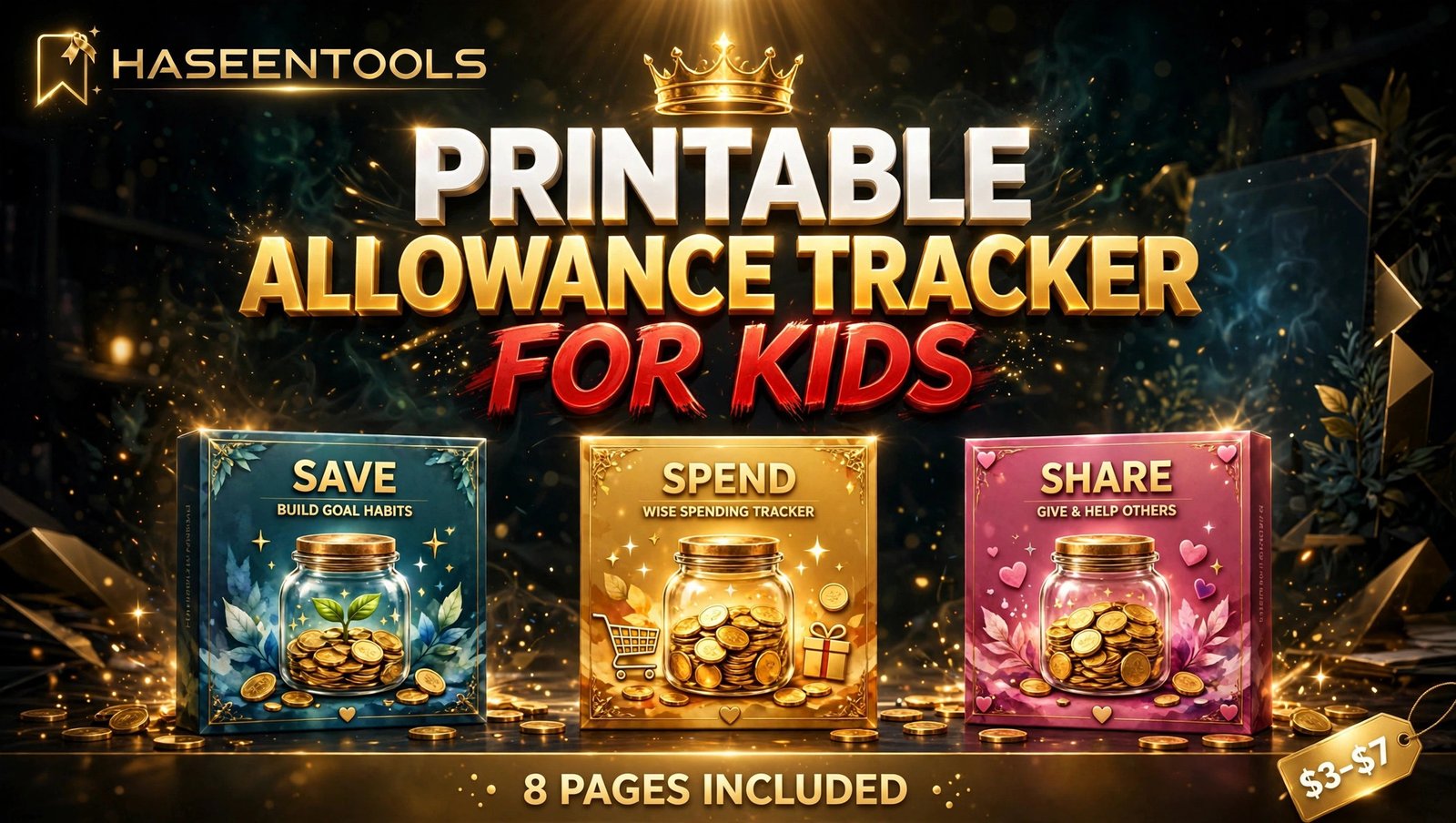
A printable allowance tracker for kids to sell is an 8-page PDF that helps a child record weekly allowance, split it into save, spend and share jars, and watch a savings goal grow. Design it once in Canva and sell it as an instant download parents print at home.
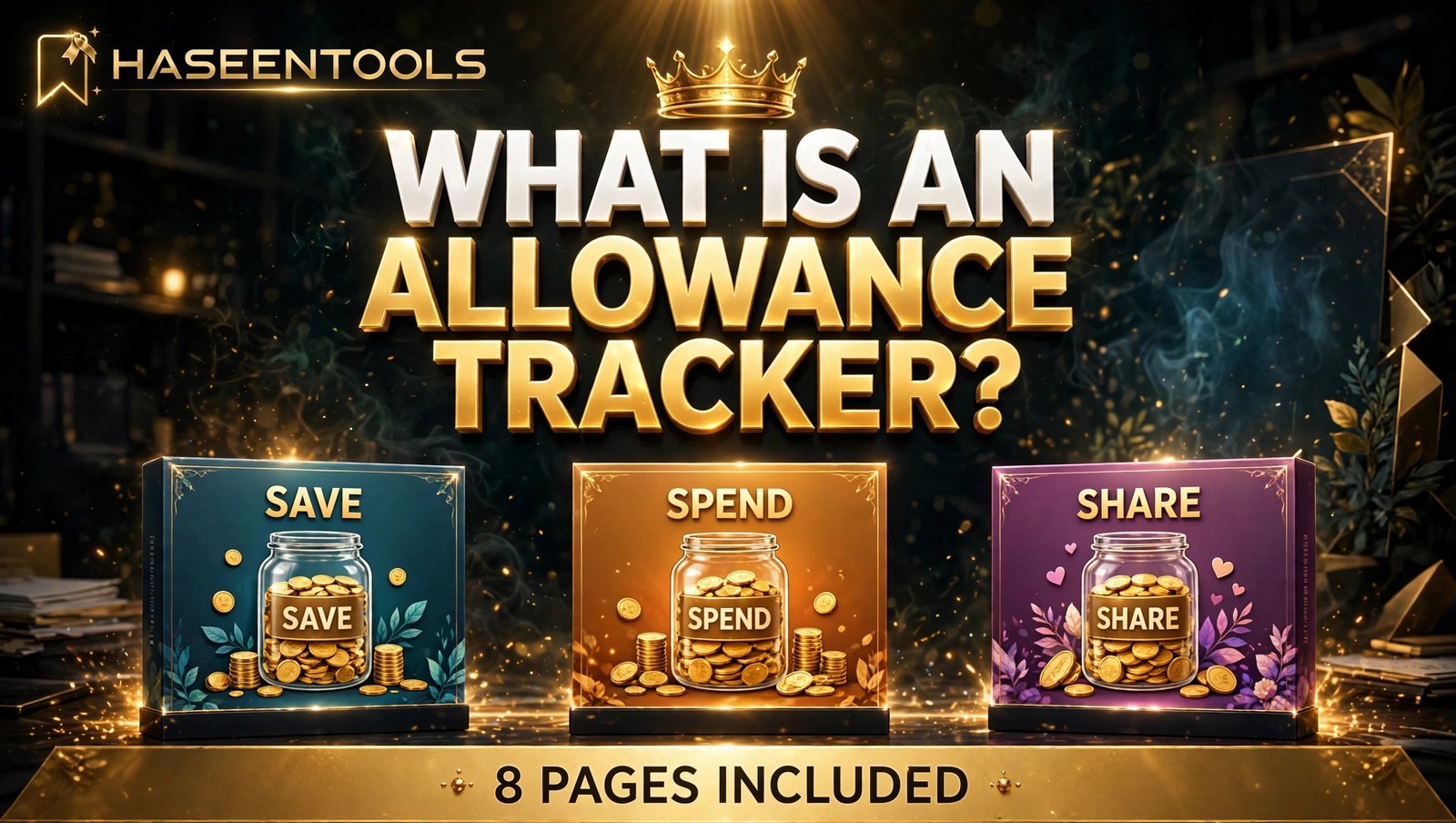
It is a tracker, not a chore chart: a chore chart tracks jobs, not money. An allowance tracker tracks the money itself — what came in, where it went, and what is left. Your buyer is a parent who wants their child to learn that money has jobs.
But here’s the part most people miss: kids do not learn money from a lecture. They learn it from seeing their own numbers grow — a jar filling up, a goal line getting closer.
Step 1: Pick Your Age Group and Money System
What to do: Choose one age group and one money system before you open Canva.
Exactly how: Finish this sentence: “This tracker is for a child aged ___ who gets ___ a week.” Then pick your system: the save, spend and share jars — every week the child splits their allowance three ways. Keep the split simple — 50% save, 40% spend, 10% share — so a child can do the maths.
Design for one age group only. Ages 6–8 need big boxes, pictures and a $5 allowance. Ages 9–12 can use smaller rows and a $10 allowance. One age group, one system — a tracker for every child serves none of them well.
Example: “This tracker is for a child aged 6–8 who gets $5 a week.” That sentence decides the design: big handwriting lines, a $5 row, a jar picture to colour in.
Pro Tip: Put the jar split on the cover. Parents buy the system in one glance — “Save, Spend, Share” tells them what their child will learn.
Step 2: Plan Your 8 Pages
What to do: Sketch all 8 pages on paper before you touch Canva.
Exactly how: Give every page one job. A printable allowance tracker for kids to sell works best with this 8-page plan:
- Cover — title, bright design, the three jars, the child’s name.
- How it works — three short lines on the three jars.
- Weekly allowance log — date, allowance, and the three-way split.
- Save jar tracker — a jar picture to colour in.
- Spend jar tracker — what the child spent, and what is left.
- Share jar tracker — money set aside to give.
- My savings goal page — one goal, its price, a progress bar.
- Chore earnings page — extra money earned from chores.
Example: Your weekly log holds four rows — one per week — each with boxes for the date, the allowance, and the three jar amounts. A parent sees the whole month at a glance, and a child fills in a row in under a minute.
Pro Tip: Keep it at 8 pages. Parents print at home, and a short tracker feels doable — a 20-page pack looks like homework and never gets finished.
Step 3: Design the Pages in Canva
What to do: Build the 8 pages in Canva with one bright, kid-friendly design.
Exactly how: Open Canva and create a custom size — A4 for home printing, US Letter if you sell mostly to the US. Pick two fonts: a chunky rounded font for headings, a clean simple font for the rows. Choose a cheerful palette — sunny yellow, sky blue and coral — and use it on every page.
Design the cover first — it sets the style. Place three simple jar shapes — Save, Spend, Share — and use the same jars on every page. Then build one page template — heading, boxes, small footer — and copy it for the other pages, changing only the heading and the boxes. This keeps it looking like one product, not eight random sheets.
Example: Fredoka headings at 28pt, Nunito body at 14pt, a thick yellow border around every page. One template, eight pages, about 90 minutes.
Pro Tip: Make the writing boxes big. A child’s handwriting is large, and a box that fits an adult’s neat writing will frustrate a seven-year-old.

Step 4: Build the Jar and Goal Pages Parents Actually Use
What to do: Make the save jar tracker and the savings goal page the stars of the pack.
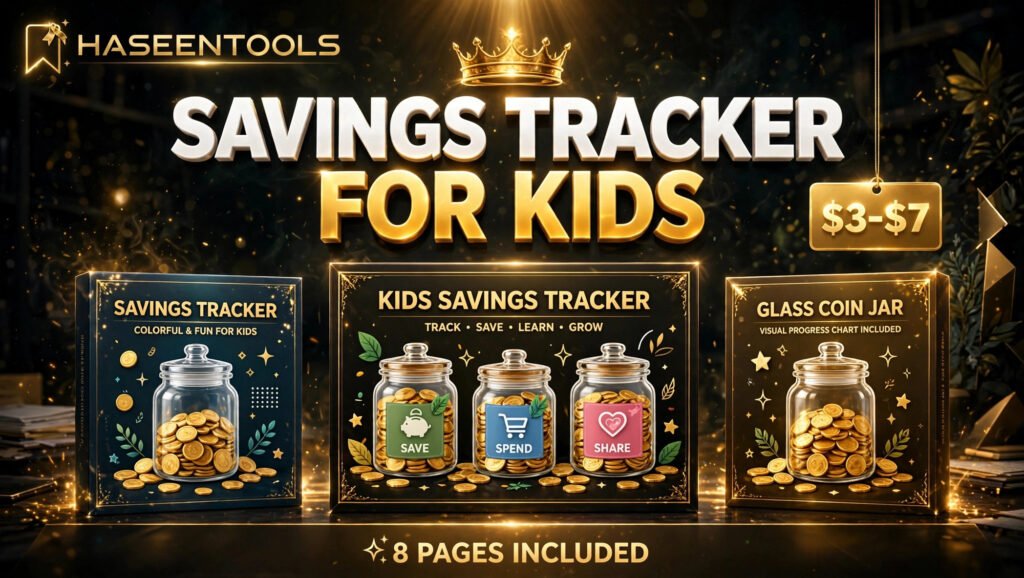
Exactly how: The jar pages are why parents buy a printable allowance tracker for kids to sell. On the save jar page, draw a big jar split into ten sections — a child colours in one section for every $1 saved, and sees the jar fill without doing maths. On the goal page, add three lines: “My goal is ___”, “It costs $___”, “I have saved $___”, plus a progress bar to colour in.
Keep the numbers honest and small. A $20 goal feels reachable in a month on a $5 allowance; a $100 goal feels impossible. Your tracker should make a child feel like saving works — because it does.
Example: Goal: a $20 art set. The child saves $2.50 a week from a $5 allowance and colours in the jar each week. Eight weeks later the jar is full and the child buys the art set with their own money.
Pro Tip: Add one “I did it!” star on the goal page. Kids love a finish line, and parents love a product their child completes.
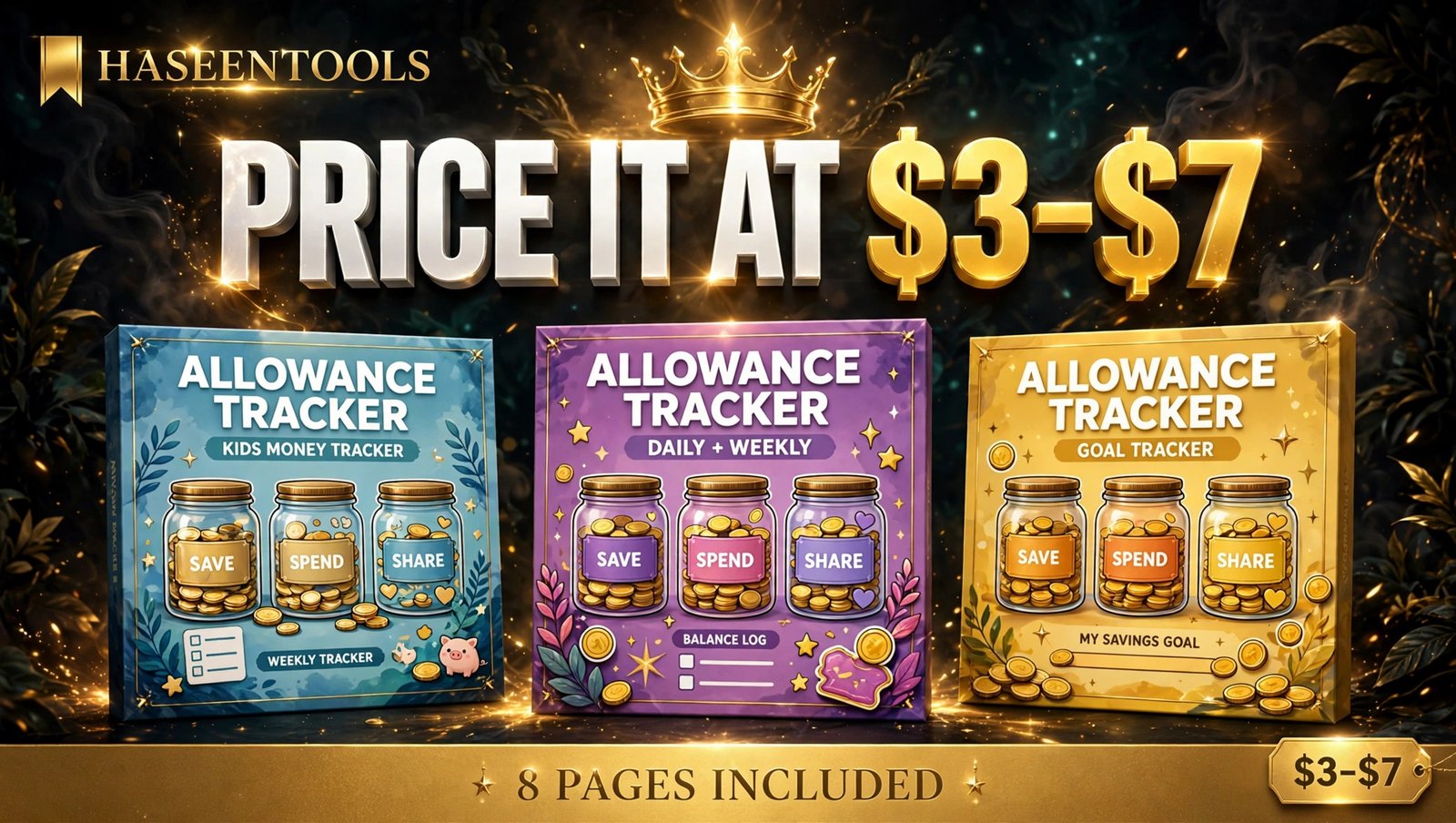
Step 5: Price Your Printable Allowance Tracker to Sell at $3–$7
What to do: Price your 8-page allowance tracker at $3–$7 and write a listing that sells the money lesson, not the file.
Exactly how: Export the design as a print-ready PDF. Then write your listing in this order: one sentence about the lesson (“Teach your child to save, spend and share — one week at a time”), what is inside (8 pages, listed by name), how it works (instant download, print at home, A4 and US Letter), and who it is for.
Price at $3 for your first product, to win reviews fast. Price at $5–$7 once your design is polished and buyers are happy. An 8-page tracker at $5 is an easy yes — cheaper than one week’s sweets, useful every single week.
Example: Title: “Printable Allowance Tracker for Kids — 8-Page Save Spend Share Money Tracker PDF”. First line: “Pocket money, with a purpose.” That is the whole pitch — it sells the lesson.
Pro Tip: Show two photos — one flat shot of the cover, one of a child colouring in the save jar. Two photos double the feeling, and the feeling is what sells.
Step 6: Publish, Promote and Improve
What to do: List the tracker, tell people about it, and improve it from buyer feedback.
Exactly how: Upload the PDF to your own shop first, then Etsy. Share one photo on Pinterest with a keyword-rich title, and one short post in a parenting community where you are already welcome. Watch which page buyers mention in reviews — if three praise the save jar page, make it the hero of your listing photos. If you already sell a savings tracker for kids, mention the allowance tracker in that listing — the same parents shop for both.
Example: One seller pinned her allowance tracker cover on a Saturday morning, when parents plan the week ahead. By Monday she had 15 shop visits and her first sale.
Pro Tip: Update the listing after your first five sales. Add the exact words buyers use in reviews — their words sell better than yours.
Allowance Tracker vs Savings Tracker vs Chore Chart
| Product | What it tracks | Best buyer | Pages |
|---|---|---|---|
| Printable allowance tracker | Weekly money in, jars, goals | Parents teaching money habits | 8 |
| Printable savings tracker for kids | Saving toward one goal | Parents saving for a big buy | 8 |
| Printable chore chart for kids | Jobs done, stars earned | Parents building routines | 8 |
An allowance tracker and a savings tracker for kids look similar in a shop, but they solve different problems: the savings tracker watches one goal grow, while the allowance tracker manages all the money coming in each week. A chore chart is different again — it tracks jobs, not money. Many parents buy two of the three, so link them in your shop.
Common Mistakes to Avoid
- Designing for every age. A tracker for ages 5–12 fits nobody.
- Too many jars. Three jars teach the lesson; five confuse a child.
- Tiny writing boxes. Children’s handwriting is big — small boxes get the tracker abandoned in week one.
- Goals that are too big. A $100 goal on a $5 allowance takes five months — keep first goals under $20.
- Skipping the print test. Print every page yourself — a line too close to the edge gets cut off.
Quick Checklist
- Age group and money system chosen
- 8 pages planned
- Save, spend and share jars on the cover
- Big writing boxes for small hands
- Goal page with a progress bar
- Print test done
- Priced at $3–$7, listing sells the lesson
- PDF exported, A4 and US Letter
- Pinterest pin shared
Frequently Asked Questions
What age is a printable allowance tracker for?
Ages 6–12 work best. Children aged 6–8 need big boxes, pictures and a $5 weekly allowance, while ages 9–12 can handle smaller rows and a $10 weekly allowance. Pick one age group per tracker.
How much allowance should a child get?
There is no single right number. Many families use $5 a week for ages 6–8 and $10 for ages 9–12, then split it into save, spend and share jars. The habit matters more than the number.
Is an allowance tracker the same as a chore chart?
No. A chore chart tracks jobs done and stars earned, while a printable allowance tracker for kids to sell tracks the money itself — what came in, where it went, and what is left. Many parents use both: chores earn the money, the tracker manages it.
Can I sell an allowance tracker as a digital download?
Yes. You sell a PDF file, the buyer downloads it instantly and prints it at home. State clearly that it is a digital download, not a physical product, and offer A4 and US Letter.
Conclusion
A printable allowance tracker for kids to sell is a small, honest product: 8 pages, one bright design, three jars that teach a child what money is for. Pick one age group, plan your pages first, keep the boxes big, price it at $3–$7.
- One age group, one system — save, spend and share beats a tracker for everyone.
- 8 pages, each with one job — cover, how it works, weekly log, three jar trackers, goal, chore earnings.
- Design for small hands and big wins — big boxes, a colour-in jar, goals under $20.
- Price it at $3–$7 and sell the money lesson in your listing.
Your first version does not need to be perfect. Build the 8 pages this weekend, print them, and list it.