How to Create and Sell Printable Wedding Table Numbers in Canva: A Step-by-Step Guide

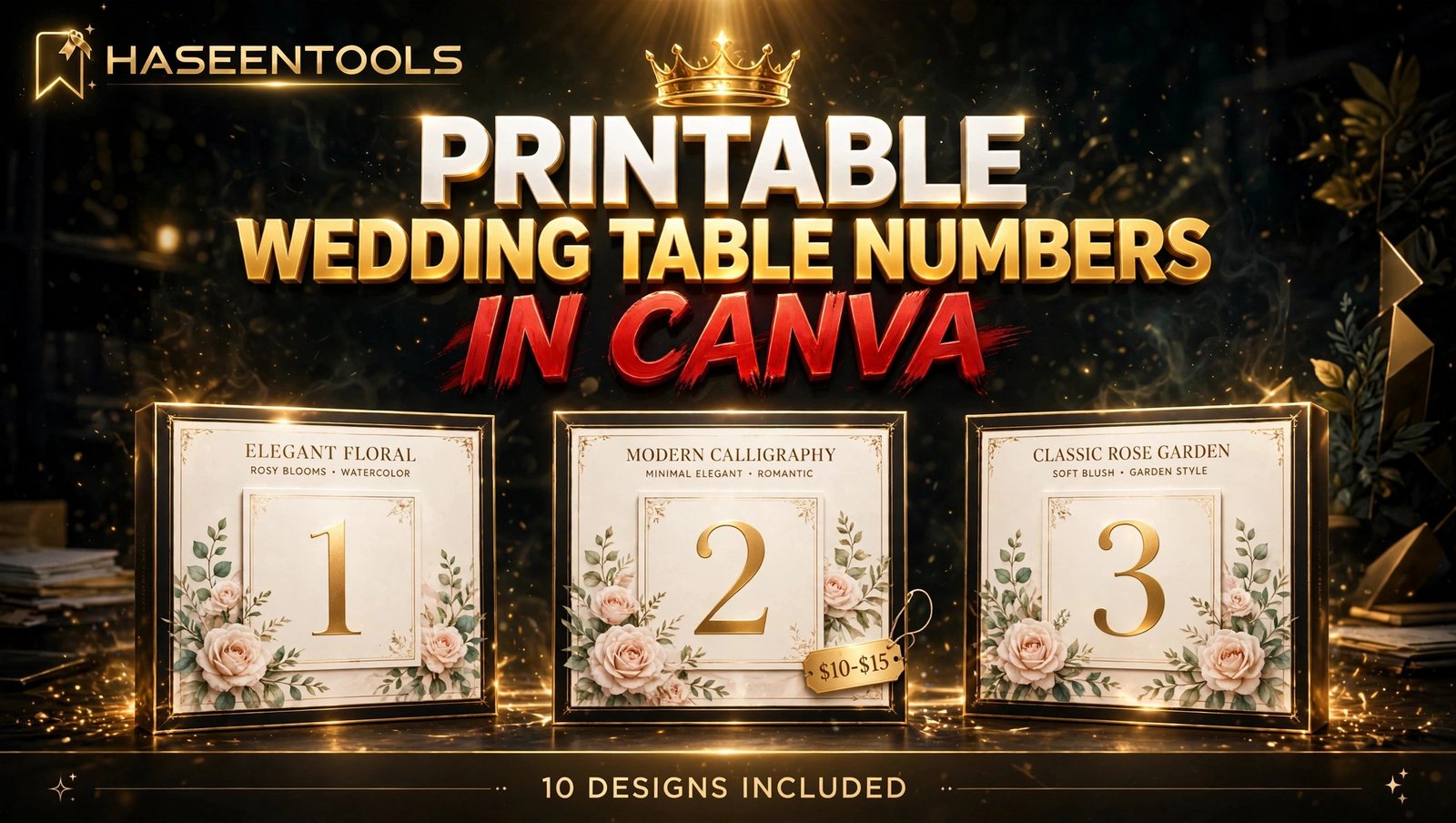
A guest walks into a wedding reception, looks around a room full of tables, and has no idea where to sit. The table number is the tiny sign that saves her from that awkward wander — and it is also a product you can design once in Canva and sell again and again. Printable wedding table numbers in Canva are one of the simplest wedding printables to make, because each card is mostly one big number, a little decoration, and a clear font. This guide walks you through the whole process in six steps, from picking a style to listing a finished set on Etsy.
What Are Printable Wedding Table Numbers in Canva?
Printable wedding table numbers in Canva are editable table-number card designs you build in Canva and sell as a print-ready PDF or an editable Canva template link. The buyer downloads the file, types in the couple’s names, prints the cards at home, and places one on each reception table.
Most sellers offer a set of numbers 1 to 10 in one matching style, with a tent-fold card that stands on its own. A set feels complete, and it lets you charge more than a single card ever could. But the number itself is only half the product — the other half is how easy the card is to read from across a busy reception room.

Step 1: Pick One Style and One Buyer
Start with one style your buyer can picture on her reception tables — not ten.
What to do: Choose a single wedding style first, then a buyer. Modern minimal, rustic kraft, romantic floral, boho, gold foil and classic calligraphy are the styles couples search for most.
Exactly how: Open Etsy, search “wedding table number template”, and read the top 20 results. If at least three bestsellers in your style have 100 or more sales, real buyers exist. Note their colours and fonts, then plan a cleaner version — never a copy.
Example: A seller picks romantic floral for budget-conscious brides: blush roses, cream card and a gold number. That first set of ten numbers takes about ninety minutes to design.
Pro Tip: Match the style to a product you already sell, like your printable wedding invitations, so one buyer can buy the whole matching set from you.
Step 2: Set Up Your Canva File at the Right Size
A beautiful table number that prints too small is a refund waiting to happen. Size and margins come before decoration.
What to do: Build tent-fold cards at 5 x 7 inches, with safe margins of at least 0.25 inches on every side. Two cards fit on one US Letter sheet, which buyers love because it saves paper and printing costs. Add a flat 4 x 6 inch version for buyers who prefer a framed card.
Exactly how: In Canva, choose Custom size and enter 5 x 7 inches. Turn on rulers and guides, drag a margin guide 0.25 inches in from each edge, and keep every number and decoration inside that frame. Design the front half of the card only — the back half stays blank so the card folds and stands.
Pro Tip: Offer US Letter and A4 versions — buyers in different countries print on different paper.
Step 3: Design Numbers Guests Can Read Across the Room
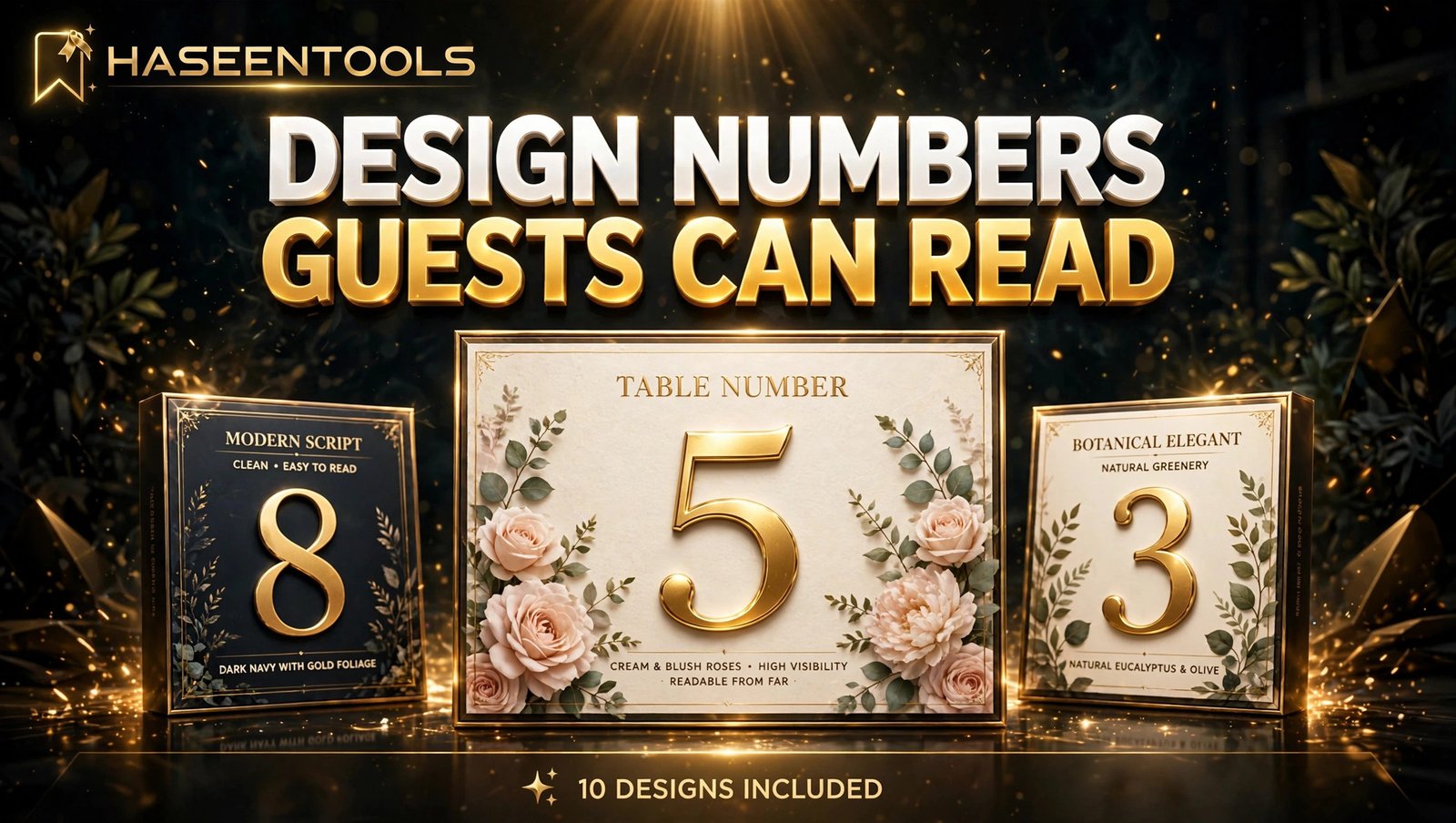
Your buyer is not a designer. She is a busy bride who wants to type in a few names, download the file and get on with the wedding. Her guests read the number from metres away, often in dim light, so readability beats decoration.
What to do: Build a clean card with a clear hierarchy: the table number in the largest text, then the couple’s names and date in much smaller text. Use no more than two fonts — one elegant serif or script for the number, one simple sans-serif for the names. Keep the number at 120 points or larger.
Exactly how: Open Canva, study the layout of its table number templates, then build your own original design from a blank page. Label every editable text box in plain words: “TABLE NUMBER”, “COUPLE’S NAMES”, “DATE”. Keep each text box on its own layer and lock the background.
Example: A buyer opens the template link, types “Sarah & James” over the placeholders, and downloads a print-ready PDF in under ten minutes. That speed earns five stars.
Pro Tip: Test your card like a stranger: print one, stand it on a table, and walk five metres away. If you cannot read the number, make it bigger.
Step 4: Build the Full Set of 10 Numbers Fast
Designing ten cards one by one is the slowest part of this product — so do not do it that way.
What to do: Design one master card, then duplicate it nine times and change only the number on each page. Keep the style, colours and layout identical across all ten cards, because a matching set is exactly what the buyer is paying for.
Exactly how: In Canva, finish card number 1 completely, then duplicate the page. Change the number on the new page and repeat until you have numbers 1 to 10. Check every page for spelling and alignment before you export.
Example: A seller finishes her master card in twenty minutes, duplicates it nine times in ten more, and has a full ten-number set ready in half an hour.
Common Mistake: A set where the number sits in a different place on every card looks careless — always duplicate the finished page, never rebuild each card from scratch.
Step 5: Package, Price and List It
A great design with a weak listing will not sell — your title, photos and price do the selling while you sleep.
What to do: List on Etsy first, where couples already search for printable wedding table numbers in Canva. Write the title the way a rushed bride would search, price it in the proven range, and show mockups that sell the wedding.
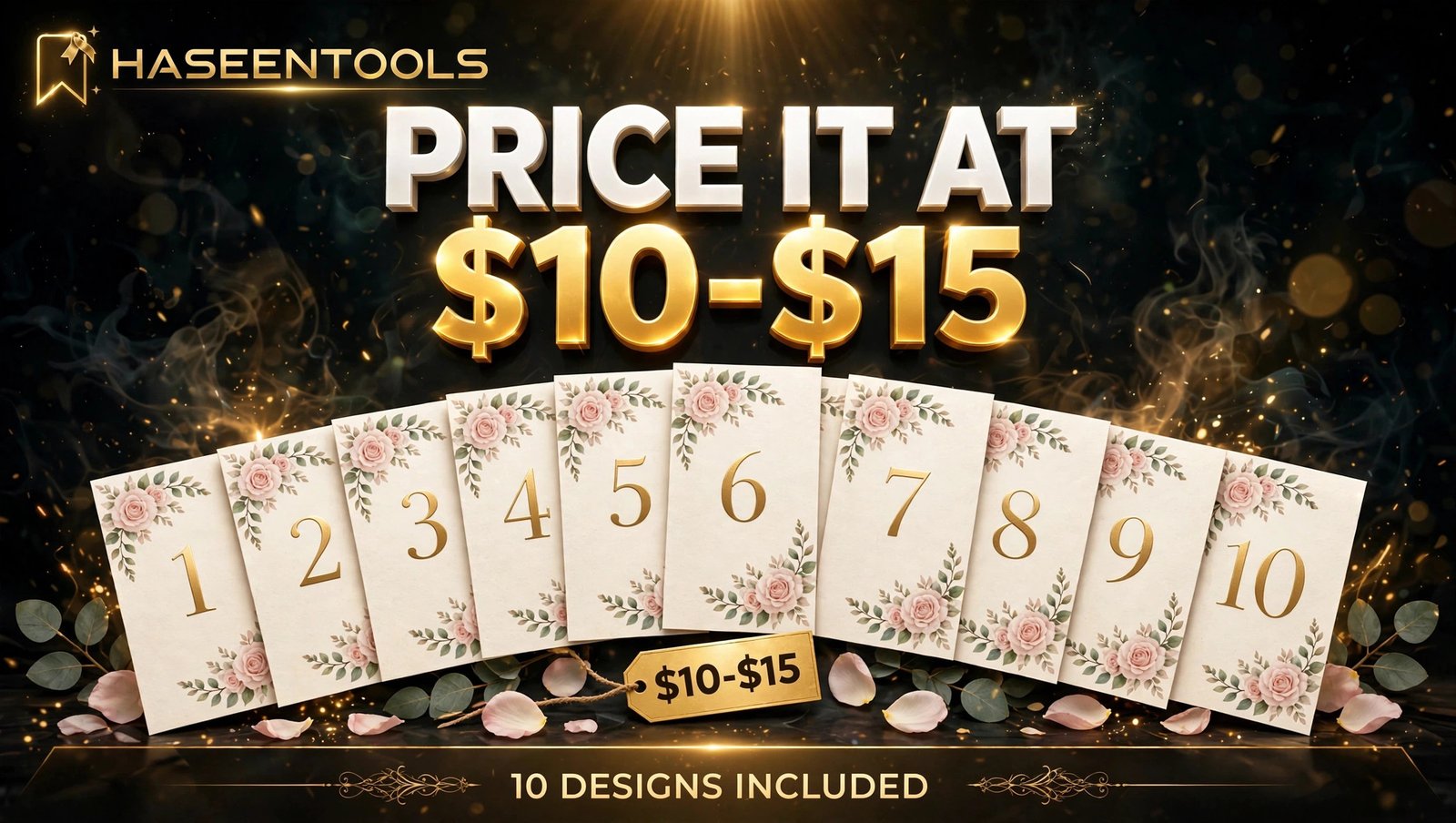
Exactly how: Use a title like “Printable Wedding Table Numbers Template | Romantic Floral | Editable in Canva | Instant Download”. Price singles at $4 to $7 and a 10-design set at $10 to $15. Package a ZIP with the print PDF, the template link inside a short instructions PDF, and a blank card page. State the licence plainly: personal use only, no reselling.
Example: Five preview images — the full set fanned out, one card close up, all three colourways, a printed mockup on a real table, and a “what’s included” image — tell a buyer everything in ten seconds.
Pro Tip: Never share an edit link. Share a template link from Canva’s Share menu, so each buyer gets their own copy.
Step 6: Promote It With Pinterest and Matching Stationery
Etsy brings search traffic, but Pinterest brings couples who are already planning a wedding.
What to do: Make 3 to 5 Pinterest pins for your printable wedding table numbers in Canva, each showing a different colourway or angle, and link every pin to the listing. Then add the set to your own website to keep more of each sale.
Exactly how: Design tall pins at 1000 x 1500 pixels, using your printed mockup as the main image and a headline like “Romantic Floral Table Numbers — Edit Tonight, Print at Home”. Publish one pin a day for a week.
Example: A seller pins the blush set on Monday, the sage version on Tuesday and the bundle flat-lay on Wednesday. By week two, Pinterest sends steady clicks, and two turn into sales.
Pro Tip: Pair your table numbers with matching printable wedding seating charts in the same style — a couple who finds your seating chart often needs table numbers too. The same Pinterest approach sells printable wedding place cards as well.
Single Card vs Set vs Editable Template: Which Should You Sell?
Most sellers offer all three in one listing.
| Option | What the buyer gets | Price range | Best for |
|---|---|---|---|
| Single card | One fixed number to print | $4–$7 | Buyers who need one replacement |
| 10-design set | Numbers 1 to 10, matching style | $10–$15 | Most buyers, best value |
| Editable Canva template | A link to edit in free Canva | $8–$12 | Buyers who want their own names and colours |
The set wins most of the time: the PDF covers buyers in a hurry, the template link covers buyers who want control, and the instructions PDF answers common questions before they reach your inbox.
Common Mistakes to Avoid
- Designing for every wedding style at once. One deep style wins faster than a shop full of unrelated cards.
- Using a number too small to read. Guests read in dim light from metres away — if they cannot read it, they cannot find their table.
- Shipping files buyers cannot edit. A flattened JPEG with no Canva link invites refunds.
- Forgetting the blank card. Buyers with more than ten tables need a blank page to add their own numbers.
- Pricing a 10-design set at $4. A set at $10 to $15 is still a bargain for a wedding.
Quick Checklist
- One style and one buyer chosen, checked against three Etsy bestsellers
- Cards built at 5 x 7 inches, 0.25-inch safe margins, plus 4 x 6 version
- Number at 120 points or larger, two fonts maximum, text boxes labelled
- Ten matching cards made by duplicating the master page, plus one blank card
- Test print done, card stands upright, number readable from five metres
- Three colourways made, PDF and PNG exported, ZIP under 50 MB
- Template link tested, and one test print done at home
- Etsy listing priced $4 to $7 single or $10 to $15 set, five preview images
- 3 to 5 Pinterest pins published, one a day, linking to the listing
Frequently Asked Questions
Can I sell printable wedding table numbers I make in Canva?
Yes, if you follow Canva’s licence rules: use free elements or Pro elements you are licensed for, and never resell Canva’s stock or templates unchanged.
What size should printable wedding table numbers be?
Use 5 x 7 inches for tent-fold cards, with 0.25-inch safe margins, and add a 4 x 6 inch flat version for framed cards. Two 5 x 7 cards fit on one US Letter sheet when printed two to a sheet.
How many table numbers should a set include?
Ten numbers is the sweet spot: numbers 1 to 10 cover most weddings, and a blank card lets buyers add more. Fewer feels thin for the price.
Do I need Canva Pro to make table numbers to sell?
No. A free Canva account is enough to design a full set of table numbers. Canva Pro adds Bulk Create, which fills numbers from a spreadsheet in minutes. Start free, and upgrade only when a paid feature saves real time.
Conclusion
Printable wedding table numbers in Canva are a small product with a real advantage: every wedding needs them, couples are in a hurry, and you make them once and sell them again.
- Pick one wedding style and one buyer, and design in Canva at 5 x 7 inches
- Make the number huge and readable, then duplicate the master card ten times
- Package a 10-design set with a blank card at $10 to $15
- List it on Etsy with mockups that sell the wedding, and pin it on Pinterest
- Test print everything before you list — one test print beats one refund
Your first set does not need to be perfect — it needs to be finished, tested and listed. Open Canva, design your first table number tonight, and browse the Haseen Tools shop for inspiration. Tell us in the comments which style you will design first.