

How to Create and Sell Printable Lunch Box Notes for Kids in Canva: A Step-by-Step Guide

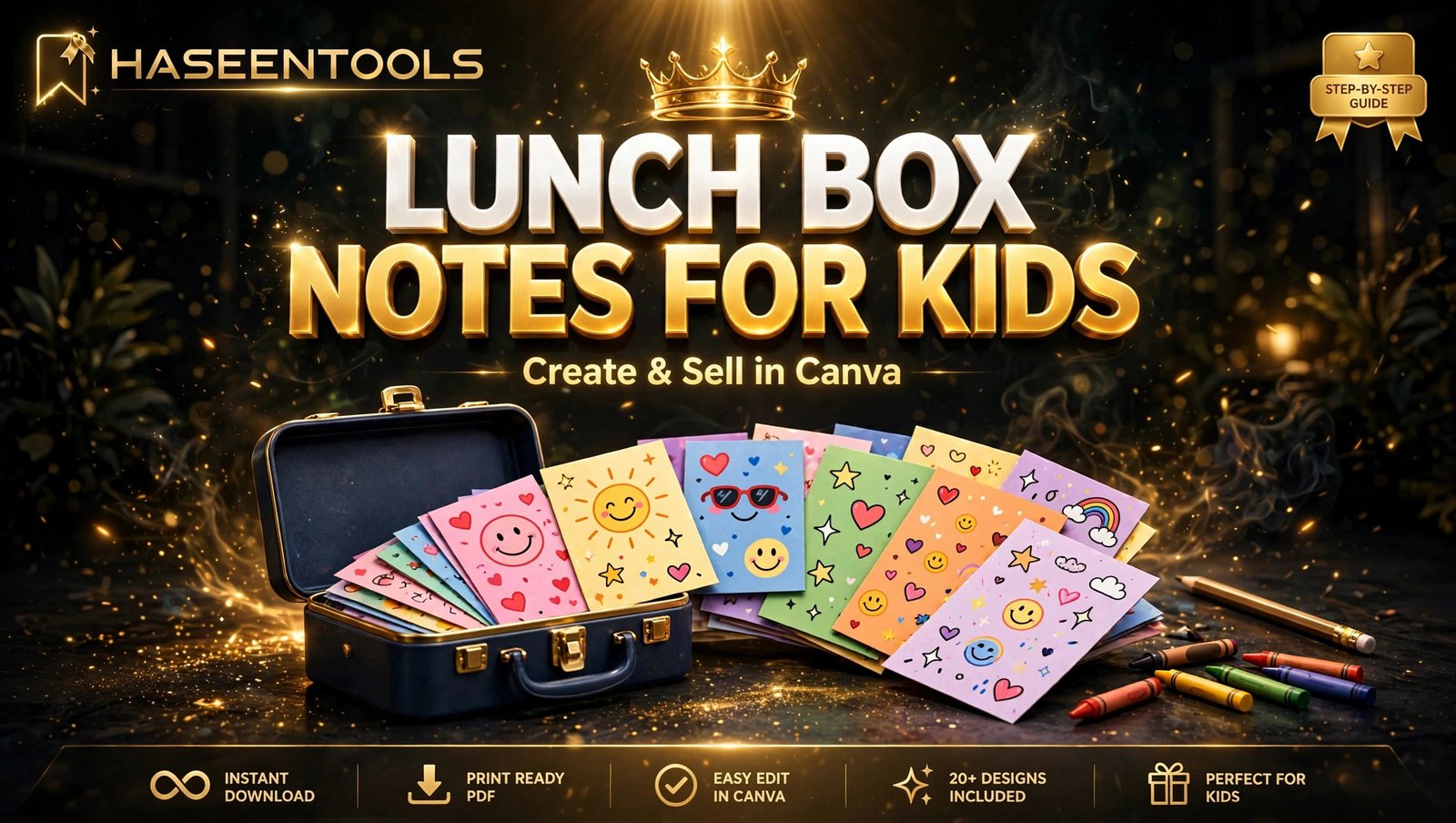
Your child opens her lunchbox at school, and there it is: a tiny card that says “You are braver than you think.” She smiles, tucks it into her pocket, and keeps it all week. That small moment is why printable lunch box notes for kids are such a lovely first product: one note costs almost nothing to make and can be sold again and again.
Parents buy them to send love in a lunchbox without writing a new note every morning. You can make your first set with a free Canva account and no design skills. Here are the six steps, from theme to listing.
But here is the part most sellers miss: the notes that sell best are not the prettiest ones. They are the ones a busy parent can print, cut, and slip into a lunchbox in under two minutes. Keep reading — that ease is your selling point.
What Are Printable Lunch Box Notes for Kids?
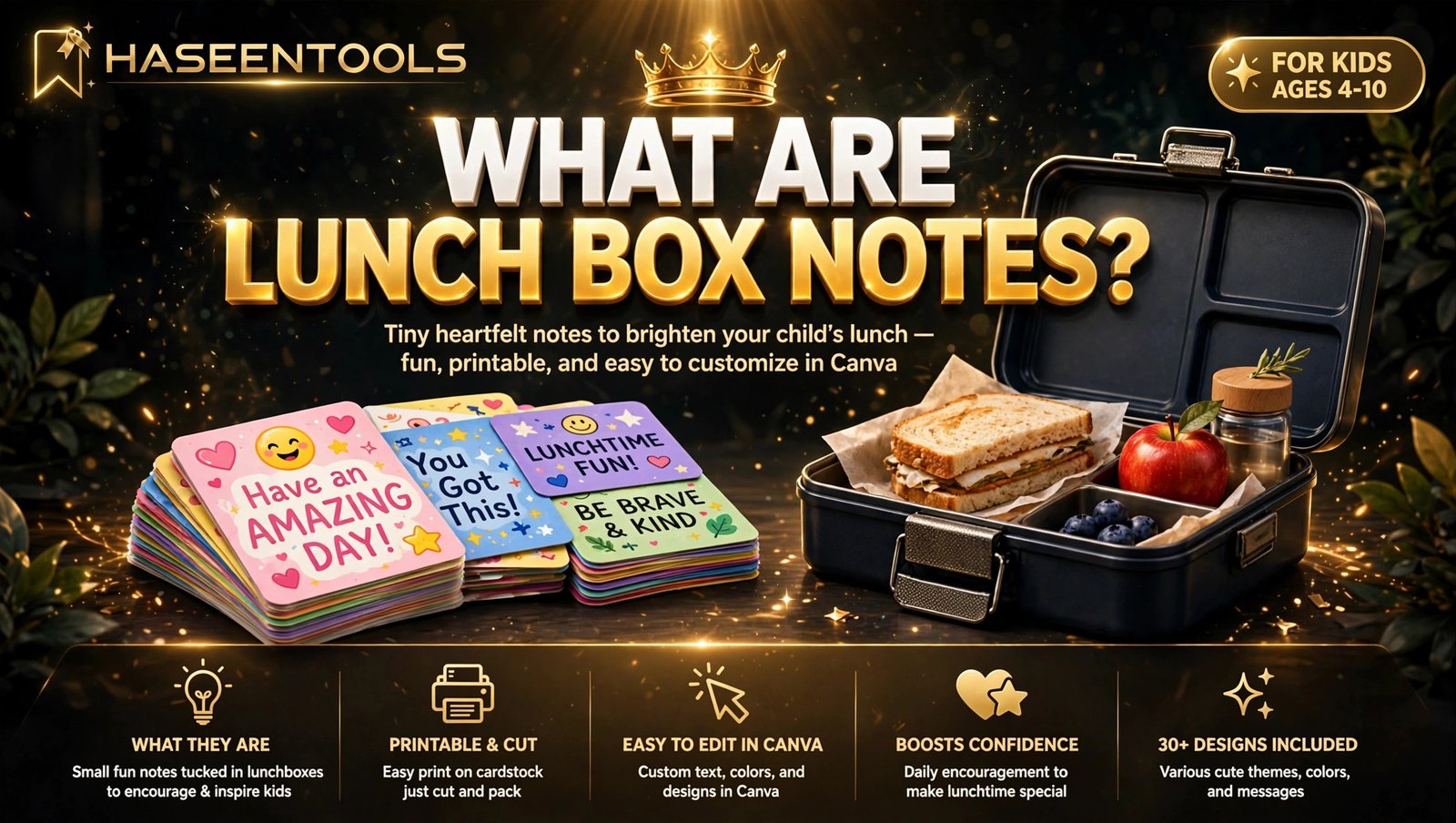
Printable lunch box notes for kids are small digital PDF cards with short encouraging messages, jokes, or questions that parents print at home and slip into a child’s lunchbox. A typical set has 30 to 60 notes on one theme, sold as a download with a personal-use licence.
A good set does one job well: it gives a parent something kind to say when she is out of words, and a child a small surprise at school. Most sets follow one theme, such as encouragement, jokes, or lunchbox trivia. A set that mixes five themes feels random, and parents can feel that in the preview images.
Your buyers are mostly mums of children aged 4 to 10, plus teachers and grandparents. They print at home, cut with scissors, and tuck notes into a lunchbox the night before — so make that routine effortless: short notes, large words, clear cut lines.
Pro tip: A credit-card-sized card beats a note that needs a full page. Small cards feel like a treat, not homework.
Step 1: Pick One Theme and One Age Group
What to do: Choose one theme and one age band before you open Canva. A set for a four-year-old and a set for a ten-year-old are different products.
Exactly how: Pick one band — ages 4 to 6, 6 to 8, or 8 to 10 — and one theme that fits it, such as lunchbox jokes for ages 6 to 8. Search the phrase on Etsy: three strong listings with clear previews means real buyers exist. Narrow once more: not “lunch box notes” but “funny lunch box notes for boys ages 6 to 8”.
Example: “Funny Lunch Box Notes for Boys Ages 6–8: 40 Jokes and Riddles” tells a buyer the tone, audience, and count in one line. “Cute Lunch Notes” tells her nothing.
Pro tip: Check Pinterest saves first. High saves plus modest competition is the green light.
Step 2: Write 30 Short Notes That Actually Land
What to do: Write every note before you design anything. Short, specific, and kind beats long and clever — a child reads the card in five seconds.
Exactly how: Aim for 30 notes, each in 12 words or fewer, in words a child in your age band knows. Mix three kinds: encouragement (“You can do hard things”), jokes (“What do you call a fish without eyes? A fsh!”), and tiny questions (“What made you smile today?”). Read the list aloud, and rewrite any note that sounds flat while the fix is free.
Example: “You are the best part of my day — love, Mum” works: short, warm, personal. “May your day be filled with boundless joy and endless wonder” is a greeting card a seven-year-old will not finish.
Pro tip: Write ten extra notes, then cut the weakest ten. A tight set of 30 outsells a padded set of 40.
Step 3: Design a Card System in Canva
What to do: Lock the card system before you design card one: size, layout, colours, and fonts. Every card must look like family.
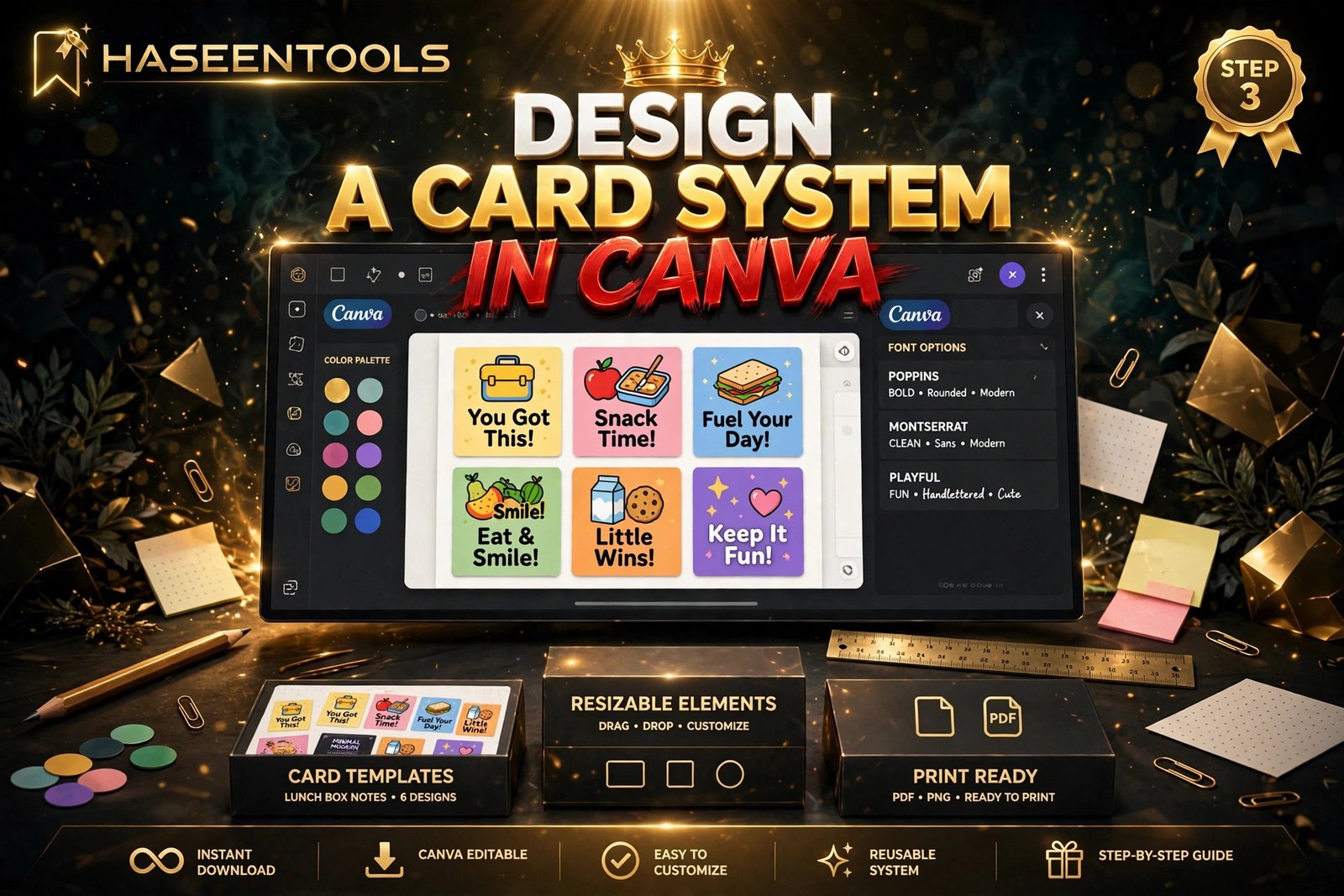
Exactly how: In Canva, create a custom size of 1200 by 800 pixels. Put the message in large bold type in the centre, a small picture in one corner, and a 60-pixel safe margin on every side. Use three colours only: one background, one dark colour for words, and one bright accent. Use one font for messages and one for labels, at 48 points or larger, with rounded corners and a thin border.
Example: A joke card shows one large smiley face, the joke in the middle, and a small star in the corner. An encouragement card uses the same layout, with a heart instead. A child learns the layout once, then focuses on the new message.
Pro tip: Keep a one-page style guide with your colours, fonts, and one finished card open while you work. The same discipline that makes printable flashcards for kids sell applies here.
Step 4: Export Print-Ready Files in US Letter and A4
What to do: Deliver the set in the two paper sizes home printers use, at print quality, with cut guides a tired parent can follow.
Exactly how: In Canva, place six cards per page with clear cut lines. Export as PDF Print at 300 DPI in US Letter and A4. A 30-note set prints on five pages, not 30 loose sheets. Zip both PDFs with your cover page and instructions sheet.
Example: A parent prints a 30-note set in five minutes and has a month of notes ready before bedtime. One card per page uses 30 sheets, and that buyer leaves a review about wasted paper.
Pro tip: Print one full set and slip the cards into a real lunchbox. If a word is hard to read at arm’s length, fix it now — one test print catches every screen illusion.
Step 5: Price, Package, and Write a Listing That Sells
What to do: Price inside the proven band, and state the theme, age, and every file in the first three lines.
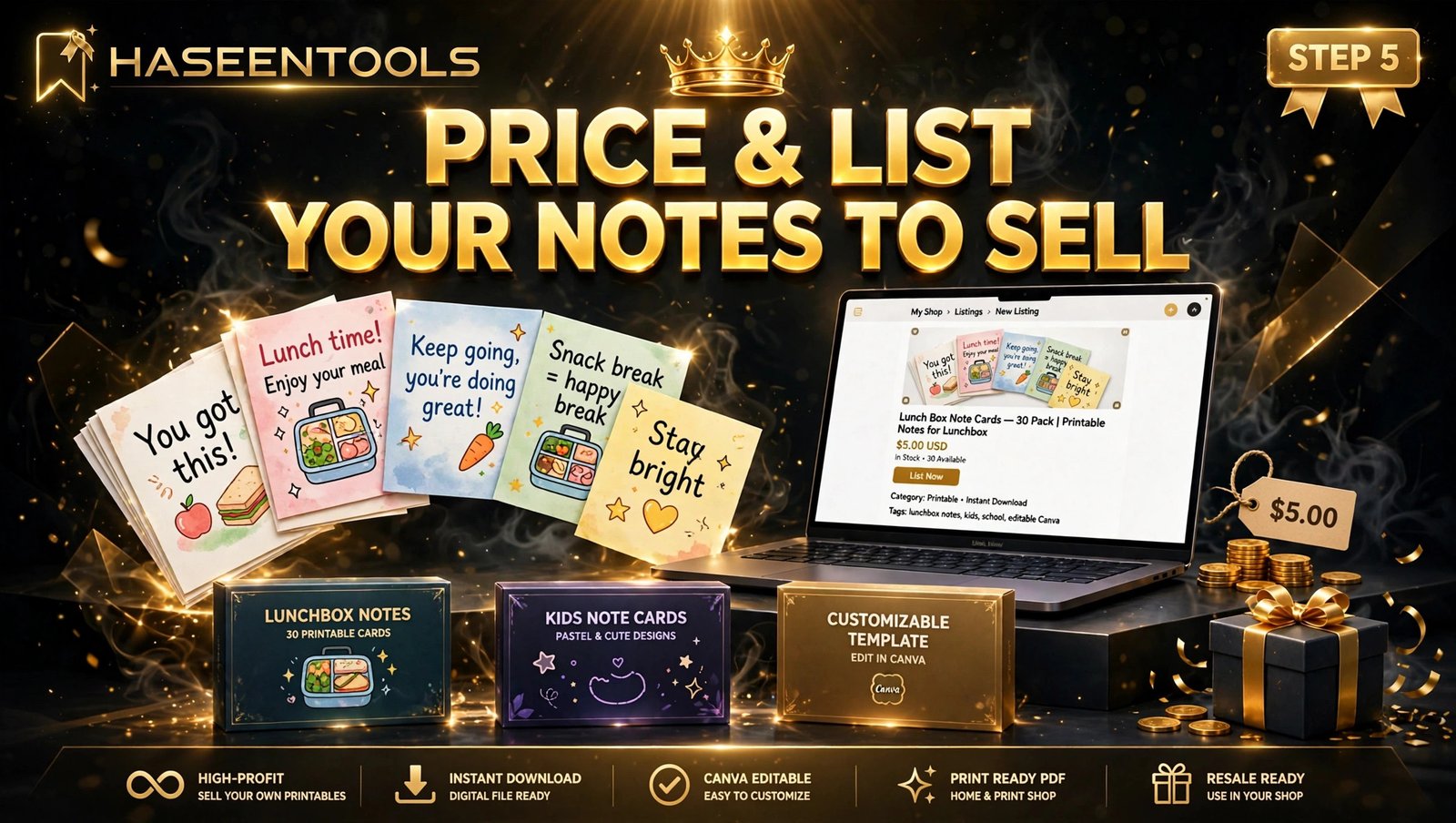
Exactly how: Price a set of 30 notes at $3 to $5, or $8 to $12 for a bundle of three sets. Open the listing with the audience and the outcome: “Printable lunch box notes for kids ages 6 to 8 — 30 funny notes, print at home in US Letter and A4.” List every file by name, state it is a digital download, and add a personal-use licence line. Lead with a photo-style mockup of the printed notes beside a lunchbox, not a flat screenshot.
Example: A listing titled “Printable Lunch Box Notes for Kids | Funny Jokes Ages 6–8 | PDF Print at Home” tells a parent the format, tone, and age before she clicks — and gives search engines the exact words she typed.
Pro tip: Offer an editable Canva template link as a deluxe version for $2 more — some buyers want to add their own note.
Step 6: Test With a Real Lunchbox, Then Launch and Improve
What to do: Test the set with a real child for one week before you sell it, then launch and improve only what the test showed.
Exactly how: Print one set, slip one note into a child’s lunchbox each school day, and ask her each evening which she liked. Note which notes she kept, which jokes she repeated, and when she stopped noticing them. Fix only the weakest five notes and ship version one. Launch with three Pinterest pins, a 10% coupon for the first 48 hours, and a note asking buyers what theme they want next.
Example: If a child keeps 24 of 30 notes but ignores six, those six are the problem, not the set. Swap them and your next test week will show it.
Pro tip: Answer every buyer question by adding the answer to the listing. Each public answer prevents the next ten buyers from asking it.
Your first set is the template for your next ten. Keep the file, style guide, and listing text, and your second set takes half the time.
Lunch Box Notes vs Other Small Printables
| Product | Pages to design | Best buyer | Price guide |
|---|---|---|---|
| Lunch box notes | 5 pages | Parents of ages 4 to 10 | $3 to $5 |
| Flashcards | 9 pages | Parents, teachers | $4 to $7 |
| Colouring pages | 10 pages | Parents, teachers | $4 to $6 |
Lunch box notes are the lightest first product here: five pages, one theme, one clear buyer. Never sold a printable before? Start here, then move on to bigger sets like flashcards.
Common Mistakes to Avoid
- Tiny words and crowded cards. Cut a word before you shrink the font — a child will not read what she cannot see at arm’s length.
- Mixed picture styles. One picture style for the whole set — cartoons beside photos looks stitched together.
- No cut lines or margins. Cards that clip on home printers feel broken. Leave the safe margin and keep the cut lines.
- Publishing only one paper size. Half your buyers print A4 and half print US Letter, so one size loses half your sales.
- Skipping the test print. Screens hide pale colours and words that touch the edge. One home printout catches them all.
Quick Checklist
- 30 notes written, each under 12 words, read aloud
- Card system locked: size, layout, three colours, two fonts, safe margin
- 30 cards built from one duplicated template, no repeated pictures
- PDF Print at 300 DPI in US Letter and A4, six cards per page, cut lines included
- Priced $3 to $5, or $8 to $12 as a bundle
- Listing opens with theme, age, file list; first image is a printed-notes mockup
- One real lunchbox test week done, weakest notes fixed, version note added
Frequently Asked Questions
How many notes should a printable lunch box notes set have?
Start with 30 notes. That covers a full school month, prints on five pages at six cards per page, and feels worth $3 to $5. Add more only when the theme needs them.
What size should printable lunch box notes be?
Design each card at 1200 by 800 pixels and print six per US Letter or A4 page — about the size of a credit card, large enough for a small child to hold. Always export at 300 DPI so edges stay sharp.
Can I sell lunch box notes I make in Canva?
Yes, when you use your own layouts and messages, or Canva elements covered by a licence that allows resale as part of a finished design. Do not resell Canva stock photos unchanged, and state a personal-use licence. Check the current Canva licence terms before you publish.
Where should I sell printable lunch box notes for kids?
Sell them on your own website and on a marketplace such as Etsy. Your own site keeps more of each sale, while a marketplace brings buyers who are already searching.
Conclusion
Printable lunch box notes for kids are one of the smallest, kindest products you can sell — and that is why they make such a good first printable. What matters most:
- Pick one theme and one age band, and check real demand first.
- Write 30 short notes a child can read in five seconds, then cut the weakest ones.
- Lock one card system in Canva and reuse it for every card.
- Export print-ready PDFs in US Letter and A4, test print once, and price inside the $3 to $5 band.
Your first set does not need to be perfect. It needs to be printed, tested in a real lunchbox, and listed. Open Canva today, write your 30 notes, and give one child a small surprise at lunchtime tomorrow.
Browse the Haseen Tools shop for more printable ideas to sell.