

How to Create and Sell a Printable Dhikr Tracker in Canva: A Step-by-Step Guide

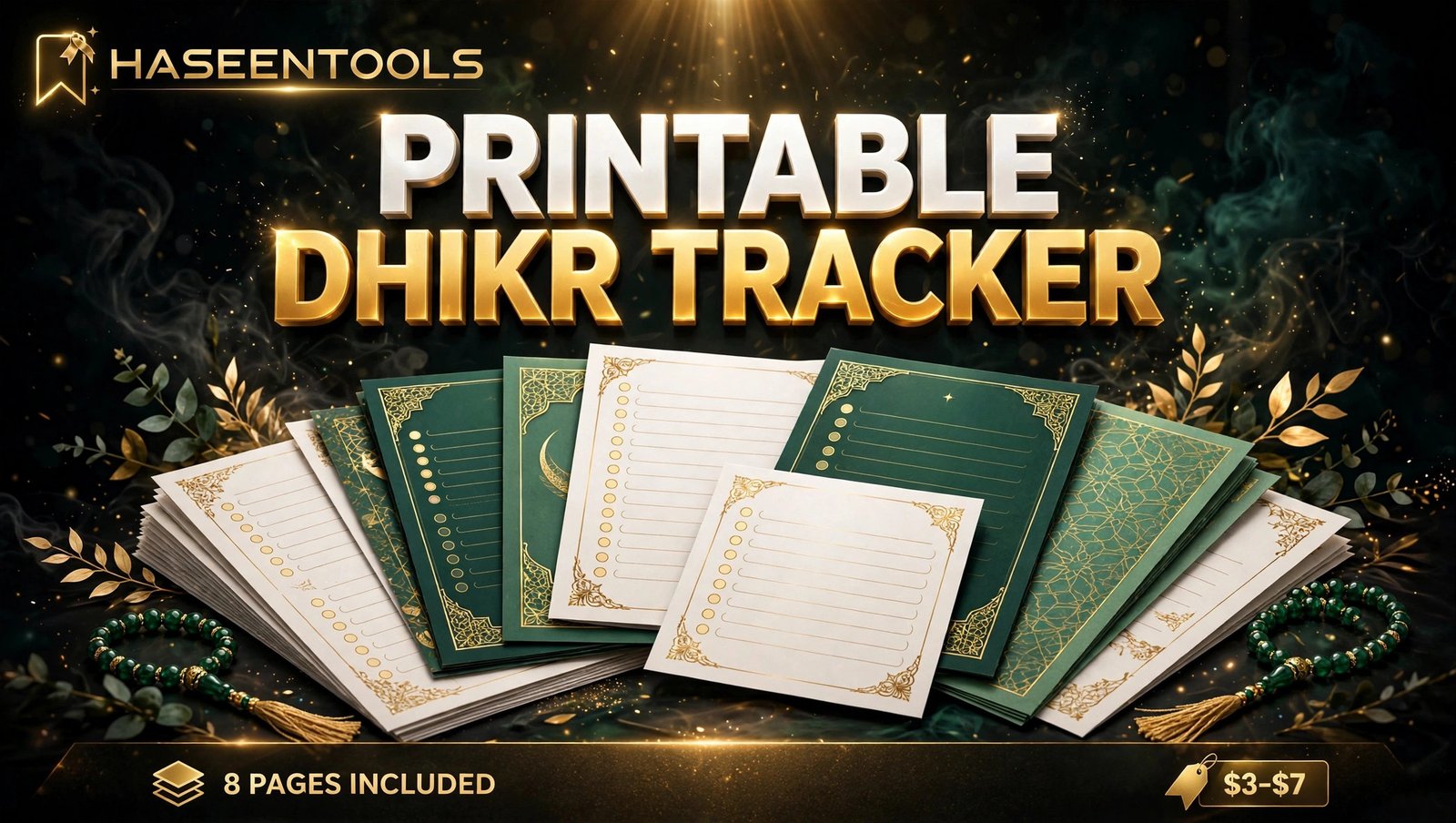
Thirty-three, thirty-three, thirty-three — then the beads slip back to the start, and by the end of the day nobody remembers how many rounds they actually finished. Dhikr is meant to be the easiest habit in a Muslim’s day, yet it is the one most people lose track of, because the counting happens in the head. A printable dhikr tracker fixes exactly that: one calm page where every round has a box, and every box has a tick. If you want a printable dhikr tracker to sell, you can design a complete 8-page set in Canva in one afternoon and list it for $3–$7. This guide shows you how, step by step.

What Is a Printable Dhikr Tracker?
A printable dhikr tracker is an 8-page PDF set that helps Muslims record their daily remembrance of Allah — short phrases repeated after prayer and through the day, usually in counts of 33 or 100. Buyers print it at home and tick each round as they finish it.
Sellers design a printable dhikr tracker to sell in Canva and list it for $3–$7. A week of small ticks turns into a visible habit, and that visible progress is what buyers mention in reviews.
It sells all year, not just in one season. Parents buy it for children learning the 33-count after prayer, teachers buy it for weekend classes, and adults buy it to keep a morning and evening routine going when life gets busy. Demand rises before Ramadan, when the same buyers who want a printable Ramadan planner look for a tracker to go with it.
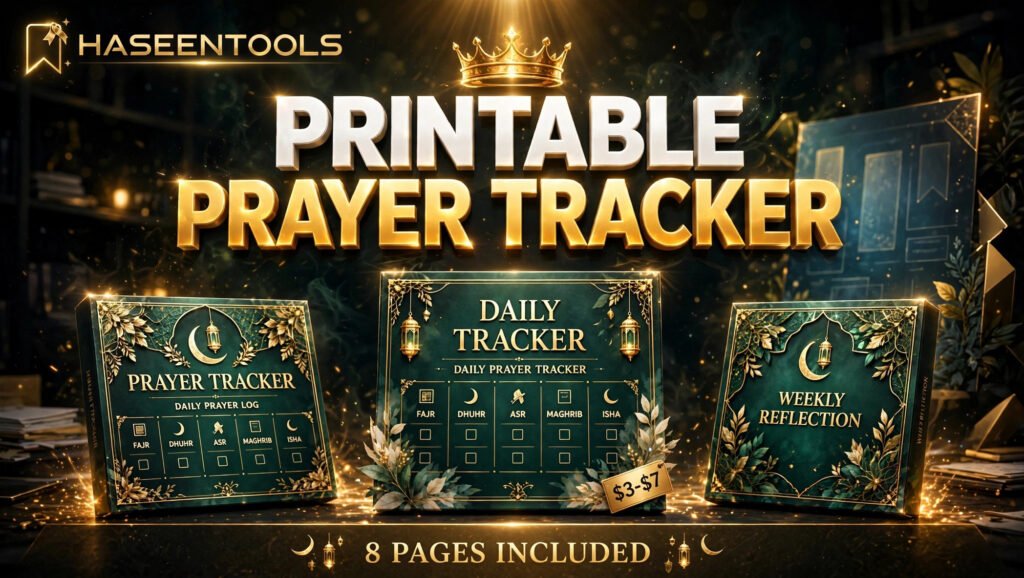
But here is the part most people miss: a dhikr tracker is not a prayer tracker with a new cover. A prayer tracker records five fixed events a day; a dhikr tracker records repeated counts, and counts are where buyers lose their place. Every page has to make counting easier, or it is decoration.
Step 1: Pick Your Buyer and Your 8 Pages
What to do: Decide exactly who the tracker is for, then fix your page list before you open Canva.
Exactly how: Write one sentence about your buyer — “A mum helping her 10-year-old keep the 33-count after each prayer” — then list 8 pages that serve her: cover, daily dhikr log, morning adhkar page, evening adhkar page, weekly dhikr tracker, monthly dhikr chart, Quran reading log, and a notes page. If a page does not serve that buyer, cut it. For a busy adult, swap the Quran log for a 100-day dhikr streak page.
Example: A seller targeting children adds a star box at the end of each week, so seven days of finished rounds earns a star. A seller targeting adults adds a “total rounds this week” box instead.
Pro Tip: Keep the page count at 8. It is enough to feel complete and short enough to design in one afternoon.
Step 2: Set Up Canva the Right Way
What to do: Create one Canva file with the right size, fonts and colours, so all 8 pages match.
Exactly how: Open Canva, choose “Create a design”, then “Custom size” at 8.5 x 11 inches (US Letter) in portrait. Pick two fonts only — one clear heading font and one plain body font — and three colours: deep emerald green, warm gold and soft cream. Build the cover first, then duplicate it for each page so the header, footer and margins stay identical. Check Canva’s current content licence before you use any element in a product for sale.
Example: Set headings at 28 points and body text at 12 points, then test-print one page. If you can read the smallest box from arm’s length, the size is right.
Pro Tip: Design in US Letter and offer A4 as a second file — buyers in the UK, Pakistan and the Gulf print on A4.
Step 3: Design the Daily Dhikr Log
What to do: Build the page buyers will open every day: the daily log with rows for each phrase and boxes for each round.
Exactly how: Draw a table with one row per phrase — SubhanAllah, Alhamdulillah and Allahu Akbar — and 33 small tick boxes beside each, grouped in threes. Add a fourth row for a phrase the buyer chooses themselves, with a blank label and a blank target box. Leave every target blank for the buyer’s own number. Keep every box at least a quarter of an inch square so it is easy to tick with a pen.
Example: One row reads “SubhanAllah — 33 boxes — all ticked by Maghrib”, filled in across the day.
Pro Tip: Group the 33 boxes in threes with a small gap after every third box.

Step 4: Add the Morning and Evening Adhkar Pages
What to do: Build the two pages that carry the daily routine: morning adhkar and evening adhkar.
Exactly how: For each page, list five simple lines with a count box beside each, so the buyer writes their own target — 33, 100, or a number that fits their routine. Add a “done” tick at the end of each line and a notes line at the bottom. Keep both pages in the same layout, and keep every page free of quoted verses or religious rulings — your product is a tracker, not a book of guidance.
Example: A buyer aiming for 100 rounds in the morning writes “Morning — 100 — Done by 8 a.m.”, and the evening page mirrors it after Maghrib.
Pro Tip: Put the morning and evening pages back to back, so the buyer prints them on one double-sided sheet.
Step 5: Add the Weekly and Monthly Tracker Pages
What to do: Build the two pages that show progress over time: the weekly tracker and the monthly chart.
Exactly how: For the weekly page, draw 7 rows — one per day — with a column for each of the three main phrases plus a “total rounds” column. For the monthly chart, draw 30 blank-date rows with a column for the day’s total and a small bar the buyer shades in as the count grows. Leave dates blank so the chart works in any month, any year, and add one line at the bottom for the month’s goal.
Example: A buyer who finishes 99 rounds a day writes “Week total: 693” on Sunday night, and the shaded bars show the month climbing.
Pro Tip: Shade the monthly bars in the same gold as your cover, so the chart feels like part of one set.
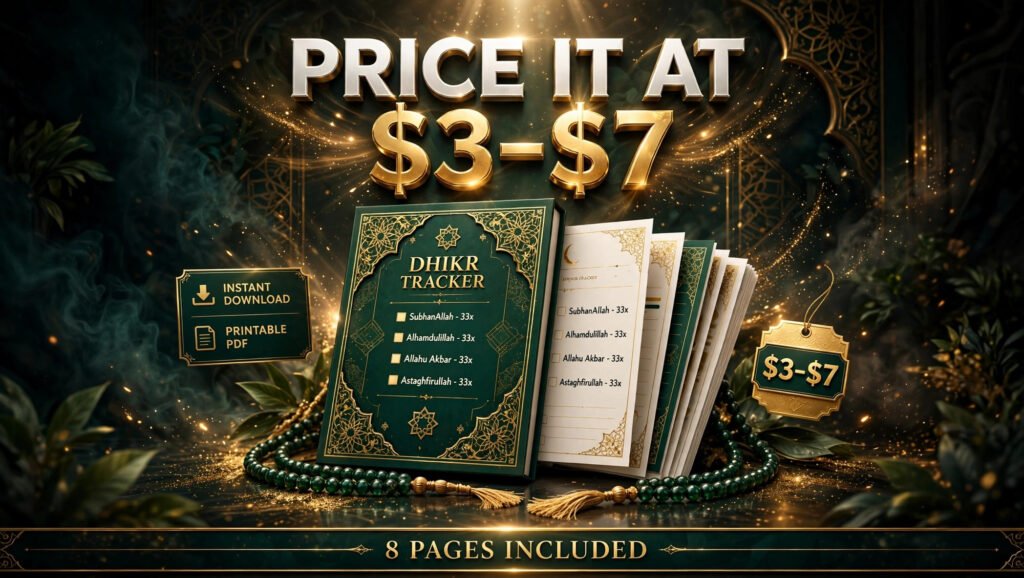
Step 6: Price It at $3–$7, Package It and List It
What to do: Turn your 8 finished pages into a printable dhikr tracker to sell that buyers can download in seconds.
Exactly how: Export from Canva as PDF Print, then check every page: no cut-off text, no overlapping boxes, every tick box empty. Put the PDF in a ZIP file with a one-page sheet that says how to print (US Letter or A4, “fit to page” on) and that the licence is personal use only. Price the tracker at $3–$7 and list it on Etsy and your own shop, with a title that starts with “Printable Dhikr Tracker” and photos that show the cover, the daily log and the morning page first.
Example: A $5 listing with five photos outsells a $3 listing with one — buyers can see the whole product before they pay.
Pro Tip: List before January. Searches rise with Ramadan planning, and a January listing has time to gather views and reviews before Ramadan 2027 begins.
Printable Dhikr Tracker vs Other Islamic Products
| Product | Pages | Best buyer | Price range |
|---|---|---|---|
| Printable dhikr tracker | 8 | Muslims tracking daily dhikr counts | $3–$7 |
| Printable prayer tracker | 8 | Muslims tracking five daily prayers | $3–$7 |
| Printable Ramadan planner | 12 | Muslims planning the whole month | $5–$9 |
| Single tracker sheet | 1 | Checklist-only buyers | $1–$3 |
A single sheet solves one job for one week; an 8-page set covers the daily log, the morning and evening pages and the month view, which is why it can charge the same as a prayer tracker.
Common Mistakes to Avoid
- Printing fixed counts on every row. Some buyers aim for 33, others for 100 — a printed number is wrong for half of them. Leave target boxes blank.
- Copying verses or duas word for word. A tracker is not a religious text, and copied text can carry errors. Keep the pages blank.
- Using tiny tick boxes. Anything under a quarter of an inch square fails with a pen, and buyers blame the product, not their handwriting.
- Designing 30 rows when buyers need a weekly grid. A month-long grid looks impressive in a mockup and gets abandoned by day four. Give them a weekly page they can finish.
- Listing with one photo. Buyers cannot judge an 8-page tracker from its cover alone. Show at least four pages.
Quick Checklist
- Buyer picked in one sentence, and the 8-page list serves that buyer
- Canva file set to US Letter portrait, two fonts, emerald, gold and cream
- Daily log has 33-box rows grouped in threes, plus a blank fourth row
- Morning and evening pages share one layout, with blank target boxes
- Weekly page has 7 rows and a total column; monthly chart has 30 blank-date rows
- No copied religious text on any page; licence is personal use only
- Exported as PDF Print, checked page by page; ZIP includes printing guide
- Priced at $3–$7 and listed on Etsy and your own shop before January
- Listing photos show the cover, daily log, morning page and monthly chart
Frequently Asked Questions
How many pages should a printable dhikr tracker have?
Eight pages is a good size. It covers the daily log, morning and evening pages, weekly tracker, monthly chart, Quran reading log and notes — enough to feel complete without taking a week to design.
What dhikr should I include in the tracker?
Include the three phrases most buyers count — SubhanAllah, Alhamdulillah and Allahu Akbar — with 33 tick boxes each, plus one blank row for a phrase the buyer chooses. Leave target boxes blank so buyers write in their own numbers, 33 or 100.
Can I sell a dhikr tracker on Etsy and my own website?
Yes. Etsy brings shoppers already searching for Islamic printables, while your own shop keeps more of the $3–$7 price and builds your email list. List the same PDF in both places.
Do I need Canva Pro to make a dhikr tracker?
No. The free version of Canva has everything an 8-page tracker needs: custom sizes, shapes, lines, text and PDF export. Canva Pro adds extra fonts and elements, but the free plan builds a clean, sellable tracker.
Conclusion
A printable dhikr tracker to sell is one of the simplest Islamic products you can make in Canva: eight pages, one clear buyer, and a habit people want help with every single day. Remember the essentials:
- Pick one buyer first — the 8 pages follow from who they are, not from a template.
- Build for counting — grouped boxes and blank targets beat fixed numbers every time.
- Show the inside pages — buyers pay for the daily log and the morning page, not just the cover.
- List early — January listings catch the searches before Ramadan 2027 begins on 8 February.
Open Canva today and build the daily log first. Once that page looks right, the other seven follow quickly. Try the same six steps on a printable prayer tracker next, and list the finished tracker on the HaseenTools shop.