How to Create and Sell a Printable Water Tracker in Canva: A Step-by-Step Guide

Your buyer already knows she should drink more water. What she does not have is a simple page that reminds her, glass by glass, all day long. That is why a printable water tracker sells: it turns a vague good intention into eight little boxes she can tick.
A printable water tracker to sell is one of the easiest wellness products you can make — eight pages, one afternoon in Canva, and a buyer who uses it daily. In this guide you will design it, price it at $3–$7, and list it.

What Is a Printable Water Tracker?
A printable water tracker is a PDF that helps someone record how much water they drink each day. The buyer prints it at home, sticks it on the fridge or slips it into a planner, and colours in or ticks off a glass every time they drink one.
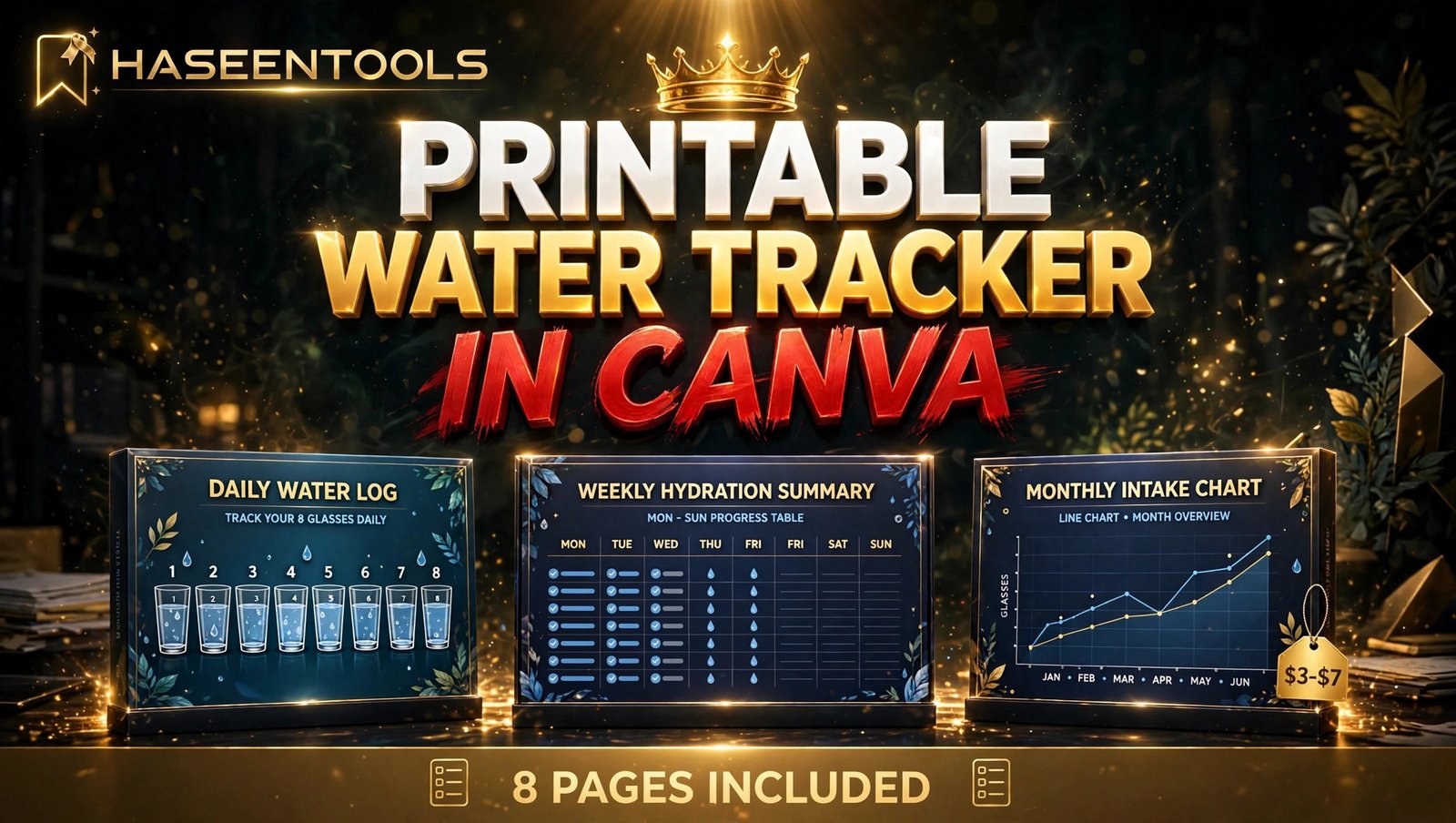
Most trackers are built around the familiar 8-glass day, but the smart ones let the buyer set her own goal — 6, 8 or 10 glasses. Your set will do exactly that: a daily log, a weekly summary, a monthly chart, a goal-setting page and a 30-day challenge — eight pages in total. The buyer gets a small system, not a single sheet, and that is what makes it worth $3–$7 instead of $1.
Pro Tip: Build the daily log page first and design every other page around it. When the daily page is clear, the rest of the set almost designs itself.
Step 1: Pick Your Buyer and Your 8 Pages
What to do: Decide who the tracker is for, then list the eight pages your set will include. A gym tracker looks different from a mum’s tracker, and buyers can tell in two seconds.
Exactly how: Write your buyer down in one sentence, for example “a mum who wants to drink more water between school runs”. Then list your eight pages: cover, daily water log, weekly hydration summary, monthly intake chart, goal-setting page, intake by time of day, 30-day challenge, and a tips plus notes page. Keep the list visible while you design.
Example: For the busy-mum buyer, the time-of-day page splits the day into morning, school run, afternoon, evening. A gym buyer would get pre-workout, workout and post-workout rows instead.
Pro Tip: Name the buyer on the cover in small text, like “Made for busy days”. It costs nothing and makes the listing feel personal.
Step 2: Set Up the File in Canva
What to do: Create a print-ready Canva file in the right size, with safe margins.
Exactly how: In Canva, choose “Create a design”, then “Custom size”. Enter 8.5 x 11 inches for US Letter, and plan an A4 version for international buyers. Turn on rulers and margins, and keep a 0.5-inch safe zone at every edge. Pick two fonts — bold for headings, plain for body — and three colours: deep blue, soft aqua, warm neutral. Add eight blank pages to the file, one per page of your set.
Example: A 30-minute setup gives you eight pages with fonts and palette saved, so the next steps move fast.
Pro Tip: Design in US Letter first and duplicate the finished file for A4 at the end. Resizing halfway through doubles your work.
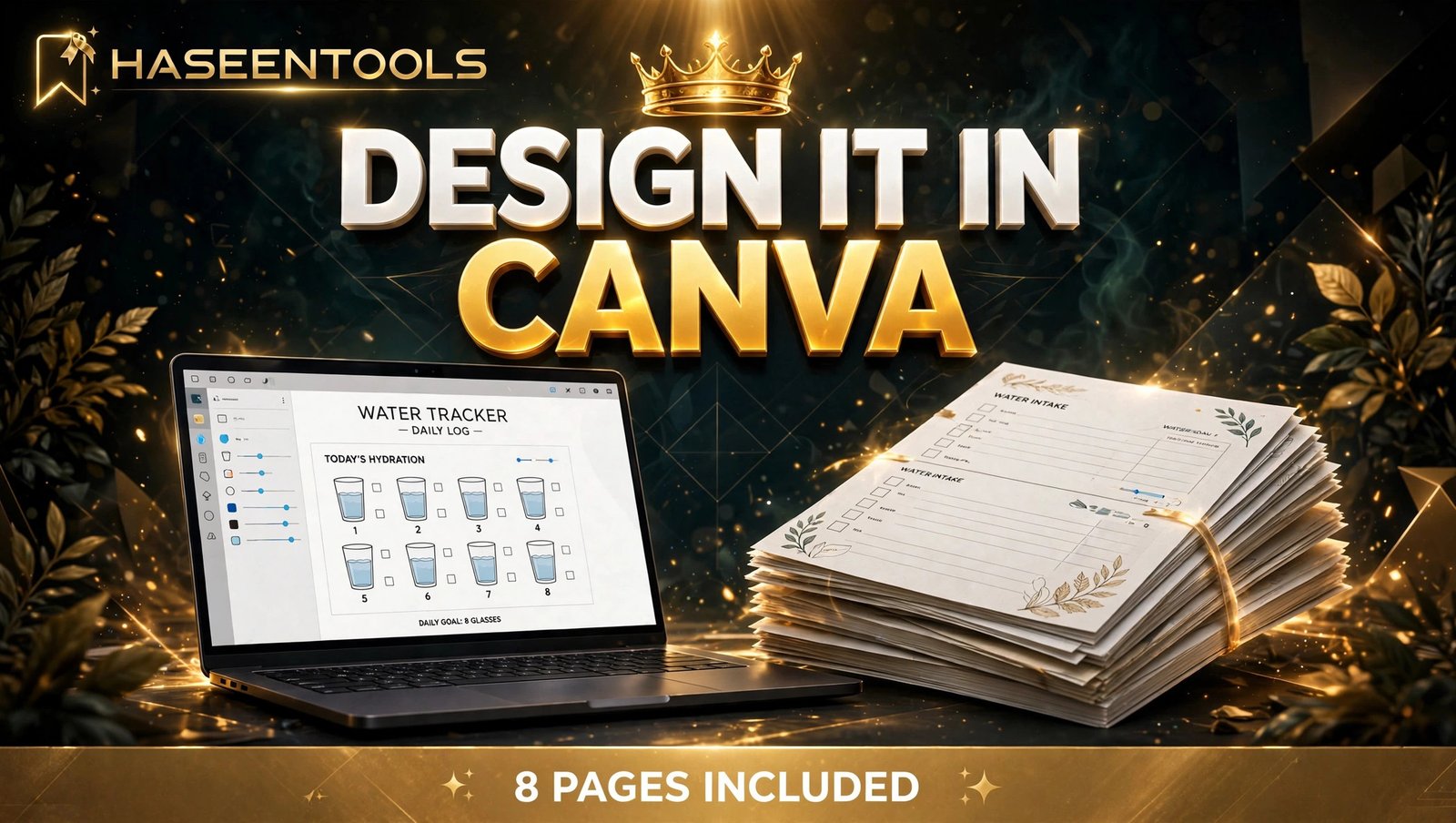
Step 3: Design the Daily Water Log Page
What to do: Build the page your buyer will print again and again: a daily log with eight glasses, a time column and a notes line.
Exactly how: Put the date line and goal box at the top — “My goal today: ___ glasses” — so the buyer sets her target before she starts. Below it, draw eight glasses in two rows of four, each big enough to colour in. Add a time column for morning, midday, afternoon and evening, and a notes box at the bottom. Leave generous white space in every box; a cramped log is one nobody uses.
Example: Your sample page shows a goal of 8 glasses, with glasses 1 to 4 coloured in by midday and a note that reads “Refilled bottle at 11 am”. That sample tells a buyer exactly how the page works.
Pro Tip: Number the glasses 1 to 8. Numbered glasses turn the page into a tiny game, and buyers finish games.
Step 4: Build the Weekly and Monthly Pages
What to do: Add the two pages that turn a daily habit into a streak: a weekly summary and a monthly chart.
Exactly how: For the weekly summary, make a seven-row table: date, goal, glasses drunk, tick or cross. Add a “week total” row at the bottom. For the monthly chart, draw 30 boxes numbered 1 to 30, and let the buyer colour one box per day she hits her goal. Keep both pages in the same colours and fonts as the daily log.
Example: A buyer who hits her goal on 24 of 30 days sees the coloured boxes form a pattern — and that is why she prints a fresh set next month instead of hunting for a free one.
Pro Tip: Put a “My best week so far” line on the weekly page. Buyers love beating their own record, and that line brings them back.
Step 5: Price It at $3–$7 and Write the Listing
What to do: Price the 8-page printable water tracker to sell at $3–$7, then write a listing that says exactly what the buyer gets.
Exactly how: Start at $5 for the full set — low enough for an impulse buy, high enough to look like a real product. If you list on Etsy, remember the fees first: Etsy charges $0.20 per listing plus a 6.5% transaction fee and a payment processing fee, so a $5 sale keeps roughly $4 after fees. Write the listing title with the words buyers search for, list the eight pages by name, state it is a PDF instant download in US Letter and A4, and add that the licence is for personal use only. Finish with three preview images: cover, daily log and monthly chart.
Example: A $5 listing that sells 20 copies in its first month brings in about $80 after Etsy fees — and the file is already made, so later sales cost only the fee.
Pro Tip: Show the daily log filled in with sample ticks in your second preview image. A filled-in page sells the habit; a blank page only sells the paper.
Step 6: List It, Then Bundle It With Your Other Trackers
What to do: Publish the listing on Etsy or your own shop, then link it to the trackers you already sell.
Exactly how: Upload the PDF, add your three preview images, set the price at $5 and publish. Then add a line at the bottom of the listing pointing to your other trackers — your printable fitness planner and self-care planner attract the same wellness buyer, and your digital habit trackers pair naturally with a water log. On your own shop, put it in the same collection as your other trackers. Share one Pinterest pin of the filled-in daily log page and link it straight to the listing.
Example: A buyer who finds your water tracker on Pinterest, then spots your fitness planner in the same shop, is the cheapest second sale you will ever make.
Pro Tip: Offer the daily log alone as a free sample in exchange for an email address. The sample brings in buyers; the full set is what they pay for.
Printable Water Tracker vs Other Trackers
| Feature | Water tracker | Habit tracker | Fitness planner |
|---|---|---|---|
| Pages in the set | 8 pages | 10–12 pages | 12 pages |
| Price range | $3–$7 | $5–$9 | $5–$9 |
| Best buyer | Wellness buyers | Habit builders | Gym buyers |
| Daily effort for the buyer | Tick 8 glasses | Tick one habit box | Log a full workout |
A water tracker is the lightest product in the tracker family. The buyer uses it daily, it takes seconds to fill in, and it sits next to your bigger planners.
Common Mistakes to Avoid
- Designing a single page and calling it a set. One page feels free; eight pages feel like a product. Buyers pay for the system — build all eight pages before you list.
- Fixing the goal at 8 glasses with no choice. Some buyers aim for 6 glasses, others for 10. A goal box the buyer fills in beats a printed number she cannot change.
- Cramming the daily log. Tiny glasses and hairline rows look neat on screen and unreadable on paper. Print a test copy and fill it in by hand first.
- Forgetting the licence line. Say “personal use only” in the listing — without it, buyers will keep asking whether they can resell your file.
- Pricing it at $1 to “get sales”. A $1 price tells buyers the product is worth $1. Start at $5 and let the eight pages justify it.
Quick Checklist
- Buyer picked, 8 pages listed
- Canva file in US Letter, A4 version planned
- Daily log with 8 numbered glasses and a goal box
- Weekly summary and monthly chart built
- Goal page and 30-day challenge included
- Test print filled in by hand
- Price set at $3–$7 (start at $5)
- Listing names 8 pages, sizes, licence
- 3 preview images: cover, filled-in log, monthly chart
- Linked to your other trackers
Frequently Asked Questions
How many pages should a printable water tracker have?
Eight pages is the sweet spot for a printable water tracker to sell: cover, daily log, weekly summary, monthly chart, goal-setting page, time-of-day page, 30-day challenge and tips page. Fewer than five feels thin for a paid product, and more than twelve makes the buyer wonder whether she will use them all.
Can I sell a printable water tracker made in Canva?
Yes. You can sell finished printables you design in Canva as PDF downloads, as long as the design is your own original work and you follow Canva’s licence rules for any stock elements you use. Sell the finished design, not Canva’s raw elements, and keep the licence personal unless you offer a commercial one.
What is a good price for a printable water tracker?
Price an 8-page water tracker at $3–$7, starting at $5. That range matches what buyers already pay for small tracker sets, covers Etsy’s fees, and leaves a healthy margin on a file you only make once.
Do I need Canva Pro to make a water tracker?
No. The free Canva account has everything this product needs: custom sizes, shapes, lines, free fonts and PDF export. Canva Pro adds brand kits and premium elements, but a clean free-element tracker sells just as well.
Conclusion
- A printable water tracker to sell is a small, daily-use product: 8 pages, one afternoon in Canva, and a buyer who needs it daily.
- Design the daily log first: 8 numbered glasses and a goal box the buyer fills in.
- Add the weekly summary and 30-day chart so the habit becomes a streak.
- Price the set at $3–$7, start at $5, and state the personal-use licence in the listing.
- Bundle it with your fitness planner, self-care planner and habit trackers so one buyer finds them all.
Open Canva today, build the daily log first, and list the full 8-page set this week. Your next buyer is already looking for a page that helps her finish her eight glasses — make sure it is yours she finds. Browse the tracker collection in the shop for the next one to build.