





How to Create and Sell a Habit Tracker in Google Sheets: A Step-by-Step Guide


Last January, Sara downloaded three habit apps in one week. By February, all three sat untouched in a folder she never opened. Her apps lived somewhere she rarely looked, while her work, her budget, and her plans already lived in spreadsheets she opened every day.
That is exactly why building a habit tracker in Google Sheets to sell works so well. Your buyer does not need a new app, a printer, or a new routine. They open a sheet they already use, tick a box, and see their progress change at once. In this guide, you will build that tracker in six steps, package it so buyers can use it in minutes, and list it with a price and promise they trust.
What Is a Habit Tracker in Google Sheets to Sell?
A habit tracker in Google Sheets to sell is a spreadsheet buyers copy into their Google account, tick off daily habits with checkboxes, and watch streaks and completion rates update automatically. You sell the template and instructions once, and buyers reuse it every month without installing an app.
In plain terms, you are selling a ready-made system, not a blank grid. The buyer changes the habit names, picks their month, and starts the same day.
A tracker that only works if the buyer prints it and remembers to open a drawer every morning is fighting for attention it will not win. A Google Sheets version meets the buyer where they already work: on a laptop at a desk, or on a phone between tasks.
Common Mistake: Selling a screenshot of a tracker, or a sheet with no working checkboxes and no formulas. A picture looks tidy in a listing, but the buyer paid for a tool. If they must build the formulas themselves, they will ask for a refund.
But here is the part most people miss. The grid is the easy part. The selling angle is the packaging: clear instructions, protected formulas, and a listing that names one buyer and one result.
| Feature | Google Sheets tracker | Printable PDF tracker | Habit app |
|---|---|---|---|
| Needs an app install | No, works in a browser | No, needs printing | Yes |
| Buyer can edit habit names | Yes, in seconds | No, unless editable | Sometimes |
| Progress updates itself | Yes, with formulas | No, buyer counts by hand | Yes |
| Reusable every month | Yes, copy the tab | Needs a fresh print | Yes |
| Best for | Desk and phone users who already use Sheets | Paper-planner lovers | Phone-first users who want reminders |
Step 1: Pick One Buyer and One Set of Habits to Sell
WHAT: Choose one audience and one clear set of habits, and design a habit tracker in Google Sheets to sell only for them.
EXACTLY HOW: Write down five possible buyers, such as students, new gym members, language learners, freelancers, or parents building calmer mornings. For each one, list 8 to 12 habits they would actually track. Then search “habit tracker” on Etsy and Pinterest and keep the buyer where at least three bestsellers already sell well. Narrow the idea until one sentence names the buyer, the habit set, and the time frame.
EXAMPLE: “30-Day Beginner Gym Habit Tracker in Google Sheets” tells a buyer in seconds that the sheet fits her goal, her level, and her month. “Cute Habit Tracker Bundle” tells her nothing, so she keeps scrolling.
PRO TIP: Pick a buyer you could be for 30 days. If you cannot name 12 habits that person tracks without guessing, the niche is still too broad. One sharp buyer beats ten vague ones every time.
Step 2: Design a Sheet Buyers Can Use in 30 Seconds
WHAT: Build a clean monthly layout in Google Sheets that a buyer understands at a glance, with no training needed.
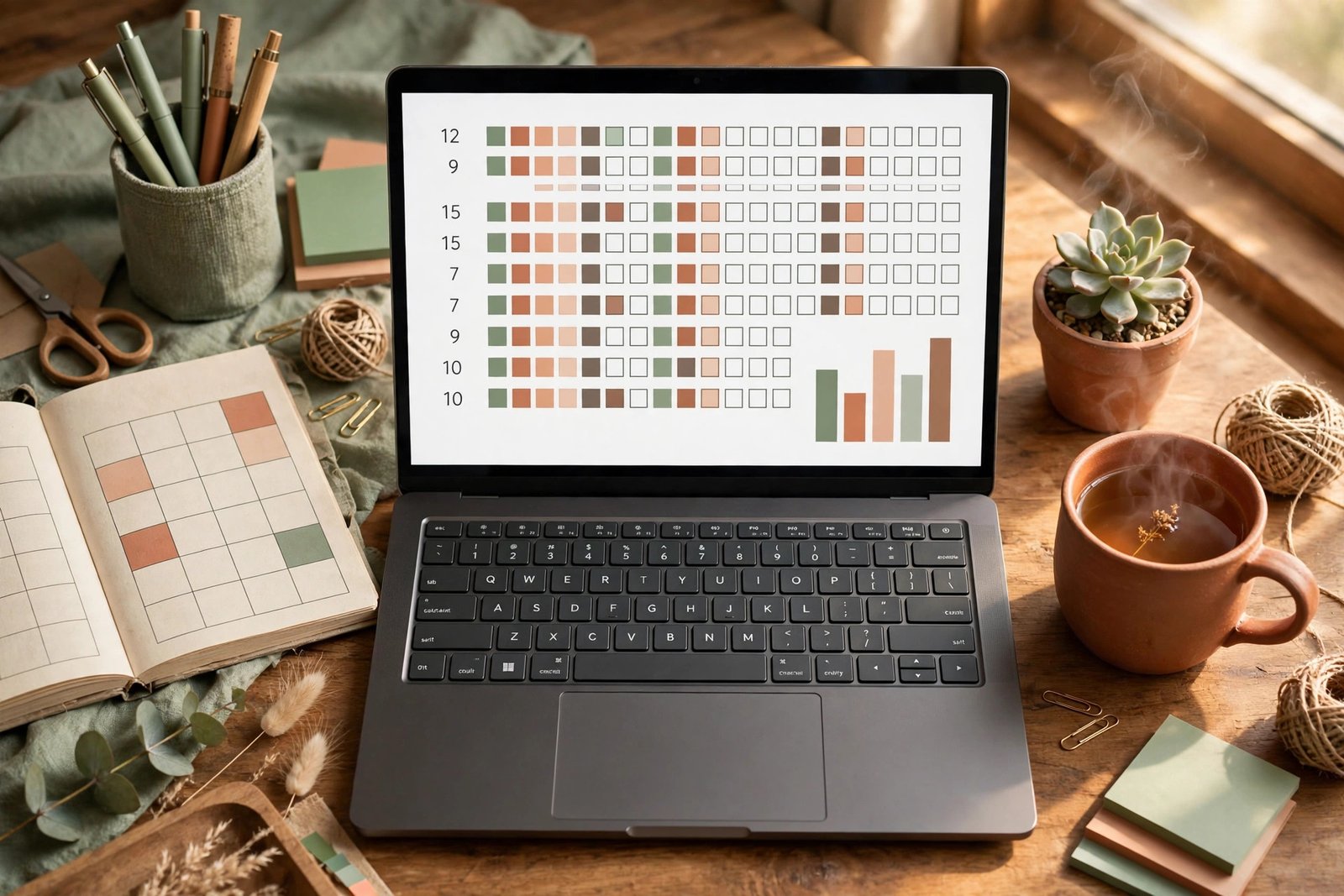
EXACTLY HOW: Start with a free Google Sheets account and create four tabs: “Start Here”, “Monthly Tracker”, “Year at a Glance”, and “Habit List”. On the Monthly Tracker tab, put the month name and a one-line goal at the top, 8 to 12 habit rows down the left, and 31 day columns across the top. Use Insert, then Checkbox, for every day cell. Freeze the top row and the habit column, keep fonts at 11 points or larger, and use no more than two fonts and three colours plus a neutral grey. On the Start Here tab, write three steps: make a copy, rename your habits, and tick day one.
EXAMPLE: A student tracker with “Revise 25 minutes”, “Read 10 pages”, and “No phone after 10 pm” is usable on day one. A tracker with 25 rows, three colour legends, and a notes system on the same page is abandoned by day three.
PRO TIP: Fill the sheet in yourself for three pretend days. If you pause and wonder where a tick goes, simplify that spot before launch. If you want a paper version too, read how to create and sell digital habit trackers and keep the two products separate, so each buyer gets the format they chose.
Step 3: Add Formulas That Do the Work for the Buyer
WHAT: Add simple, tested formulas that count ticks, show completion rates, and build streaks, so the sheet feels clever without feeling complicated.
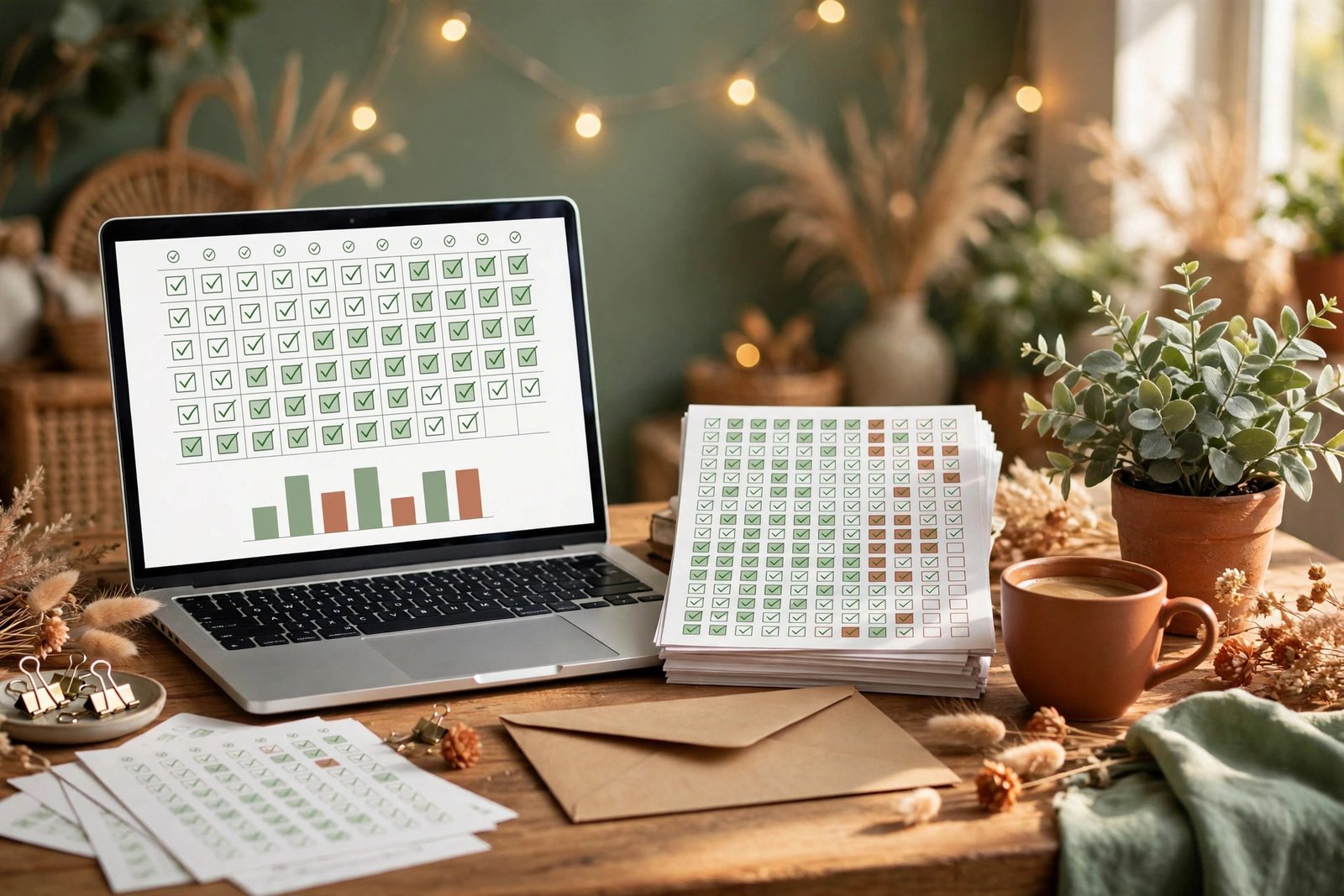
EXACTLY HOW: In a “Done” column, use a COUNTIF formula that counts ticked boxes, such as =COUNTIF(B2:AF2,TRUE) for a row running from column B to column AF. In the next column, work out the completion rate with =COUNTIF(B2:AF2,TRUE)/31 and format the cell as a percentage. Add a total row showing the percentage for each day, and use conditional formatting to turn a completed day a soft green. Protect the formula cells with Data, then Protect sheets and ranges, so buyers can edit habit names and tick boxes but cannot break the maths by accident. Test every formula with three pretend months: perfect, half-finished, and weekends only.
EXAMPLE: A buyer who ticks “Drink water” on 21 days sees 68% at once, plus a streak count that keeps her going. A buyer who must count 31 boxes by hand learns nothing, and stops opening the sheet.
PRO TIP: Lock the formula cells before you share the template, or one curious click can turn a working dashboard into a row of error messages. Keep a clean master copy of your own, and test the buyer copy from a fresh link before you list it.
Step 4: Package Your Habit Tracker in Google Sheets to Sell
WHAT: Turn one working sheet into a complete product a buyer can open, copy, and use in under five minutes, with a clear licence.
EXACTLY HOW: Set the sharing link on your master template to “Anyone with the link can view”, then change the end of the link from /edit to /copy, so buyers land on Google’s “Make a copy” screen instead of your master file. Write a one-page instruction PDF with the copy link, the three start-here steps, and answers to “Can I use this on my phone?” and “Can I change the habits?”. Add a filled-in demo screenshot, and state the licence plainly: personal use only, no sharing the link, no resale, and no redistribution. Name files clearly, such as Habit-Tracker-Google-Sheets-Instructions.pdf.
EXAMPLE: A delivery that says “Click the link, choose Make a copy, rename your habits, tick day one” answers the only four questions a new buyer has. A delivery that sends a bare Sheets link with no instructions creates support messages on day one.
PRO TIP: Open your own copy link in a private browser window and follow it as a buyer. If you reach a request-access screen, your sharing setting is wrong. Fix it before launch, not after the first sale. The same protected-cell and clear-file approach works in other spreadsheet products, such as digital budget planners, where one broken total can undo all trust.
Step 5: Price It and Write a Listing That Names the Result
WHAT: Price your habit tracker in Google Sheets to sell where buyers in your niche already buy, and write a listing that sells the daily result, not the grid.
EXACTLY HOW: Check five comparable listings in your exact niche before you set a price. Many sellers price a single Google Sheets habit tracker at $4 to $9, and a bundle at $12 to $25. Start at the lower end to collect your first ten reviews, then raise the price by $1. In the title, put the audience and format first. In the first sentence, name the buyer and the use. Then list exactly what the buyer gets, what they need (a free Google account), and what the licence allows. Show the filled-in tracker first, the dashboard second, and a phone view third.
EXAMPLE: “30-Day Beginner Gym Habit Tracker in Google Sheets — checkboxes, streaks and monthly progress, editable in a free Google account” names the audience, the files, and the use in one line. “Habit tracker, instant download, cute design” names nothing, and buyers cannot tell what they are buying.
PRO TIP: Show the tracker filled in for two weeks in your first preview image, not blank. Buyers buy the finished result far more readily than an empty grid, and a filled-in preview also proves the formulas work.
Common Mistake: Pricing from your effort instead of the buyer’s market. Ten hours of building does not make a single tracker worth $25 if comparable trackers sell for $5. Price for the first reviews, prove the product, then raise the price with evidence.
Step 6: Launch Small, Drive the First Sales, and Improve Fast
WHAT: Launch one tracker properly, send its first traffic from places where planner buyers already look, and improve the product from real buyer questions.
EXACTLY HOW: Publish on a weekday morning, then pin the filled-in tracker to Pinterest the same day with a keyword-rich title and a direct listing link. Offer a free 7-day mini version in exchange for an email address. For two weeks, note every buyer question and search term. If views are high but sales are low, fix the price or the first preview image first. If buyers keep asking the same question, add the answer to the instruction PDF and listing, then release version 1.1 and tell past buyers.
EXAMPLE: A seller whose buyers kept asking “Does this work for February?” added “All 12 months included, 28 to 31 days, one tab per month” to the listing, and saw fewer questions and steadier sales within a fortnight.
PRO TIP: After your first tracker sells, build your second listing in the same niche, not a new one. A January-to-December bundle, a gym-plus-nutrition version, or a dark-mode version beats ten unrelated trackers, because the same buyer can buy again.
Common Mistakes to Avoid
- Designing for every habit at once. One audience and 8 to 12 habits wins faster than 30 rows for every possible goal.
- Shipping a sheet with broken or unprotected formulas. One error message on day one destroys trust and earns a refund request.
- Sharing an edit link instead of a copy link. Buyers can change your master file, and the next buyer gets their edits.
- Hiding the licence. State personal use, no sharing, and no resale in the listing and the instruction PDF, before purchase.
- Skipping the phone test. Open the copy on a phone, tick three boxes, and check the headings stay readable on a small screen.
- Launching five trackers at once. One tracker, promoted properly, teaches you more than five listings with no traffic.
Quick Checklist
- One buyer and one habit set chosen, checked against comparable listings
- Four tabs built: Start Here, Monthly Tracker, Year at a Glance, and Habit List
- 8 to 12 habit rows, 31 day columns, checkboxes in every day cell, frozen headings
- COUNTIF and completion formulas tested with three pretend months, formula cells protected
- Copy link tested in a private browser window, instruction PDF written, licence stated plainly
- Listing priced in your niche band, with a filled-in first preview image and a plain list of files
- Pinterest pin published on launch day, free 7-day mini version offered, questions noted for version 1.1
Frequently Asked Questions
Do buyers need a paid Google account to use a habit tracker in Google Sheets?
No. Buyers need only a free Google account. They open your copy link, choose Make a copy, and the tracker lands in their own Google Drive. It works in a browser or in the Google Sheets app on a phone.
Can I sell a Google Sheets habit tracker on Etsy?
Yes, most sellers deliver it through an instruction PDF. The buyer downloads the PDF, clicks your copy link, and makes their own copy. State clearly that the buyer receives a link and instructions, not a printed product, and check Etsy’s current digital-download rules before you list.
Can buyers use the tracker on a phone?
Yes, if you keep the design simple. Buyers open the sheet in the Google Sheets app, tick checkboxes with a tap, and see totals update. Test it on a phone yourself: frozen headings and large fonts matter far more on a small screen than extra colours.
How do I stop buyers from sharing my template link?
You cannot fully prevent sharing, so be honest about it. Use a view-only copy link, state a personal-use licence with no sharing or resale, and keep your master file separate. Most buyers respect a clear licence, and a fair price earns more sales than heavy restrictions.
Can I sell the same habit tracker on my own website too?
Yes, in most cases. A template you created is yours to sell in more than one shop, unless you agreed to exclusivity somewhere, which is rare. Keep the price and files the same in each shop, and update both listings when you release a new version.
Conclusion: Build One Habit Tracker in Google Sheets to Sell This Week
A habit tracker in Google Sheets to sell is a small product with a clear job: help one buyer tick one set of habits, see progress at once, and come back tomorrow.
- Pick one buyer and 8 to 12 habits they truly track.
- Build a clean monthly sheet with checkboxes, tested formulas, and protected cells.
- Package it with a copy link, a one-page guide, and a plain personal-use licence.
- Price it in your niche band, show it filled in, and improve it from the first buyer questions.
Start with the buyer, not the grid. Build your first habit tracker in Google Sheets this week, test the copy link as a buyer, and list it before you build a second one. Browse the Haseen Tools shop to see how polished, buyer-focused products are presented, and let that standard shape your first spreadsheet product.





One thought on “How to Create and Sell a Habit Tracker in Google Sheets: A Step-by-Step Guide”