





How to Create and Sell Printable Graduation Party Games in Canva: A Step-by-Step Guide

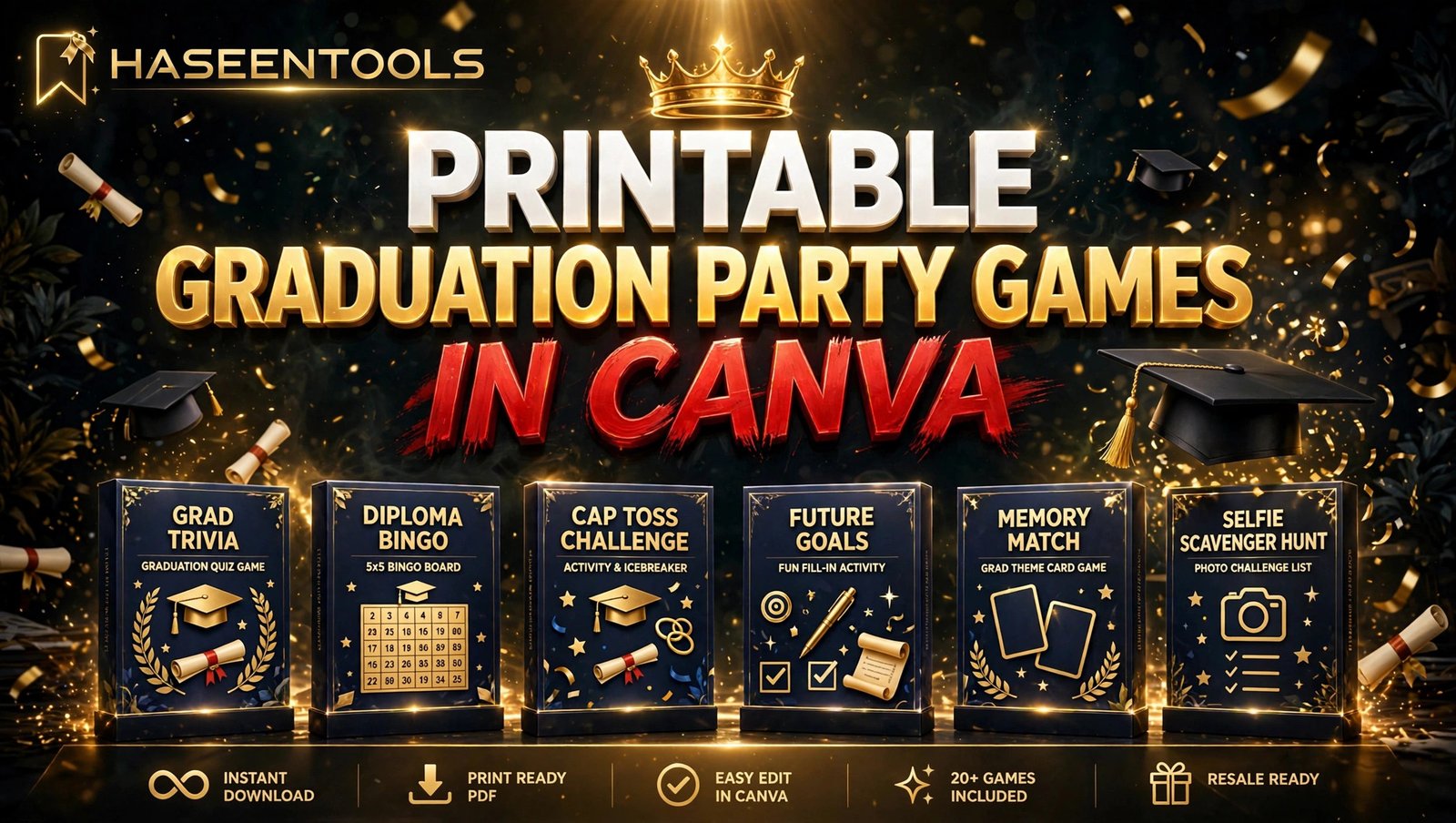
The graduate has just tossed the cap in the air, the family photos are done, and someone asks the question every party host dreads: “So, what are we actually going to do now?” That awkward pause is exactly where printable graduation party games in Canva turn into a product people happily pay for. Every graduation party needs something to break the ice between grandparents, old school friends and new college mates, and the host would much rather buy a ready-made set than invent games from scratch.
If you can drag, drop and type in Canva, you can build a set of graduation party games and list it this week — no design degree, no expensive software, no stock.
Pick games every guest can join in — bingo, trivia and Would You Rather are proven winners.
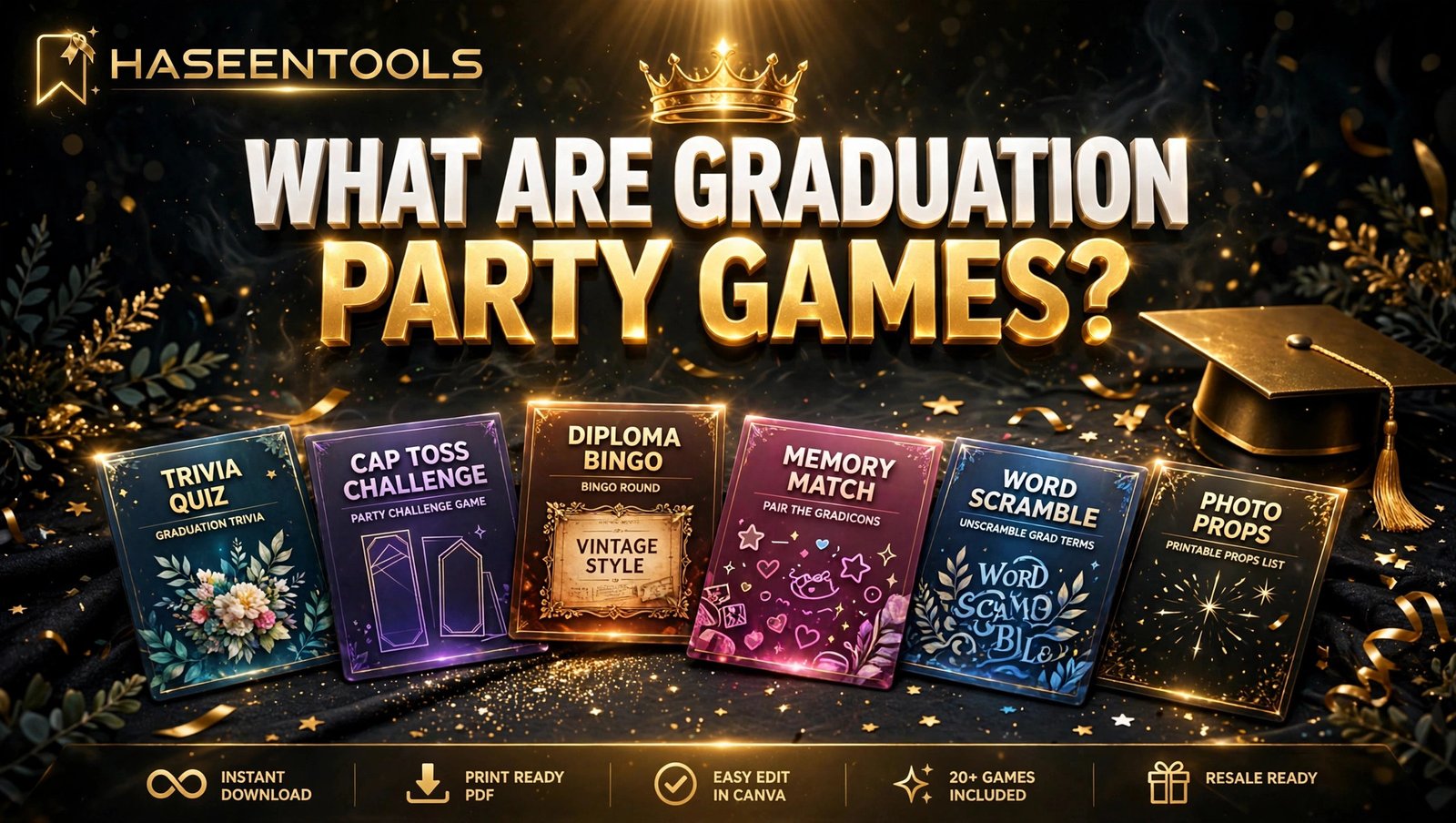
What Are Printable Graduation Party Games in Canva?
Printable graduation party games in Canva are ready-to-print game sheets for a graduation celebration: quizzes, guessing games and word puzzles the buyer downloads, prints at home and hands out to guests. Each game is one PDF page, and a bundle usually holds eight to ten games plus an answer key.
They sell well because graduations happen all year round, and every party needs entertainment between the speeches and the cake. One design can sell hundreds of times with no shipping and no stock. You design the set of printable graduation party games in Canva once and list it on your shop.
But buyers do not buy a single game card — they buy a matching set. Build a bundle, not a one-off.
Step 1: Pick the Games Your Buyers Actually Want
Start with the games, not the design. Pick eight to ten ideas that mix easy icebreakers with friendly competition, so every guest can join in.
Search Etsy and Pinterest for “graduation party games” and note the titles in bestseller listings again and again: Graduation Bingo, Who Knows the Graduate Best, Would You Rather (Grad Edition), Over or Under, Guess the Graduate, The Graduate Quiz, Emoji Pictionary, Memory Lane, Advice for the Graduate and a simple graduation word search.
Include one game that needs no writing, like bingo, so shy guests can join in. Avoid games that need props or long explanations — the best sellers are the ones a guest understands in ten seconds.
Example: A set of bingo, trivia, Would You Rather, Guess the Graduate and a word search suits a mixed-age group, because every guest finds at least one game they enjoy.
Pro Tip: Read the reviews on similar Etsy listings — if three buyers say “the questions were too hard”, write easier questions for your own set.
Step 2: Plan a Matching 10-Game Bundle
A bundle only looks like a bundle when every page shares the same theme. Before you open Canva, decide on one colour palette, one font pair and one decorative style, then use them on every page.
Navy and gold suits a classic graduation look, while black and gold feels formal and proud. Write down two main colours, one accent and the exact hex codes — for navy and gold, try #1B2A4A, #C9A227 and #F7F3EC.
Keep every game card the same size. The 5 x 7 inch card is the most popular: it prints two to a page on US Letter, so use it for all ten games.
Example: A navy and gold bundle could hold ten games plus a cover and an answer key — a tidy 12-page PDF.
Pro Tip: Design the cover page first. It is the first photo in your listing, so it has to sell the whole pack in one glance.
Step 3: Design the Games in Canva
Open Canva and build each game. A free Canva account is enough to start — you do not need Canva Pro for your first pack.
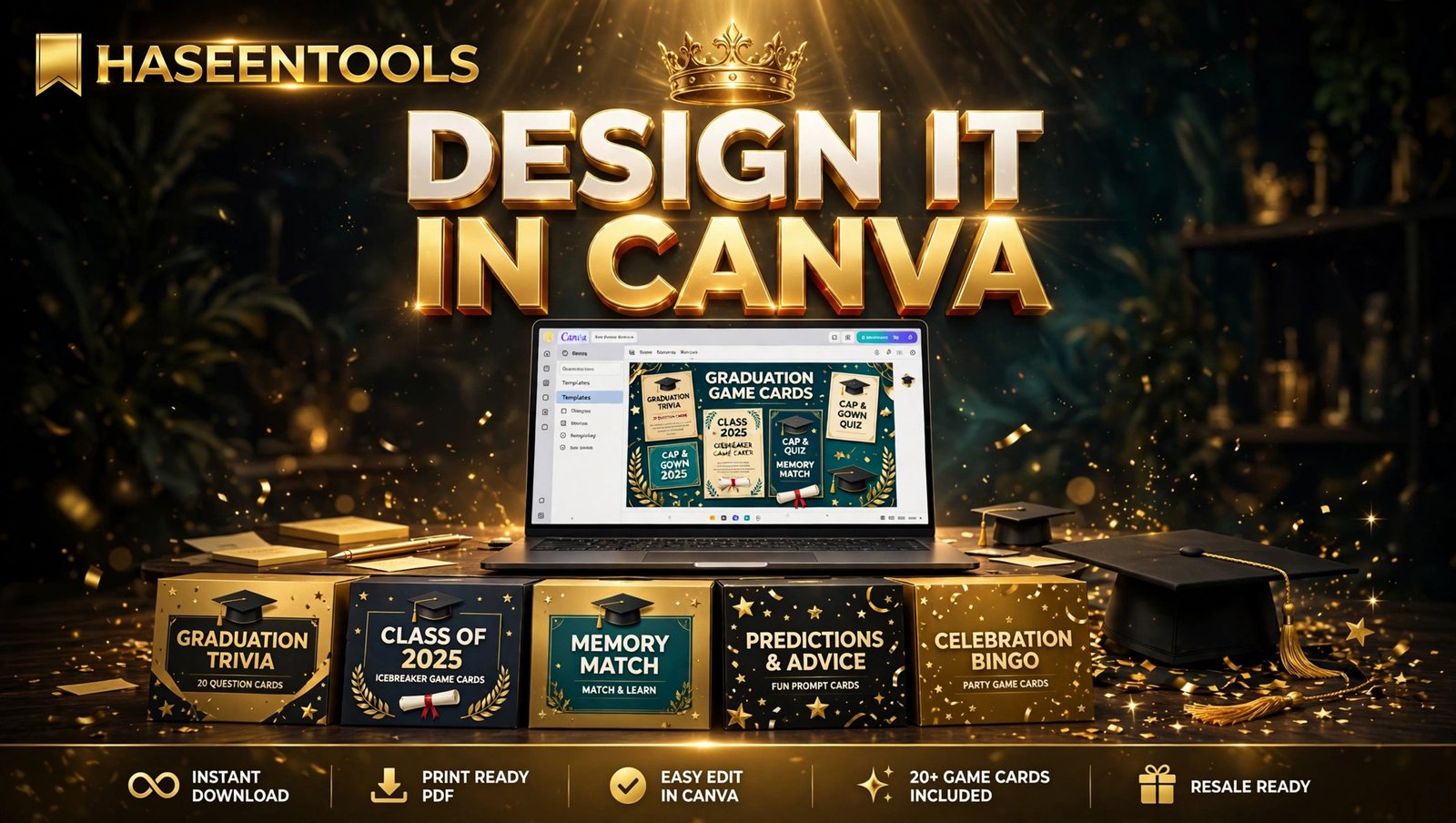
Create a custom design at 5 x 7 inches for each printable graduation party game in Canva. It prints two cards per US Letter page, and keeping every card the same size makes the set feel like one product.
Set up one master page first. Choose two fonts — one bold font for headings and one clean font for questions — and one three-colour palette that fits a graduation theme. Write down the exact hex codes and use them on every page.
Build each game on its own page: a clear title, short instructions and plenty of white space for answers. Use text no smaller than 14 points — guests read in dim party lighting — and duplicate your first finished page so the header and fonts stay identical.
Example: For Who Knows the Graduate Best, put twelve questions in two columns with an answer line under each, plus a “Name:” line and a one-line “How to play” footer.
Pro Tip: Design one game fully, print it and play it with a friend first. One real test catches problems that are invisible on screen.
Step 4: Add the Answer Key and Test Print Everything
A pack of printable graduation party games in Canva without an answer key is an unfinished product. A missing key is one of the most common complaints in printable reviews, and it is the easiest mistake to avoid.
Add one page at the end with every answer. Trivia, Emoji Pictionary and the word search need a key; bingo and Would You Rather do not. Label it “Answer Key — for the host only” so it is not handed out by mistake. Add a one-line “How to Play” note on each card too, like “Mark five in a row to win” for bingo.
Then test print the whole bundle in colour and black and white. Check that light text is readable without colour and every game fits on one page. Time yourself playing one game — if it takes longer than ten minutes, it is too long for a party.
Example: Your final file is one PDF: a cover, ten games and one answer key. Name it clearly, like “graduation-party-games-bundle-navy-gold.pdf”.
Pro Tip: Offer two games free as a sample for your email list — it turns a freebie into a sales funnel.
Step 5: Price Your Bundle and Write a Listing That Sells
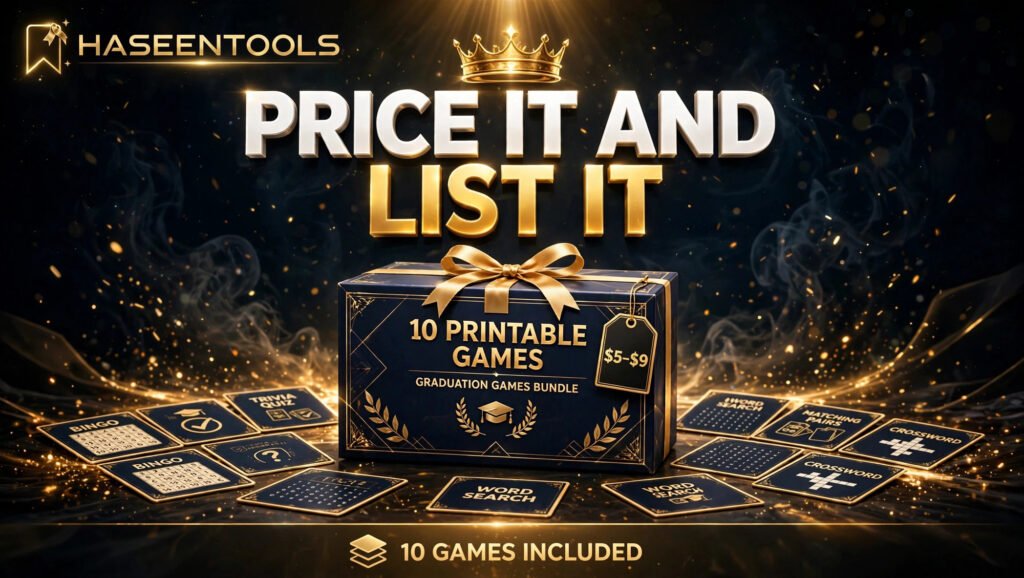
Price yours in the same range as similar bundles instead of guessing. A single game card usually sells for $2 to $4. A bundle of eight to ten printable graduation party games in Canva usually sells for $5 to $9. An editable Canva template version, where the buyer can change the questions, usually sells for $10 to $14.
Use your keyword early in the listing title: “10 Printable Graduation Party Games Bundle | Navy & Gold | Instant Download PDF”. In the description, list what is included, the card size, the file format and how it works: buy, download, print at home — and say clearly that no physical item will be shipped.
Your first listing photo should be the cover page, the second three or four cards laid out together. Print one set and photograph it in daylight — real photos sell better than screenshots.
Example: A listing that reads “10 games, 5 x 7 inch cards, PDF instant download, answer key included” answers every question before buyers ask.
Pro Tip: Offer the bundle in two or three colour themes instead of one. A buyer who loves your games but hates navy will buy the black and gold version.
Step 6: List It on Your Shop and Promote It on Pinterest
Your own shop gives you the most control and no marketplace fees — list there first. Then list the same pack on Etsy, where parents and party planners already search for graduation ideas. If you already sell printable engagement party games or printable bridal shower games, link the listings together — a buyer planning a graduation party often plans the next celebration too.
Create three to five pins for each pack, each with a different photo and a keyword-rich title like “10 Graduation Party Games You Can Print at Home”. Link every pin to the product page, not your homepage.
Example: List on Monday, pin five pins across the week, and add one new colour theme a month.
Pro Tip: Pin two to three months before graduation season in your buyers’ country — party printables are planned purchases, and early pins win the clicks.
Printable Graduation Party Games: Single Game vs Bundle vs Editable Pack
| Option | Typical price | Time to make | Best for |
|---|---|---|---|
| Single game card | $2–$4 | 30–60 minutes | Testing one idea fast |
| 8–10 game bundle (PDF) | $5–$9 | One afternoon | Most buyers, best value |
| Editable Canva template pack | $10–$14 | One extra hour | Buyers who want to edit |
The bundle is the sweet spot: one afternoon to build, more per sale, and a complete party in one download.
Common Mistakes to Avoid
- Copying a Canva template and selling it as-is. Change the layout, fonts, colours and questions — original work is the rule.
- Skipping the test print. Colours print darker than on screen. One test page saves you from a one-star review.
- Forgetting the answer key. Trivia and word search games are useless without one, and buyers will say so.
- Designing each game in a different style. A mismatched bundle feels unfinished. One palette, one font pair, every page.
- Pricing by feeling instead of by the market. Check five similar listings first — too cheap looks low quality, too expensive gets ignored.
- Listing it and going quiet. No pins means nobody finds it. Five pins a week beats one big launch post.
Quick Checklist
- Eight to ten games chosen, mixing easy and competitive
- One theme, one palette, one font pair for the whole set
- All cards designed at 5 x 7 inches
- Answer key added, “How to Play” lines on cards
- Test page printed and checked for size and colour
- PDF Print exported, all pages checked for errors
- Listing written with price, size and format
- Cover photo plus flat-lay photos uploaded
- Listed on your own shop and on Etsy
- Five Pinterest pins linking to the product page
Frequently Asked Questions
Do I need Canva Pro to sell printable graduation party games in Canva?
No. A free Canva account is enough for your first pack — you can design, export and sell a complete bundle without paying for anything.
Can I sell games made with Canva templates?
Yes, if you make them your own. Canva allows you to sell finished designs you created, but not its templates or elements unchanged. Change the layout, fonts, colours and wording before you list.
What size should printable graduation party games be?
The most popular size is 5 x 7 inches — it prints two cards per US Letter page and fits on a party table. Keep every card the same size so the set feels like one product.
How much can I earn from printable graduation party games?
It varies a lot. A $7 bundle needs about fifteen sales a month to earn just over $100, before marketplace fees — it depends on your listings, ranking and promotion.
Conclusion
Printable graduation party games in Canva are one of the simplest digital products you can sell: one afternoon in Canva, one PDF, no shipping, no stock.
- Pick ten proven games that mix easy icebreakers with friendly competition
- Design one matching set at 5 x 7 inches, with an answer key included
- Price the bundle at $5 to $9 and list it on your own shop and Etsy
- Promote it with five Pinterest pins a week, starting months before graduation season
Your first pack does not need to be perfect — it needs to be finished and listed. Build it this week, then make the next one in a new colour theme. Browse the party games on our shop.




2 thoughts on “How to Create and Sell Printable Graduation Party Games in Canva: A Step-by-Step Guide”