

How to Create and Sell a Printable Baby Shower Planner in Canva: A Step-by-Step Guide

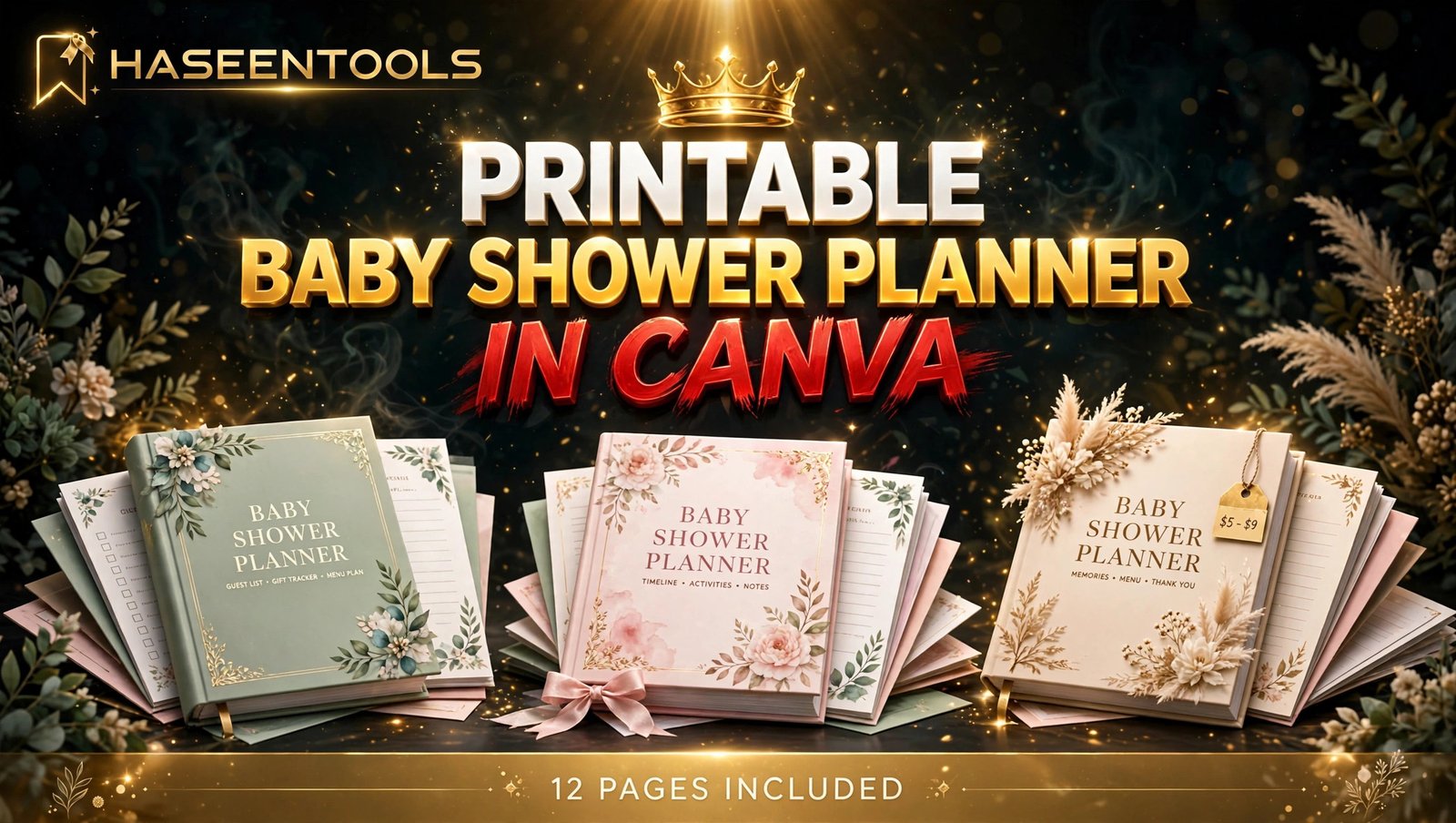
She had the games, the cake and the balloons sorted. What she did not have was a plan. The guest list lived in her phone notes, the budget in a spreadsheet she had not opened in a week, and the gift table was still anybody’s guess. That is the moment a printable baby shower planner to sell becomes a real product: one busy host, one messy plan, one tidy 12-page printable. In this guide, you will design it in Canva, price it at $5–$9, and list it where buyers are already searching.
What Is a Printable Baby Shower Planner?
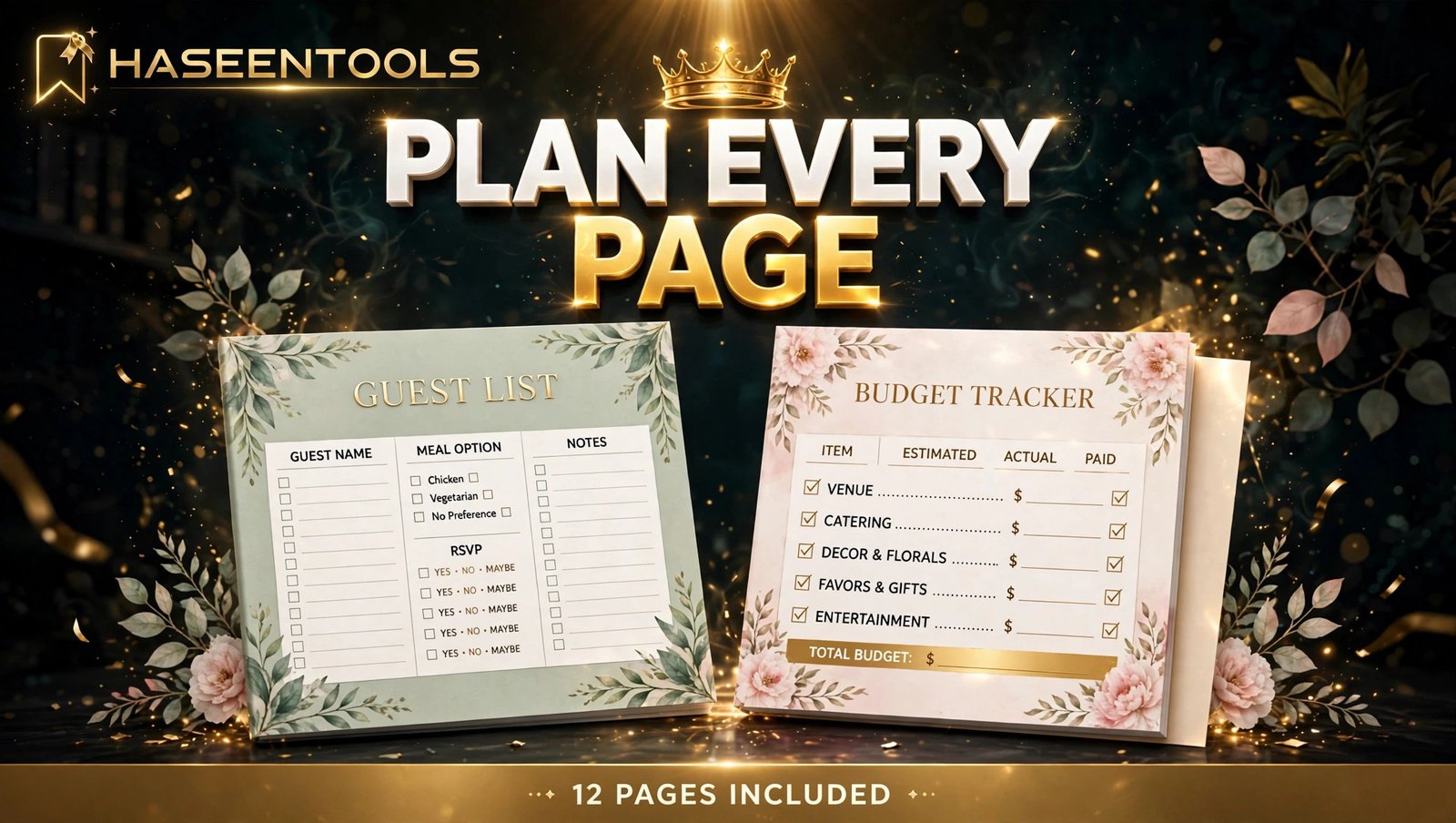
A printable baby shower planner is a set of matching pages a host prints at home to organise the whole party: guest list, budget, games, food, gifts and thank-you notes, all in one place. It is sold as a PDF download, so the buyer prints it as many times as they like for their own shower.
A printable baby shower planner to sell is a 12-page PDF that helps a host plan a baby shower from the first guest list to the last thank-you note. It covers the guest list, budget, theme, timeline, games, food, gifts and thank-yous, and sells for $5–$9 as a personal-use download.
But here is the part most people miss: a planner is not a diary. Every page must earn its place by saving time or stopping a mistake. If a page does neither, cut it — twelve useful pages beat twenty padded ones.
Step 1: Pick Your Buyer and Your 12 Pages
What to do: Decide exactly who your printable baby shower planner to sell is for, then list the 12 pages that solve her biggest headaches.
Exactly how: Picture one buyer: a first-time mum or her best friend, planning a shower for 20 to 30 guests, four to six weeks away, on a tight budget. Write down every job she has to do, then group those jobs into 12 pages — enough to feel complete, small enough to design in one sitting.
Example: Your 12 pages: cover, guest list, budget tracker, theme and colour picker, 12-week countdown timeline, game plan, food and drinks menu, decorations checklist, gift tracker, thank-you tracker, photo shot list and notes. Each page answers one question the host is already asking.
Pro Tip: Keep the guest list, budget and timeline on the first three pages after the cover — buyers flick through a preview in seconds.
Step 2: Set Up the Planner in Canva
What to do: Open Canva, set the right page size, and build one clean master style before you design a single page.
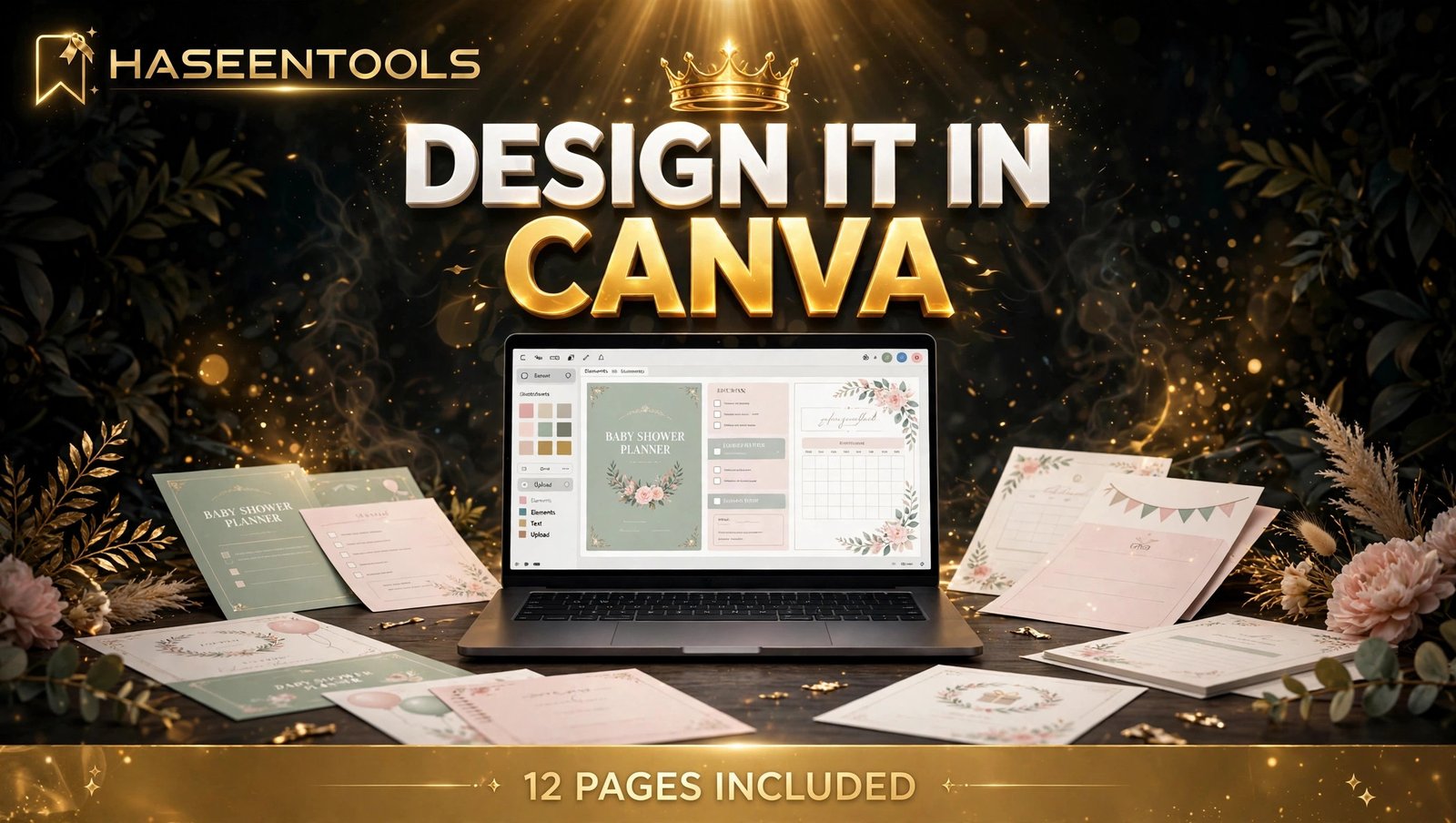
Exactly how: Create a custom size of 8.5 × 11 inches (US Letter), portrait. Pick two fonts — a soft script for headings, a clean sans-serif for writing — and two or three colours, such as sage green, blush pink and warm cream. Design the cover first, then duplicate it for each page so the style stays the same.
Example: A sage and cream palette with a simple floral corner works for a girl, a boy or a neutral shower, so one design serves three times as many buyers. Save the file as “Baby Shower Planner — 12 Pages”.
Pro Tip: Use Canva’s free plan for the whole build. You only need Pro to sell it as an editable template link, and a PDF download keeps the licence simple.
Step 3: Design the Pages So They Print Beautifully
What to do: Design each page with real writing space, readable text and print-friendly colours.
Exactly how: Leave half an inch of white space around every edge so home printers cut nothing off. Use 12-point type or larger for anything the buyer must read, and draw table rows at least 0.4 inches tall so handwriting fits. Keep backgrounds pale: a soft cream wash prints well, a dark one drinks ink.
Example: On the guest list page, give each guest a row for name, plus-one, RSVP and gift. Twenty rows fit neatly on one US Letter page, which covers most showers without a second sheet.
Pro Tip: Add a small footer on every page with the planner name and a page number.
Step 4: Test-Print and Fix the Small Mistakes
What to do: Print the whole planner at home, fill it in by hand, and fix every flaw before anyone pays for it.
Exactly how: Export as PDF Print, then print one copy in black and white and one in colour. Write in every box with a normal pen, circle anything cramped, check the checkboxes are big enough to tick, and confirm the colours look soft on paper. Then fix the file and export again.
Example: Most first drafts fail in the same place: budget rows too short for real numbers, and the timeline running past the page edge. Widening the rows slightly and trimming one week fixes both in five minutes.
Pro Tip: Ask one friend to plan a pretend shower with your printed copy. She will spot confusing labels in ten minutes that you would never notice.
Step 5: Price It at $5–$9 and Write a Listing That Sells
What to do: Set a fair price for a 12-page planner and write a listing that tells buyers exactly what they get.
Exactly how: Price the full 12-page set at $5–$9 — the range similar planners sell for, low enough for an impulse buy. In the listing, name all 12 pages, state the US Letter size and PDF instant download, and add that the licence is personal use only. Use “printable baby shower planner to sell” in the title and the first line of the description.
Example: A listing that reads “12-page printable baby shower planner — guest list, budget, games, gifts and thank-you tracker — print at home, US Letter, instant download” tells a buyer everything in one breath. A vague title like “cute baby planner” gets skipped.
Pro Tip: Show a photo of the printed planner on a real table — a printed copy looks like a product, a flat screenshot looks like a file.
Step 6: List It and Promote It With Pinterest
What to do: List the planner on Etsy or your own shop, then send it steady traffic with Pinterest pins.
Exactly how: Upload the PDF to your shop, add five to seven photos — cover, guest list, budget page, a printed copy and a flat lay — and fill in every tag with words buyers type, such as “baby shower planner printable”. Then make two or three Pinterest pins showing the cover and linking to the listing, and pin one new image each week.
Example: One seller pinned her planner cover with the words “Plan the whole shower in one printable” and linked it to her Etsy listing. That single pin brought her first ten sales in six weeks, with no ads at all — and a planner is useful all year round.
Pro Tip: Pair the planner with your other baby shower printables. A buyer who finds it is one click away from your games and invitations, and a bundle of three earns more than any single listing.
Printable Baby Shower Planner: PDF, Template Link or Done-for-You?
Compare the formats before you choose one to sell.
| Format | What the buyer gets | Best for | Price |
|---|---|---|---|
| PDF printable | 12 pages to print at home | Hosts who want it now | $5–$9 |
| Canva template link | Editable pages in Canva | Buyers who want to change colours | $8–$12 |
| Done-for-you service | You plan the shower for them | Busy hosts with a budget | $50+ |
The PDF is the easiest start: one file, no editing support, no licence headaches. The template link earns a little more, but only sell it if every element is free or your own. Done-for-you pays best and takes the most time — a later step.
Common Mistakes to Avoid
- Designing 20 pages when 12 will do. Extra pages slow you down and confuse the buyer — cut any page that does not save time or stop a mistake.
- Using tiny text to fit more in. If a buyer needs glasses to read the gift tracker, she will leave a one-star review — keep type at 12 points or larger.
- Forgetting the print test. Colours that glow on screen often print muddy. Print before you list, every single time.
- Copying another seller’s pages. Borrow the idea of a budget tracker, never the exact layout or words — original pages protect your shop and your reputation.
- Pricing at $1 to get sales. A $1 planner signals low value yet needs the same support as a $9 one — price it at $5–$9 and let the quality do the talking.
Quick Checklist
- Buyer and 12 pages chosen first
- US Letter size (8.5 × 11 in), portrait, set in Canva
- Two fonts and three colours used on every page
- Guest list, budget and timeline on the first pages
- Test-printed in colour and black and white
- Handwriting test done on every page
- Priced at $5–$9, personal-use licence stated
- Listing names all 12 pages, size and PDF format
- Two or three Pinterest pins made and linked
- Planner paired with baby shower games and invitations
Frequently Asked Questions
How many pages should a printable baby shower planner have?
Twelve pages is the sweet spot for a printable baby shower planner to sell. It covers the guest list, budget, theme, timeline, games, food, decorations, gifts, thank-yous, photos and notes.
Can I sell a baby shower planner made in Canva?
Yes, as long as the design is your own original work. Use free elements or your own uploads, and do not resell Canva templates as they are.
What size should a printable baby shower planner be?
US Letter (8.5 × 11 inches) in portrait is the safest choice, because most home printers handle it with no settings change. A4 suits buyers outside the United States, so offer both sizes in the same listing as a bonus.
How much can I earn from a printable baby shower planner?
A 12-page planner priced at $5–$9 earns a small amount per sale, so income comes from volume and bundles. Sellers who pair it with matching games and invitations and pin it weekly see steadier sales than sellers who list one product and wait.
Conclusion
A printable baby shower planner to sell is a small product with a clear job: take a stressed host and hand her one tidy file that covers the whole party. Pick your buyer first, build 12 useful pages in Canva at US Letter size, test-print them, price the set at $5–$9, and list it with a description naming all 12 pages.
- Twelve pages beat twenty padded ones — every page must save time or stop a mistake.
- Test-print before you list, in colour and in black and white.
- Price at $5–$9 with a personal-use licence, and show a real printed copy.
- Promote it weekly on Pinterest and pair it with your games and invitations.
Open Canva today, set up your 8.5 × 11 inch file, and design the cover first. Your first sale is one tidy planner away, and the next shower host is already searching for it.