

How to Create and Sell Printable Eid Cards in Canva: A Step-by-Step Guide

A cousin realises at 9 p.m. that Eid is tomorrow, and she has no card for her mother. She buys a printable Eid card for a few dollars, prints it at home, and slips it into an envelope with Eidi. The seller made that card once, and it keeps selling while she sleeps. Printable Eid cards to sell in Canva are one of the warmest first products a beginner can make: the buyer is in a hurry, the occasion repeats twice a year, and the message matters more than the design. Here is how to create and sell them, step by step.
What Are Printable Eid Cards?
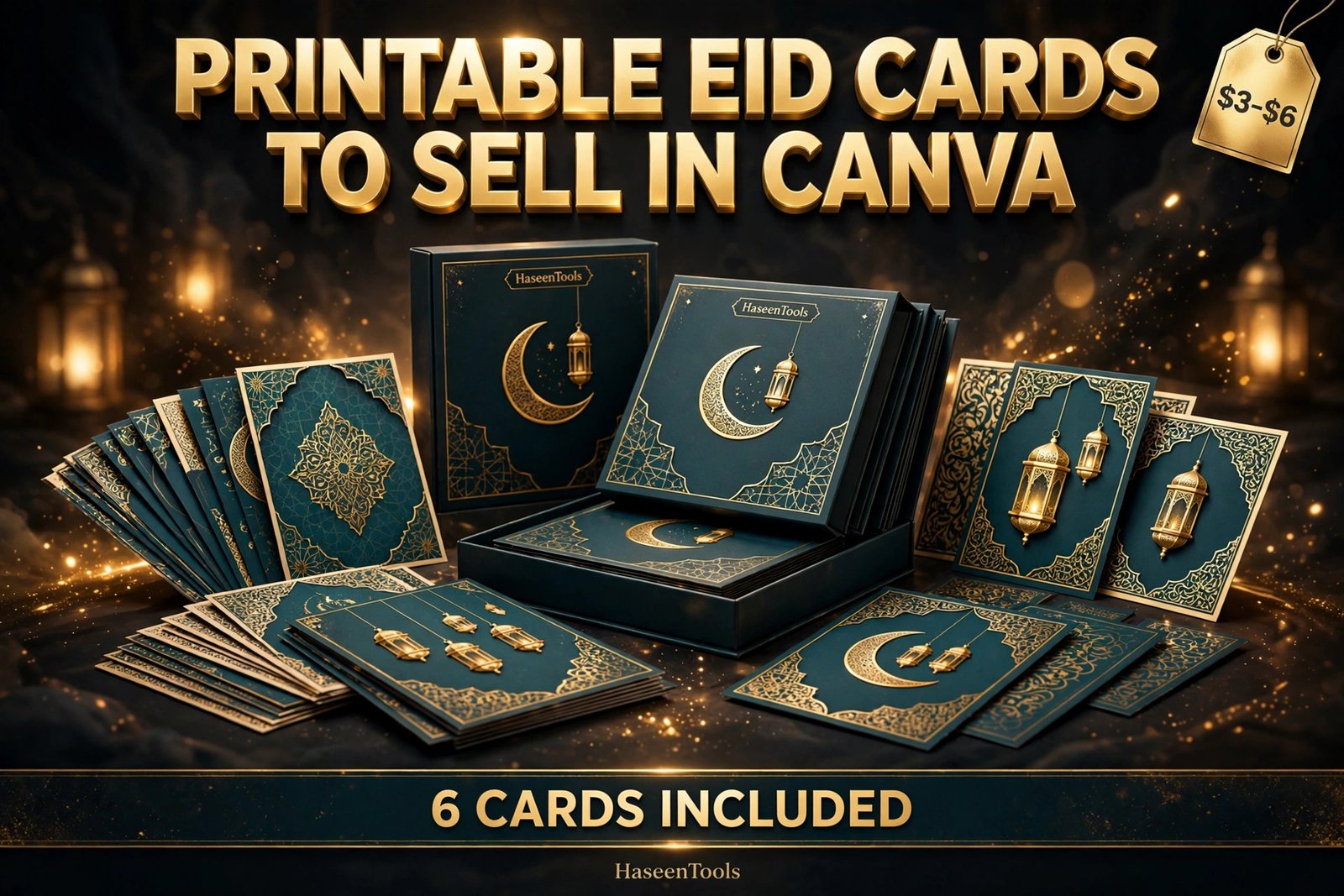
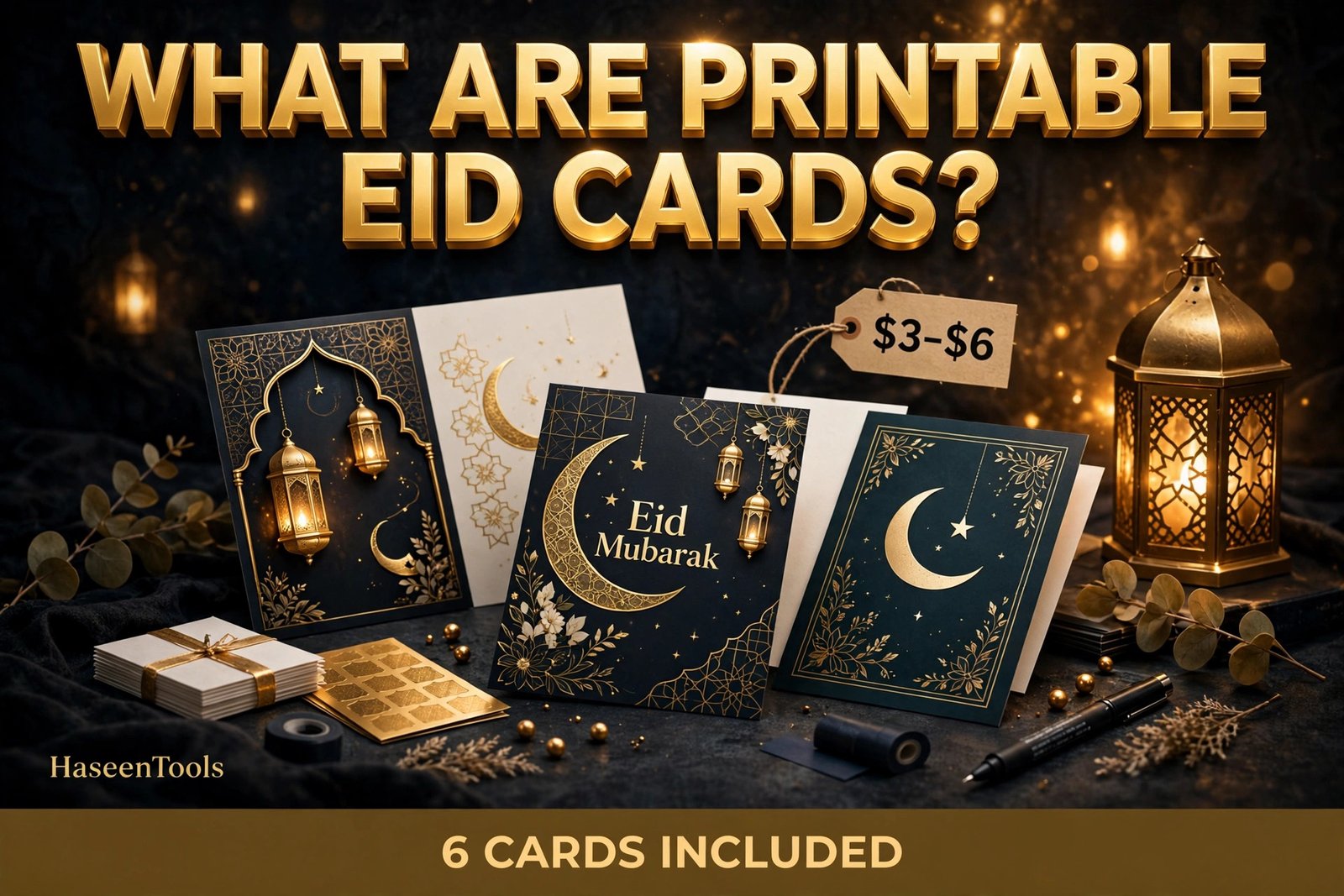
Printable Eid cards are digital greeting cards a buyer downloads as a PDF or editable Canva template, personalises, and prints at home. Sellers design them once in Canva, then sell the same file repeatedly on Etsy, Gumroad or their own website, as singles or a bundle of six.
Most cards carry a simple greeting such as “Eid Mubarak”, a crescent moon or lanterns, and space for a handwritten note inside.
Step 1: Pick One Eid Moment, Not Every Occasion
What to do: Choose a single Eid moment your buyer is shopping for before you design anything. “Eid cards” is a crowd; “Eid al-Fitr cards for families sending money gifts to children” is a market you can win.
Exactly how: Open Etsy and search “printable Eid card”, then read the top 20 results. Note which moments repeat: Eid al-Fitr, Eid al-Adha, and Chand Raat, the night before Eid. Pick one moment, then narrow the buyer: a mum buying for her children, or a daughter sending a card to her parents abroad. If at least three bestsellers have 100 or more sales, real buyers exist.
Example: A seller picks Eid al-Fitr cards for families: deep teal and gold, a crescent moon motif, and space for a note. That single moment anchors her whole range.
Pro Tip: Eid al-Fitr is expected around 9 March 2027, and dates depend on the moon sighting — launch at least six weeks before Eid so your listing has reviews when buyers start searching.
Step 2: Set Up Your Canva File at the Right Size
What to do: Build at 5 x 7 inches (1500 x 2100 pixels at 300 DPI), the standard card size that prints cleanly at home and fits an A7 envelope.
Exactly how: In Canva, choose Custom size and enter 5 x 7 inches. Turn on rulers and guides, drag a margin guide 0.25 inches in from each edge, and keep every word inside that frame. Design the front on one page and a matching blank inside on a second page, so buyers can add their own message. Export a print version as PDF Print at 300 DPI and a digital version as PNG.
Example: A seller centres “Eid Mubarak” on the front, leaves the inside blank with a small crescent in the corner, and her test print comes out clean first try.
Pro Tip: Avoid neon shades — home printers cannot reproduce them.
Step 3: Design a Card Buyers Can Edit in Minutes
What to do: Build a warm, simple printable Eid card in Canva with a clear message hierarchy: a short greeting, one small illustration, and plenty of empty space for a handwritten note.
Exactly how: Use no more than two fonts — one elegant headline font for “Eid Mubarak” and one clean body font for the small details. Label every editable text box in plain words: “YOUR MESSAGE HERE”, “FAMILY NAME HERE”. Keep each text box on its own layer and lock the background and decoration. Use free Canva elements, or Pro elements you are licensed for — and never sell a Canva template unchanged. Test it yourself: hand the template link to a friend and time them. Over ten minutes means simplify.
Example: A buyer opens the template link, types “From the Ahmed family” over the placeholder, adds “Wishing you a blessed Eid”, and downloads a print-ready PDF in under five minutes.
Pro Tip: Keep greetings simple. Many buyers prefer “Eid Mubarak” over a verse, because a card may be thrown away after Eid.
Step 4: Build a 6-Card Bundle That Feels Like a Bargain
What to do: From your master design, create six cards in one matching set instead of selling one lonely card.
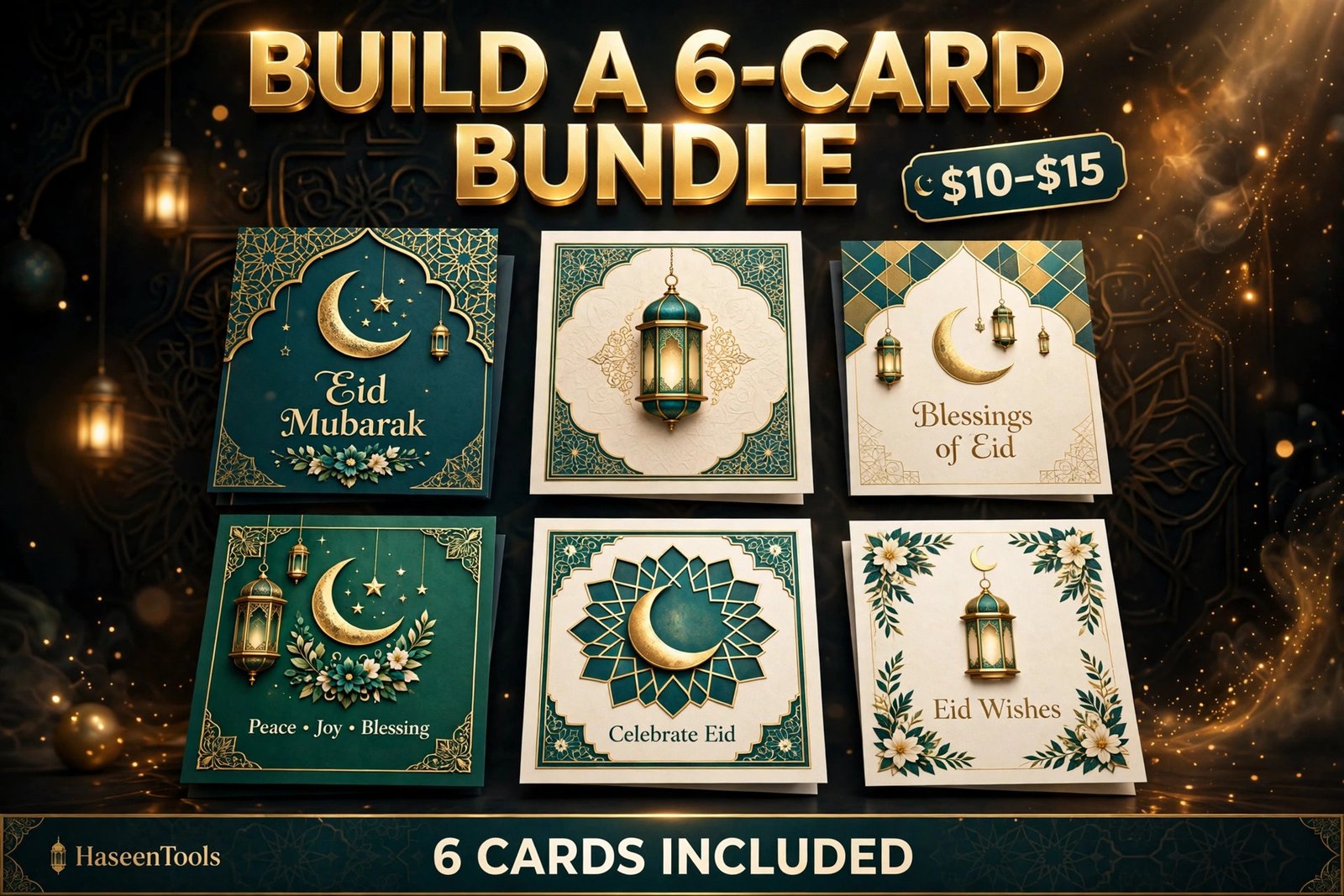
Exactly how: Design six variations on one theme: three message styles (“Eid Mubarak”, “Blessed Eid”, “Eid al-Fitr Greetings”) in two colourways — deep teal with gold, and emerald with cream. Keep the same fonts and layout across every card so the set looks like a family. Add a one-page PDF instruction sheet explaining how to edit, print and fold the card. Zip everything with clear file names.
Example: One crescent-and-lantern design becomes a 6-card set: three messages in teal and gold, three in emerald and cream. The buyer pays $10 to $15 instead of $3 for one card, and has a card ready for every relative.
Pro Tip: List the bundle and the single card separately — some buyers want one card for mum, others want the set for the whole family.
Step 5: Package, Price and List It
What to do: List your printable Eid cards to sell in Canva on Etsy first, because that is where families already search for Eid gifts. Write the title the way a rushed buyer would search, price it in the proven range, and show mockups that sell the moment.
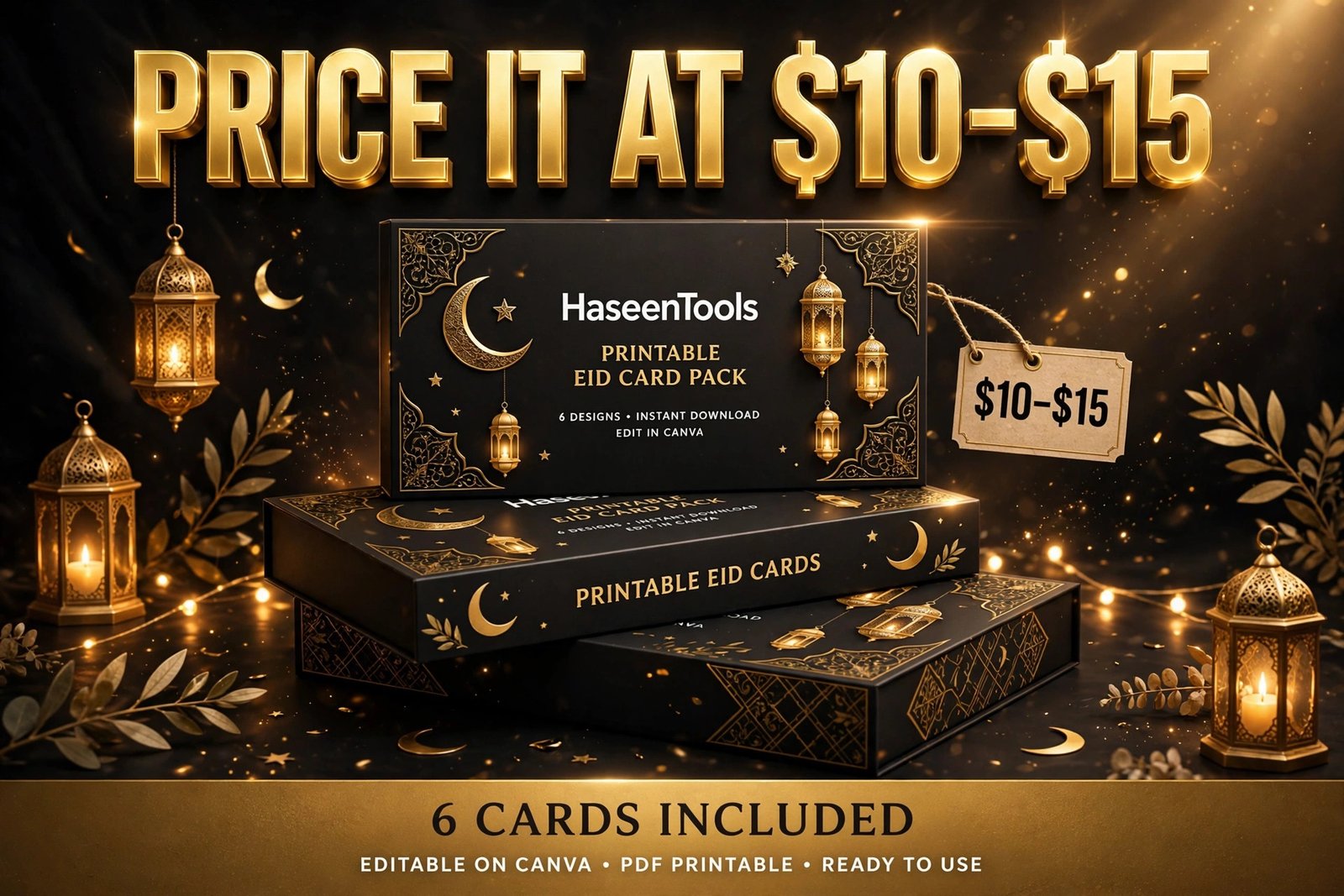
Exactly how: Use a title like “Printable Eid Cards in Canva | Eid Mubarak Card Bundle | Editable | Instant Download”. Price singles at $3 to $6 and the 6-card bundle at $10 to $15. Package a ZIP with the print PDF, a Canva template link in a short instructions PDF, and the PNG version. State the licence plainly: personal use only, no reselling. Then test the ZIP yourself from a private window and print one card at home.
Example: Five preview images — the full card, all six designs, a printed mockup, a close-up of the editable text, and a “what’s included” image — tell a buyer everything in ten seconds.
Pro Tip: Never share an edit link. Share a template link from Canva’s Share menu, so each buyer gets their own copy.
Step 6: Promote It With Pinterest and Eid-Season Timing
What to do: Etsy brings search traffic, but Pinterest brings families already planning Eid. Time your pins to the Eid calendar — there are two Eids a year.
Exactly how: Make 3 to 5 Pinterest pins for your printable Eid cards to sell in Canva, each showing a different card or colourway, and link every pin to the listing. Design tall pins at 1000 x 1500 pixels, using your printed mockup and a headline like “Eid Mubarak Card — Print Tonight, Gift Tomorrow”. Start pinning six weeks before Eid al-Fitr, then repeat the same push before Eid al-Adha, about ten weeks later. After the first few sales, ask buyers politely for a review — a listing with ten five-star reviews outsells an identical one with none.
Example: A seller pins the teal card on Monday, the emerald version on Tuesday and the full bundle on Wednesday. By week two, Pinterest sends steady clicks, and two turn into sales.
Pro Tip: Pair your cards with matching printable wedding invitations in the same style — a buyer who finds your invitations often needs a greeting card too.
Printable PDF or Editable Canva Template: Which Should You Sell?
Most successful sellers offer both in one listing. Here is the difference.
| Option | What the buyer gets | Best for | Watch out for |
|---|---|---|---|
| Printable PDF | A fixed file to print | Buyers who write by hand | No colour or font changes |
| Editable Canva template | A link to edit in free Canva | Buyers who want their own names | Pro elements need a template link |
| Bundle of both | PDF plus template link | Most listings | Keep the ZIP under 50 MB |
The bundle wins most of the time for printable Eid cards to sell in Canva: the PDF covers buyers in a hurry, the template link covers buyers who want control, and the instructions PDF answers common questions. The same logic works for printable teacher appreciation cards, where a matching set always outsells a single design.
Common Mistakes to Avoid
- Designing for every occasion at once. One deep niche wins faster than a shop full of unrelated cards.
- Shipping files buyers cannot edit. A flattened JPEG with no Canva link invites refunds.
- Using low-resolution artwork. Anything under 300 DPI looks blurry on paper.
- Skipping the test print. Print one copy at home before launch, and check margins, colours and readability in daylight.
- Forgetting the template link. A missing or broken link means messages and refunds.
- Pricing a 6-card bundle at $3. A bundle at $10 to $15 is still a bargain.
- Listing too late. Eid cards listed the week of Eid miss most buyers — six weeks early is the target.
Quick Checklist
- One Eid moment and one buyer chosen, checked against three Etsy bestsellers
- Card built in Canva at 5 x 7 inches, 300 DPI, with 0.25-inch safe margins
- Two fonts maximum, text boxes labelled, background locked
- Six cards in one matching set, three messages, two colourways
- Print PDF and digital PNG exported, ZIP under 50 MB, with an instruction sheet
- Template link tested, and one test print done at home
- Etsy listing priced $3 to $6 single or $10 to $15 bundle, with five preview images
- 3 to 5 Pinterest pins published, timed six weeks before Eid al-Fitr
- Personal-use licence stated plainly on the listing
Frequently Asked Questions
Can I sell printable Eid cards I make in Canva?
Yes, if you follow Canva’s licence rules: use free elements, or Pro elements you are licensed for, and never resell Canva’s stock or templates unchanged. Your card must be your own finished design.
How much do printable Eid cards sell for?
Singles usually sell for $3 to $6, and a 6-card bundle sells for $10 to $15. One listing can sell the same file many times, so earnings depend on your listings and mockups.
Do I need Canva Pro to make Eid cards to sell?
No. A free Canva account is enough for most printable Eid cards to sell in Canva. Canva Pro helps with background removal and premium elements, but start free and upgrade only when a paid feature saves real time.
When should I list Eid cards for sale?
List at least six weeks before Eid al-Fitr, expected around 9 March 2027. Early listings collect reviews before the rush, and you can reuse the same push before Eid al-Adha about ten weeks later.
Conclusion
Printable Eid cards to sell in Canva are a small product with a real advantage: a family needs one urgently, it prints at home, and you make it once and sell it again.
- Pick one Eid moment and one buyer, and design in Canva at 5 x 7 inches
- Make it editable in minutes, then build a matching 6-card set
- Package a print-ready PDF, a template link and clear instructions
- List it on Etsy at $3 to $6, or $10 to $15 as a bundle, with mockups that sell the moment
- Promote it on Pinterest, timed six weeks before Eid, and let reviews build trust
Your first card does not need to be perfect — it needs to be finished, tested and listed. Open Canva, design your first card tonight, and browse the Haseen Tools shop for template bundles to learn from. Tell us in the comments which greeting your first card will carry.