

How to Create and Sell a Printable Screen Time Tracker for Kids in Canva: A Step-by-Step Guide

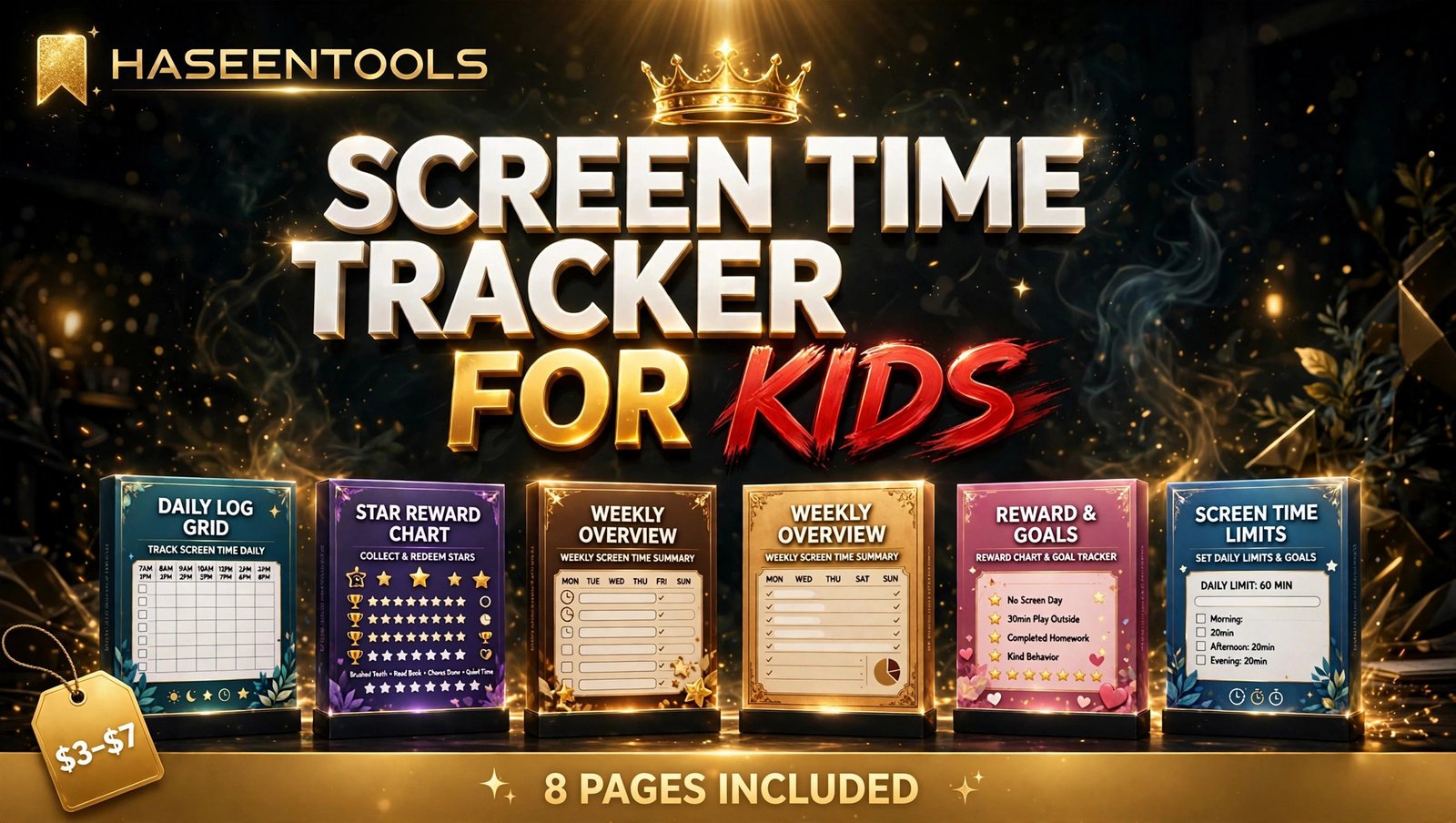
Seven o’clock on a school night, and the tablet is still glowing in your child’s hands. You asked for it back twice already, and now everyone is annoyed. That nightly standoff is exactly why a printable screen time tracker for kids sells so well. Parents are not looking for another lecture about screens. They want a simple page that makes the rules visible, the minutes countable and the rewards fair. In this guide, you will build an 8-page tracker set in Canva, price it at $3–$7 and list it on Etsy or your own shop.
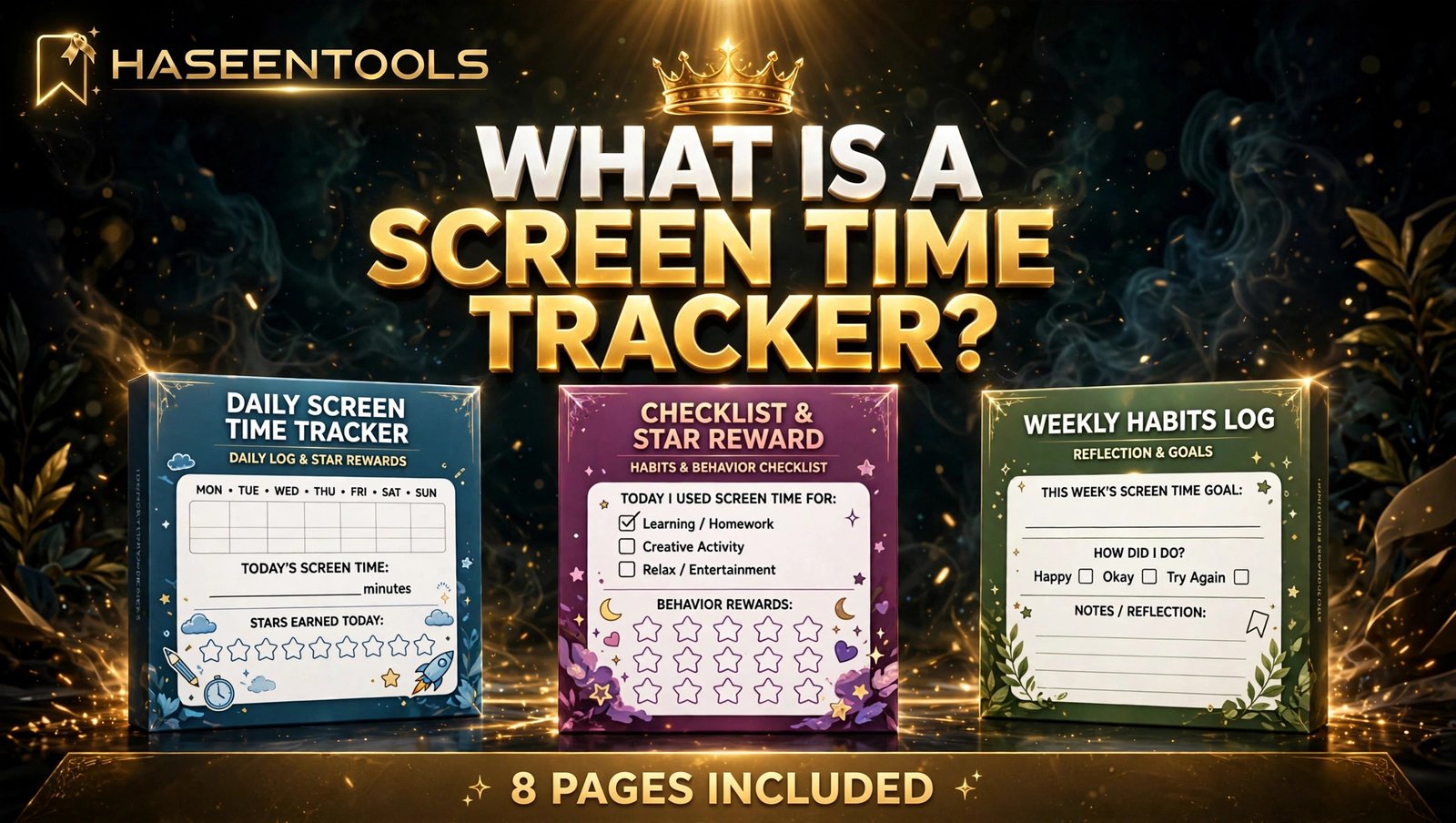
What Is a Printable Screen Time Tracker for Kids?
A printable screen time tracker for kids is a set of PDF pages that helps parents set, record and reward screen limits. Each page logs the minutes a child spends on tablets, TV and games, shows the house rules in writing and turns good choices into earned minutes or stars.
The buyer is a parent who is tired of arguing, not a parent who wants a lecture. Your tracker gives them a calm system: the child can see how many minutes are left, what earns extra minutes and what happens when the time runs out. Most buyers print the pages, stick them on the fridge and start the same day.
Keep it friendly, visual and short, with big writing space and plain words. But the tracker is only half the product. The other half is the system around it — the rules page, the earn chart and the reward page. A single log page is a freebie. A full 8-page set is a product parents will pay for.
Step 1 — Pick Your Buyer and Set the Rules First
What to do: Choose one age group and write down the screen-time rules your tracker will enforce.
Exactly how: Answer three questions before you design anything. First, who is this for — a 4–6-year-old who needs pictures, a 7–9-year-old who can read short sentences, or a 10–12-year-old who wants to track their own time? Second, what is the daily limit — for example, 30 minutes on school days and 60 minutes on weekends? Third, what earns extra minutes — reading, chores, outdoor play or homework? Write the answers down — these exact rules will appear on your pages.
Example: A mum of two boys aged six and nine buys your tracker because her rule is simple: 30 minutes on school days, 60 on Saturdays, and every 15 minutes of reading earns 10 extra minutes.
Pro Tip: Pick the 7–9 age group first. It is the biggest buying audience and the easiest to design for.
Step 2 — Plan Your 8 Pages Before You Open Canva
What to do: Sketch the full 8-page set on paper so every page has one job.
Exactly how: Give each page a single purpose. Page 1 is the cover. Page 2 is the screen-time rules page. Page 3 is the daily tracker with rows for each device. Page 4 is the weekly log with seven day columns. Page 5 is the earn screen time chart. Page 6 is the reward chart with star boxes. Page 7 is the device-free zones page. Page 8 is the weekly reflection page: what went well, what was hard and one rule to try next week. Leave generous white space for handwriting.
Pro Tip: If a page does not earn its place, cut it — an 8-page set that does one job well outsells a 20-page set.
Step 3 — Design the Tracker in Canva
What to do: Build all 8 pages in Canva using a consistent layout, readable fonts and colours children actually like.
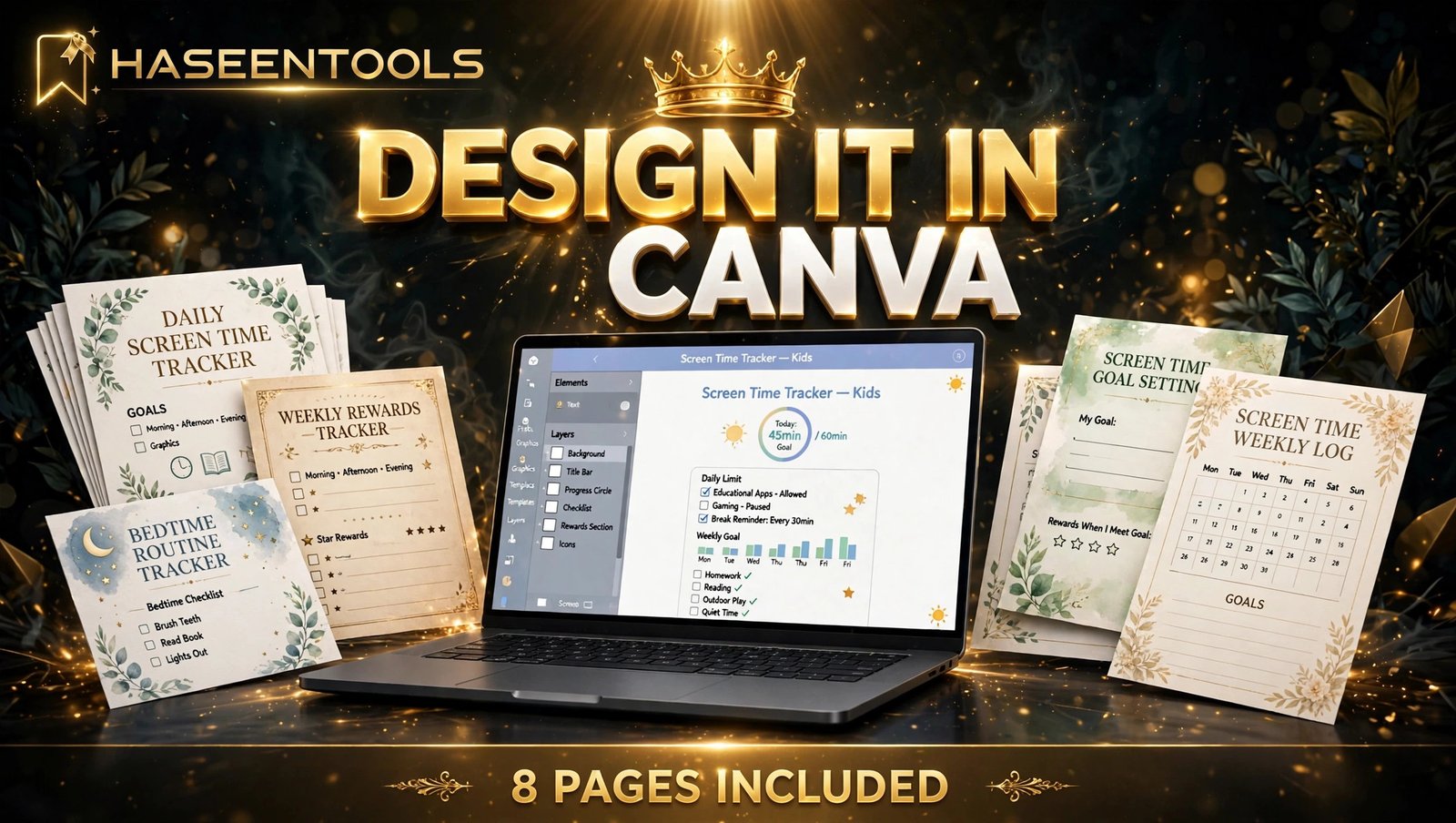
Exactly how: Create a custom-size design in Canva at US Letter size, 8.5 × 11 inches. Pick two fonts only — one bold, rounded font for headings and one plain font for everything else — and use them on every page. Choose a calm palette of three colours — soft teal, warm yellow and dark navy — and repeat it across the set. Build the grids with Canva’s table tool or thin lines, leave at least 12 mm of margin, and add one small illustration per page, such as a clock or a star.
Example: Your daily tracker page uses a soft teal header, a bold heading that reads “Today’s Screen Time”, four rows for tablet, TV, games console and total, and a small star in the corner.
Pro Tip: Design page 3, the daily tracker, first. It is the page buyers will see in your listing photos.
Step 4 — Add the Earn-and-Reward System
What to do: Turn good behaviour into earned screen minutes with a simple chart children can understand.
Exactly how: On the earn screen time chart, list everyday actions in one column and the minutes each one earns in the next. Keep the maths simple: 15 minutes of reading earns 10 extra minutes, one finished chore earns 10, 30 minutes of outdoor play earns 15 and homework done without a reminder earns 10. Cap the extra time at 30 minutes a day so the chart never becomes a way to earn unlimited screens. On the reward chart, add ten star boxes: every day the child stays inside the limit, they colour in one star, and ten stars earn a small family reward, such as a movie night.
Example: A nine-year-old reads for 15 minutes after school, earns 10 extra minutes and spends them on a game. She coloured in her star before dinner, and her mum did not have to remind her once.
Pro Tip: Keep the earning actions to reading, chores, outdoor play and homework.
Step 5 — Price It at $3–$7 and Package the Files
What to do: Set a fair price for an 8-page set and bundle the files so buyers can print in minutes.
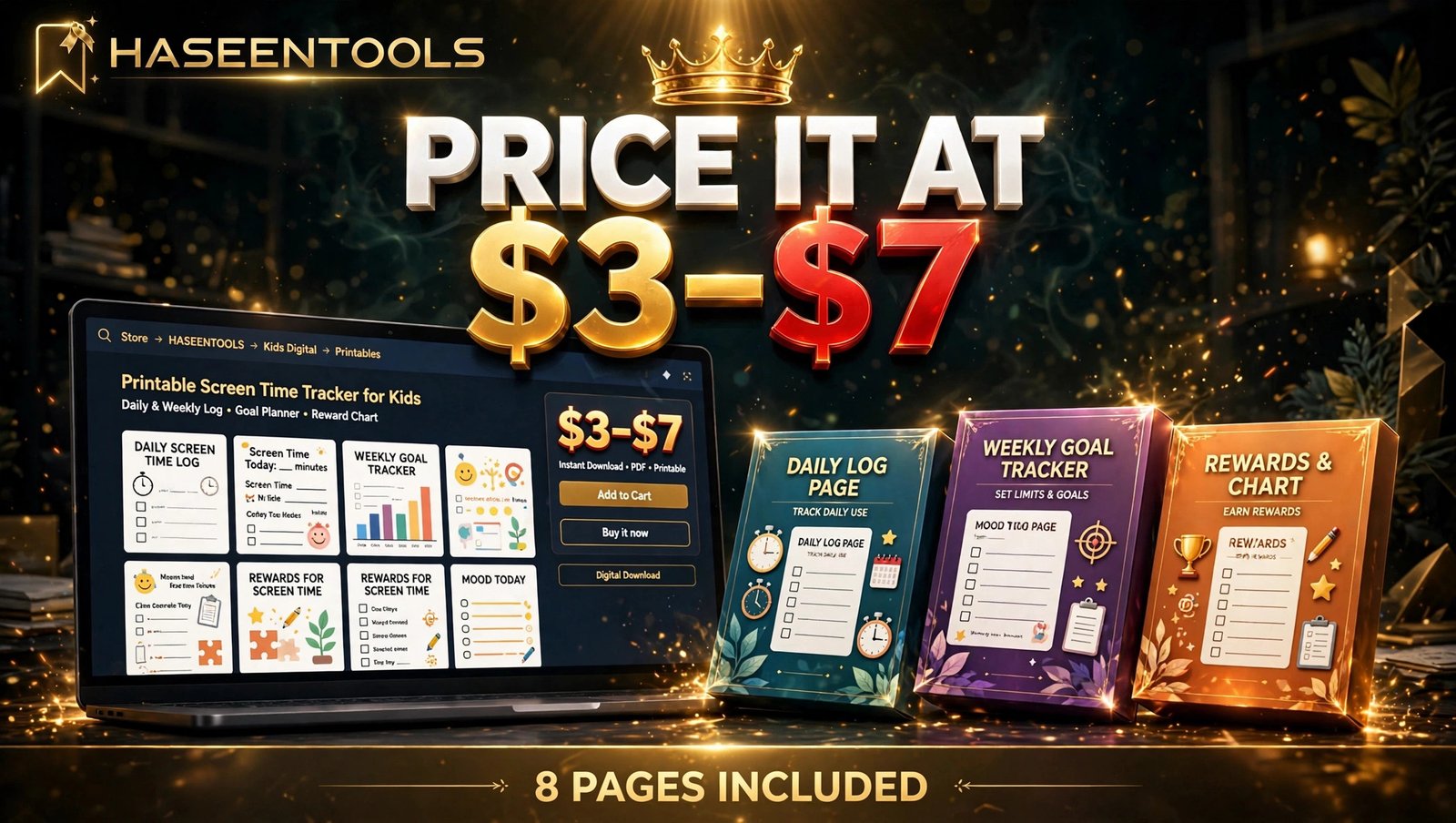
Exactly how: Price the set at $3–$7. A single-page tracker sells for $1–$2, and a full planner sells for $10–$15, so $3–$7 is the honest middle for 8 useful pages. Export every page from Canva as PDF Print, which keeps the lines sharp on a home printer. Put the US Letter and A4 versions in two clearly named folders and add a one-page “How to print” sheet. Name your files plainly, for example “Screen-Time-Tracker-US-Letter.pdf”.
Example: A buyer pays $5, downloads the file within a minute and prints the daily tracker and the rules page before bedtime.
Pro Tip: Test-print every page yourself before you list it. One cut-off edge costs more in refunds and bad reviews than ten minutes of testing.
Step 6 — List It on Etsy and Your Own Shop
What to do: List the tracker where parents already search, with photos that show the pages in use.
Exactly how: Start with Etsy, because parents already search there for “screen time tracker” and “kids screen time chart”. Write a listing title that leads with the product, for example “Printable Screen Time Tracker for Kids, Screen Time Chart, Earn Screen Time, Instant Download”. Upload five listing photos: the cover, the daily tracker, the weekly log, the earn chart and the reward chart, each on a clean background. In the description, say clearly that the set has 8 pages, works in US Letter and A4 and is a PDF download for personal use. Then add the same product to your own shop, where you keep the full price instead of paying Etsy fees.
Example: Your Etsy listing goes live on a Monday with five clear photos. By Friday, a mum who found it through a Pinterest search buys it and pins it to her fridge.
Pro Tip: Make one Pinterest pin per listing photo. Five pins from five photos give you five chances to be found.
Etsy vs Your Own Shop
You do not have to choose one place to sell. Most sellers start on Etsy and add their own shop once sales begin. Here is how the two compare.
| Etsy | Your own shop | |
|---|---|---|
| Who finds you | Parents already searching on Etsy | Visitors from your blog, Pinterest and email list |
| Fees | Listing fee plus a percentage of each sale | No marketplace fees, but you handle payments |
| Control | Etsy sets the rules and the layout | You set the price, the design and the wording |
Start on Etsy for traffic, then move repeat buyers to your own shop with a small discount code tucked inside the PDF.
The same families often pair this tracker with a morning routine chart for kids, a chore chart and printable flashcards — all in the same simple, visual style.
Common Mistakes to Avoid
- Designing for adults, not children. If a seven-year-old cannot read the page, they will not use it. Short words and big boxes beat clever wording.
- Packing too much onto one page. A daily tracker with ten rows prints terribly. Four rows and one clear total is enough.
- Forgetting the A4 version. Many buyers outside the US print on A4 paper. A US Letter file printed on A4 cuts off the edges.
- Making the reward the screen itself. The reward for staying inside the limit should be something offline, such as a family activity. If more screen time is the only prize, the system teaches the wrong lesson.
- Selling a single log page as a full product. One page is a freebie. Parents pay $3–$7 for the full 8-page set — give them the whole system.
Quick Checklist
- [ ] Buyer picked: parents of children aged 7–9
- [ ] Daily limit decided: 30 minutes on school days, 60 minutes on weekends
- [ ] All 8 pages planned, each with one job
- [ ] Design built in Canva at US Letter size, with an A4 version, two fonts and three colours
- [ ] Earn chart capped at 30 extra minutes a day
- [ ] Reward chart has ten star boxes and an offline family reward
- [ ] Priced at $3–$7 for the full 8-page set
- [ ] PDF Print export test-printed at home
- [ ] Etsy listing live with five photos and a clear description
Frequently Asked Questions
How many pages should a printable screen time tracker for kids have?
Eight pages is the sweet spot: cover, rules, daily tracker, weekly log, earn chart, reward chart, device-free zones and reflection. Fewer pages feel thin, and more pages make the set harder to print and use.
What is a fair price for a printable screen time tracker?
Price an 8-page set at $3–$7. Single pages sell for $1–$2 and full planners sell for $10–$15, so $3–$7 is the honest middle.
Do I need Canva Pro to make a screen time tracker?
No. Canva’s free plan covers everything in this guide: custom page sizes, tables, fonts and PDF Print export. Just use free elements, so you can legally sell the finished PDF.
Can I sell a screen time tracker I made in Canva?
Yes, as long as the design is your own original work. Canva’s licence lets you sell a finished PDF made from free elements, but not Canva’s stock photos or illustrations on their own. Sell the finished PDF for personal use only.
Conclusion
A printable screen time tracker for kids is a small product with a big job: it turns the daily screen argument into a system the whole family can see. Pick one buyer, plan 8 pages, design them in Canva, add an earn-and-reward system, price the set at $3–$7 and list it where parents search.
- Pick parents of 7–9-year-olds as your buyer and set the rules before you design.
- Build an 8-page set: rules, daily tracker, weekly log, earn chart, reward chart, device-free zones and reflection.
- Keep the design simple, test-print every page and sell the PDF for personal use.
- List on Etsy first for traffic, then move repeat buyers to your own shop.
Open Canva today, build the daily tracker page first and list the finished set this week. Your first buyer is a parent who is tired of the same argument every evening.