

How to Create and Sell a Printable Winter Break Planner for Kids in Canva: A Step-by-Step Guide

Intro
School is out, the kids are bouncing off the walls by 10 a.m., and two weeks of winter break lie ahead. That is exactly why a printable winter break planner for kids to sell is such a smart little product: it turns the longest stretch of the school year into calm, organised days, and your Canva skills into income.
In this guide, you will build a 10-page winter break planner, price it at $3–$7, and list it for sale — with Canva, one afternoon, and no design degree needed.
What Is a Printable Winter Break Planner for Kids?
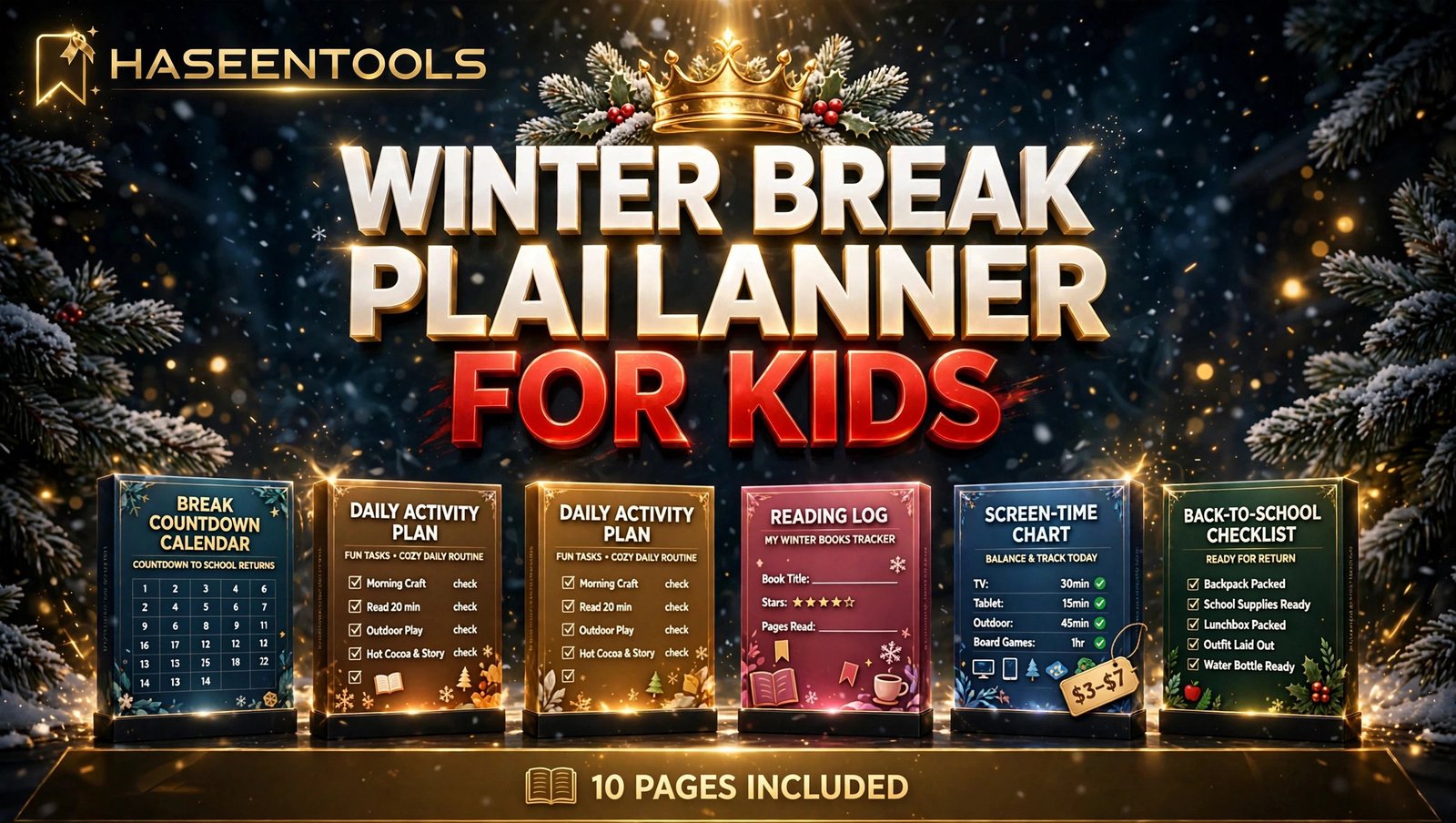
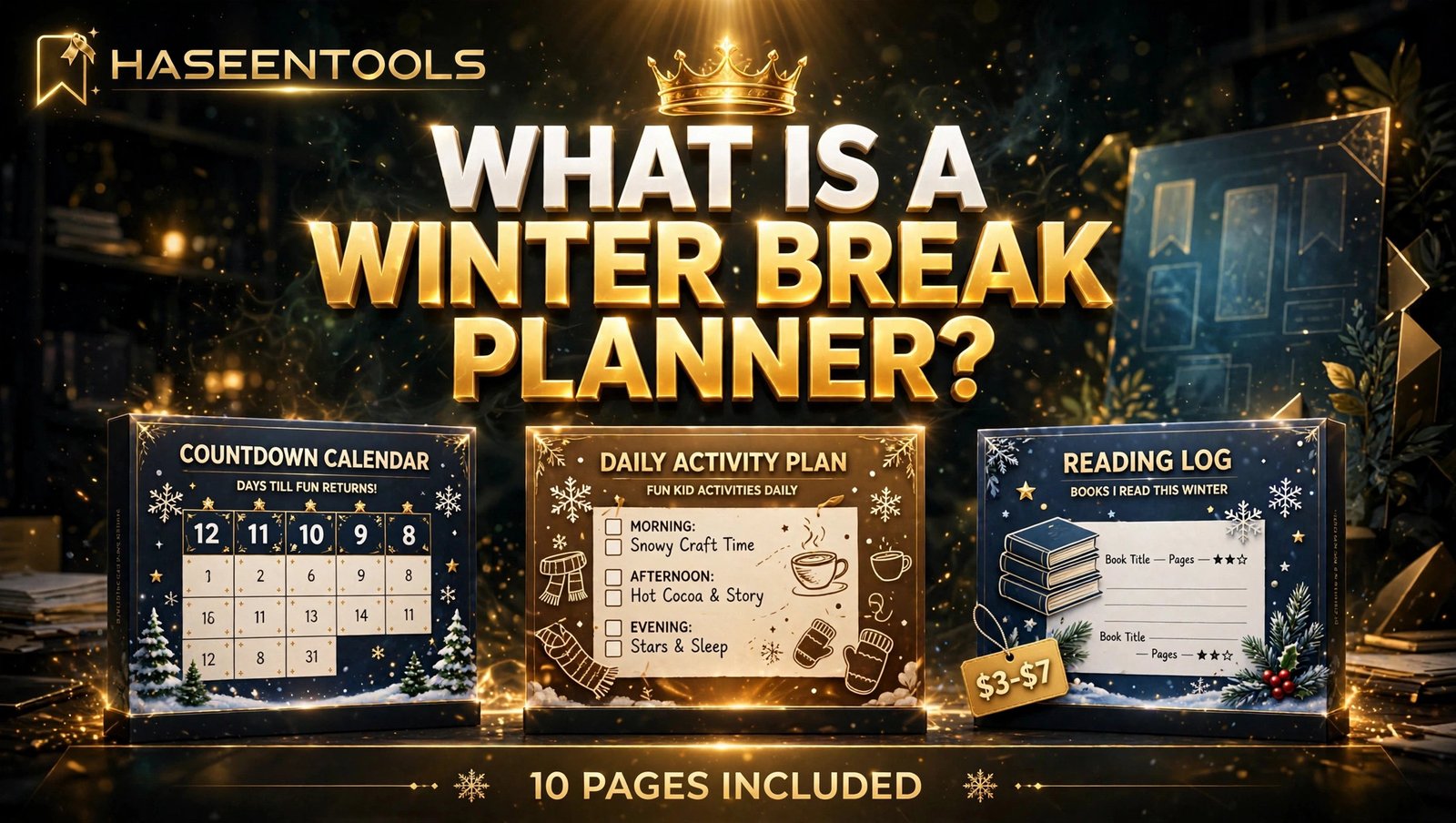
A printable winter break planner for kids is a 10-page PDF that helps a family plan the school holidays day by day: a break countdown, a daily activity plan, a reading log, a screen-time balance chart, a family outings page, and a back-to-school checklist — everything a parent needs to keep the break fun.
Featured-snippet answer: A printable winter break planner for kids is a 10-page PDF that organises the holidays with a break countdown, daily activity plans, a reading log, screen-time limits and a back-to-school checklist. Parents print it, kids fill it in daily, and sellers make it in Canva and sell it for $3–$7.
Parents buy it because the break is long, the weather keeps kids indoors, and “I’m bored” starts before lunch on day one. Kids love ticking boxes and colouring the countdown — it feels like a game, not homework.
Pro Tip: Build for one age group, not every child on earth. A planner for ages 6–9 sells far better than a vague “for all kids” version.
Step 1: Pick Your Age Range and Break Length
Every good planner starts with one decision: who is it for, and how long does it cover?
What to do: Choose one age band — 5–7, 6–9, or 8–12 — and design every page for that child. Most winter breaks run about two weeks, so a 14-day countdown fits most buyers.
Exactly how: Write your buyer in one sentence: “A mum of a 7-year-old who wants two calm, screen-balanced weeks.” Then list what that child can do alone — read, draw, build a snowman, bake. If a page needs an adult hovering, simplify it.
Example: For ages 6–9, the countdown gets 14 big sticker-sized boxes. For ages 8–12, smaller boxes plus a “today’s goal” line.
Pro Tip: A countdown labelled with fixed dates only fits one region; a blank 14-day countdown fits every buyer.
Step 2: Plan Your 10 Pages Before You Open Canva
Sketch the whole set first — sellers who plan on paper finish in half the time.
What to do: Write out your exact 10 pages, giving every page one job and one job only:
- Cover — bright winter scene, planner title, “ages 6–9” line.
- Break countdown — 14 boxes to tick off, one per day.
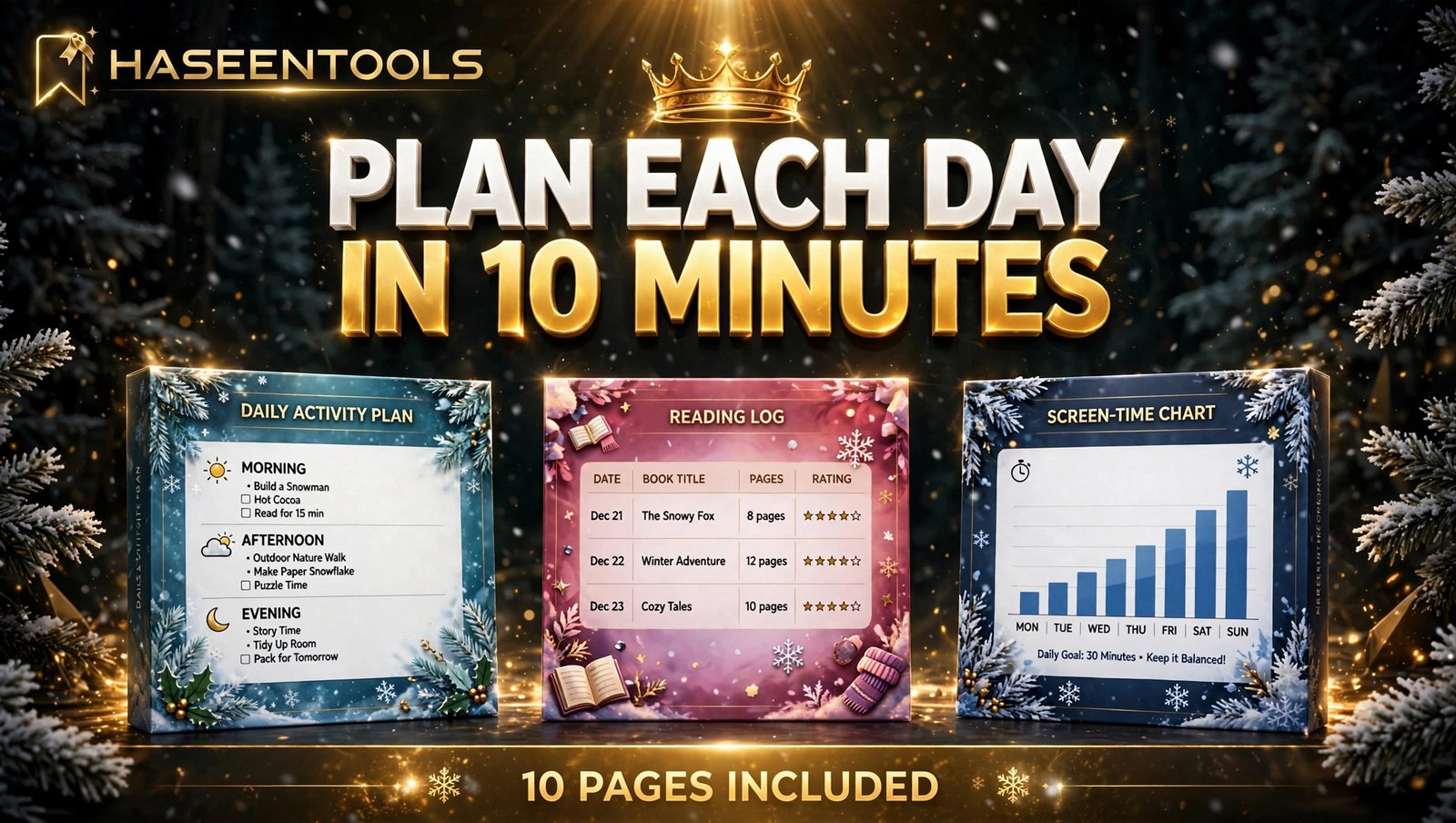
- Daily activity plan — morning, afternoon and evening rows.
- Reading log — book title, pages read, star rating.
- Screen-time chart — screen minutes vs outdoor and creative minutes.
- Winter bucket list — 12 fun ideas to tick off over the break.
- Family outings page — where we went, what we saw, best moment.
- Craft and activity ideas — 8 simple winter crafts with a materials list.
- Back-to-school checklist — bag packed, uniform ready, homework done.
- Notes and doodle page — blank space for drawings and big ideas.
Example: Three rows, one line each: “Build a snowman” in the morning, “Read two chapters” in the afternoon, “Film night” in the evening.
Pro Tip: Put the countdown on page 2. Kids flip straight to it every morning, and a planner opened daily gets recommended.
Step 3: Design the Pages in Canva
This is the fun part — and where most beginners slow down. Keep it simple and your planner will look professional.
What to do: Set up one Canva design at US Letter size, design the cover first, then copy its style across the other nine pages.
Exactly how: Pick two fonts and three colours, then use nothing else: a rounded headline font like Baloo 2, a clean body font like Nunito, and colours like deep navy, snowy white and warm gold. Draw tables with Canva’s table tool, leave wide margins — kids write big — and add small winter drawings.
Example: The reading log takes 15 minutes: a heading, four columns (Book, Pages, Minutes, Stars), five rows. A buyer sees in seconds that it is useful.
Pro Tip: Test-print one page before you finish the set. If the text looks small on paper, it is too small.
Step 4: Add the Fun Extras That Make Parents Buy
A plain planner is useful. A planner with small delights inside is the one parents choose in the search results.
What to do: Add three extras that lift the perceived value: a colouring page, a sticker-style countdown, and a winter bingo mini-game.
Exactly how: Put a tiny star outline in each countdown box for kids to colour in. Add one colouring page — a simple snowman — inside the set. Then add a 3 × 3 winter bingo grid: build a snowman, drink hot chocolate, read under a blanket, and six more. Kids who finish a row pick the next family activity.
Example: One seller’s best review read, “My daughter coloured the countdown every morning before breakfast.” That is the reaction you are designing for.
Pro Tip: Keep the extras inside the same 10 pages. A “10 pages” promise is easy to trust; “lots of pages” is not.
Step 5: Price a Printable Winter Break Planner for Kids to Sell at $3–$7
Pricing a kids’ planner is simple once you stop guessing. Parents compare your price with a coffee, not with a textbook.
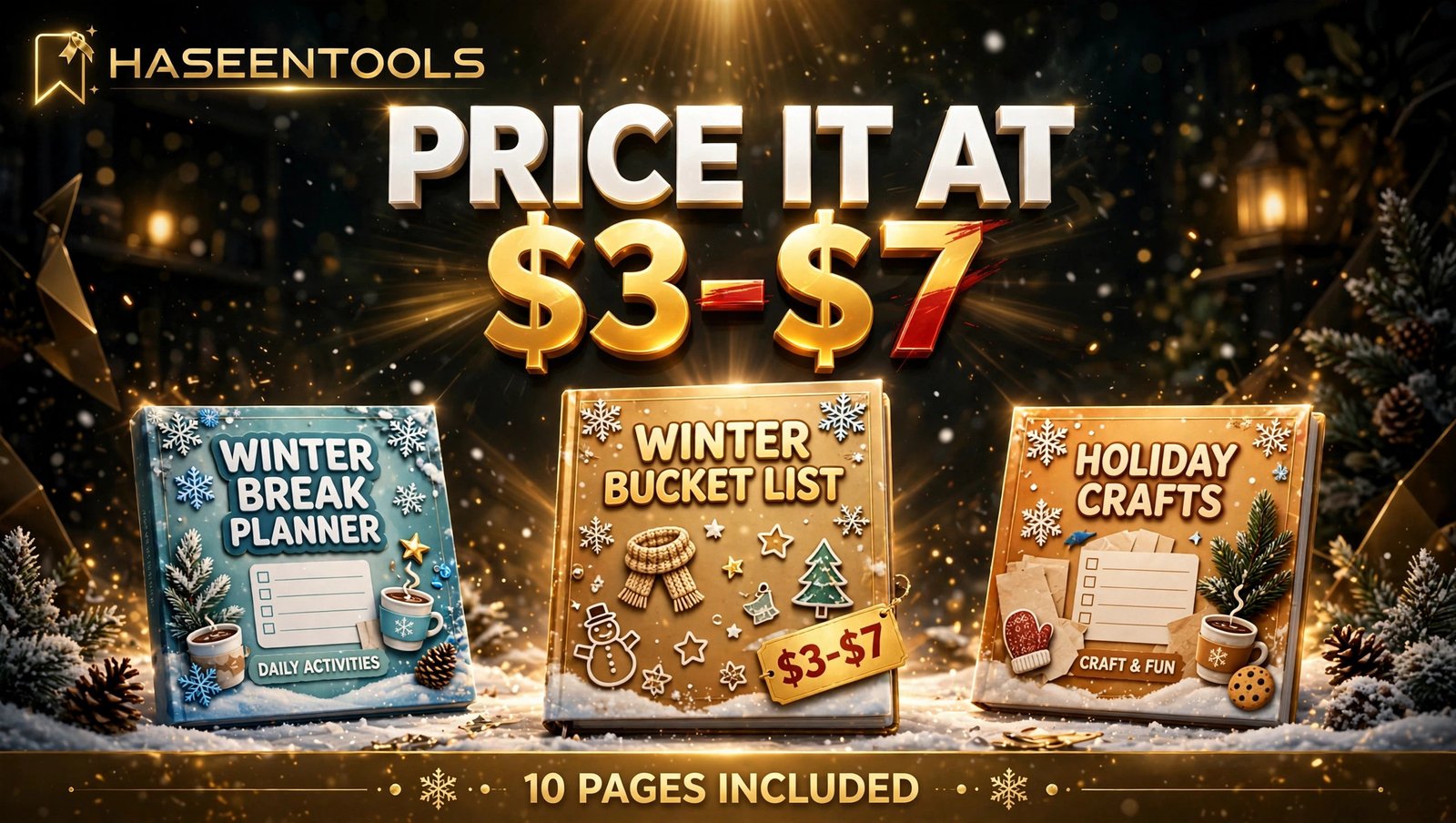
What to do: Price the 10-page planner at $3–$7, name the exact pages in the listing, and state the licence clearly: personal use, print-ready PDF, editable in Canva.
Exactly how: Start at $5 if your pages look polished, or $3 for your first listing while you collect reviews. Title it with the words parents type: “Printable Winter Break Planner for Kids, Winter Holiday Activity Planner, Kids Christmas Break Planner.” List all 10 pages by name, then add: instant download, US Letter PDF, print at home, personal use only.
Example: One listing says “cute winter planner for kids, instant download.” The other lists all 10 pages by name. The second one sells, because the buyer can picture the product before paying.
Pro Tip: Never promise a commercial licence unless you mean it. Most parents only need personal use anyway.
Step 6: Publish, Test-Print and Promote It
A planner sitting in your drafts earns nothing. Get it in front of buyers while the break is still coming, not after it is over.
What to do: Export the PDF, test-print the full set, list it in your shop, then pin it and share it the same day.
Exactly how: In Canva, download the design as a PDF Print file and check every page: no cut-off text, no overlapping boxes, no missing headings. Print the full 10 pages and hand them to a real child if you can — ten minutes with one 7-year-old finds more problems than an hour at your screen. Then list it with a mockup of the cover and two inside pages, and pin the countdown page on Pinterest.
Example: List it at least three weeks before the break starts. A planner listed on 1 December catches parents planning ahead; on 23 December, they have already bought.
Pro Tip: Save your Canva file as a reusable template. Next winter, change the cover colours in under an hour and relist.
Printable Winter Break Planner vs Generic Kids Planner
Not every kids’ planner does the same job. Here is how the two compare, so you can explain the difference in your listing.
| Feature | Winter Break Planner | Generic Kids Planner |
|---|---|---|
| Built for | The 2-week school holiday | Any week of the year |
| Countdown | 14-day break countdown | None |
| Screen-time page | Balances screens with outdoor time | Rarely included |
| Outings page | Family trips and best moments | Not included |
| Back-to-school checklist | Yes, for the last day | Not included |
| Best buyer | Parents planning the holidays | Parents wanting routine |
The difference is focus: a generic planner organises any week, while a winter break planner covers the two weeks when school is closed. If you already sell a Christmas planner, this planner is its perfect companion: one plans the holiday, the other plans the whole break around it.
Common Mistakes to Avoid
- Designing for every age at once. A planner for ages 5–12 is too babyish for the 12-year-old and too hard for the 5-year-old. Pick one band.
- Cramming too much on one page. Kids need white space; a busy page looks worse printed.
- Using fixed dates on the countdown. “20 December” only works for one country and one year; blank numbered boxes work for everyone.
- Forgetting the test print. Colours that glow on screen can print muddy; one test print saves you from refund requests.
- Pricing it like a textbook. Parents will not pay $15 for a kids’ holiday planner; $3–$7 matches what buyers expect.
Quick Checklist
- Age range picked (one band, e.g. ages 6–9)
- All 10 pages planned on paper before designing
- Two fonts and three colours used across the whole set
- Countdown uses blank numbered boxes, no fixed dates
- Test print done, text readable, nothing cut off
- Price set at $3–$7 with a personal-use licence
- Listing names all 10 pages and the PDF details
- Mockup image shows the cover plus two inside pages
- Pinterest pin published on listing day
FAQ
Can I sell a printable winter break planner for kids if I am a beginner in Canva?
Yes — text boxes, shapes, tables and free winter graphics are all you need. The layouts in this guide take one afternoon to build.
How many pages should a printable winter break planner for kids have?
Ten pages: cover, countdown, daily plan, reading log, screen-time chart, bucket list, outings page, craft ideas, back-to-school checklist and a notes page. Complete, without taking a week to design.
What price should I charge for a printable winter break planner for kids to sell?
Charge $3–$7 for a 10-page printable winter break planner for kids — $5 if the design looks polished, $3 for your first listing while you collect reviews.
Do buyers need Canva to use a printable winter break planner?
No — buyers print the PDF at home and fill it in by hand. You can still offer the Canva template link as a bonus. Pair it with an Advent calendar for the days before Christmas, or a Christmas party planner for the big day itself.
Conclusion
A printable winter break planner for kids to sell is one of the simplest seasonal products you can make in Canva, and it solves a problem every parent recognises: two long weeks, restless kids, and no plan.
- Pick one age band and a blank 14-day countdown that fits any family.
- Plan all 10 pages on paper before you open Canva.
- Keep the design to two fonts, three colours and plenty of white space.
- Price your printable winter break planner for kids to sell at $3–$7, name every page in the listing, and promote it at least three weeks before the break.
Your next step is simple: open Canva, sketch your 10 pages, and list your planner this week — while parents are still searching. Browse the HaseenTools shop for more printable ideas, and tell us in the comments which page your kids would love most.