





How to Create and Sell Printable Bridal Shower Games in Canva: A Step-by-Step Guide

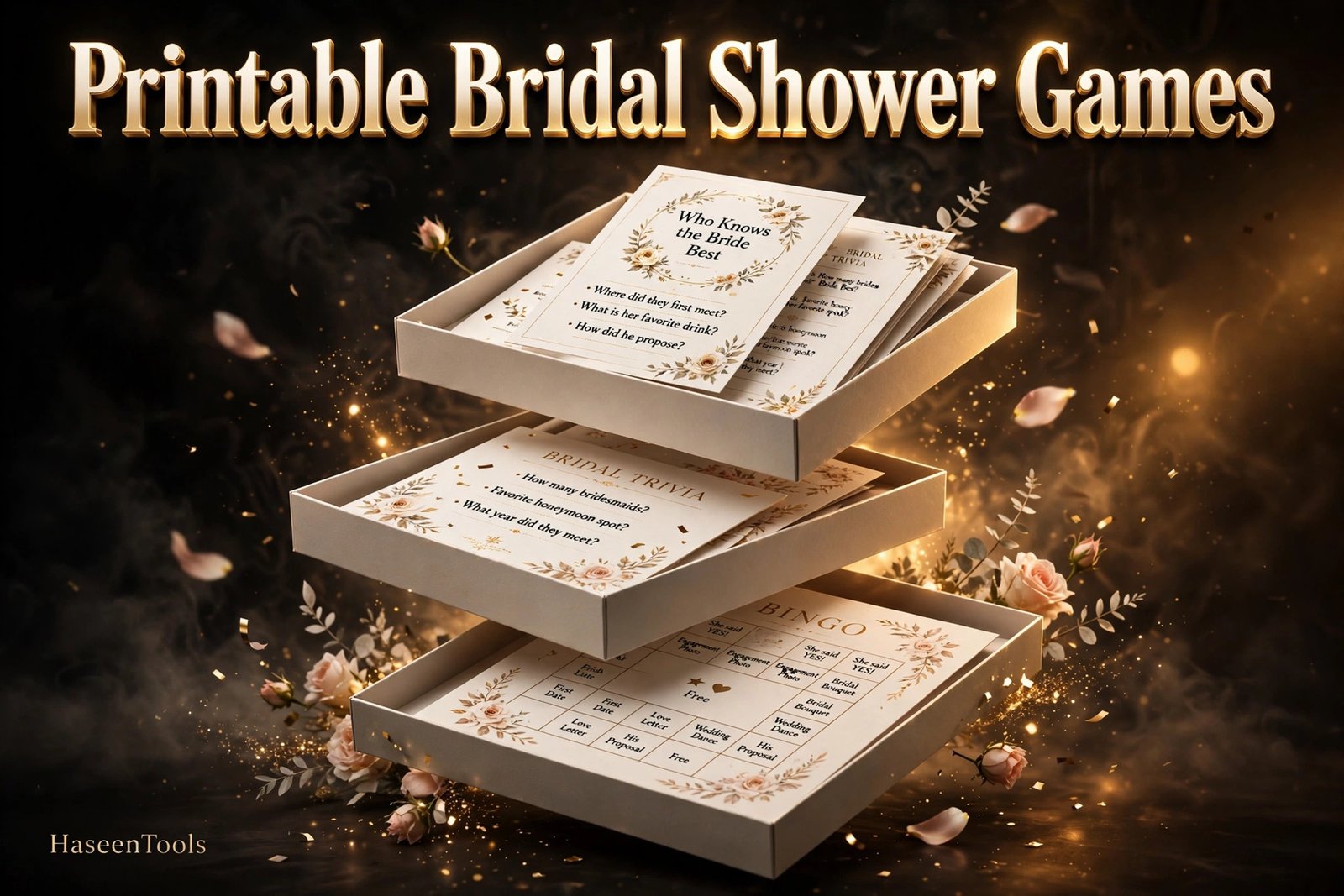
Most bridal shower hosts panic about one thing: the awkward silence between the gifts and the cake. That gap is where your printable bridal shower games earn their keep — and where you can earn your next sale. One well-designed game pack can sell again and again while you sleep, and you can build your first one in Canva this afternoon. Here is how to create and sell printable bridal shower games in Canva — which games to include, how to design the set, price it, and list it.
What Are Printable Bridal Shower Games?
Printable bridal shower games are bingo, trivia and “Who Knows the Bride Best” cards sold as instant-download PDF files. Buyers print them at home, so one design can sell hundreds of times with no shipping or stock. You design the set once in Canva and list it on your shop.
They sell well: every shower needs entertainment, and showers happen all year round. But buyers buy a matching set, not a single card — so build a bundle, not a one-off.
Step 1: Pick the Games Your Buyers Actually Want
Start with the games, not the design. Pick eight to ten games that mix easy icebreakers with friendly competition.
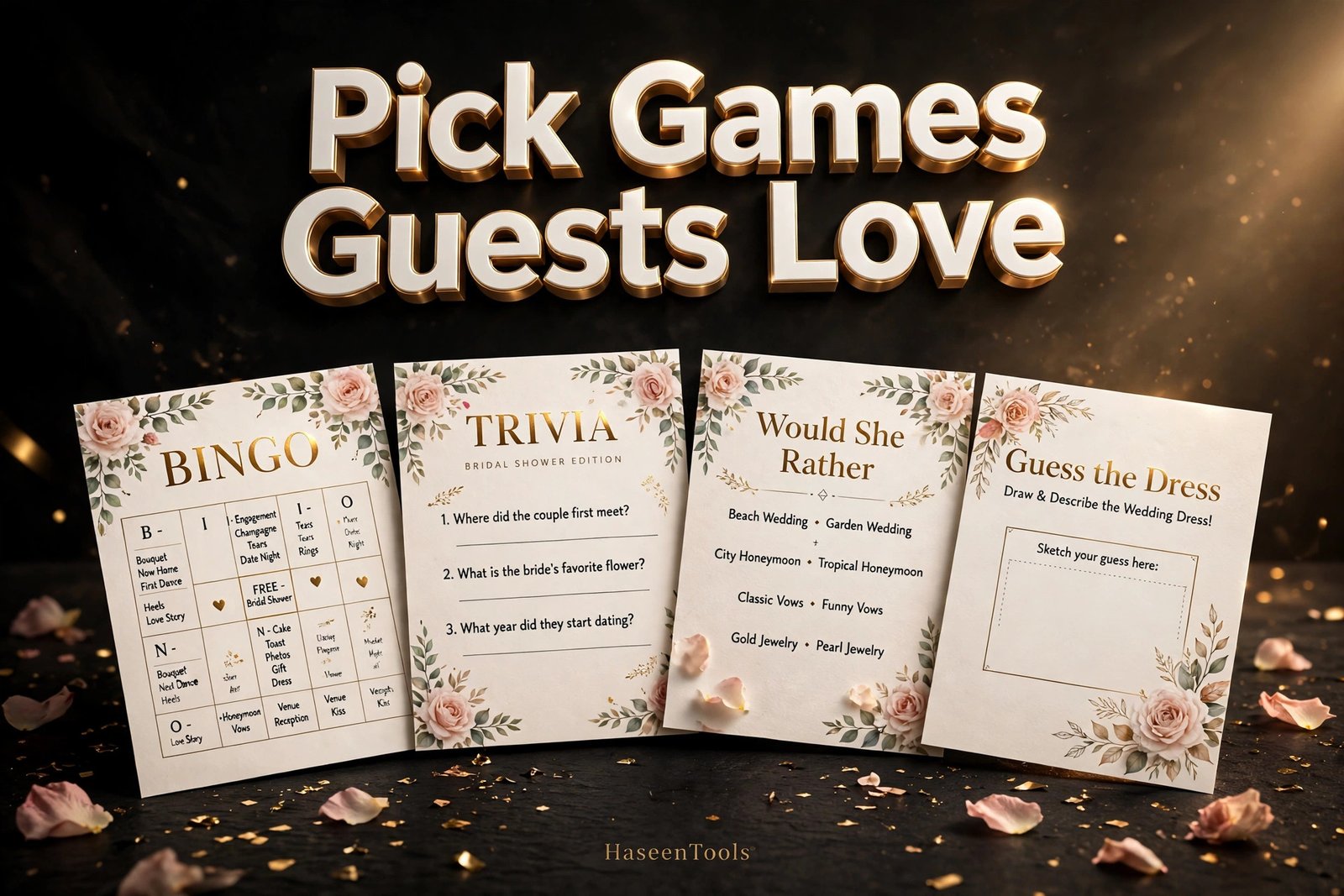
Search Etsy and Pinterest for “bridal shower games” and note the games that appear in bestseller listings again and again: Bridal Bingo, Who Knows the Bride Best, Would She Rather, Over or Under, Guess the Dress, The Newlywed Quiz, Emoji Pictionary, Ring Hunt, Advice for the Bride, and a simple word search.
Include at least one game that needs no writing, like bingo, so shy guests join in without feeling put on the spot. Avoid games that need props, timers, or long instructions — the best sellers are the ones a guest understands in ten seconds.
Example: A set of bingo, trivia, Would She Rather, Guess the Dress, and a word search suits every guest, from the bride’s grandmother to her college friends.
Pro Tip: Read the reviews on similar Etsy listings — if three say “the questions were too hard”, write easier questions.
Step 2: Plan a Matching 10-Game Bundle
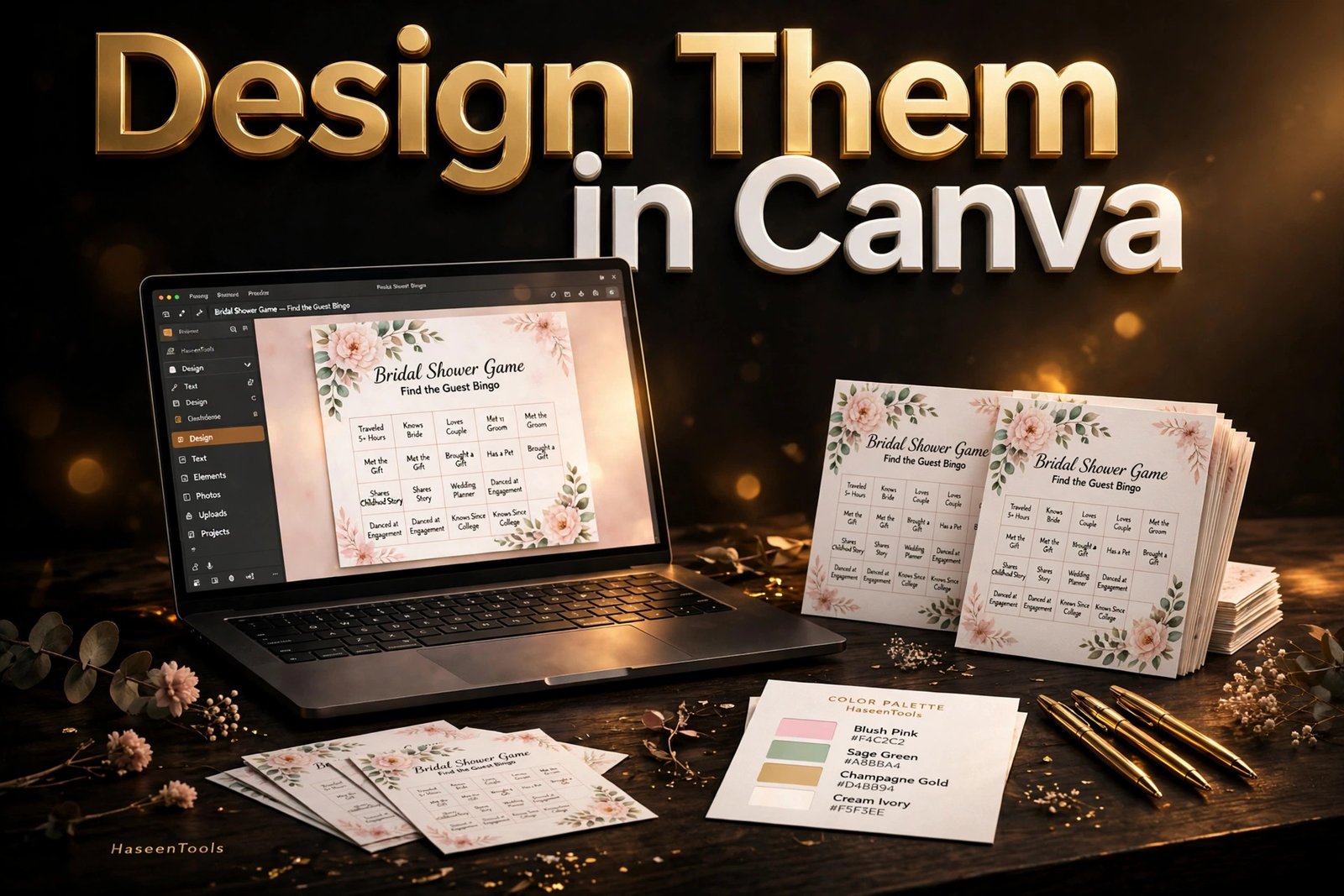
A bundle only looks like a bundle when every page shares the same theme. Before you open Canva, decide on one colour palette, one font pair, and one decorative style, then use them on every page.
Sage green and gold suits a boho garden shower. Blush pink and cream suits a classic floral shower. Write down two main colours, one accent, and the exact hex codes.
Keep every game card the same size. The 5 x 7 inch card is the most popular size: it prints two to a page on US Letter. Use it for all ten games so the PDF feels like one product.
Example: A “sage and gold boho” bundle could use hex #A8B5A0, #C9A227, and #F7F3EC. Ten games plus a cover and an answer key gives you a tidy 12-page PDF.
Pro Tip: Design the cover page first. It is the first photo in your listing.
Step 3: Design the Games in Canva
Open Canva and build each game. A free Canva account is enough to start — you do not need Canva Pro for your first pack.
Create a custom design at 5 x 7 inches for each printable bridal shower game in Canva. You can start from a Canva game template, but change the fonts, colours, and layout, and write your own questions — never sell the template as you found it. Canva’s rules do not allow you to sell its content on its own, so the finished printable must be your own original design.
Use one font for titles and one for questions. Keep question text at 14pt or larger, and leave a 0.25-inch margin around every edge so nothing gets cut off. Duplicate your first finished page for the next game, so the header and fonts stay identical.
Example: For “Who Knows the Bride Best”, put the title at the top and twelve questions in two columns with an answer line under each. Add a “Name:” line and a one-line “How to play” footer.
Pro Tip: Print one test page at home before you design the rest. If the text looks small or the colours print darker than on screen, fix it now.
Step 4: Add the Answer Key and Print-Ready Files
A game pack without an answer key is an unfinished product. A missing key is one of the most common complaints in printable reviews.
Add one page at the end with every answer. Trivia, Emoji Pictionary, and the word search need a key; bingo and Would She Rather do not. Label it “Answer Key — for the host only” so it is not handed out by mistake.
Add a one-line “How to Play” note on each card: “Mark five in a row to win” for bingo, or “The guest with the most correct answers wins” for trivia. Export the finished file as PDF Print from Canva for high print quality, then check every page for spelling mistakes, overlapping text, and cut-off edges.
Example: Your final file is one PDF: a cover, ten games, and one answer key. Name it clearly, like “bridal-shower-games-bundle-sage-gold.pdf”.
Pro Tip: Save a second version without the answer key and offer two games free as a sample for your email list.
Step 5: Price Your Pack and Write a Listing That Sells
Look at what similar bundles sell for, then price yours in the same range instead of guessing.
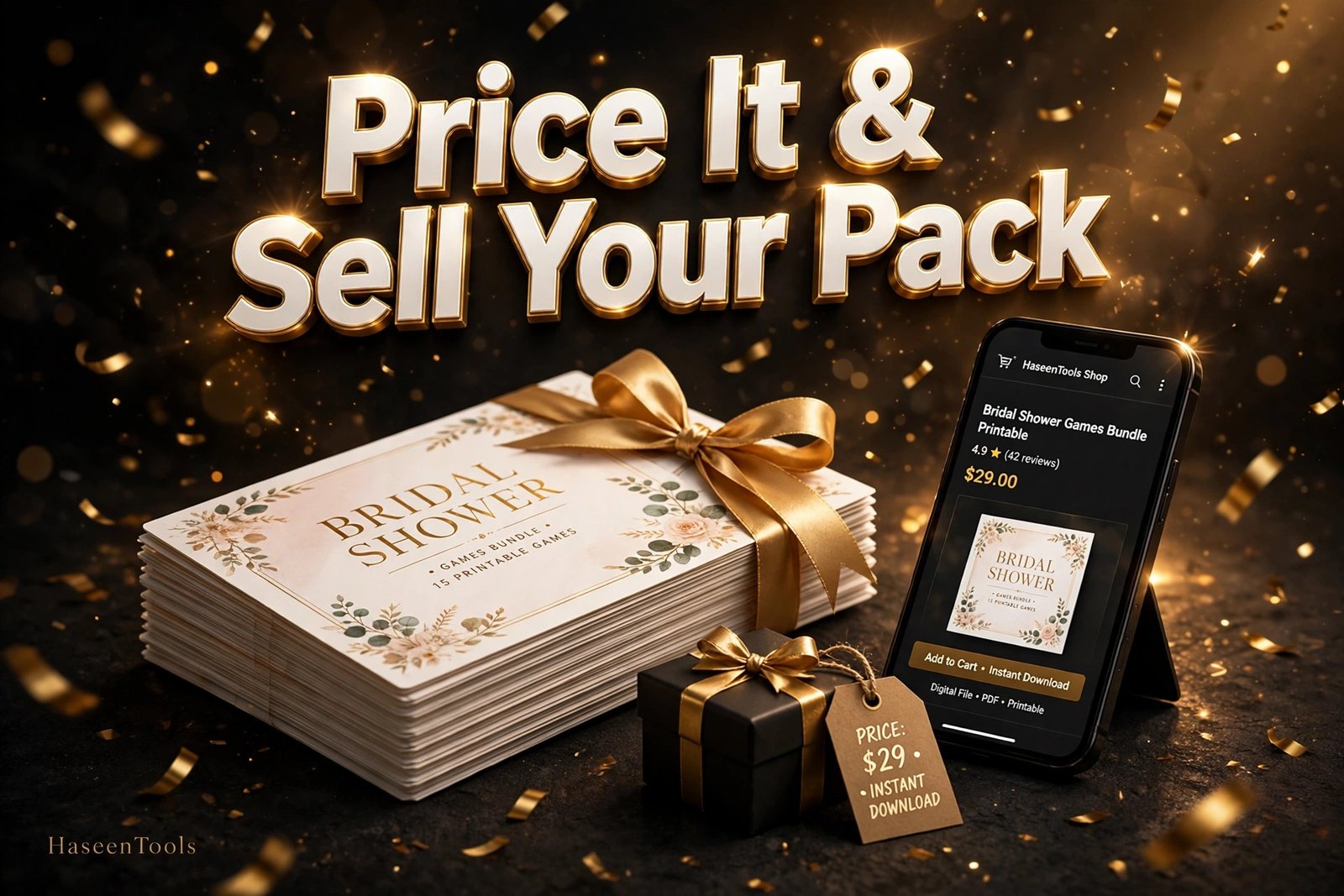
A single game card usually sells for $2 to $4. A ten-game bundle usually sells for $6 to $9. An editable Canva template version, where the buyer can change the questions, usually sells for $10 to $14. Start with the bundle price.
Use your keyword early in the listing title: “10 Printable Bridal Shower Games Bundle | Sage Green & Gold | Instant Download PDF”. In the description, list what is included, the card size, the file format, and how it works: buy, download, print at home. Say clearly that no physical item will be shipped.
Your first listing photo should be the cover page, the second three or four cards laid out together. Print one set and photograph it in daylight — real photos sell better than screenshots.
Example: A listing that reads “10 games, 5 x 7 inch cards, PDF instant download, answer key included” answers every question before buyers ask — and that turns a view into a sale.
Pro Tip: Offer the bundle in two or three colour themes instead of one. A buyer who loves your games but hates sage green will buy the blush version.
Step 6: List It on Your Shop and Promote It on Pinterest
Your own shop gives you the most control and no marketplace fees — list there first. Then list the same pack on Etsy, where bridesmaids already search for shower ideas.
Create three to five pins for each pack, each with a different photo and a keyword-rich title like “10 Bridal Shower Games You Can Print at Home”. Link every pin to the product page, not your homepage. Bridesmaids plan showers weeks ahead, so pin consistently.
Reuse the same system for your other party games: if you already sell printable wedding games or printable baby shower games, link the listings — a buyer planning a wedding often plans the shower too.
Example: One seller’s routine: list on Monday, pin five pins across the week, and add one new colour theme a month. After three months, twelve pins point at the pack and bring a steady trickle of views.
Pro Tip: Pin two to three months before peak wedding season in your buyers’ country — party printables are planned purchases, and early pins win the clicks.
Printable Bridal Shower Games: Single Game vs Bundle vs Editable Pack
| Option | Typical price | Time to make | Best for |
|---|---|---|---|
| Single game card | $2–$4 | 30–60 minutes | Testing one idea fast |
| 10-game bundle (PDF) | $6–$9 | One afternoon | Most buyers, best value |
| Editable Canva template pack | $10–$14 | One extra hour | Buyers who want to edit |
The bundle is the sweet spot: one afternoon to build, more per sale, and a complete party in one download.
Common Mistakes to Avoid
- Copying a Canva template and selling it as-is. Change the layout, fonts, colours, and every word of the questions. Original work is the rule.
- Skipping the test print. Colours print darker than on screen, and small text turns unreadable. One test page saves you from a one-star review.
- Forgetting the answer key. Trivia and word search games are useless without one, and buyers will say so.
- Designing each game in a different style. A mismatched bundle feels unfinished. One palette, one font pair, every page.
- Pricing by feeling instead of by the market. Check five similar listings first. Too cheap looks low quality, too expensive gets ignored.
- Listing it and going quiet. No pins and no promotion means nobody finds it. Five pins a week beats one big launch post.
Quick Checklist
- Ten games chosen, mixing easy and competitive
- One theme, one palette, one font pair for the whole set
- All cards designed at 5 x 7 inches
- Answer key added, “How to Play” lines on cards
- Test page printed and checked for size and colour
- PDF Print exported, all twelve pages checked for errors
- Listing written with price, size, and format
- Cover photo plus flat-lay photos uploaded
- Listed on your own shop and on Etsy
- Five Pinterest pins linking to the product page
Frequently Asked Questions
Do I need Canva Pro to sell printable bridal shower games in Canva?
No. A free Canva account is enough for your first pack. Canva Pro adds extras like the Brand Kit, but you can design, export, and sell a complete bundle without paying for anything.
Can I sell games made with Canva templates?
Yes, if you make them your own. Canva allows you to sell finished designs you created, but not its templates or elements unchanged. Change the layout, fonts, colours, and all the wording, and check Canva’s current content licence page before you list.
What size should printable bridal shower games be?
The most popular size is 5 x 7 inches. It prints two cards per US Letter page and fits on a party table. Keep every card the same size so the set feels like one product.
How much can I earn from printable bridal shower games?
It varies a lot. A $7 bundle needs about fifteen sales a month to earn just over $100, before marketplace fees. Earnings depend on your listings, their ranking, and your promotion. Treat the first pack as a test, then build more packs in the same style.
Conclusion
Printable bridal shower games are one of the simplest digital products you can sell: one afternoon in Canva, one PDF, no shipping, no stock.
- Pick ten proven games that mix easy icebreakers with friendly competition
- Design one matching set of printable bridal shower games in Canva at 5 x 7 inches, with an answer key included
- Price the bundle at $6 to $9 and list it on your own shop and Etsy
- Promote it with five Pinterest pins a week, starting months before wedding season
Your first pack does not need to be perfect — it needs to be finished and listed. Build it this week, then make the next one in a new colour theme. Browse the party games on our shop, then read our guide to printable wedding games.


5 thoughts on “How to Create and Sell Printable Bridal Shower Games in Canva: A Step-by-Step Guide”