How to Create and Sell a Printable Christmas Gift Tracker in Canva: A Step-by-Step Guide

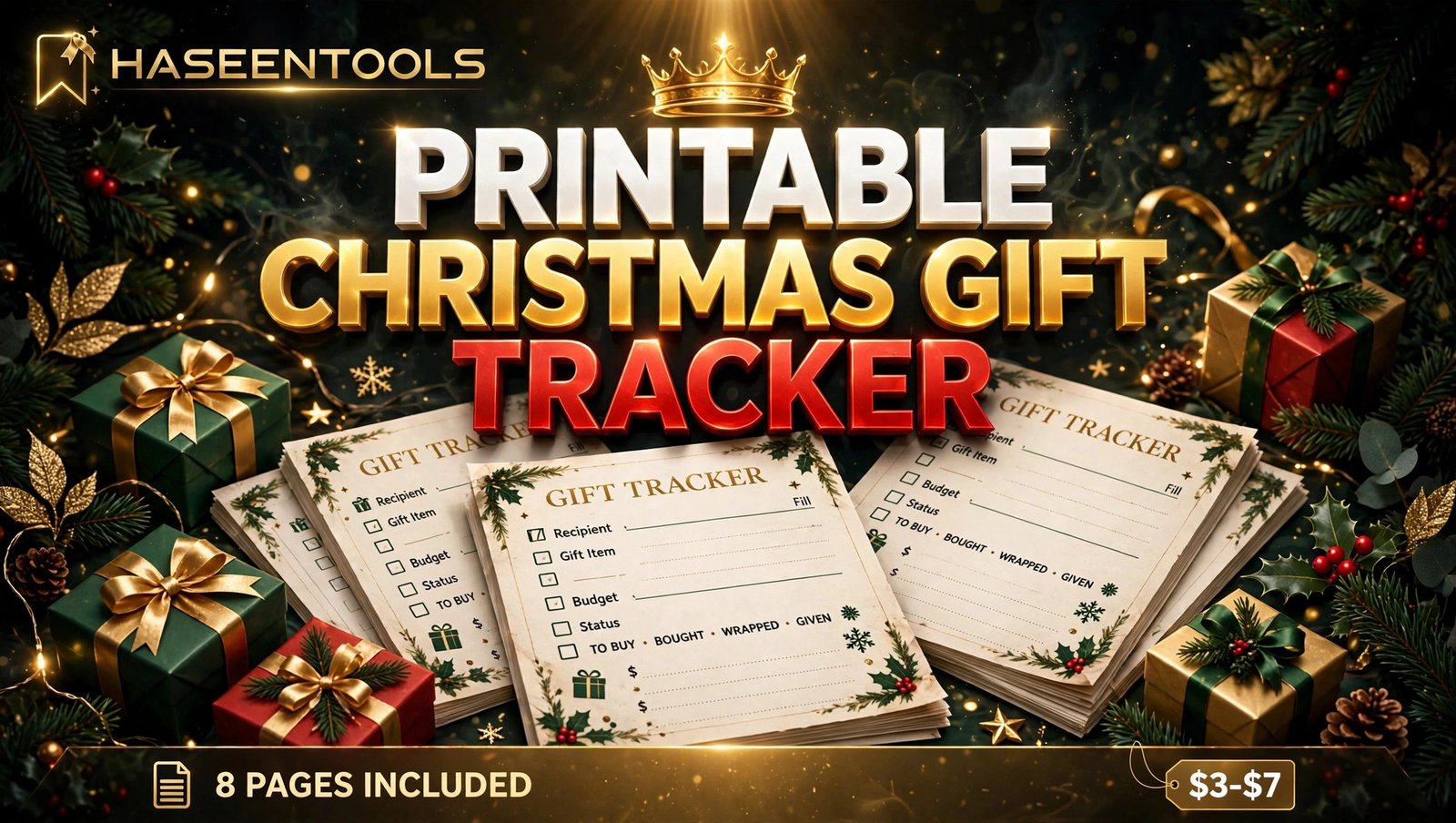
Last Christmas, Sarah bought her nephew the same dinosaur puzzle twice, and found the first one in a cupboard on Boxing Day, still wrapped, receipt long gone. She had spent over $60 on a duplicate nobody needed — and she is not the only one. Every December, shoppers lose track of who they bought for, what they spent and where they hid it. That mess is your opportunity: a printable Christmas gift tracker to sell in Canva is a small product that solves a real December problem, and you can build it in one afternoon.
In this guide, you will learn how to create and sell a printable Christmas gift tracker in Canva, step by step: pick the right buyer, design eight useful pages, price the set at $3–$7 and list it where Christmas shoppers already look. No design degree, no expensive software, no stock to store.
What Is a Printable Christmas Gift Tracker?
A printable Christmas gift tracker is a set of paper pages a shopper prints at home to plan every gift. The main page lists each person, the gift idea, the budget, and whether it is bought and wrapped. Extra pages track spending, gift ideas, stocking fillers and Christmas cards, so nothing is forgotten or bought twice.
How does a printable Christmas gift tracker work?
It works as a paper planning system for Christmas shopping. The buyer prints the pages, writes one person per row with a gift idea and budget, ticks each gift off as it is bought and wrapped, and checks the budget page for total spending.
Most buyers are busy parents and grandparents buying for a big family. They want something pretty enough to enjoy and simple enough to fill in while standing in a shop — a planner, a budget sheet and a memory aid in one bundle.
Pro Tip: Design for a fridge door, not a filing cabinet. If a buyer can read it from two steps away, they will use it all December.
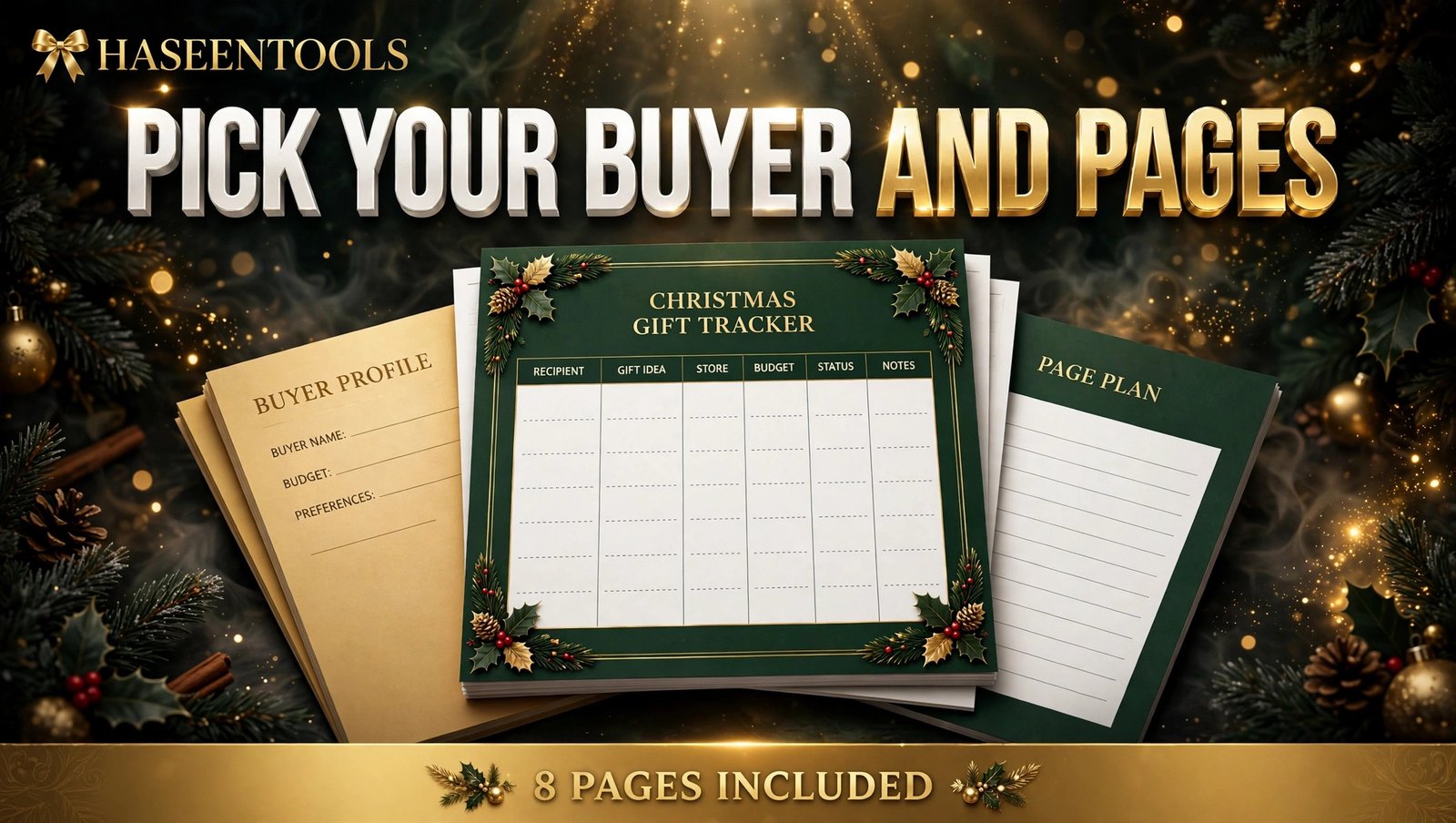
Step 1: Pick Your Buyer and the Exact Pages
What to do: Choose one buyer and decide the eight pages before you open Canva.
Exactly how: Picture one person and write their name at the top of a notebook page. A good first buyer is a mum buying for a family of five or six — she has the most gifts to track. Then list the eight pages: gift list, budget tracker, gift ideas, stocking stuffer list, wrapping checklist, Christmas card list, returns log and notes page. Every page must earn its place: if it does not help the buyer remember, spend or wrap something, cut it.
Example: “Mum of three, buying for 12 people, budget $400, shops mostly online in November.” That tells you the gift list needs 12 rows and the budget page needs a $400 total box.
Pro Tip: Count the rows before you design: twelve fit neatly on one US Letter page; twenty make a cramped mess.
Step 2: Set Up Your Canva File the Right Way
What to do: Create a print-ready Canva file for US Letter paper, with safe margins and one consistent style.
Exactly how: Open Canva, click “Create a design”, choose “Custom size” and enter 8.5 x 11 inches. Turn on rulers and margins, and keep all text at least half an inch from the edge so home printers never cut anything off. Pick two fonts — one friendly heading font, one plain body font — and two or three Christmas colours, such as deep green, warm red and soft gold. Use only free Canva elements so your design stays sellable as a PDF.
Example: Set headings at 20–24 points and table text at 11–12 points. Handwriting needs rows about half an inch tall; any smaller and it spills over.
Pro Tip: Build page one completely, then duplicate it. The same header, footer and colours make the set look like one professional product.
Step 3: Design the Gift List Page
What to do: Build the main gift list page — the page every buyer opens first.
Exactly how: Title it “Christmas Gift List” and add a small line for the year, so buyers can reuse the design next Christmas by changing one number. Add a table with six columns: Person, Gift Idea, Budget, Spent, Bought (tick box) and Wrapped (tick box), with 12 empty rows, a “Total spent” box at the bottom and a footer that reads “8 pages included”. Keep the boxes big enough for handwriting.
Example: One row might read “Dad — leather gloves — $25 budget — $22 spent — bought ✓ — wrapped ☐”. In ten seconds, the buyer sees what is done and what still needs wrapping.
Pro Tip: Add a tiny “Hidden in: ____” note under the table — forgetting where a gift is hidden is one of the most common Christmas problems.

Step 4: Add the Budget and Wrapping Pages
What to do: Design the budget tracker and wrapping checklist — the two pages that stop overspending and last-minute panic.
Exactly how: For the budget page, add one row per person with three columns: Planned, Spent and Difference, a “Total budget” box at the top ($400 is realistic) and a “Total spent so far” box at the bottom. For the wrapping page, list each gift with tick boxes for “Wrapped”, “Tag written” and “Under the tree”, plus a supplies section: paper, tape, ribbon, tags and gift bags.
Example: A buyer who planned $30 for her sister but spent $24 sees a $6 saving — the moment your tracker proves its worth.
Pro Tip: Put the budget page right after the gift list — buyers check spending most often, so the two most-used pages sit side by side.
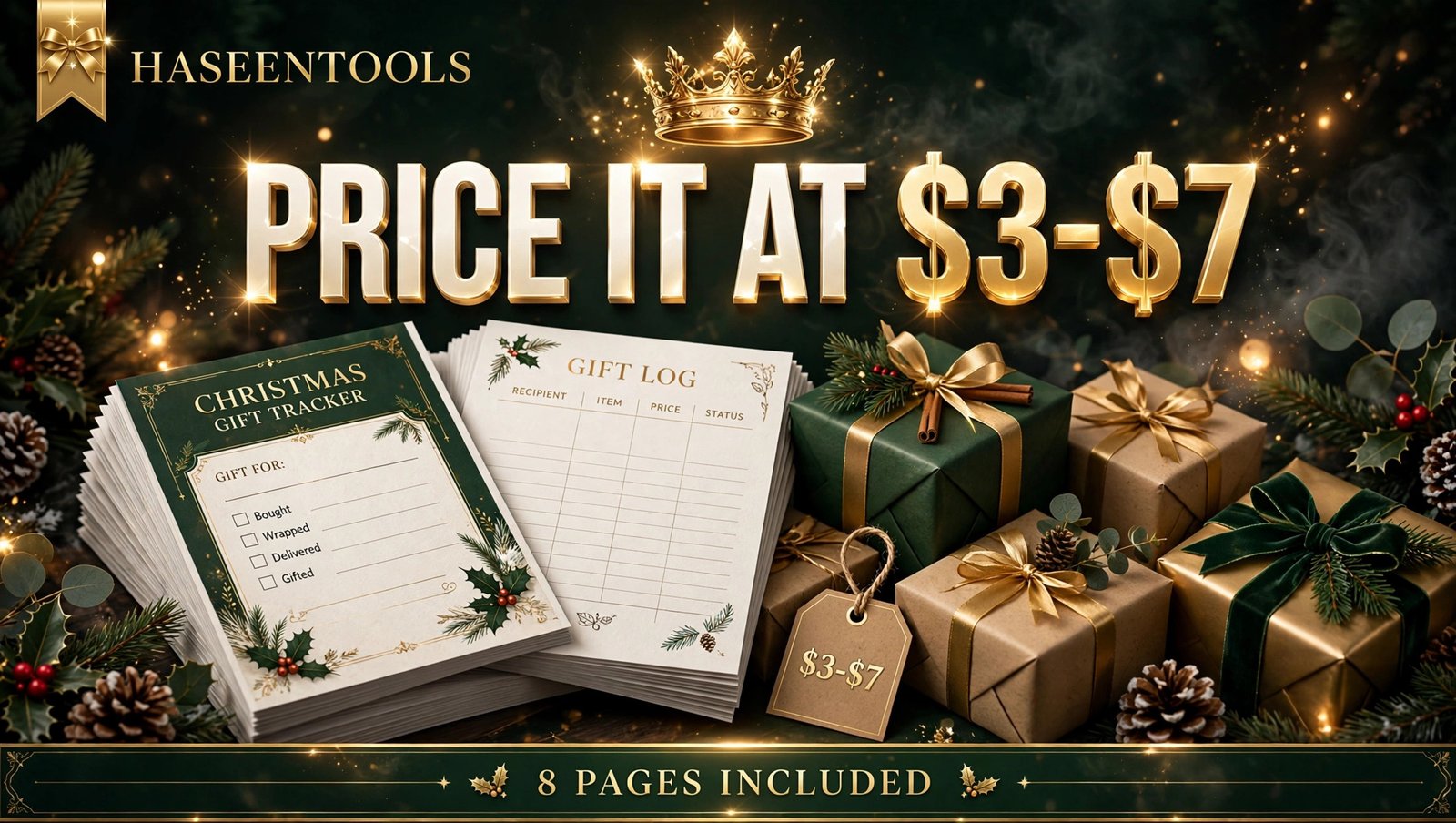
Step 5: Price It at $3–$7
What to do: Set a price that feels like an easy yes for a Christmas shopper.
Exactly how: When you price a printable Christmas gift tracker to sell, start at $3–$7 for the 8-page set: a single page can sell for $3, while the full set is worth $5–$7. Check what similar trackers sell for on Etsy first, then price yours in the same range — a first-time seller wins on value, not premium pricing. State the licence clearly: personal use only, so buyers know they can print it for their own family but cannot resell or share the file.
Example: List the set at $5 with a note such as “Christmas 2026 — print today, shop with confidence”. At $5, 20 sales make $100, and one Pinterest pin can bring that many buyers in December.
Pro Tip: Never price a first product at $1 — it signals low quality, and $1 buyers rarely leave reviews.
Step 6: Package, List and Promote It
What to do: Export a clean PDF, write a clear listing and put the tracker where Christmas shoppers already search.
Exactly how: In Canva, click Share, then Download, choose “PDF Print” and tick “Flatten PDF” to lock your fonts and layout. Print one copy and check every page: no cut-off text, tick boxes big enough to tick. Then list the PDF on Etsy or your own shop with a title that names the product and the buyer, such as “Printable Christmas Gift Tracker — 8-Page Holiday Gift List and Budget Planner”. Make three honest mockups with Canva’s free frames, list all eight pages in the description, and create two or three Pinterest pins with “Christmas gift tracker” in the title.
Example: A pin titled “Printable Christmas Gift Tracker — Never Buy the Same Gift Twice” can send buyers to your listing for weeks.
Pro Tip: List by late November at the latest. Christmas shoppers buy planners and trackers in November, not on Christmas Eve — list early and let the pins work while you design your next product.
Printable Christmas Gift Tracker vs Other Christmas Printables
| Product | Pages | Best buyer | Price range | Why it sells |
|---|---|---|---|---|
| Christmas gift tracker | 8 | Busy gift buyers | $3–$7 | Stops duplicates and overspending |
| Christmas planner | 12 | Whole-family organisers | $5–$9 | Covers meals, cards and events too |
But here is the part most people miss: the gift tracker is the cheapest product to make and the easiest to finish. A planner needs twelve pages of different layouts, while a tracker repeats one clean table — so you can build it in one afternoon.
The same buyers often pick up Christmas party games too, so the two products pair well in one shop.
Common Mistakes to Avoid
- Too many pages. A 20-page tracker sounds generous, but buyers print at home and hate wasting ink. Eight pages is enough.
- Tiny writing boxes. Rows under a third of an inch tall look neat on screen and useless on paper — test-print every page and write in it yourself.
- No budget column. A gift list without prices is just a wish list. The budget and spent columns are what turn your tracker into a money-saving tool buyers recommend to friends.
- Forgetting the year. Buyers like writing “Christmas 2026” on the cover — add a year line and update it each November for a fresh listing.
- Listing too late. A gift tracker listed on 20 December has missed its buyers. Get it live by late November, when shoppers are still planning, not panicking.
Quick Checklist
- Buyer picked: busy gift buyer, family of five or six
- Eight pages planned: gift list, budget, ideas, stocking fillers, wrapping, cards, returns, notes
- Canva file: US Letter, 8.5 x 11 inches, safe margins on
- Gift list page built: 12 rows, six columns, total spent box
- Budget and wrapping pages finished and test-printed
- Price set at $3–$7, personal-use licence stated
- PDF exported as PDF Print, flattened, test copy printed
- Listed on Etsy or your own shop by late November
- Two or three Pinterest pins with “Christmas gift tracker” in the title
Frequently Asked Questions
Can I sell a printable Christmas gift tracker made in Canva?
Yes — it works as a PDF, as long as your design is original and uses only free Canva elements or your own uploads. Designs with Pro content can only be sold as editable template links, not as PDFs, so check every element before you list it.
How many pages should a Christmas gift tracker have?
Eight pages is the sweet spot: gift list, budget tracker, gift ideas, stocking stuffers, wrapping checklist, Christmas card list, returns log and notes page — everything a buyer needs without wasting ink.
What should I charge for a printable Christmas gift tracker?
Charge $3–$7. A single page sells at the lower end, while a full 8-page set is worth $5–$7. Price inside the range other Etsy sellers use, and let good reviews build your sales.
Do I need Canva Pro to make a Christmas gift tracker to sell?
No. Canva’s free plan has enough fonts, shapes and elements to build a clean, pretty tracker, and free elements keep your PDF legal to sell. Pro adds extras, but it is not required for your first product.
Conclusion
A printable Christmas gift tracker to sell is one of the simplest digital products you can make — and one of the most useful in December. Pick one buyer, design eight clean pages in Canva, price the set at $3–$7 and list it before the rush.
- Eight pages are enough: gift list, budget, ideas, stocking fillers, wrapping, cards, returns and notes.
- Design for real hands: big rows, safe margins and a test print beat fancy decoration.
- Price it at $3–$7: an easy yes for shoppers, fair pay for your afternoon.
- List by late November: Christmas shoppers plan early, and your pins need time to reach them.
Open Canva today, set up your US Letter file, and build page one. Your first sale could save someone from buying the same dinosaur puzzle twice.