

How to Create and Sell a Printable Grocery List in Canva: A Step-by-Step Guide

Last Tuesday, a mum opened her fridge, saw an empty milk carton, and drove to the shop for the third time that week. Each trip cost 40 minutes and about $12 in extras she never planned to buy — a simple list on the fridge would have saved both.
That tiny piece of paper is also a product you can sell. A printable grocery list to sell is one of the easiest first products a beginner can make in Canva — no drawing skill, no writing skill, no big budget, just a clean layout, honest categories and a file buyers can print again and again.
In this guide you will design an 8-page set, price it at $3–$7 and list it where shoppers already look. By Sunday, your first printable could be live.
What Is a Printable Grocery List?
A printable grocery list to sell is a shopping sheet, a PDF that organises food shopping into sections such as produce, dairy and pantry. To sell one, design an 8-page set in Canva, export it as a PDF, price it $3–$7 and list it on Etsy or your own shop.
Most buyers print the pages at home and stick one on the fridge or keep a copy in the car. Your job is to make the page so clear that a tired parent can fill it in while holding a toddler.
That is why it works for beginners. You are not teaching a skill or telling a story — you are solving a weekly chore with boxes, lines and checkboxes.

Why Grocery Lists Sell So Well
Every household shops for food — that is the whole secret. A grocery list is not a trend or a hobby; it is a chore every family repeats 50 times a year.
Here is the part most people miss: the buyer is not buying paper. She is buying the feeling of walking into the shop once and coming home without the “I forgot the bread” moment — for less than the price of a coffee.
Three things make it a strong first listing. First, it is quick to design — one afternoon, not one month. Second, it is cheap to test — print it at home and try it on your own shopping trip. Third, it pairs with everything else in a kitchen: a printable meal planner, a printable recipe binder and a printable cleaning schedule all sell to the same buyer.
Step 1: Pick Your Buyer and Your List Style
What to do: Choose one buyer before you open Canva — a list for a busy family of five looks nothing like one for a single person who meal-preps on Sundays.
Exactly how: Write down your buyer in one sentence, then pick one list style to match her. A weekly family shopper needs big sections and a budget line. A meal-prep buyer needs a list that matches a weekly menu. A budget buyer needs a running total column. Pick one — do not try to serve all three on one page.
Example: “A mum of three who shops once a week and wants to stop forgetting things.” Her list gets six store sections, a “this week” header and a small budget box at the bottom.
Pro Tip: One buyer, one style — a list that tries to please everyone ends up pleasing no one.
Step 2: Plan Your 8 Pages
What to do: Sketch all 8 pages on paper before you touch Canva. A set sells better than a single page because the buyer feels she is getting a whole system.
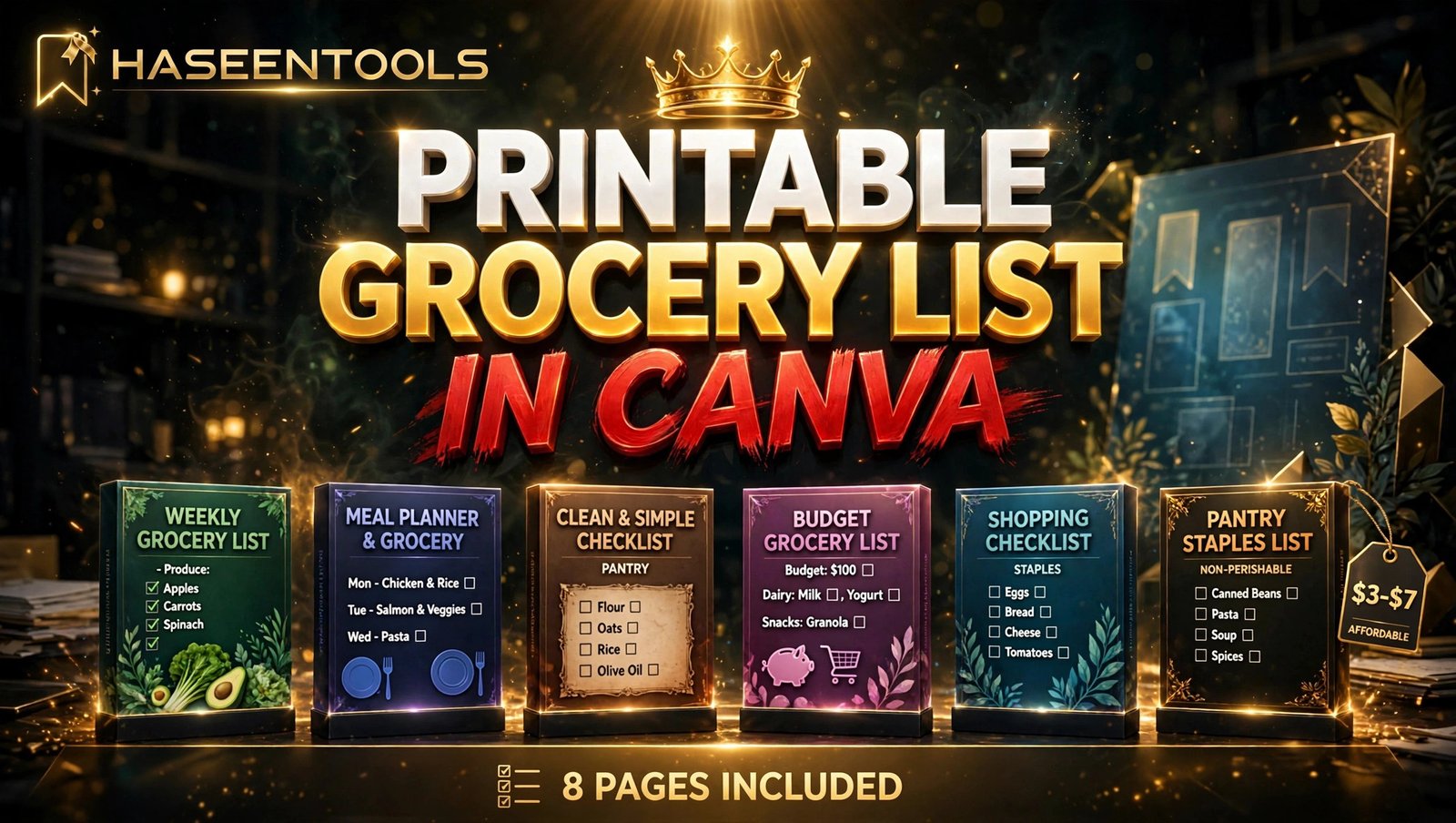
Exactly how: Give each page one job. Page 1 is the main weekly list. Page 2 is a pantry and freezer stock-up list. Page 3 pairs a meal plan with its shopping list. Page 4 tracks planned versus spent. Page 5 covers two shops. Page 6 is blank notes. Page 7 is a fridge list for midweek run-outs. Page 8 is a top-up list for quick trips.
Example: Your budget page has four columns — item, planned price, actual price, difference — and 12 rows. One fill-in shows the buyer exactly where her money went.
Pro Tip: Keep the page count at 8. Buyers print what they use — and 8 pages print fast.
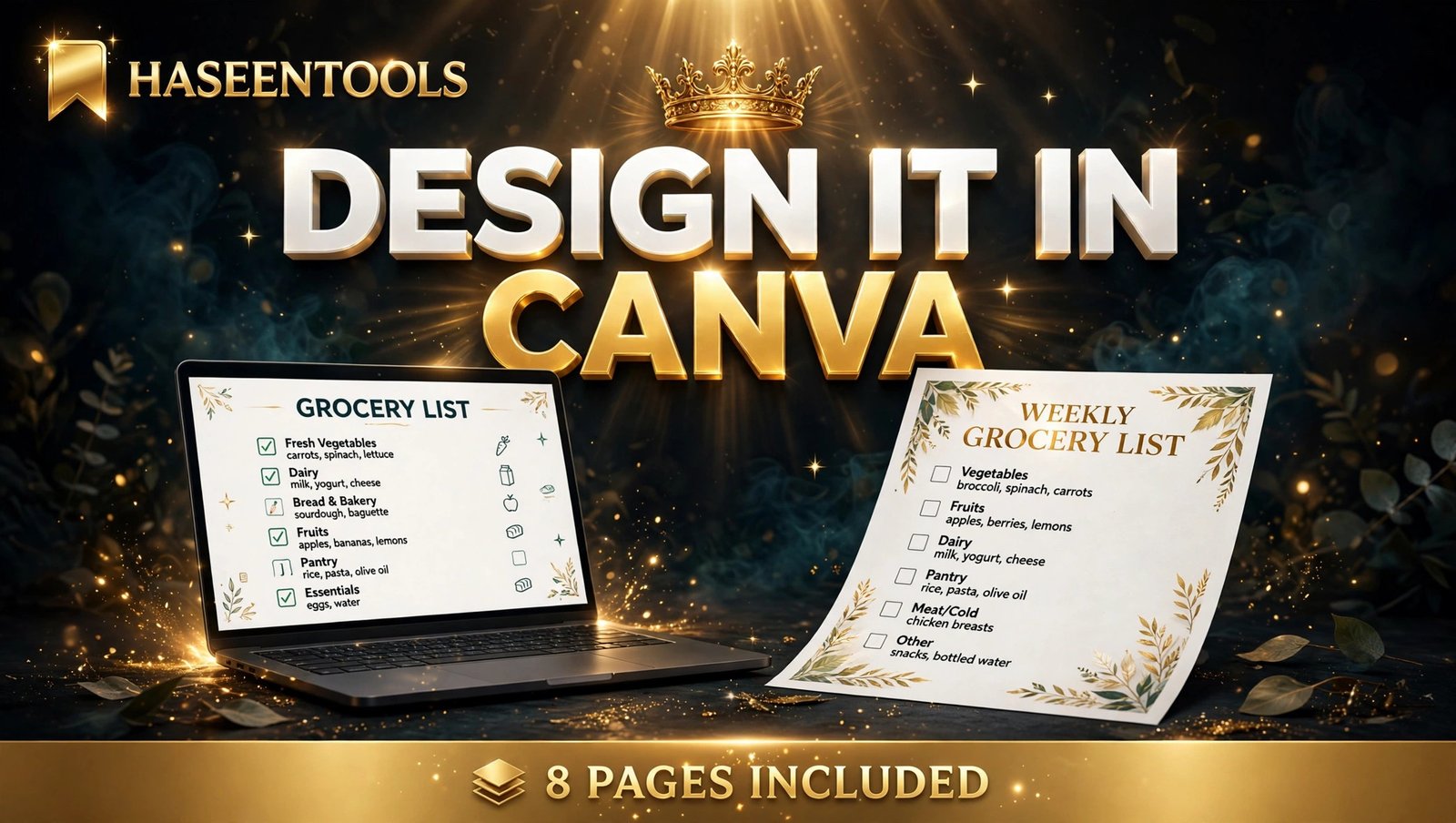
Step 3: Design It in Canva
What to do: Build the set in Canva on a US Letter page, 8.5 by 11 inches, portrait — the size most home printers expect, so pages print without shrinking or cutting off edges.
Exactly how: Set half-inch margins on every side. Use one clean font for headings and one plain font for list lines — two fonts, no more. Draw checkboxes about a quarter of an inch square so a pen tick fits. Put a thin line under every row so handwriting stays straight. Keep colours soft and light so the page uses little ink.
Example: Bold dark-green headings, dark-grey list lines, a pale cream header band. A buyer prints 8 pages and her ink cartridge barely notices.
Pro Tip: Test one page in black and white first. If it reads clearly without colour, it will print well on any printer.
Step 4: Test-Print It and Fix the Flaws
What to do: Print the whole set and use it for one real shopping trip — a design perfect on screen often fails on paper.
Exactly how: Print all 8 pages on normal home paper. Fill in the weekly list by hand, take it to the shop, and tick items off as you buy them. Note every problem: a checkbox too small to tick, a section with too few lines, a heading that is hard to read in dim kitchen light. Fix each one in Canva and print that page again.
Example: Your first test may show 8 produce lines where your family buys 14 fresh items a week. Add 6 more lines and shrink the header band to make room.
Pro Tip: Ask a friend to fill in a page without help. If she pauses or asks a question, that spot needs a fix.
Step 5: Price It at $3–$7 and Package the Files
What to do: A printable grocery list to sell works best as one PDF for $3–$7 with a personal-use licence — the price buyers already pay for small printables, low enough for an impulse buy.
Exactly how: Export the set from Canva as a print-ready PDF and name it clearly, for example “printable-grocery-list-8-pages.pdf”. Add a short licence note to your listing: personal use only, print as many copies as you like for your own household, do not share or resell the file. Add a one-page “how to print” note: print at 100 percent scale on US Letter or A4.
Example: A $5 listing with a clear mockup of all 8 pages outsells a $3 listing with one blurry photo. Buyers pay for confidence, not just paper.
Pro Tip: Never promise a commercial licence unless you mean it. A personal-use licence keeps your terms simple and your buyers happy.

Step 6: List It and Get Your First Sales
What to do: List the set where shoppers already search for printables — Etsy first, then your own shop. A listing nobody sees cannot sell.
Exactly how: On Etsy, put the keyphrase in your title and first sentence, then add 13 tags buyers type, such as “grocery list printable”, “weekly shopping list” and “meal planning printable”. Upload a mockup showing all 8 pages at once, plus one close-up of the main weekly list. On your own shop, link it from your kitchen printables category so a meal planner buyer sees it too.
Example: Pin the mockup on Pinterest as “Printable Grocery List — 8 Pages for a One-Trip Shop”. One pin a day for a week costs nothing and reaches mums who buy meal planners.
Pro Tip: Your first 10 sales matter more than your first 10 listings. Answer every buyer message fast and ask happy buyers for a review.
Single Page or 8-Page Set — Which Sells Better?
| Option | Pages | Price | Best for |
|---|---|---|---|
| Single weekly list | 1 | $1–$2 | A buyer who wants one quick page |
| 8-page grocery set | 8 | $3–$7 | A buyer who wants a full system |
| Meal planner + list bundle | 12+ | $7–$12 | A buyer planning meals and shopping together |
The 8-page set is the sweet spot for a first product: one afternoon to make, generous in listing photos, and $3–$7 is an easy yes. The single page is too cheap to be worth your listing time, and the big bundle is a second product, not a first one.
Common Mistakes to Avoid
- Tiny checkboxes. If a pen tick does not fit inside the box, buyers will complain — make every checkbox at least a quarter of an inch square.
- Too many sections. Ten sections on one page means three lines each, and nobody fits a real shop into three lines. Six sections with room to write beats ten cramped ones.
- Dark backgrounds. A dark page drinks ink and prints slowly. Keep backgrounds pale and save bold colour for headings.
- No budget line. Buyers who track spending skip a list with no place to write the total. Add a small “total spent” box on the main page.
- Forgetting the print note. Buyers print on different paper sizes. One line — “print at 100 percent on US Letter or A4” — stops most support messages before they start.
Quick Checklist
- One buyer chosen, written down in a single sentence
- All 8 pages planned, each with one clear job
- US Letter size, half-inch margins, two fonts only
- Checkboxes big enough for a pen tick
- Full set test-printed and used on a real shopping trip
- Exported as a print-ready PDF with a clear file name
- Priced at $3–$7 with a personal-use licence note
- Listed on Etsy and your own shop with an 8-page mockup
Frequently Asked Questions
Do I need Canva Pro to make a printable grocery list to sell?
No. The free version of Canva is enough: text boxes, lines, shapes and a PDF export are all free. Canva Pro adds nicer fonts and photos, but a clean list sells on clarity, not decoration.
What size should a printable grocery list be?
US Letter, 8.5 by 11 inches, portrait. It fits standard home printers in the US, and most buyers elsewhere can print it on A4 with “fit to page” — tell buyers to print at 100 percent scale.
How much can I earn from a printable grocery list?
A set at $3–$7 will not make you rich alone. Its real value is as a first product: it teaches you design, pricing, listing and reviews, and it brings buyers into your shop, where they often add a meal planner or recipe binder to the same order.
Can buyers edit the grocery list in Canva?
Only if you sell it as a Canva template link — a different product. Most buyers want a ready-to-print PDF they can use straight away. Sell the PDF first; offer an editable version later if buyers ask for it.
Conclusion
A printable grocery list to sell is a small product with a big advantage: every household needs one weekly. You need no design training or large budget — just a clear layout, an honest price and a listing buyers can find.
- Pick one buyer and one list style before you design anything
- Build an 8-page set in Canva, test-print it, and fix what fails on paper
- Price it at $3–$7 with a personal-use licence and list it on Etsy and your own shop
Open Canva today and sketch your 8 pages. Your first printable could be live by Sunday — and your first buyer could be the mum who never forgets the milk again.