How to Create and Sell a Printable Lesson Planner in Canva: A Step-by-Step Guide

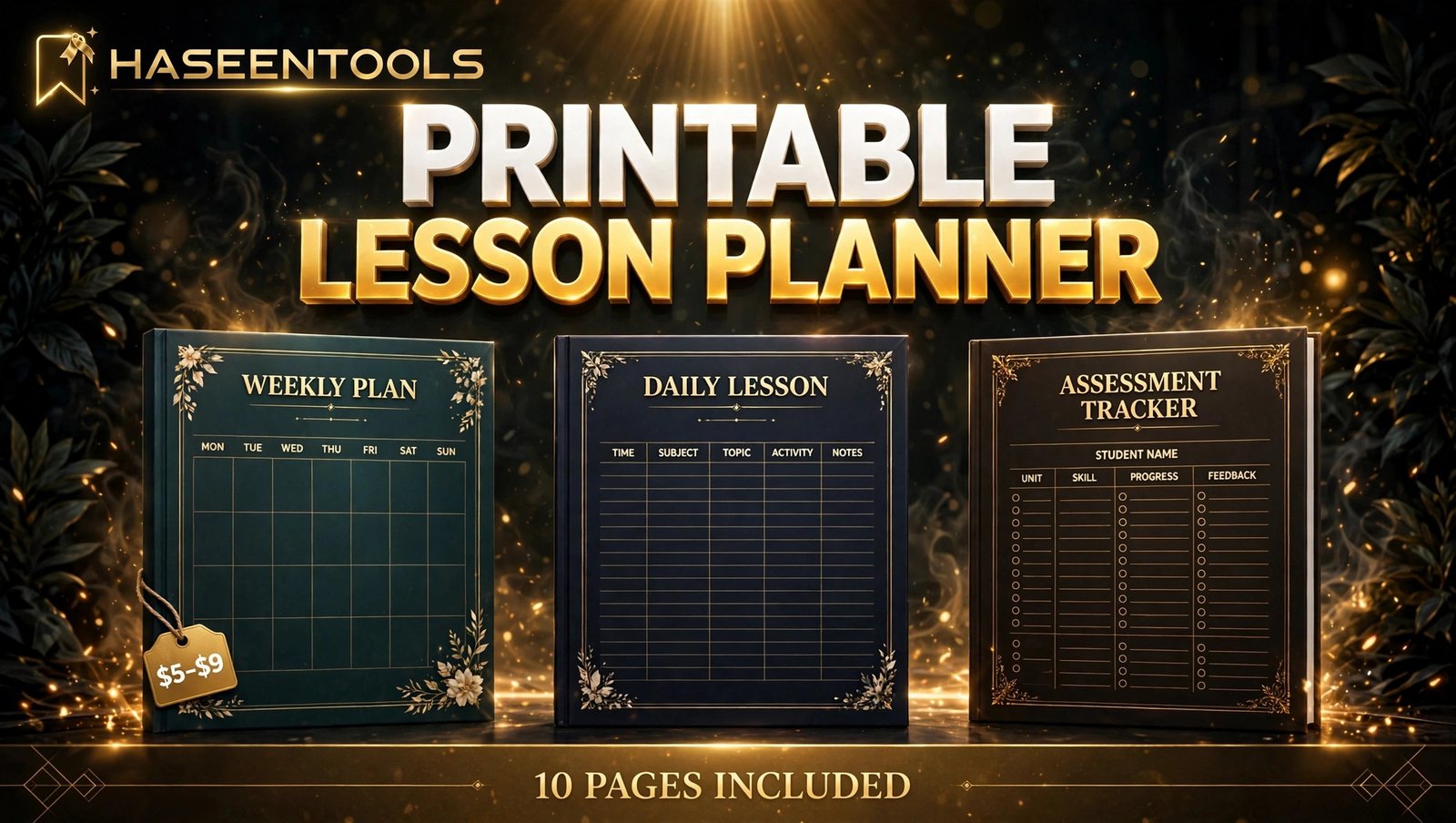
Every Sunday night, the same scene plays out in staff rooms everywhere: a teacher sits down with a notebook and a cup of tea, and writes out the week’s lessons by hand. Again. A printable lesson planner to sell turns that weekly chore into your product — a neat set of pages a teacher prints, fills in with a pen, and uses all term.
This guide walks you through the whole job in six steps.
What Is a Printable Lesson Planner?
A printable lesson planner to sell is a ready-made PDF set of lesson-planning pages that a teacher downloads, prints at home, and fills in by hand. It usually holds ten pages: a weekly grid, a daily lesson page, a unit overview, a materials list and an assessment tracker.
It is not the same as a teacher planner. A printable teacher planner organises the whole term — timetables, class lists, grades and parent contacts. A lesson planner zooms in on one lesson at a time: what you will teach, how you will teach it, and how you will know it worked. A teacher who already owns a term planner will still buy one, because it solves a different job.
Homeschool parents plan the same way, and a printable homeschool planner uses the same ten-page idea for one family.
But here is the part most people miss: teachers do not buy pretty pages. They buy pages that survive a real school day. A page that looks lovely on a laptop and falls apart at 9 a.m. on a Monday earns a one-star review, not a repeat buyer.
Step 1: Pick One Teacher and One Lesson Type
What to do: Choose one specific buyer before you design anything. A planner made for “teachers” fits nobody. A planner made for a primary-school English teacher fits one person perfectly — and that person recognises it in seconds.
Exactly how: Write down three facts about your buyer: the age group they teach, the subject, and the length of one lesson. Then check real buyers exist: search Etsy for “lesson planner printable” and open three best-selling listings. If they all show a weekly grid and a daily lesson page, your buyer expects those two pages too.
Example: Pick “primary-school teachers planning 45-minute English lessons”. Your pages will have space for a warm-up, a main activity, a reading slot and a plenary. A secondary maths teacher needs different boxes — which is why you pick one buyer.
Pro Tip: If you already sell a planner, pick the buyer next door. A printable teacher planner buyer is one step away from a lesson planner buyer.
Step 2: Map Your 10 Pages
What to do: List every page before you open Canva. Ten pages is the sweet spot for a printable lesson planner to sell: enough to feel complete, small enough to finish in a weekend. Each page does one job.
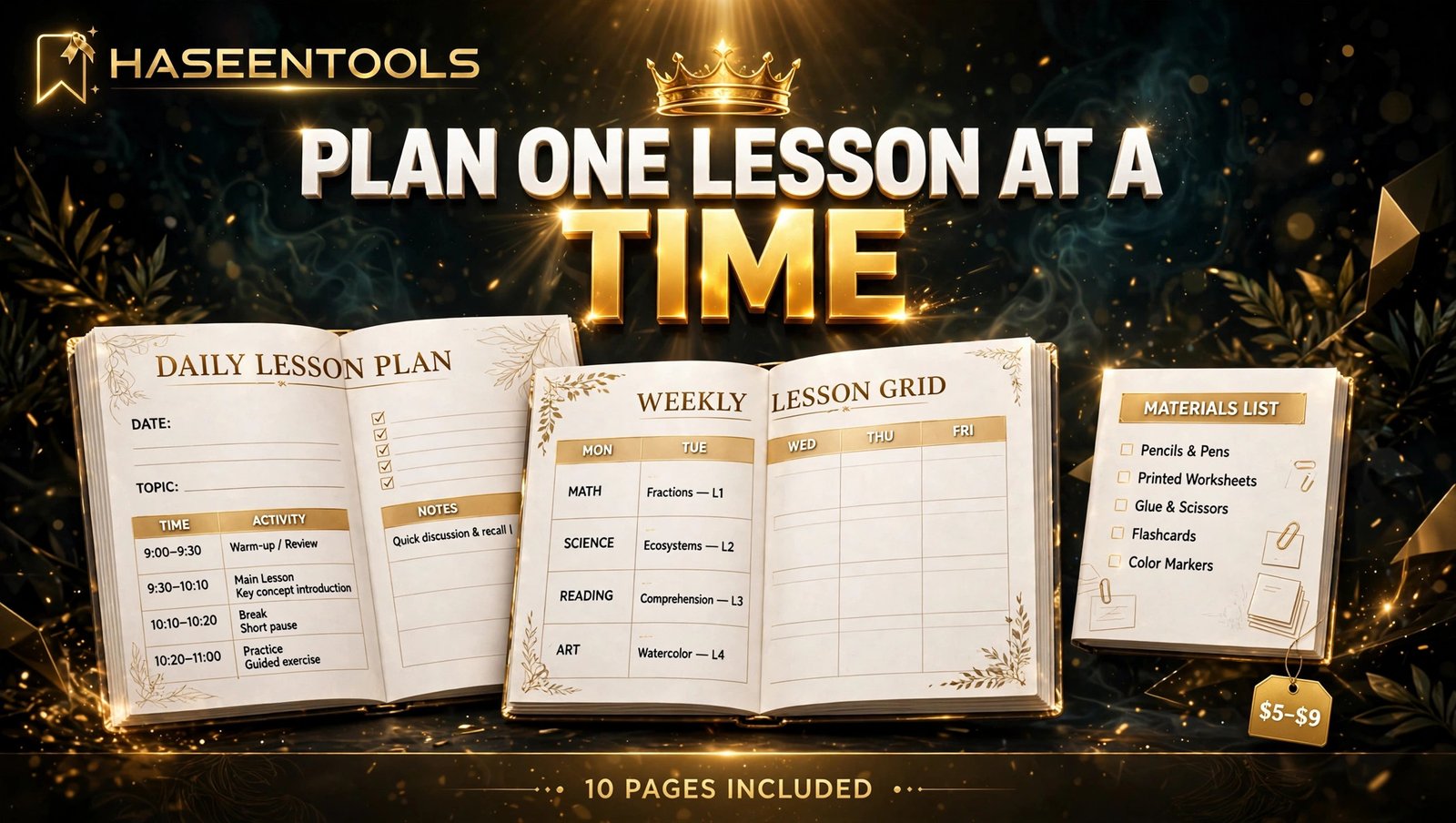
Exactly how: Sketch the list on paper first. A strong 10-page set looks like this: cover, weekly lesson grid, daily lesson plan, unit overview, materials list, assessment tracker, seating plan, homework log, substitute notes, and a reflection page. If two pages do the same job, merge them. If a page has no clear job, cut it.
Example: The daily lesson plan is your hero page: objective at the top, a timed activity column down the middle, materials on the side, and a small “what worked” box at the bottom. The substitute notes page is the opposite — five lines and a timetable box.
Pro Tip: Keep one page out of the set on purpose. A “bonus” page you add later gives you a reason to raise the price on version two.
Step 3: Set Up Canva and Build the Master Page
What to do: Build one master page first — the size, fonts, colours and margins every other page copies. This is the step that makes your set look like one product instead of ten separate worksheets.
Exactly how: In Canva, create a custom design at US Letter size, 8.5 x 11 inches, then duplicate it at A4, 8.27 x 11.69 inches, so buyers on both paper sizes are covered. Pick two fonts and three colours. Set a safe margin of at least half an inch on every side so home printers never clip your text. Build the cover page first, then reuse its header, footer and colour blocks on every page.
Example: A calm look works best: cream background, dark navy headings, one soft accent colour. Light backgrounds save ink, and pale lines still show up after photocopying.
Pro Tip: Use only free Canva elements, or elements you have the right to sell as part of a finished design. Never sell Canva stock graphics unchanged.
Step 4: Design the Lesson Plan Page
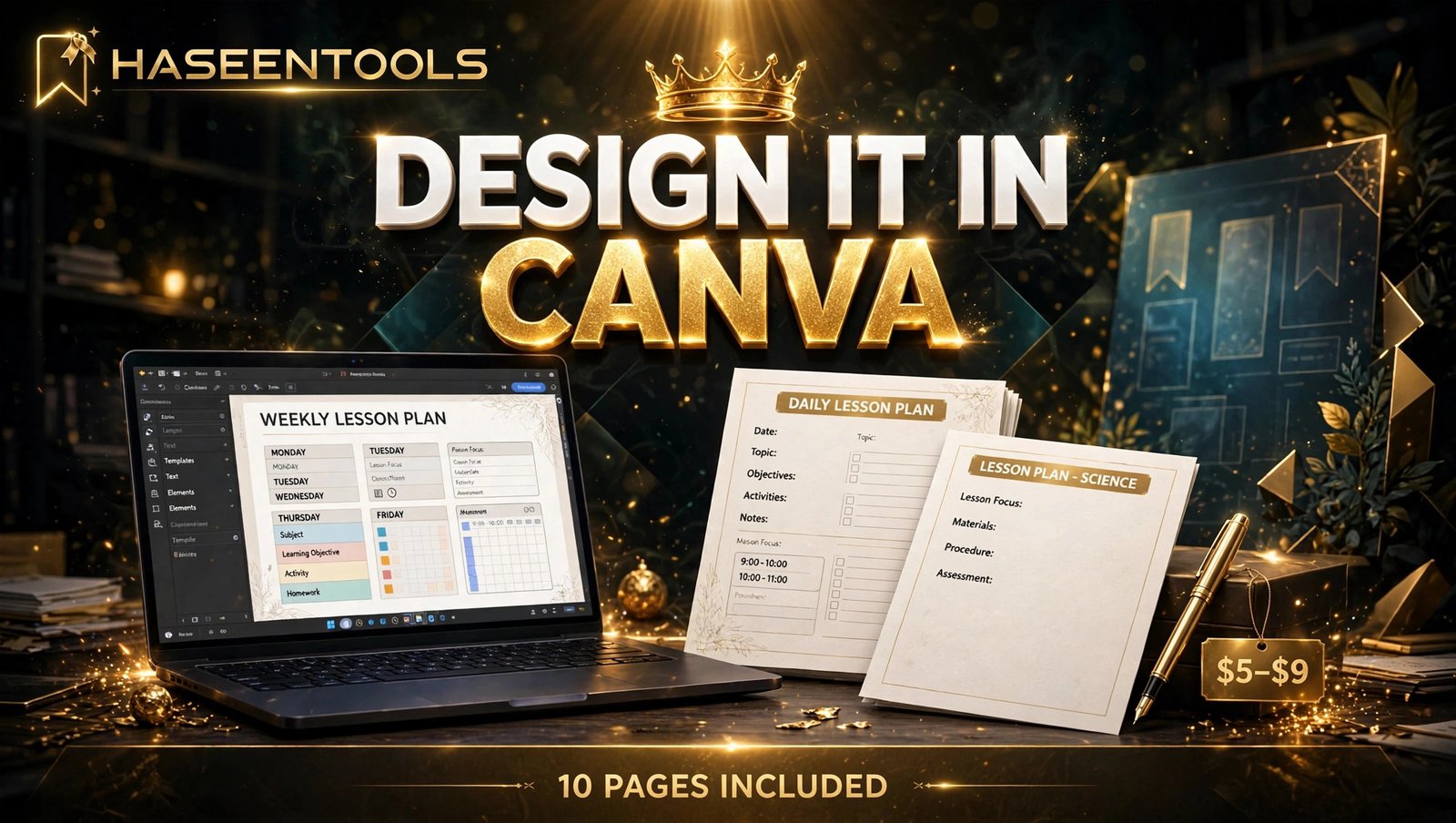
What to do: Design the daily lesson plan page — the page your buyer photographs for the listing and uses every single day. If this page works, the whole set works.
Exactly how: Divide the page into clear zones. Top: date, class, subject and lesson objective in one line. Middle: a timed table with three columns — time, activity, and notes. Side: a narrow materials box and a small assessment box. Bottom: two lines for “what worked” and “change next time”. Leave every writing box taller than you think it needs to be.
Example: A 45-minute lesson fills the table like this: 0–5 warm-up, 5–15 teaching input, 15–35 main activity, 35–40 pair work, 40–45 plenary and homework. When you test the page, write a real lesson into it in pen. If your handwriting does not fit, the boxes are too small.
Pro Tip: Add a tiny “resources needed” tick list on the side — whiteboard, handout, video link. It stops the mid-lesson scramble for missing materials.
Step 5: Test Print the Whole Set and Fix What Breaks
What to do: Print all ten pages, fill them in by hand, and fix every problem you find. Screens hide pale colours and thin lines. Paper shows them all.
Exactly how: Print on a normal home printer, in black and white as well as colour, because many teachers print in black and white at school. Write a full week’s lessons into the pages with a normal pen. Check three things on every page: does anything clip at the edges, can you read every label, and is there enough room to write? Fix the worst problem first, then reprint only that page.
Example: The weekly grid often breaks first: seven columns across a portrait page leave each day too narrow to write in. Fix it by switching the grid to landscape, or splitting the week across two pages.
Pro Tip: Ask one real teacher to try the set for a week before you list it. Their worst complaint is your most valuable edit.
Step 6: Price It at $5–$9 and List It
What to do: Price the 10-page set at $5–$9, write a listing that names the buyer and the page list, and put it where teachers already shop.
Exactly how: List on Etsy and on your own shop. Your listing title should say who it is for and what it is: “Printable Lesson Planner for Primary Teachers — 10 Pages, US Letter + A4”. Open the listing with the buyer and the page list, not with your story. Show photos of the printed pages, not just the cover — buyers pay for pages they can see. Add a personal-use licence line so buyers know the file is for their own classroom, not for sharing or reselling. Then make three Pinterest pins from the cover and the daily lesson page.
Example: At $7, a buyer pays 70 cents a page and can reprint pages all school year. A 10-page set at $7 sells more easily than a 20-page set at $15, because the price feels like a small decision, not a gamble.
Pro Tip: Launch with a second version in mind. A “primary English” set today becomes a “primary maths” set next month.
Printable Lesson Planner vs Other Teacher Products
| Product | Pages | Best buyer | Price | Effort to make |
|---|---|---|---|---|
| Printable lesson planner | 10 | A teacher planning daily lessons | $5–$9 | One focused weekend |
| Single lesson plan template | 1–2 | A teacher who needs one page fast | $2–$3 | One evening |
| Full teacher planner | 12+ | A teacher organising the whole term | $5–$9 | Two weekends |
The 10-page lesson planner is the best first product: easiest to design, easiest to explain, and easiest for a buyer to start using tonight. At $7, a buyer pays 70 cents a page and can reprint pages all school year.
Common Mistakes to Avoid
- Designing for the screen, not the printer. Heavy dark backgrounds look rich on a laptop and eat a fortune in ink. Keep backgrounds light.
- Packing too much onto one page. A page with twelve tiny boxes looks clever and writes terribly. One job per page, generous lines, clear labels.
- Copying another seller’s pages. Teachers spot a copied planner in seconds, and a copied layout can get your listing removed.
- Forgetting the licence. If you do not say “personal classroom use only”, buyers will ask — and some will share the file.
Quick Checklist
- One teacher and one lesson type chosen, checked on Etsy
- 10-page list written, each page doing one job
- Page system locked: US Letter + A4, two fonts, three colours, safe margin
- Daily lesson plan page tested with a real lesson in pen
- Full set test-printed in colour and black and white
- One real teacher tried it for a week, worst problem fixed
- Exported as PDF Print at 300 DPI, named clearly
- Priced at $5–$9 with a personal-use licence
- Listed on Etsy and your own shop, with three Pinterest pins live
Frequently Asked Questions
Can I sell a printable lesson planner made in Canva?
Yes, when you sell finished, original designs. You cannot sell Canva content by itself, such as a standalone graphic or template. Build your own layouts and tables, and state a personal-use licence in your listing.
How many pages should a printable lesson planner have?
Ten pages is a strong starting point: a cover, a weekly lesson grid, a daily lesson plan, a unit overview, a materials list, an assessment tracker, a seating plan, a homework log, substitute notes and a reflection page.
What size should printable lesson planner pages be?
Design each page at 2550 by 3300 pixels for US Letter and duplicate it at 2480 by 3508 pixels for A4, always exporting at 300 DPI.
How much should I charge for a printable lesson planner?
Price a 10-page set at $5–$9. At $7, the buyer pays 70 cents a page and can reprint pages all school year. A single-page template sells for $2–$3.
Conclusion
A printable lesson planner to sell is a simple product with a clear buyer: a teacher who plans every lesson by hand and wants pages that keep up with a real school day.
- Pick one teacher and one lesson type, and check it on Etsy before you design
- Map ten pages that each do one job, then build them all from one master page
- Test print the whole set and write on it before you list it
- Price it at $5–$9 with a clear personal-use licence, and show the inside pages in your photos
Your next step is small: open Canva, set up a US Letter file, and build the daily lesson plan page today. Once that page works, the other nine follow the same pattern. If this guide helped, share it with a teacher friend, or browse the HaseenTools shop for more printable ideas.