

How to Create and Sell a Printable Homework Tracker in Canva: A Step-by-Step Guide

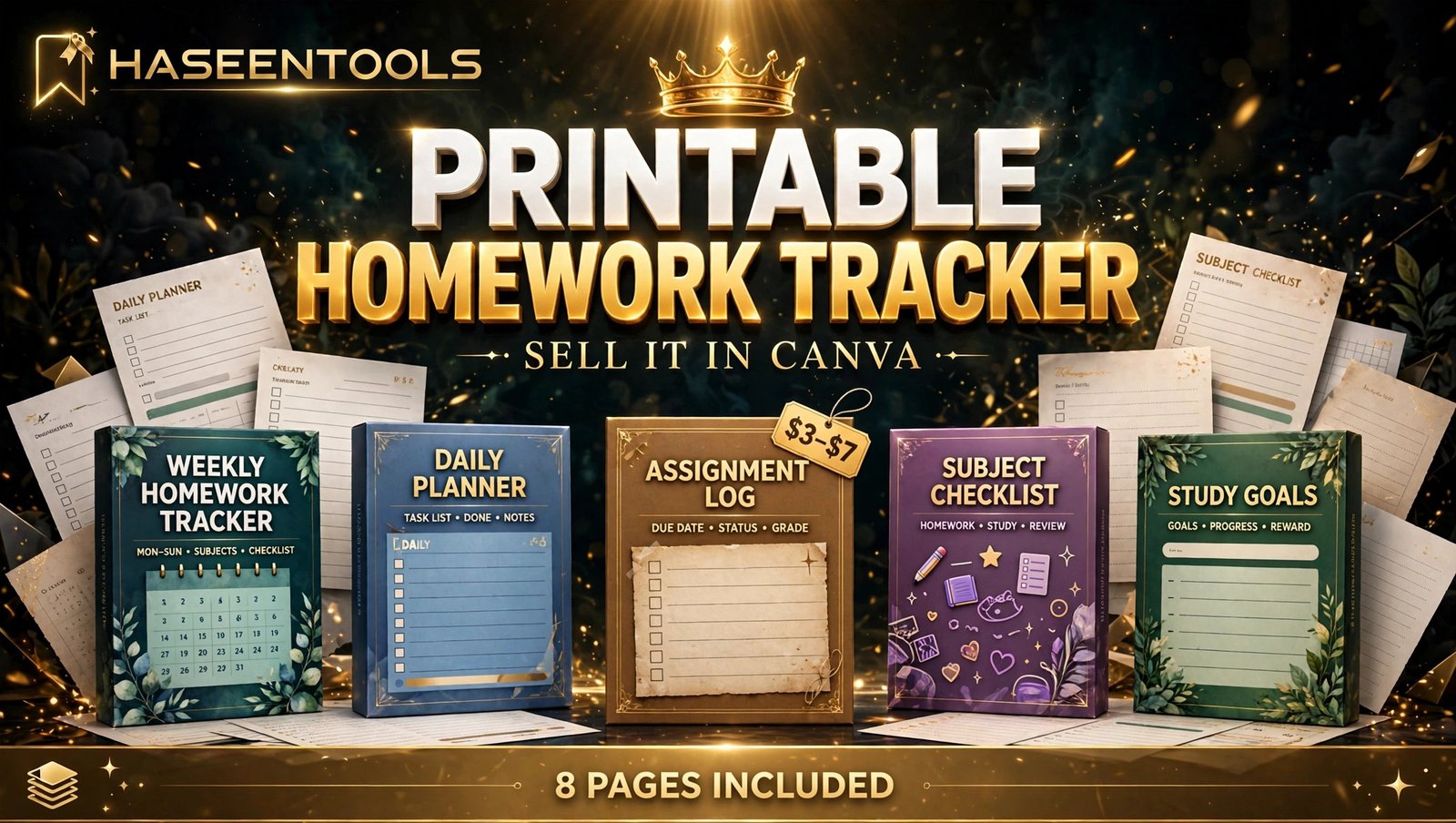
Your child’s homework is due tomorrow, and nobody can find the worksheet. Sound familiar? That small daily panic is exactly why a printable homework tracker sells. Parents, students and teachers all want one page showing what is due, when it is due and what is done.
In this guide, you will build an 8-page printable homework tracker to sell, price it at $3–$7 and list it on Etsy or your own shop — no design degree, no expensive software, just Canva’s free plan and six clear steps.
What Is a Printable Homework Tracker?
A printable homework tracker is a set of pages that helps a student record homework tasks, due dates and completion status. It usually includes a weekly assignment log, a subject list and a progress checklist, and it is sold as a PDF download that buyers print at home.
So who buys one? Parents of school-age children are the biggest buyers — they want a calm evening, not a last-minute hunt for a missing worksheet. Older students juggling five or six subjects buy them too, and homeschool families use them to keep several children on track without an app.
A homework tracker is not a study planner: a study planner organises revision and exam preparation, while a tracker simply records tasks, due dates and ticks. That simplicity is its strength — one page shows exactly what still needs doing tonight.
But here’s the part most people miss: the best-selling trackers are boring in the best way — clear rows, big writing space, one week per page. Pretty matters; usable matters more.
Step 1: Pick Your Buyer and Plan Your 8 Pages
What to do: Choose one buyer first, then write out your 8-page list before you open Canva — every page gets one job, and nothing gets added on a whim.
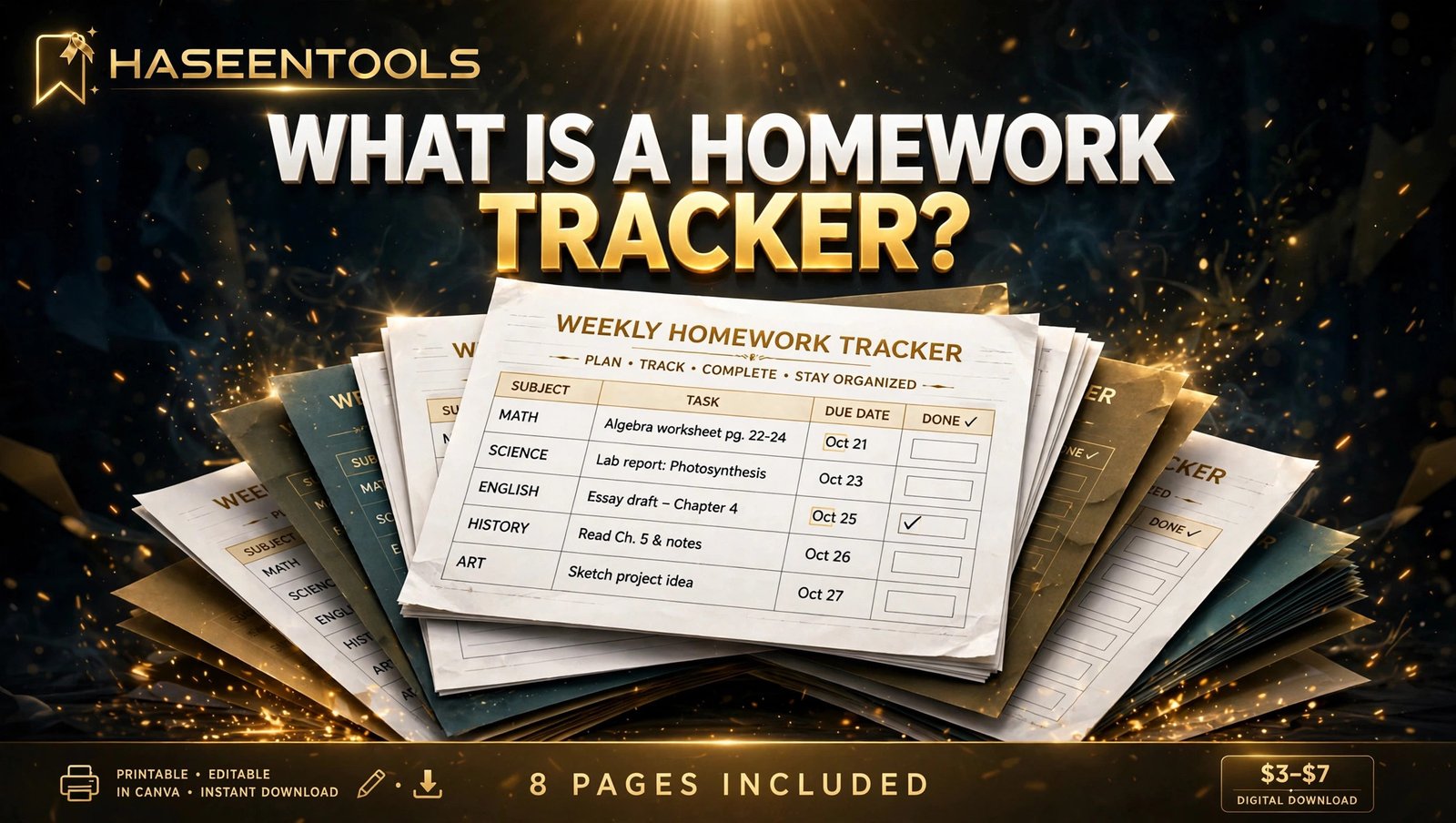
Exactly how: Pick a single buyer, such as parents of children aged 8 to 12, and write the page list on paper first: 1) cover page, 2) weekly assignment log, 3) subject tracker, 4) daily homework checklist, 5) reading log, 6) project planner, 7) weekly review, 8) progress chart. Leave out any page that does not serve your chosen buyer — a focused 8-page set outsells a scattered 20-page one.
Example: A tracker for parents of 8 to 12 year olds might open with a weekly assignment log: Subject, Task, Due Date and a tick box. The project planner page then handles bigger jobs, like a science poster due in two weeks, so they never hide in the daily list.
Pro Tip: Write the page list before you design anything — it stops random pages that confuse buyers.
Step 2: Set Up Your Canva Document the Right Way
What to do: Create one Canva document at the correct print size, with margins, fonts and colours fixed before you design a page.
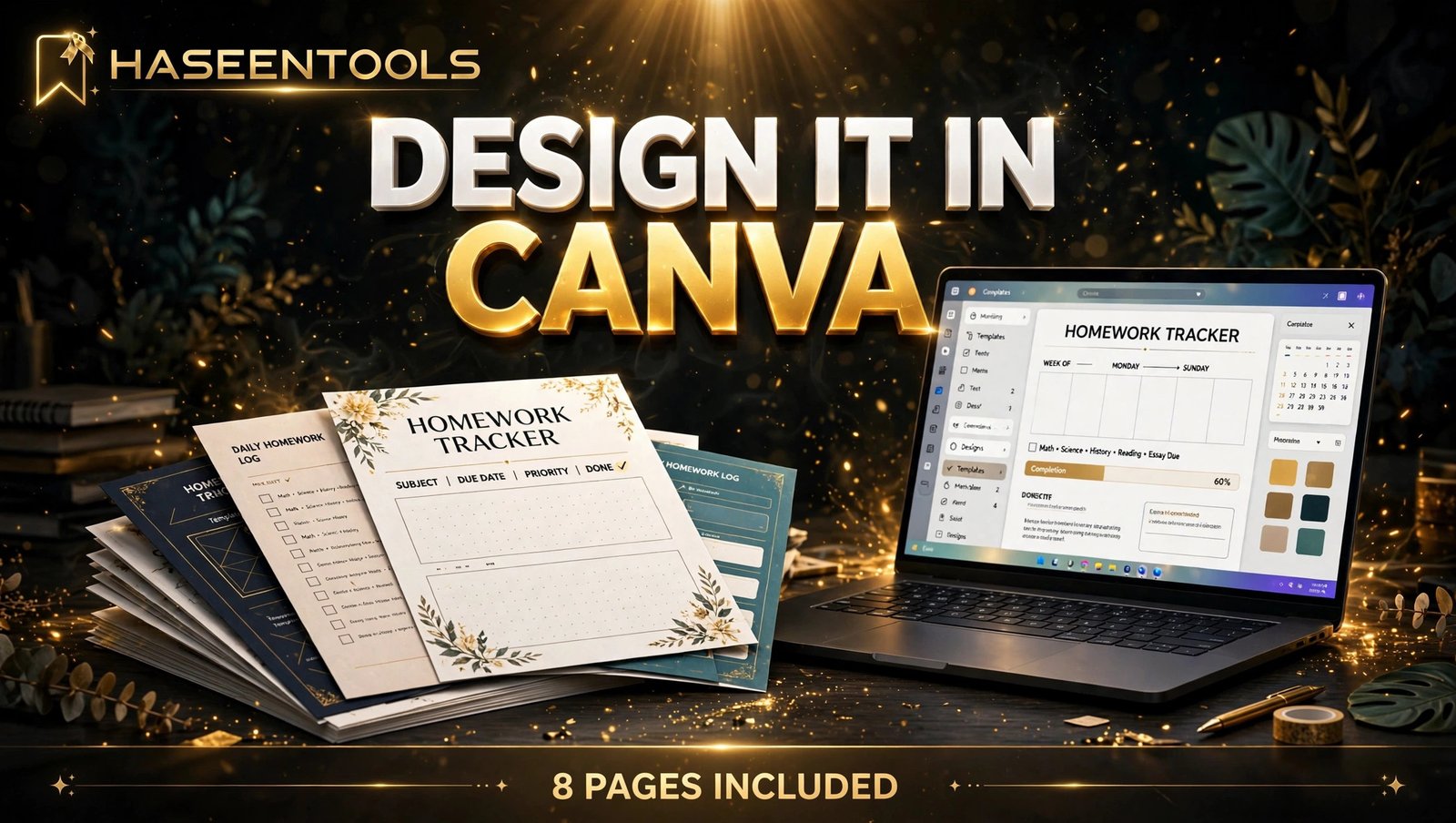
Exactly how: In Canva, click “Create a design”, choose “Custom size” and enter 8.5 x 11 inches (US Letter — the size most US and Canadian buyers print at). Turn on rulers and margins, and keep all text 0.25 inches from the edge. Pick two fonts — one bold heading font, one plain body font — and no more than three colours. Then duplicate the first page until you have 8 pages.
Example: A clean set might use dark navy headings, a soft teal accent and black body text on white pages — it prints well and looks smart in a listing photo.
Pro Tip: Design page one fully, then duplicate it — one consistent look across all 8 pages, built once.
Step 3: Design the Tracker Pages
What to do: Build each page as a simple table or row layout with room to write, tick boxes a child can actually tick and the same header on every page.
Exactly how: Use Canva’s table tool or lined rectangles to build the rows. For the weekly assignment log, use four columns — Subject, Task, Due Date, Done — with seven rows, one per assignment, and a row height of about 0.5 inches so most handwriting fits. Add a tick box at the end of every row, and put the same header (“My Homework Tracker — Week of ___”) at the top of each page so loose pages stay in order.
Example: The daily checklist works best as one column: a checkbox, a short line for the task and a small “done” star. A Year 5 child can fill in six tasks in under a minute — exactly why parents keep using it.
Pro Tip: Print a page, hand it to a real child and watch them fill it in — if they hesitate, the layout is the problem, not the child.
Step 4: Test Print and Fix the Mistakes
What to do: Export your design as a PDF, print one full copy at home and check every page before you list anything.
Exactly how: In Canva, choose Share, then Download, then PDF Print. Print at 100 percent scale, never “fit to page”, on plain paper. Check three things on every page: text readable at arm’s length, tick boxes big enough for a normal pen, and nothing cut off at the edges. Then ask a parent or child to use it for one real school week and report what annoyed them.
Example: One seller found her due-date column too narrow for “Wednesday” written by hand, so she widened it by half an inch and dropped one row — one fix that turned a one-star risk into a five-star review.
Pro Tip: Test print in black and white too — many buyers print without colour ink, and pale grey text can vanish.
Step 5: Price It at $3–$7
What to do: Price your 8-page homework tracker at $3–$7, and charge more only when you add real value, such as a bundle.
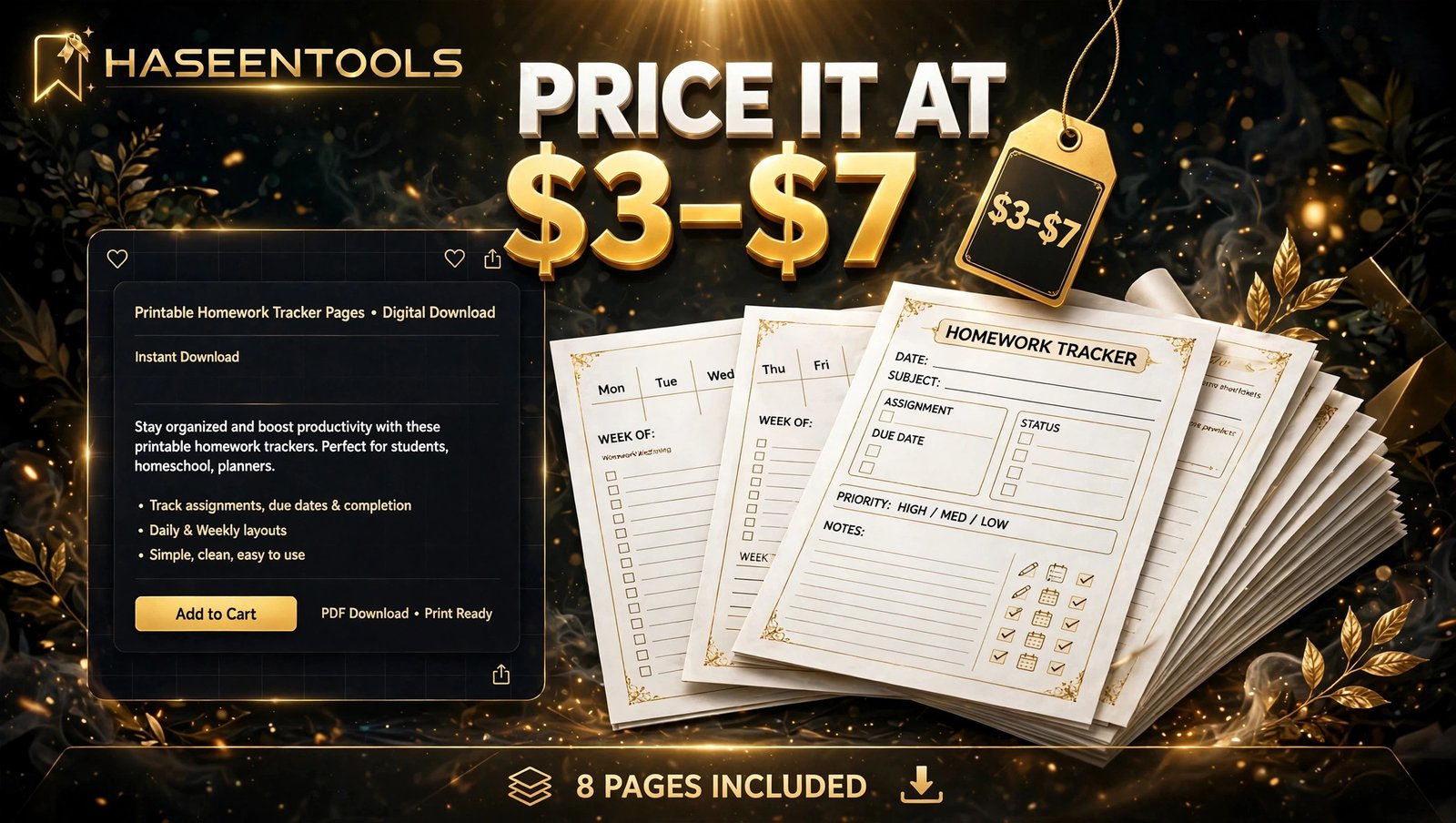
Exactly how: Search Etsy for “printable homework tracker” to see what similar 8 to 10 page sets sell for — most sell for $3 to $8. Price a single tracker at $3–$5 while you are new, and $5–$7 once you have reviews. Sell a bundle (tracker plus reading log) at $7. Never price at $1: after Etsy’s fees you keep almost nothing.
Example: A new seller listed her 8-page tracker at $4 and a tracker-plus-reading-log bundle at $7. The bundle brought in more than half her first month’s sales — parents saw the second set as a bargain, not an extra cost.
Pro Tip: Price for the buyer’s evening, not your effort — $4 that ends the homework hunt feels cheap to a tired parent.
Step 6: List It and Get Your First Sales
What to do: Create a listing that shows the product clearly, says exactly what is inside, and reaches buyers through search and Pinterest.
Exactly how: On Etsy, use a keyword-rich title such as “Printable Homework Tracker for Kids | 8-Page PDF | Instant Download”. In the description, list all 8 pages by name, plus the size (US Letter), format (PDF) and licence (personal use). Add 10 mockup images: a flat lay of the pages, a close-up of the weekly log, a photo of a child ticking a box. Then make two or three Pinterest pins linking straight to the listing, with “printable homework tracker” in the pin title.
Example: One listing that showed the weekly log filled in by hand, with the words “no more lost homework”, outsold a prettier listing with no filled-in example — buyers need to see it working, not just looking nice.
Pro Tip: Your first five sales matter more than your first fifty views — ask early buyers for a review and answer every question within a day.
PDF Download or Canva Template Link?
You can sell your tracker two ways. Here is the honest comparison.
| Option | What the buyer gets | Best for | Watch out for |
|---|---|---|---|
| PDF download | A ready-to-print file, same for everyone | Most buyers — simple, instant, no learning curve | Test print first |
| Canva template link | An editable copy they change in Canva | Buyers who want their own colours or wording | Pro elements cannot be sold as a PDF; template links only |
For a first product, sell the PDF download. It is simpler to support, prints the same way every time and matches what most Etsy buyers expect. Offer the template link later, once you understand Canva’s licence rules.
The same one-page-one-job rule works for a printable lesson planner too.
Common Mistakes to Avoid
- Cramming too many rows on one page. Seven rows is plenty; twelve means handwriting nobody can read.
- Tiny fonts that vanish in print. Text below 11 points looks fine on screen and unreadable on paper.
- Using Canva Pro elements in a PDF you sell. Pro content can only be sold as a template link, never as a PDF — stick to free elements.
- Skipping the test print. A tracker that looks perfect on screen can still lose a column at the edge.
- Pricing at $1 to “get sales”. After fees you keep pennies, and buyers read $1 as a warning sign.
Quick Checklist
- One buyer chosen and 8 pages planned
- US Letter document (8.5 x 11 inches) with margins on
- Two fonts and three colours, used on every page
- Weekly log has Subject, Task, Due Date and a tick box
- Test printed at 100 percent, colour and black and white
- A real child or parent tried it for one school week
- Priced at $3–$7 with a $7 bundle option
- Listing has 10 mockups, all 8 pages named, personal-use licence
- Two or three Pinterest pins link to the listing
Frequently Asked Questions
Can I sell a homework tracker made in Canva?
Yes, as long as the design is your own original work. Use free Canva elements with your own layout, text and colours, and sell it as a PDF with a personal-use licence. Do not sell a design that is mostly an unmodified Canva template or stock element, and check Canva’s current licence terms before you list.
What size should a printable homework tracker be?
US Letter (8.5 x 11 inches) is the safest size for most buyers — it matches the paper in homes and schools across the US and Canada. Outside North America, offer an A4 version (210 x 297 mm) too — one extra export in Canva.
How much can I earn from a printable homework tracker?
No one can promise a number — earnings depend on your listing, your mockups and how you promote it. Most 8-page trackers sell for $3–$7, and the same file can sell again and again. A few sales a week is a realistic first goal — the bundle and Pinterest pins turn one sale into repeat income.
Do I need Canva Pro to sell a homework tracker?
No. The free plan has everything this needs: custom sizes, tables, shapes, fonts and PDF export. Canva Pro adds premium elements, but any design containing Pro content can only be sold as a template link, never as a PDF — so free elements keep your options open.
Conclusion
A printable homework tracker is a small product with a clear job: end the lost-homework panic, one tick box at a time. Remember:
- Pick one buyer and plan 8 pages before you open Canva — focus beats volume.
- Design for the printer, not the screen — big rows, readable fonts and a test print in black and white.
- Price it at $3–$7 and let a $7 bundle do the upselling.
- List it clearly and pin it on Pinterest — buyers need to see the tracker working, not just looking pretty.
Open Canva today, build the weekly assignment log first, and list your set this week. Your first sale could be the parent still hunting for a missing worksheet tonight. If this guide helped, share it with another seller, and tell us in the comments which page your buyers love most.